Chess Titans
- Windows: 7, 8, 10, 11
- Version: -
- Size: 22.56 MB
-
[Total: 1 Average: 5]
Released in 2006, Chess Titans is a well‑known classic 3D chess game that came bundled with Windows Vista and Windows 7. It was removed in later versions as Microsoft shifted into the Store ecosystem, where games could be updated more frequently and monetized through ads or premium versions.
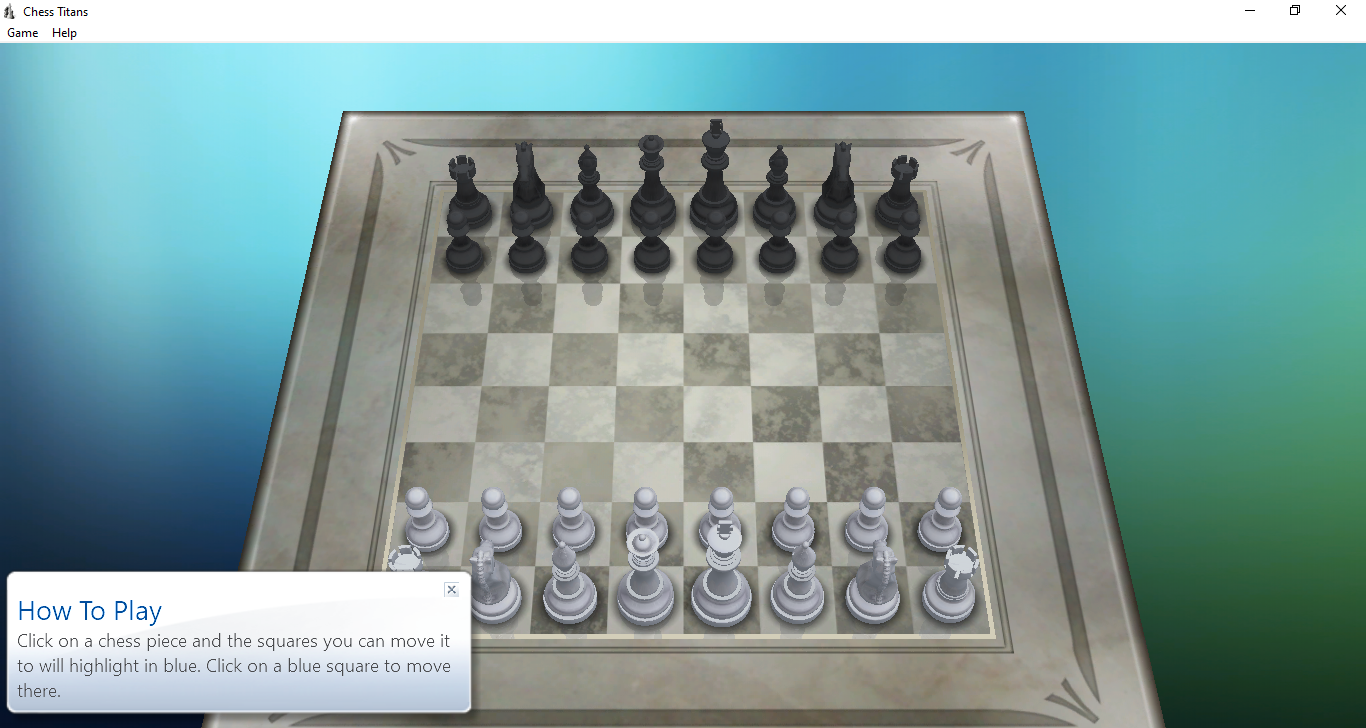
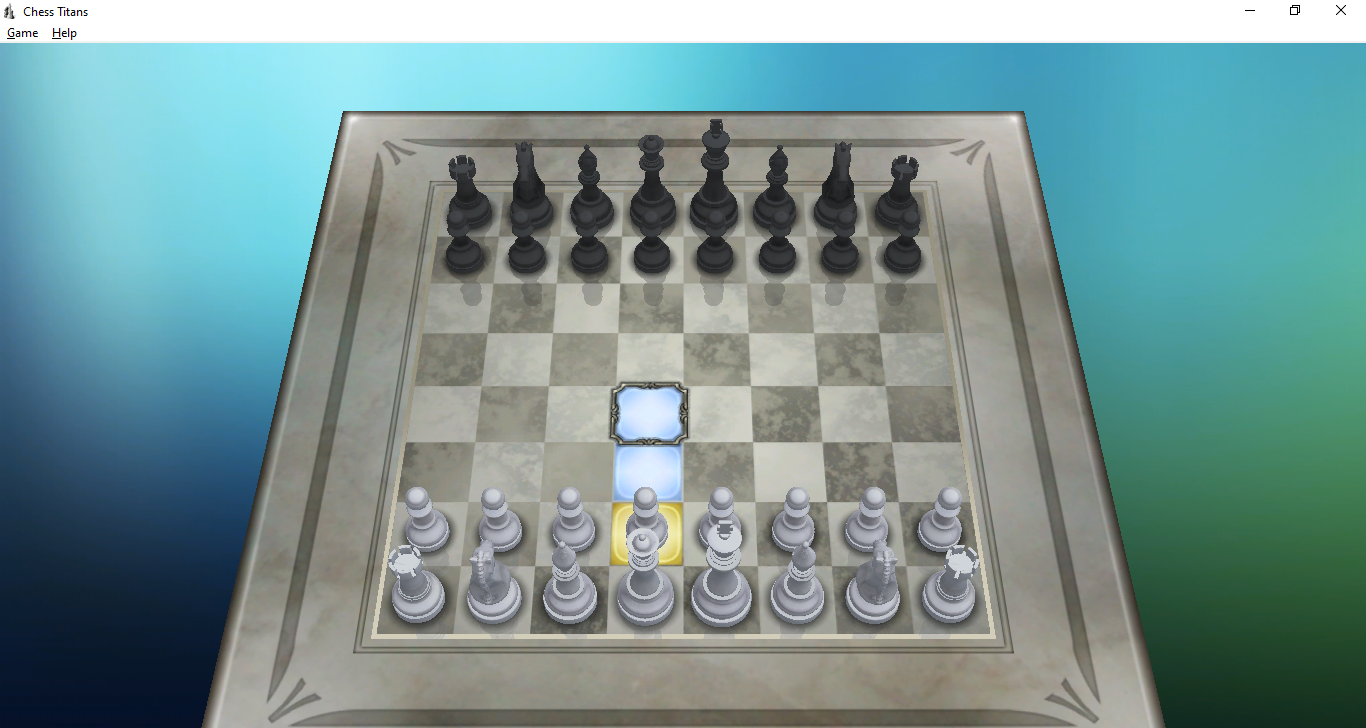
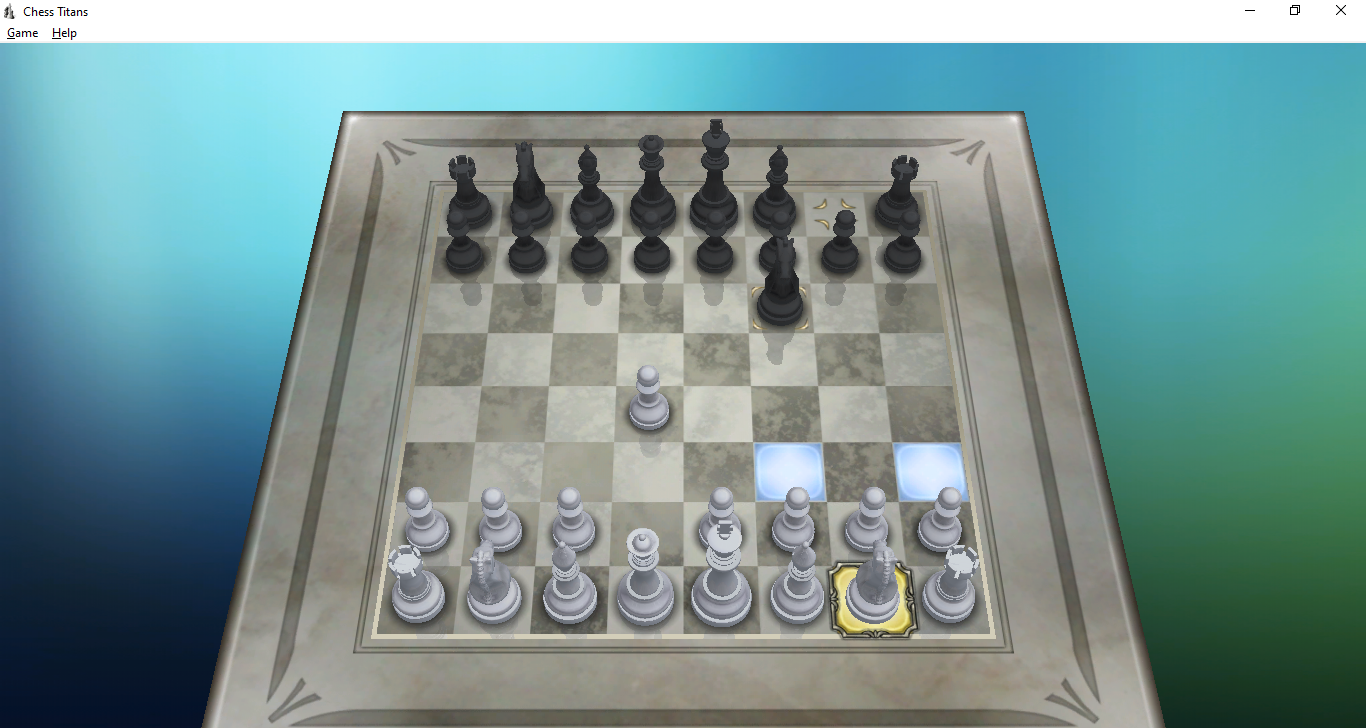
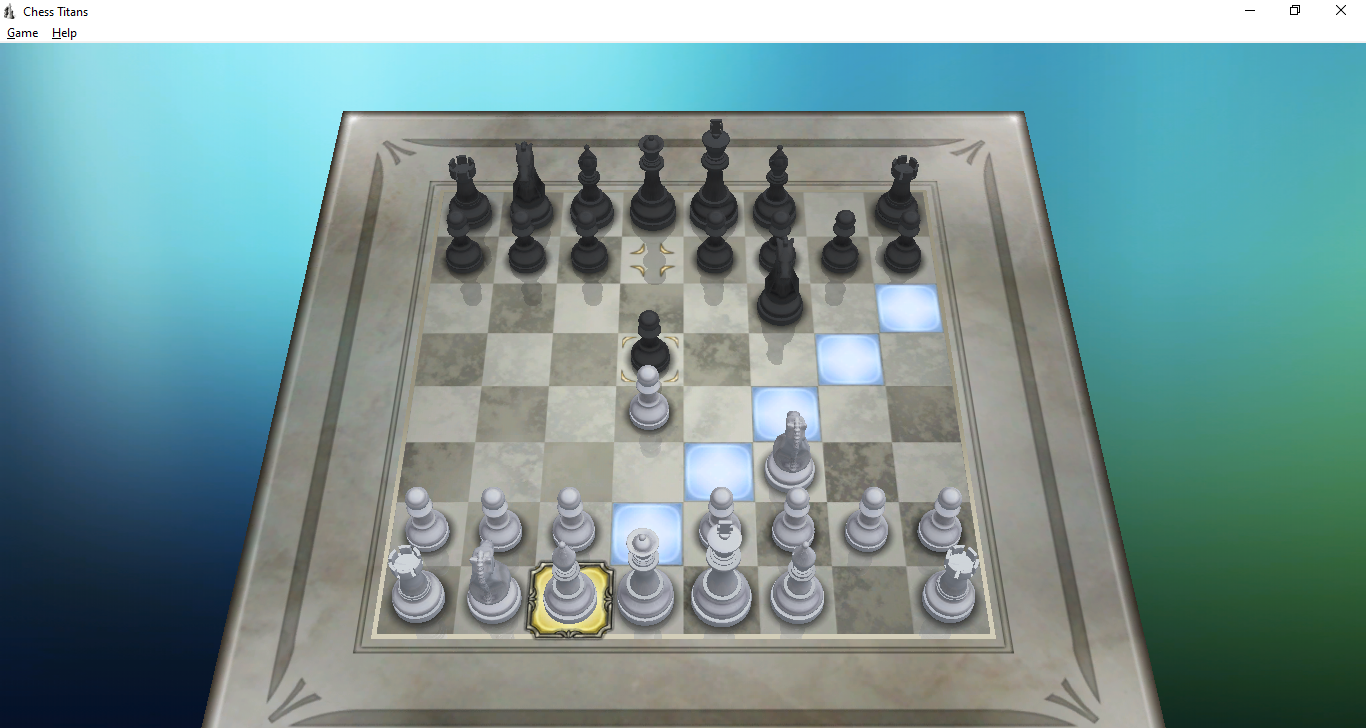
Unlike older 2D chess programs, the game displays the board as if you were sitting at a real table. It’s a small change, but it’s enough to make the game feel closer to real life. Yet, despite the immersive visual, it doesn’t put heavy demands on the system, letting even an older machine run it without hiccups.
Features and Highlights
The game doesn’t need installation. You just double-click on its icon and start playing right away. It’s so lightweight that it opens almost instantly. In a low-end PC with only 4 GB of RAM and an integrated graphics card, it is as quick as opening Notepad.
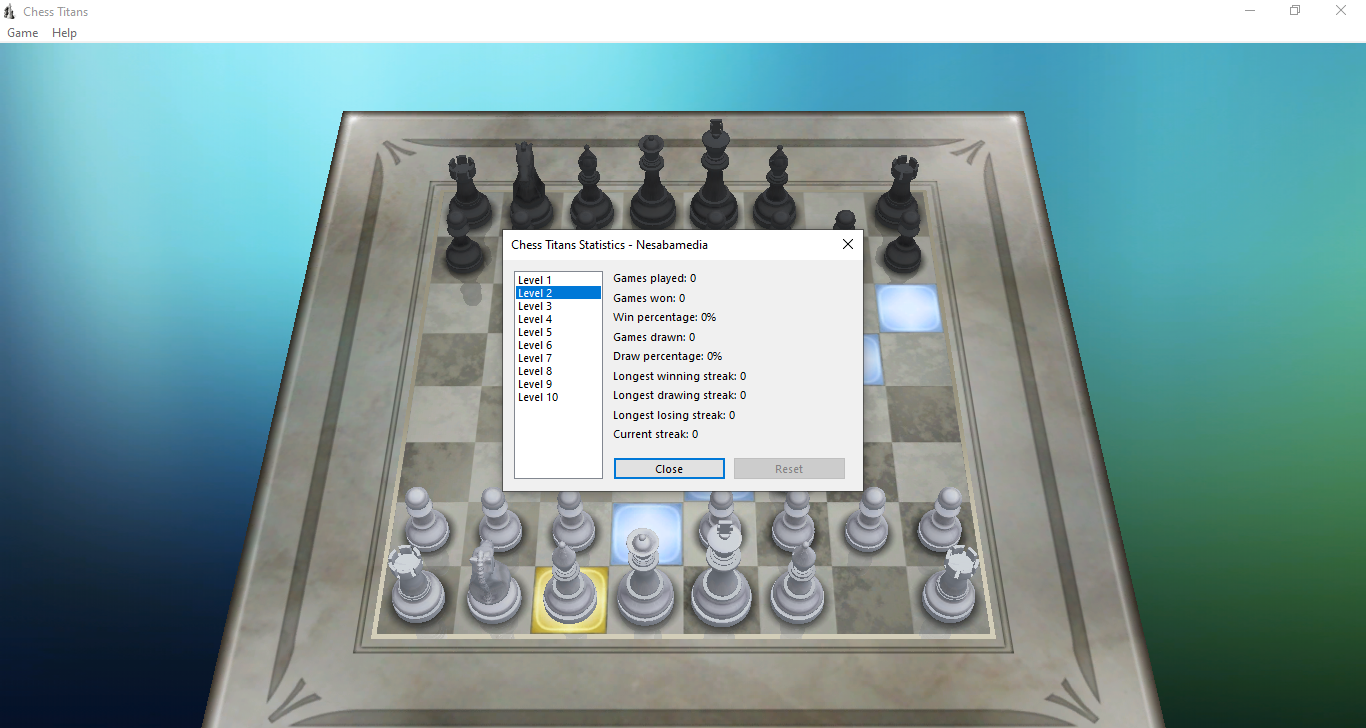
It opens in a window mode, displaying three difficulty levels. On a scale of 1 to 10, Beginner is level 2, Intermediate is level 5, and Advanced is level 8. The levels control how strong the computer opponent plays. A lower level like Beginner (Level 2) means the computer makes simpler moves and evaluates fewer possibilities, while higher levels (8–10) make the computer much stronger, calculating deeper strategies and playing closer to advanced human skill.
Chess Titans lets you play against the computer or another person. Playing against the computer gives you a range of difficulty levels to choose from, while playing against a human keeps the match unpredictable, social, and fun.
If you’re already in the middle of a match against the computer when your friend challenges you, you can either end the match to start a new game or continue the match with your friend taking over the computer’s side.
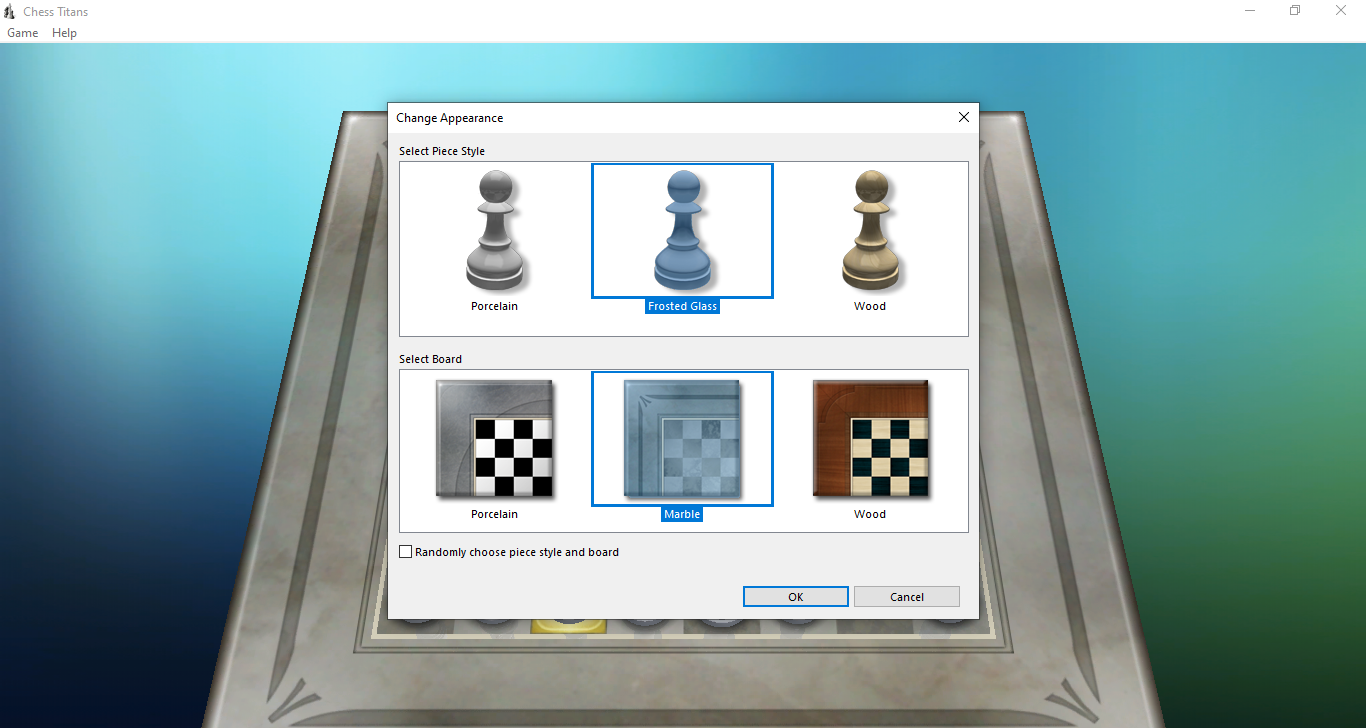
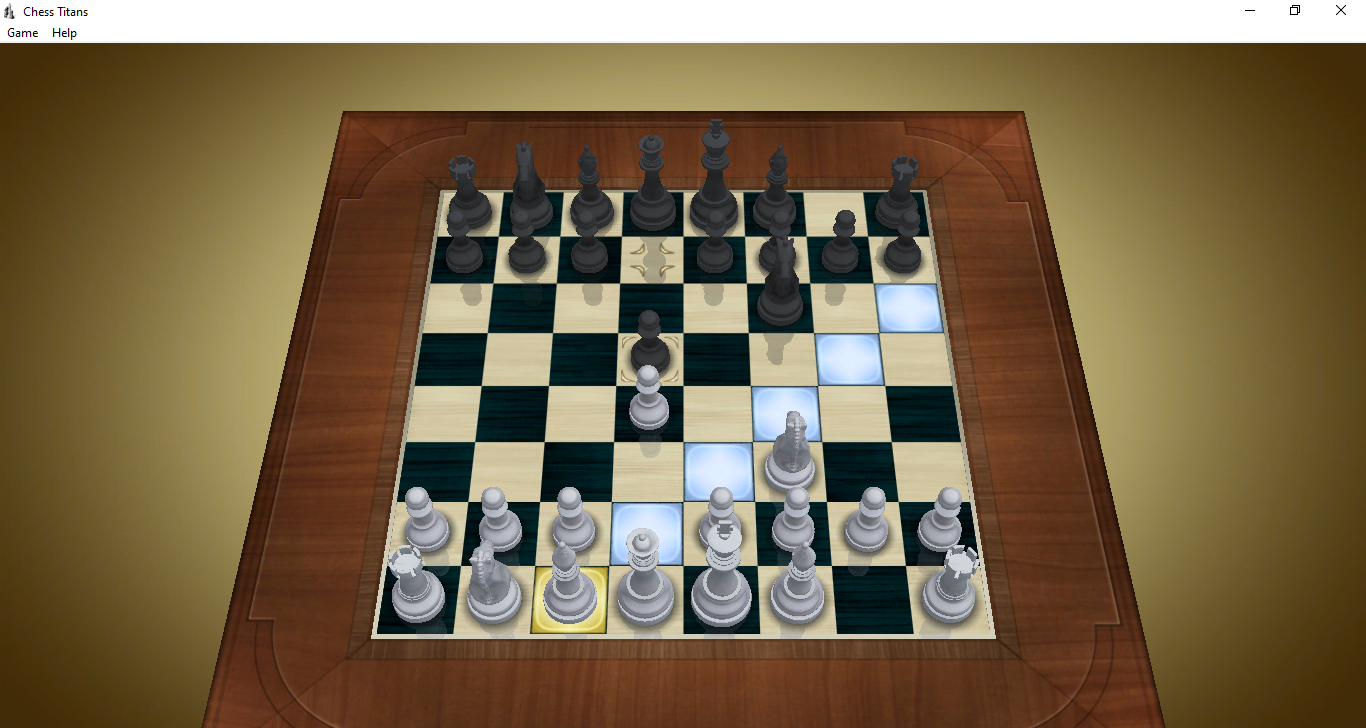
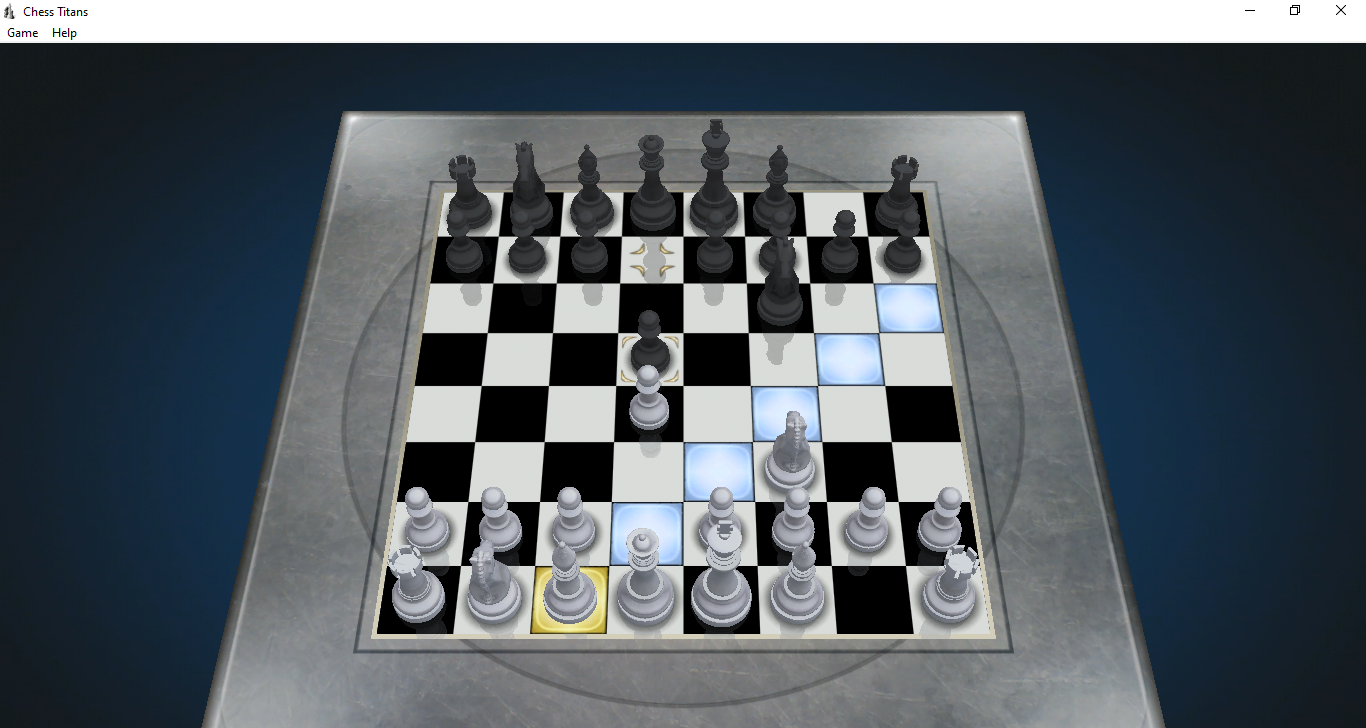
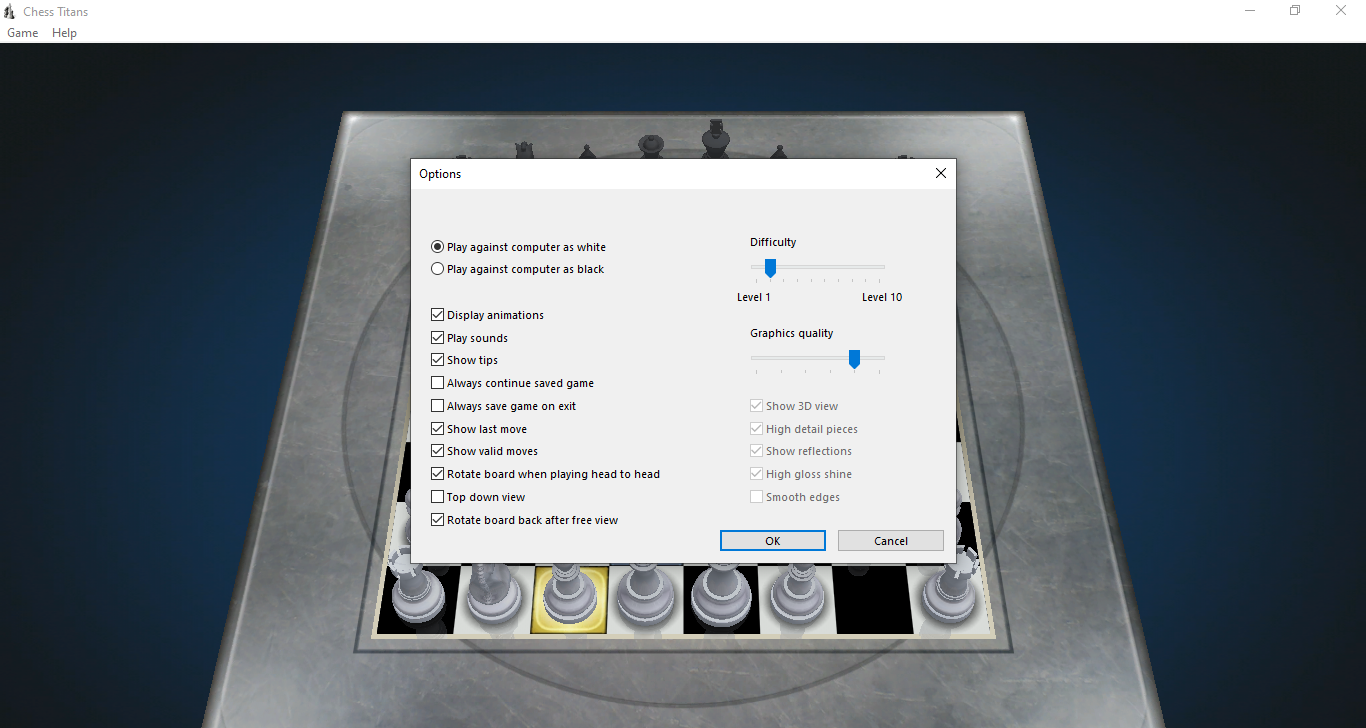
The game can be played in full screen. The board and piece appearances can be changed manually, but don’t expect much from it as there are only three skins available for each. The board can also be rotated to view the game from a different angle. If you prefer the board to stay at its new angle, go to the Options and uncheck “Rotate board back after free view”.
Chess Titans Free Download for Windows
You can play either as black or white, but you cannot switch sides once the game starts. If you try to do it from the Options menu, the new change can only be applied after you quit the current match or finish the game. If you choose to quit, it will be counted as a loss in your statistics.
Chess Titans uses simple 3D animations and a small set of sound effects to make the game feel more lively. While both are minimal compared to modern titles, they do help the game feel a bit more entertaining to play. As for music, you can always play your favorite tracks in the background with any audio player. You can click the link below to download Chess Titans for Windows:
This program is also available in
Similar to Chess Titans
- App Name Chess Titans
- License Freeware
- App Name Chess Titans
- Publisher Oberon Games
- Updated
- Version: -