CCleaner

- Windows: 7, 8, 10, 11
- Version: 7.2.1080
- Size: 116.10 MB
-
[Total: 1 Average: 5]
PC maintenance is necessary but most of us know how much of hassle it can be. CCleaner is an attempt at taking the hassle out of the task by providing a set of cleaning tools.
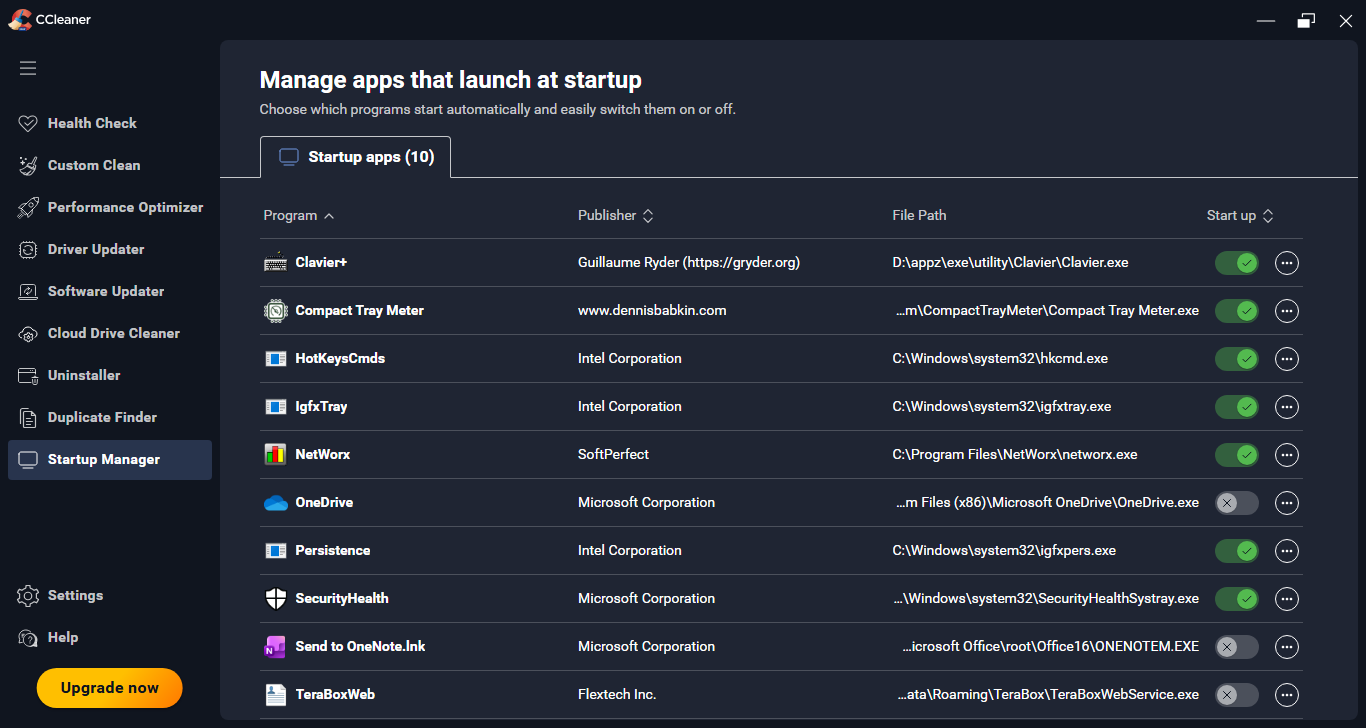
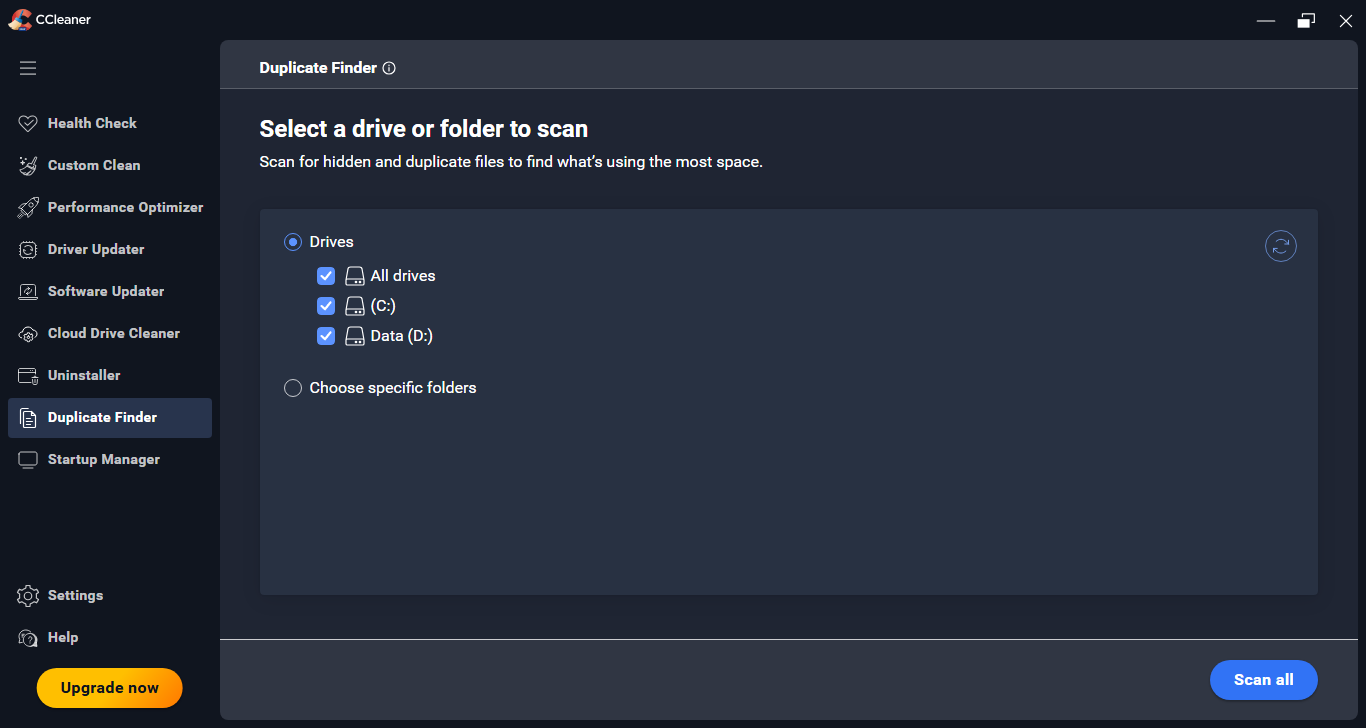
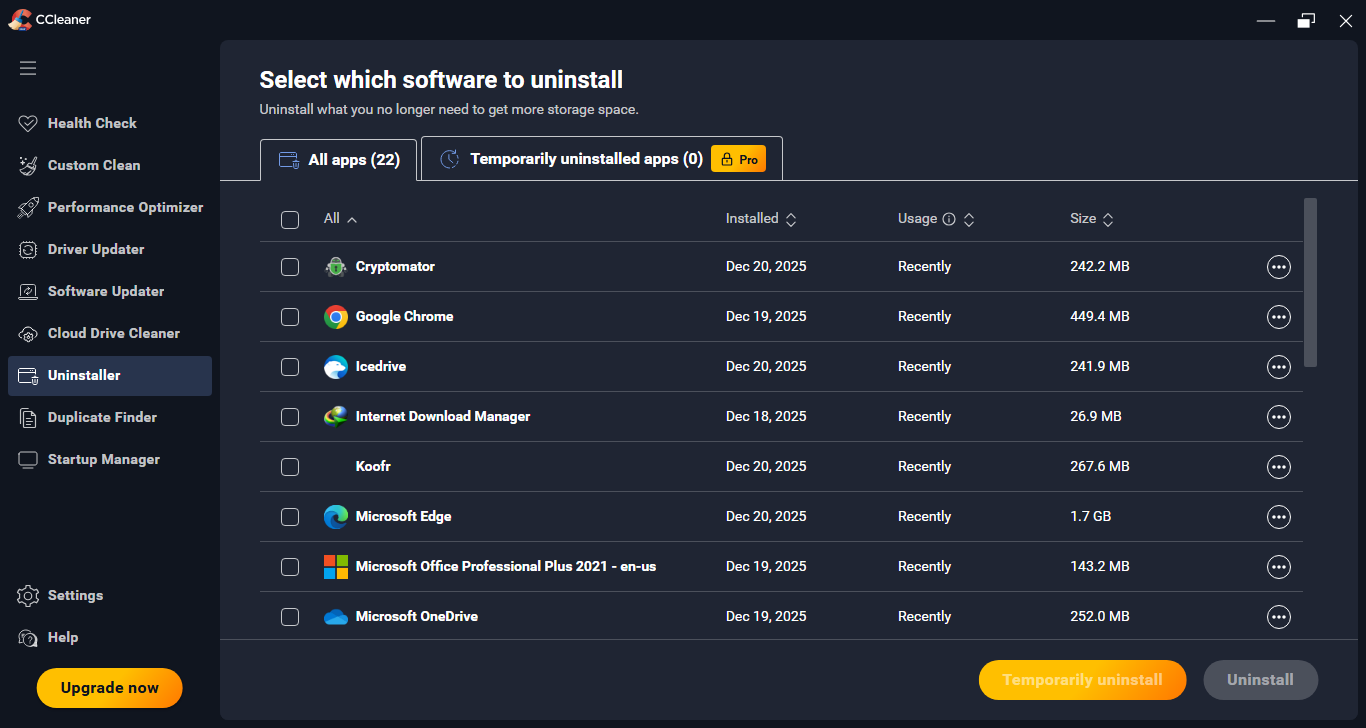
CCleaner cleans up junk files, uninstalls software you don’t want to keep around anymore, remove useless registry entries, clears clutter in context menu, manage startup items, and more.
Features and Highlights
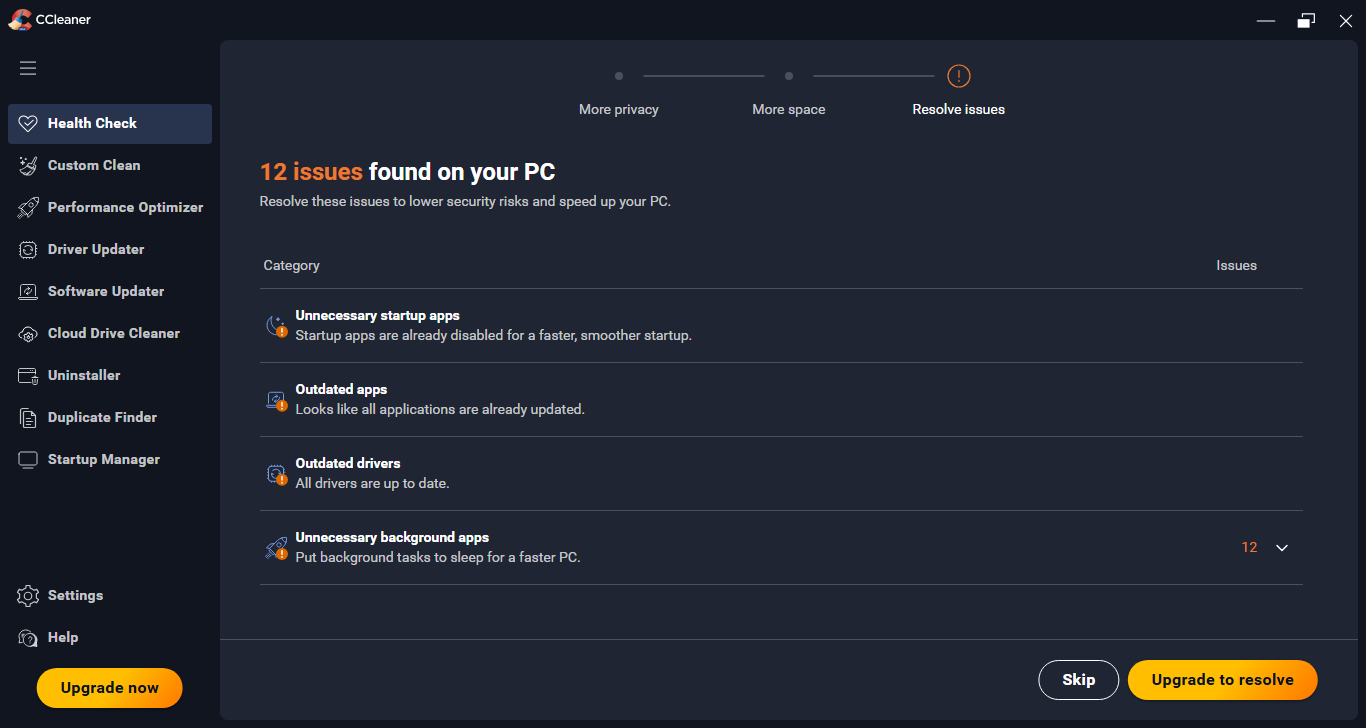
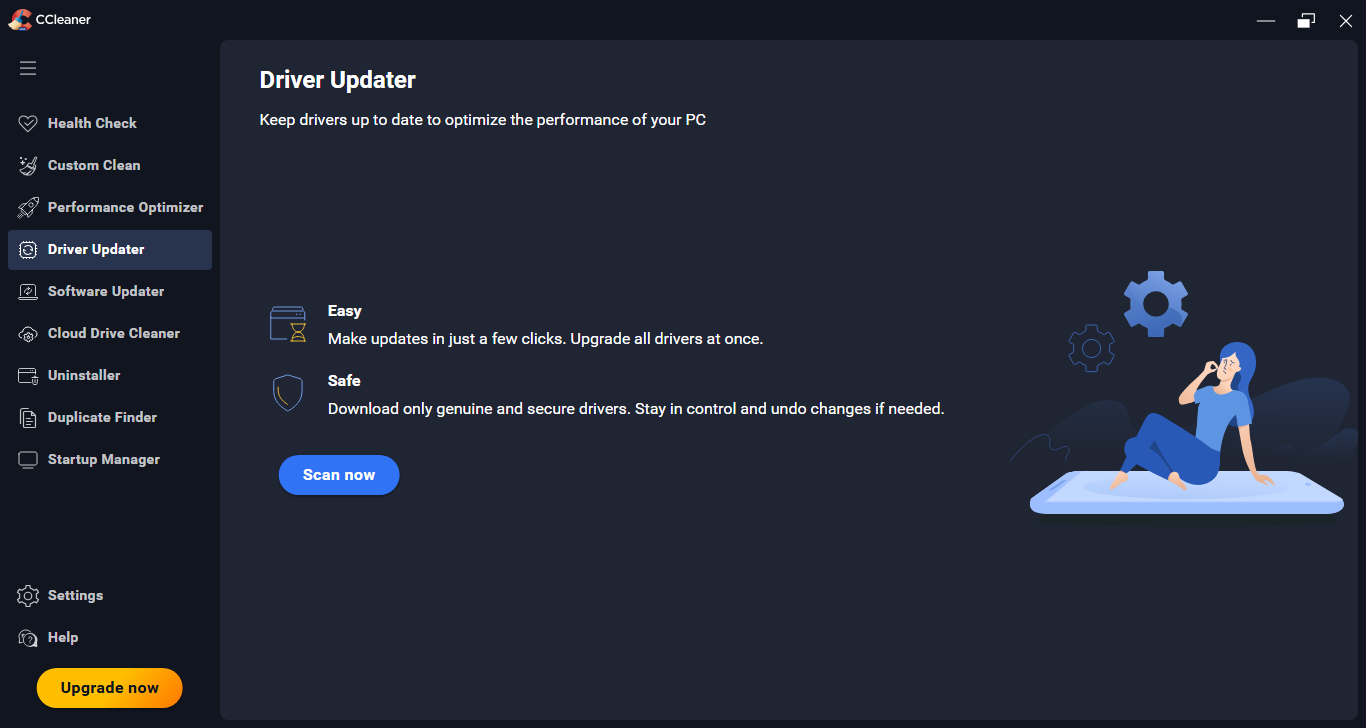
Before you launch CCleaner, keep in mind that it can run without administrator account, but some functions won’t be available, like Driver Updater and Performance Optimizer.
CCleaner has what is called as Intelligent Cookie Scan. It determines which cookies to be excluded from the cleaning so that you do not have to log back in to your online accounts. However, this seems to work only for popular sites, like Google, Yahoo, and Twitter.
If you want to be sure that CCleaner will not delete the cookies you need, you can manually exclude them by heading over to the Cookies to Keep section.
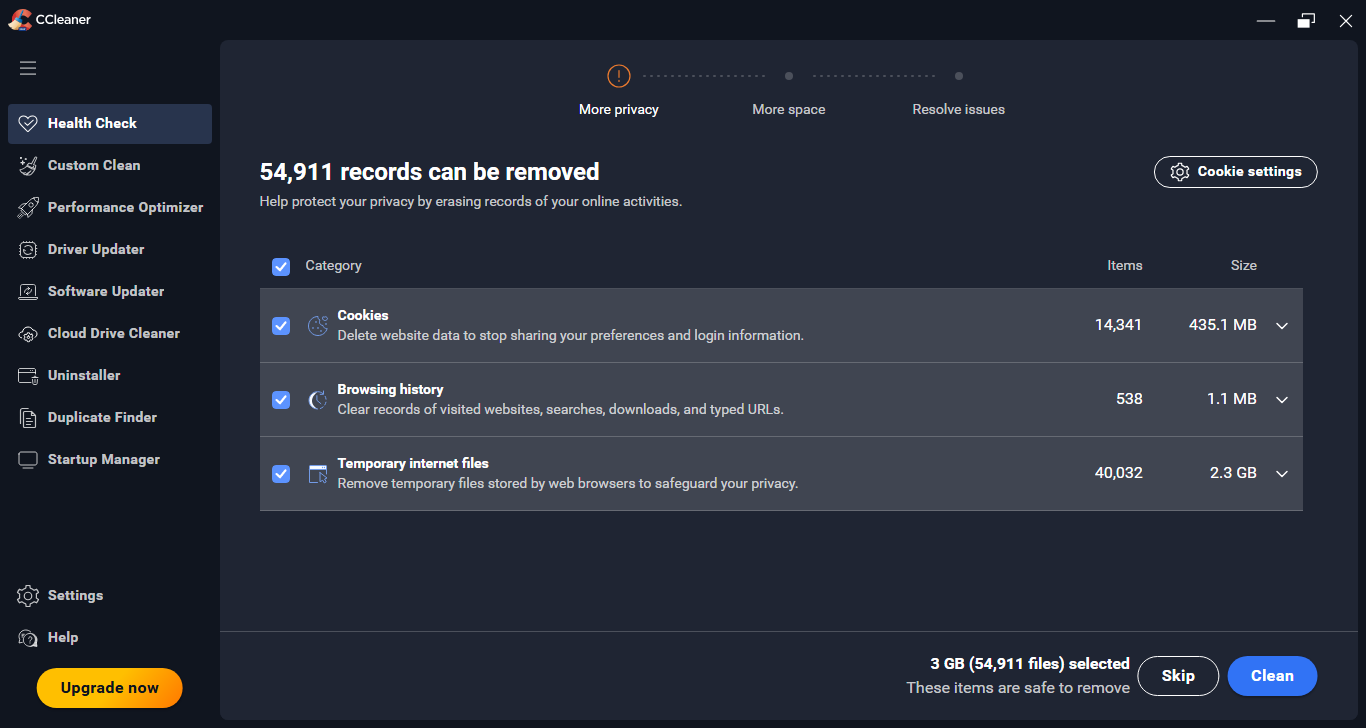
Aside from cookies, CCleaner can also delete internet cache, internet history, download history, last download location, and recently typed URLs, among other things.
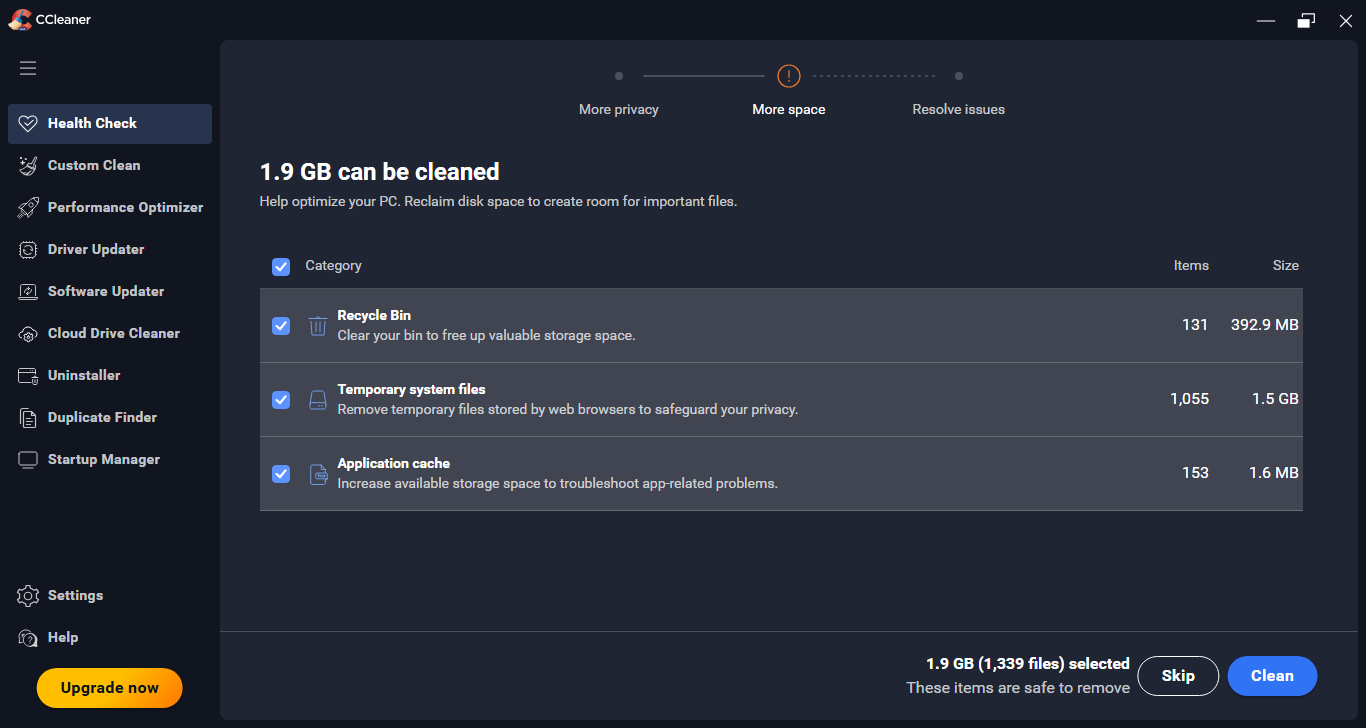
Open the Custom Clean menu and you will see that CCleaner can delete much more than just browser data, such as thumbnail cache, clipboard history, files in recycle bin, temporary files, Windows log files, old prefetch data, menu order cache, user assist history, dns cache, and Windows event trace logs.
In the Registry menu, a single click on Scan for Issues will prompt CCleaner to start scanning Windows registry for invalid entries. The scan result appears a few seconds later, and you can select which entries to be deleted. Before deleting, you will be asked if you need to create a registry backup.
In the Tools menu, more tools are available. One of them allows you to manage browser extensions, but it supports only certain browsers, and it seems to work best with Google Chrome. If you have made several profiles in Google Chrome, it shows all the extensions installed on each of those profiles, and you can enable or disable or delete any of the extensions.
The automatic deletion is no less interesting. With it you can choose which files to delete and which folders to empty automatically. Optionally the deletion can be limited only to files and folders that are older than a specified number of hours. The default period is 24 hours.
CCleaner Free Download for Windows
The first thing you should do before installing CCleaner is to disconnect your PC from the internet to prevent it from establishing a connection, and when you run it you should immediately head over to the Privacy section to disable the data collection options which are enabled by default.
It would be better if you just set your firewall to block CCleaner permanently. You won’t be able to use a few features as a consequence, but it is a very small price to pay for anyone who insists on using this system maintenance utility despite knowing its bad history ever since it was acquired by Avast. You can click the link below to download CCleaner for Windows:



- App Name CCleaner
- License Freeware
- App Name CCleaner
- Publisher Piriform
- Updated
- Version: 7.2.1080
On our site you can easily download CCleaner. All without registration and send SMS!