CapCut

- Windows: 7, 8, 10, 11
- Version: 5.9.1 / 6.0.0.2291
- Size: 649.73 MB
-
[Total: 1 Average: 5]
If you’ve dabbled in short-form video content on your phone, you’ve probably heard about CapCut, or you may already be familiar with it. CapCut debuted as a mobile video editing application before it finally made its way onto the desktop, launching a full-featured PC version, which is arguably more convenient to use as it offers keyboard shortcuts, a larger workspace, and easier file management.
Originally a powerhouse mobile app from ByteDance, its desktop version bridges the gap between quick social media edits and more serious, computer-based projects. Just like the mobile app, CapCut for PC is built with ease of use in mind while providing enough features for fairly advanced edits.
Features and Highlights
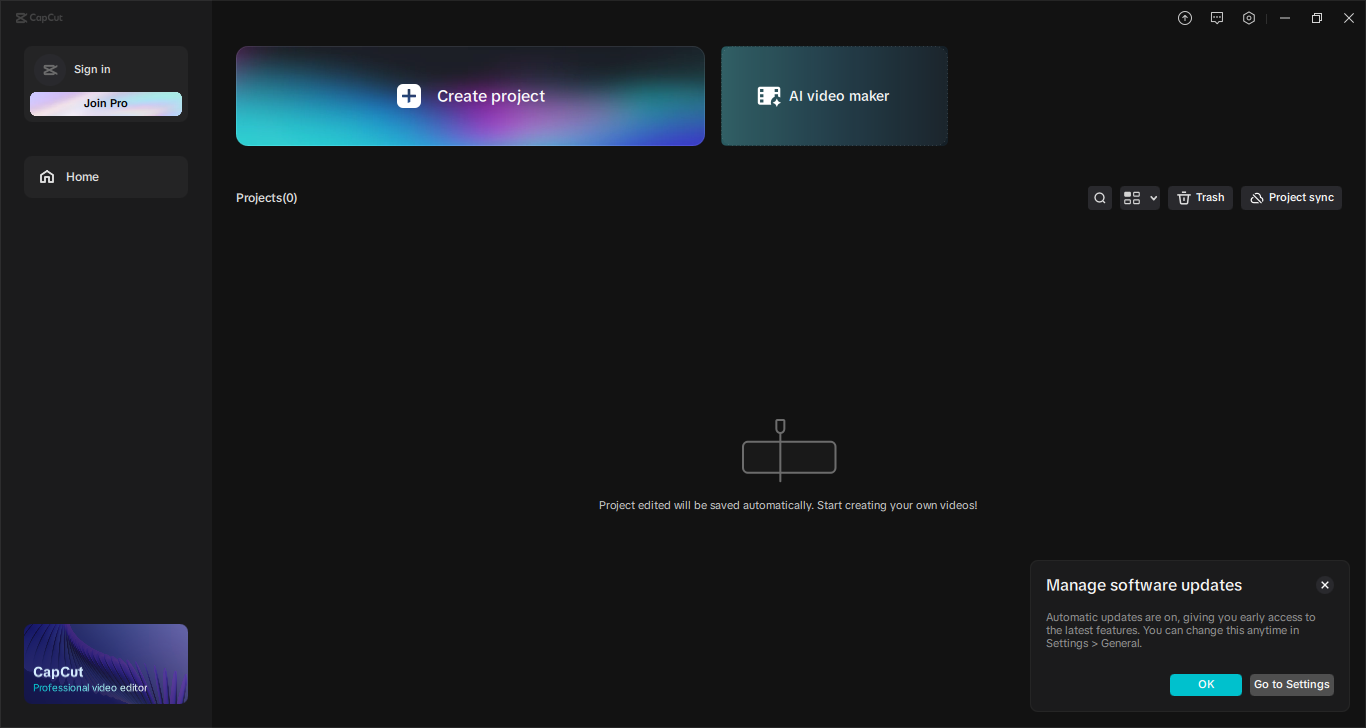
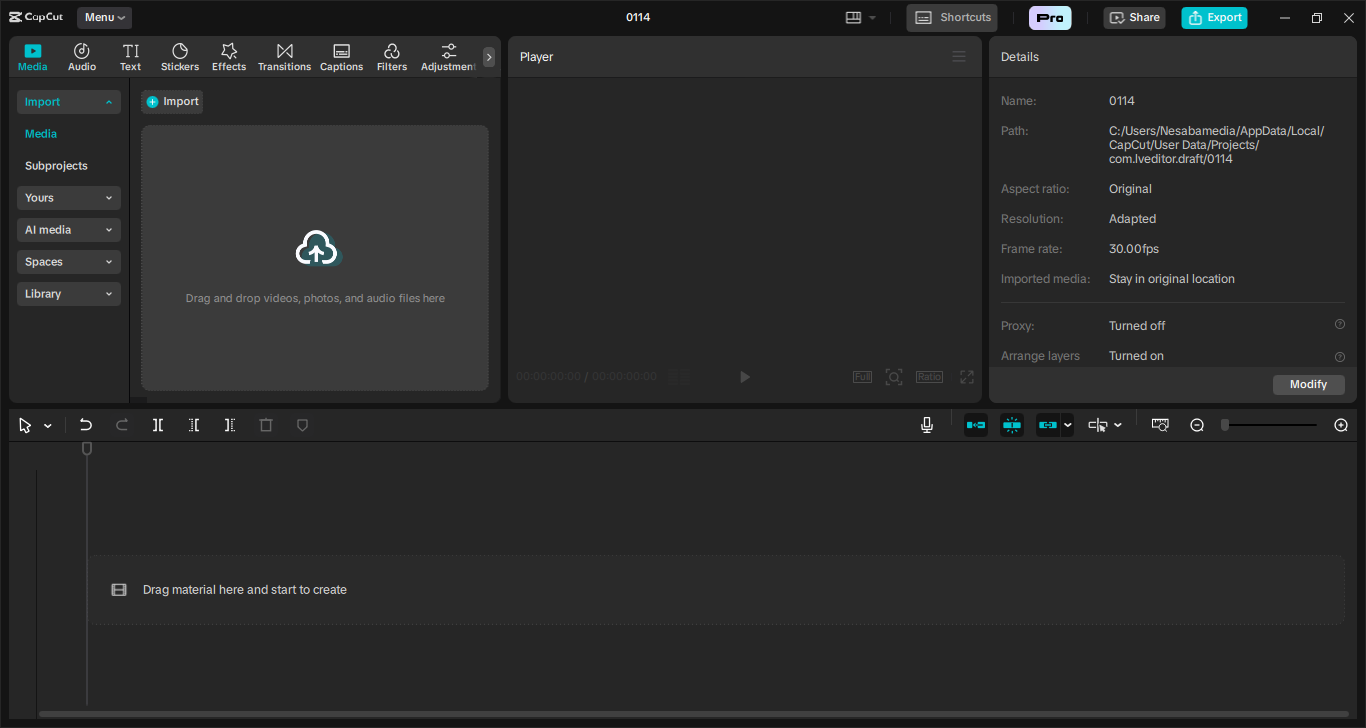
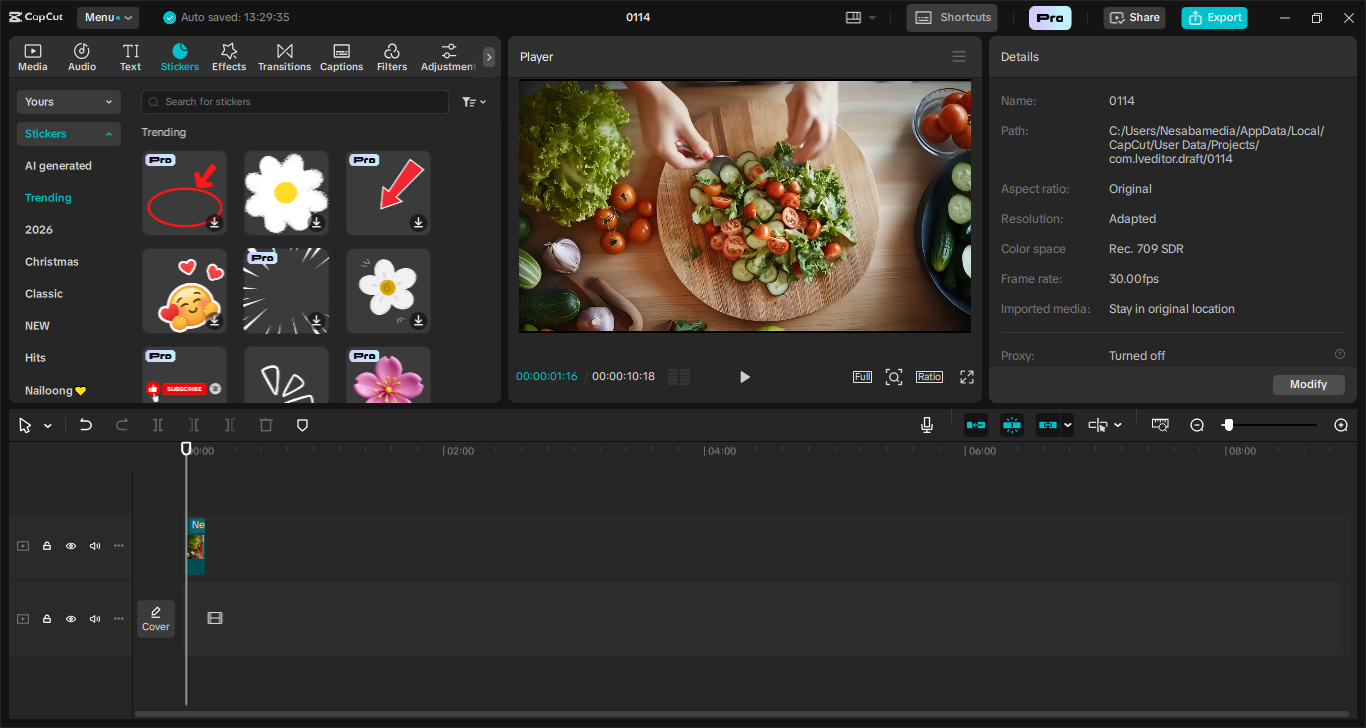
The first win is the interface. It’s modern and uncluttered, but the most important of all is that everything is laid out intuitively. It’d be exaggerated to say that those who are completely new to video editing would know their way around it just within minutes of interacting with it, but, at the very least, casual video editors wouldn’t feel overwhelmed.
While the interface is an important factor in how user-friendly a software can be, CapCut’s biggest strength is its AI-powered tools. Automatic captions, background removal, and voice effects save a lot of time, especially for creators working on short-form content. The library of transitions, filters, stock footage, stickers, and templates is extensive, giving users plenty of creative options right from the get-go.
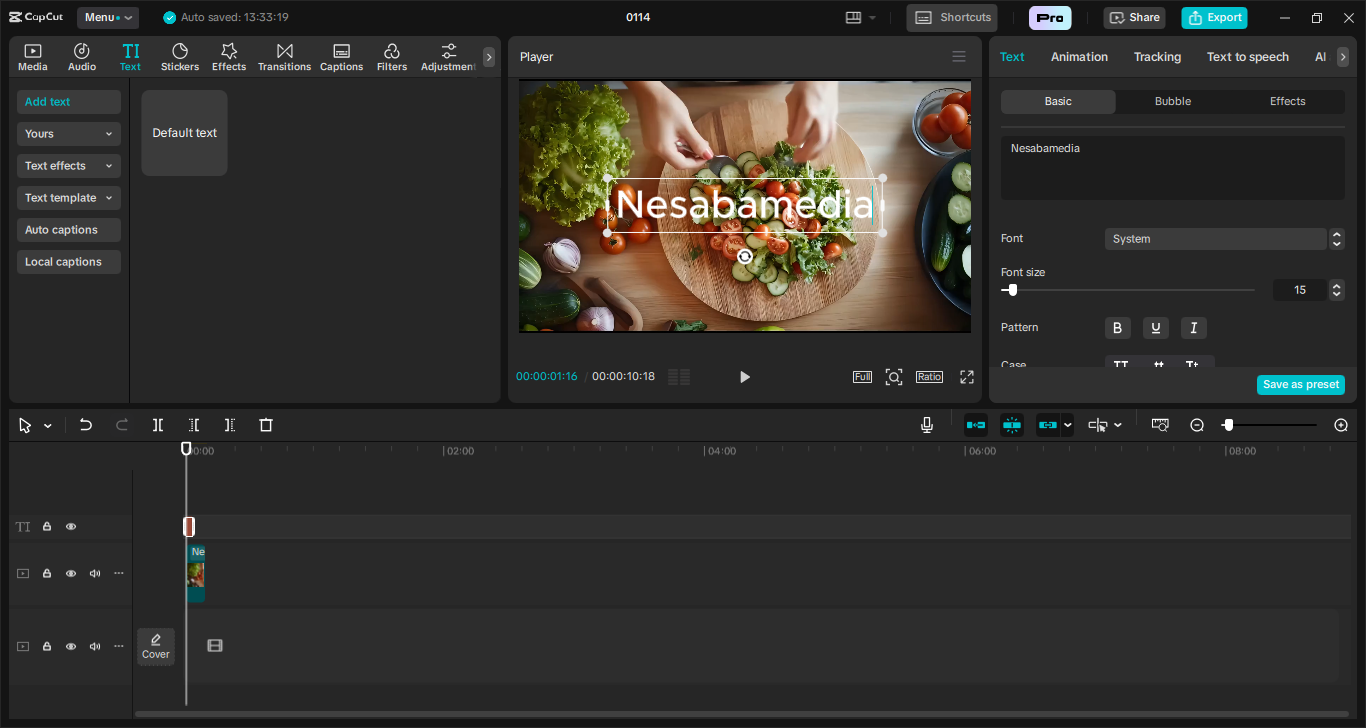
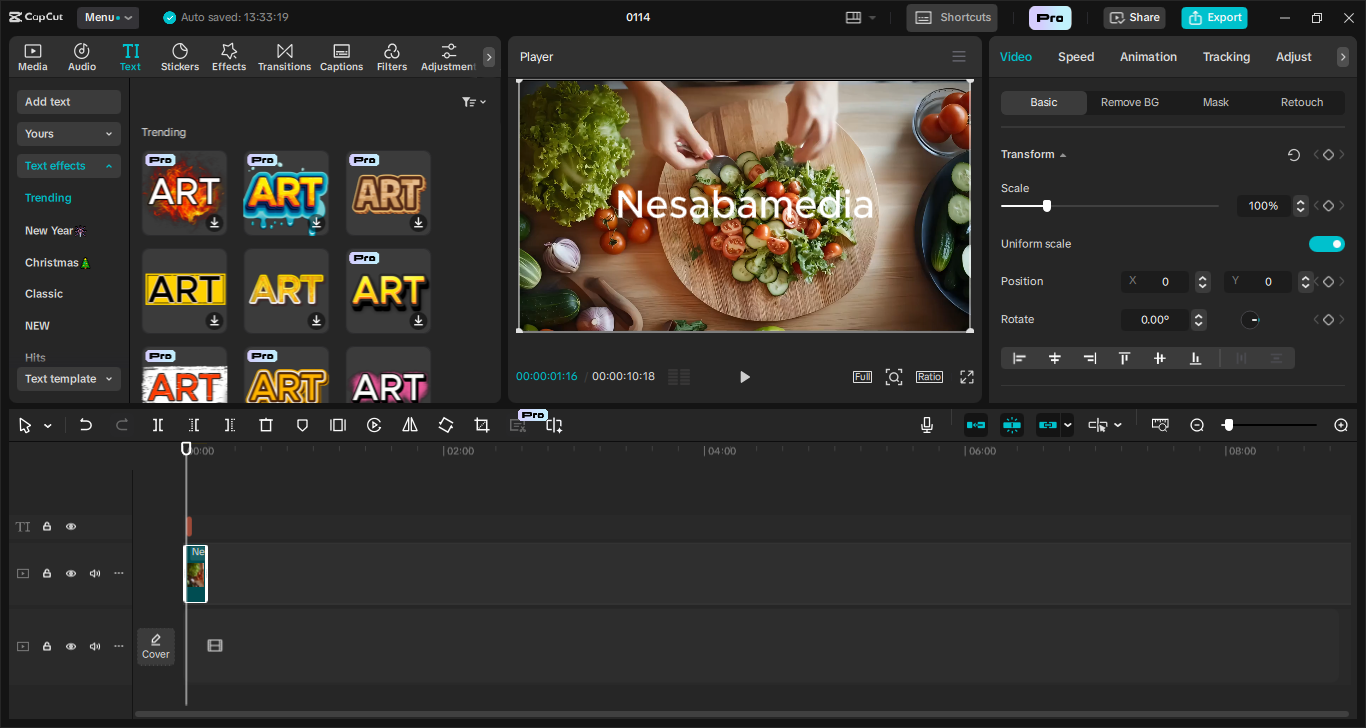
CapCut covers the basics you’d expect from cutting, trimming, splitting to arranging clips on the timeline. Adding text to your video is straightforward as you can simply from a variety of fonts, colors, and animation presets. You also get access to color grading presets, LUTs, and a range of visual effects (glitch, VHS, cinematic blur, etc.) that can be applied with a single click.
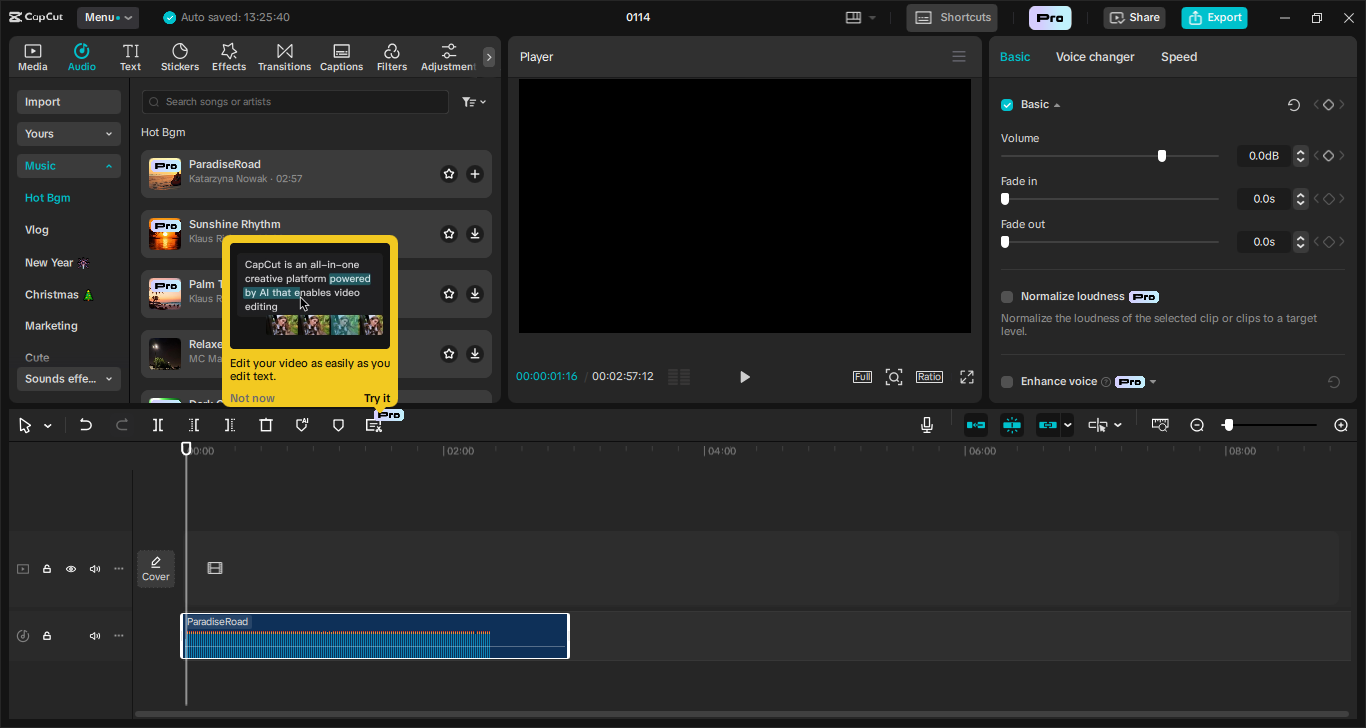
Audio editing is functional too. You can trim tracks, adjust volume levels, and add background music from the built‑in royalty‑free collection. The “auto‑subtitle” feature, which generates captions from spoken dialogue, works decently well for clear speech, though you’ll likely need to tidy up punctuation and timing manually.
One thing you probably won’t appreciate is that CapCut scatters premium features and materials among the free ones. They are properly labeled so you’ll know which one is which, but there are so many of them that the application sometimes feels more like a slick ad billboard than a genuinely free-to-use editor.
CapCut Free Download for Windows
Some users have run into a glitch when they tried to launch CapCut after the installation. Instead of the main window, what they saw was a small dark box with a larger transparent rectangle surrounding it. If this happens, you can try to run it in compatibility mode.
That aside, CapCut delivers a solid, user-friendly editing experience. There is a learning curve, just like any other video editor in general, but it’s gentle enough that most users can start creating quickly. Those who use the mobile version might feel at home shortly after trying it out. So, ready to give it a spin? You can click the link below to download CapCut for Windows:
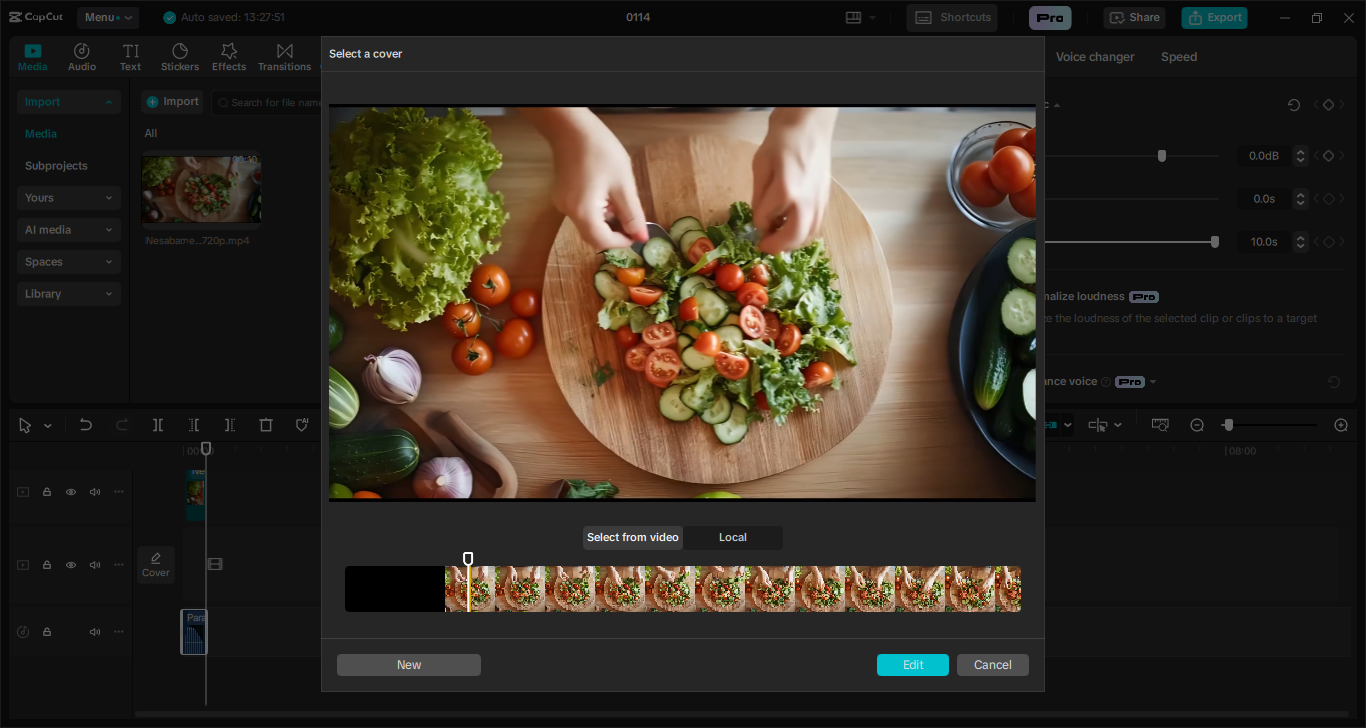
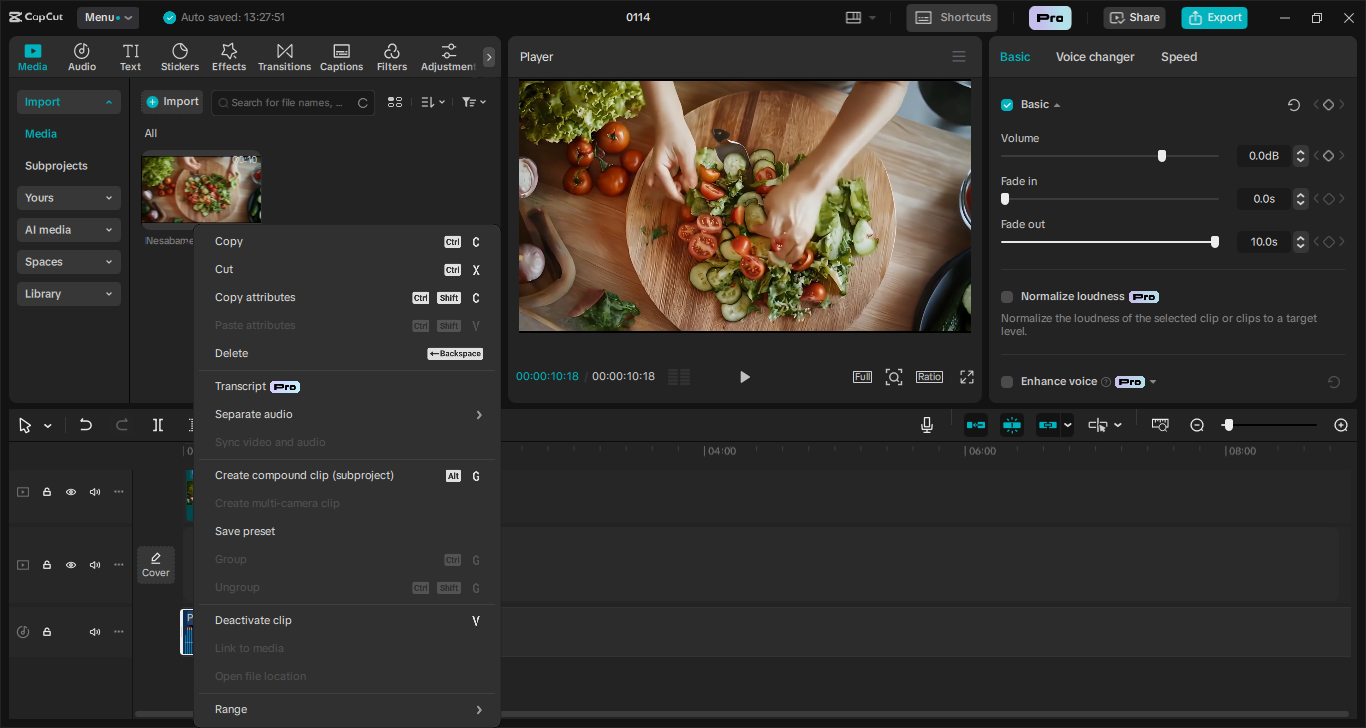
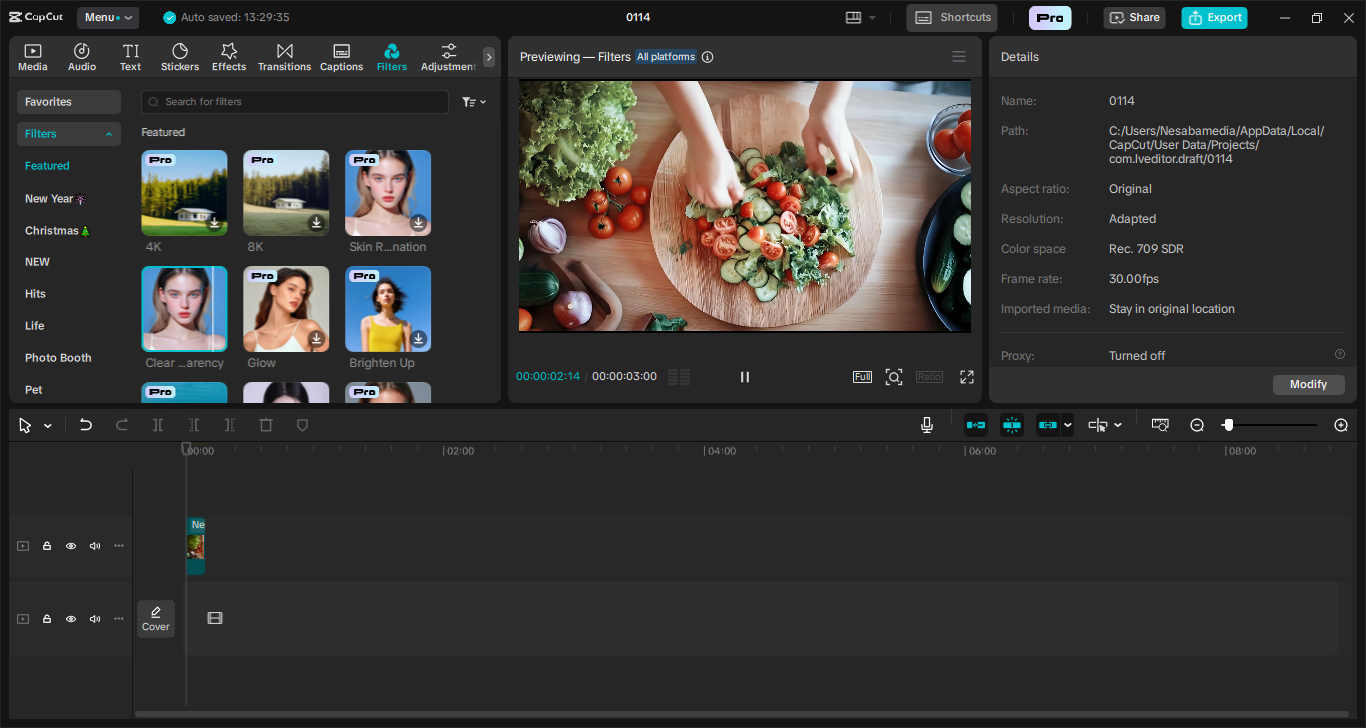
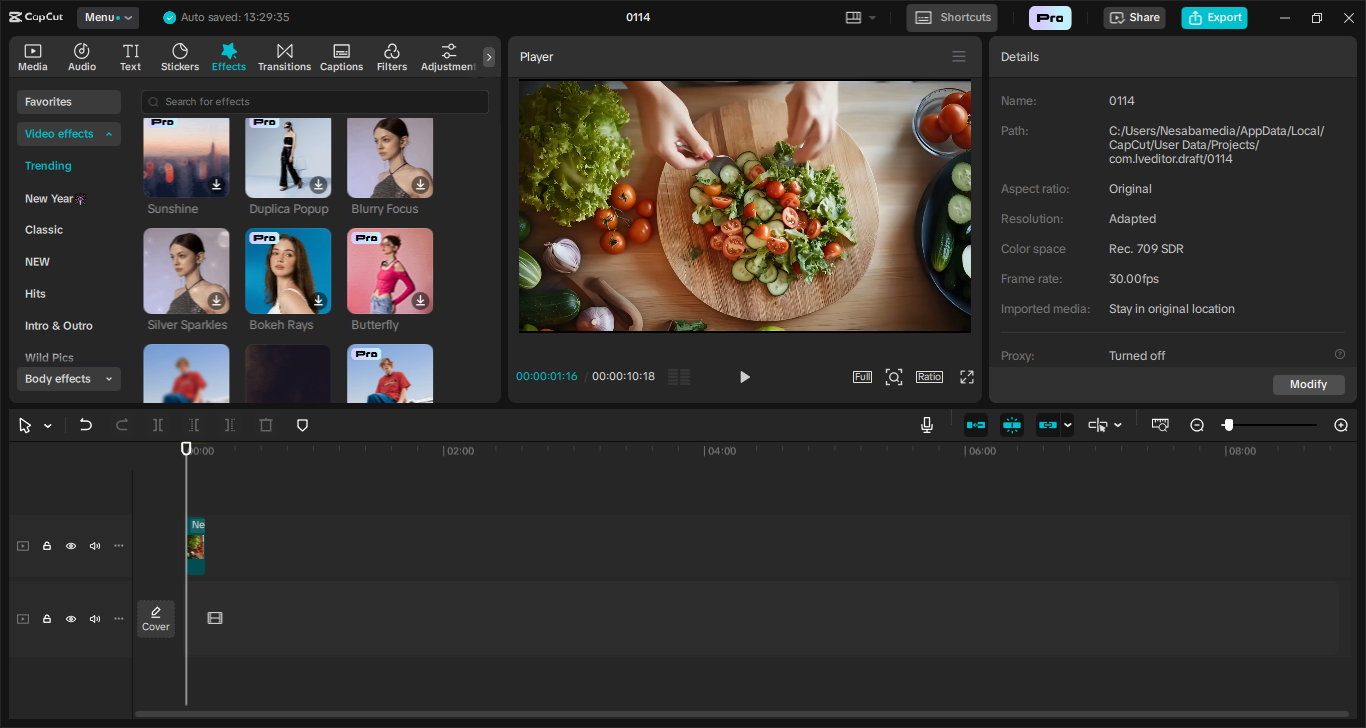
- App Name CapCut
- License Freeware
- App Name CapCut
- Publisher ByteDance
- Updated
- Version: 5.9.1 / 6.0.0.2291
On our site you can easily download CapCut. All without registration and send SMS!