Canva

- Windows: 7, 8, 10, 11
- Version: 1.79
- Size: 140.24 MB
-
[Total: 1 Average: 5]
Have you ever been in a situation where you want to create something cool for your social media or school projects only to find yourself staring at the blank page and wondering how to begin? With Canva, you might find a great idea on what to design sooner than your expectation.
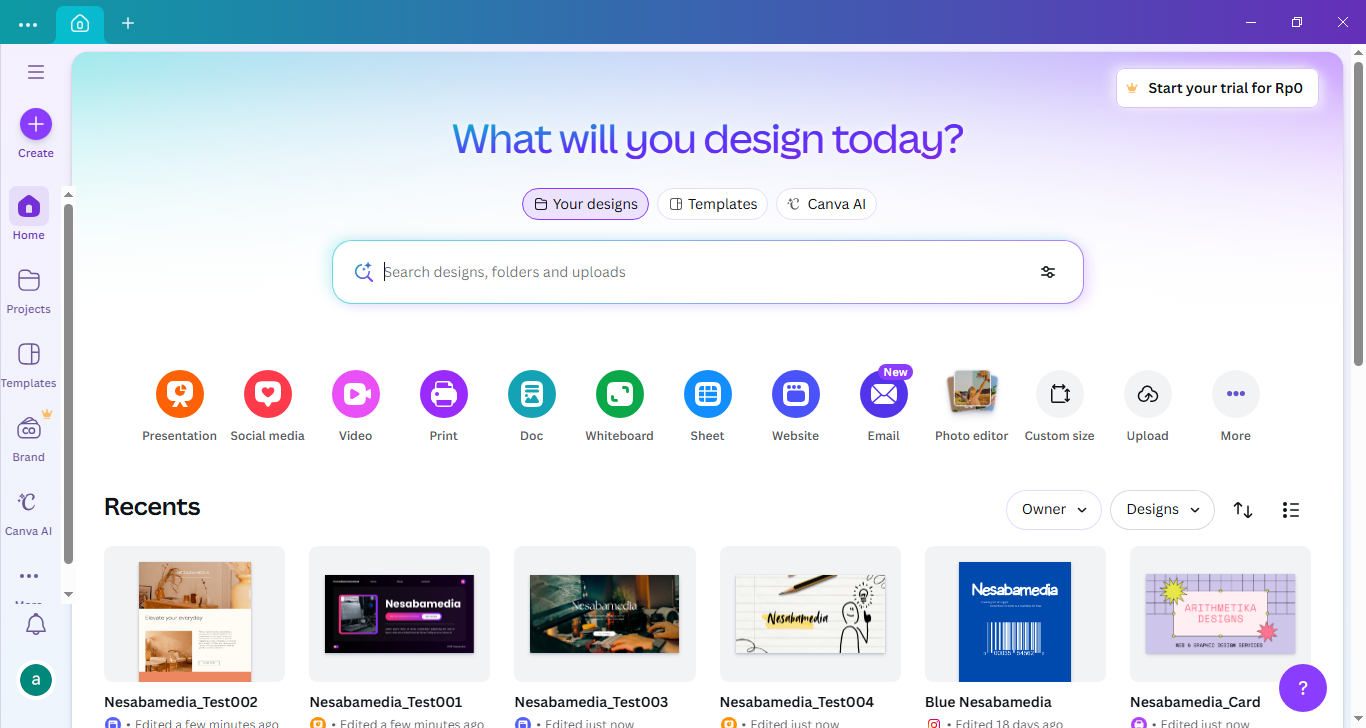
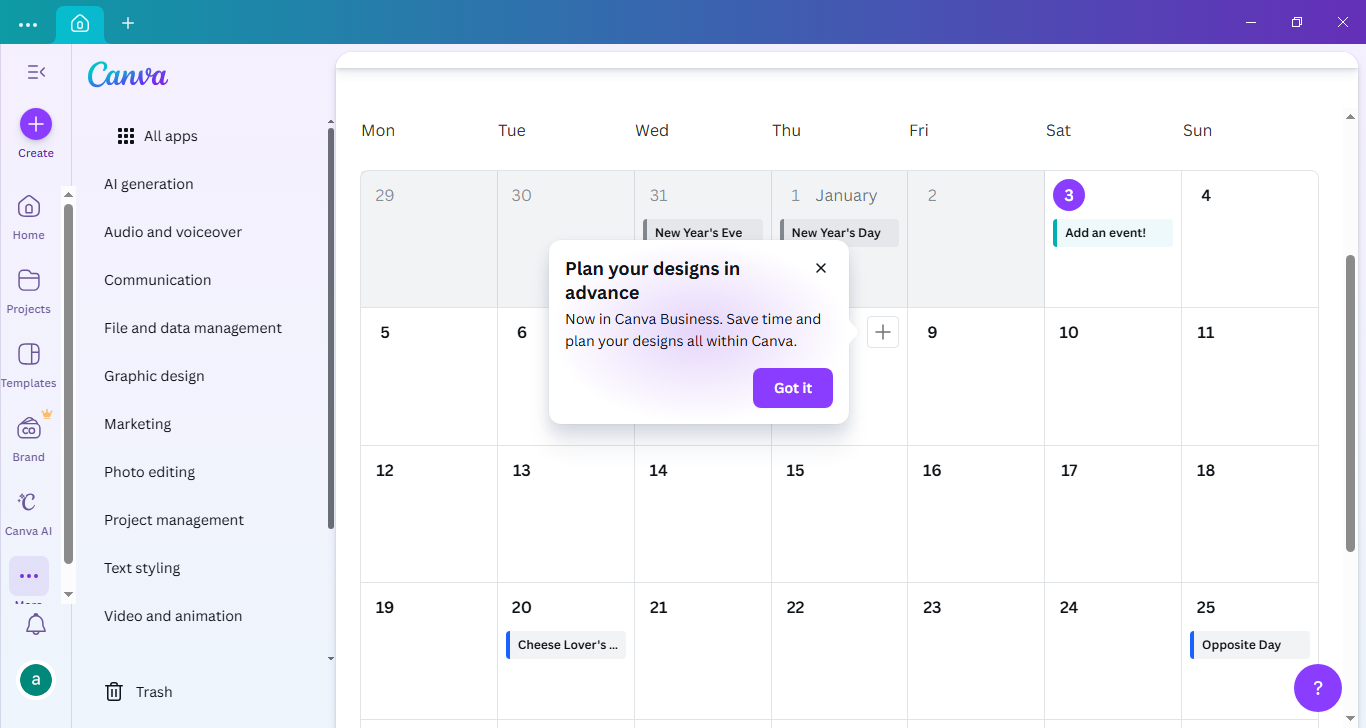
It’s an impressive tool for people who want to put together designs quickly. There are a lot of templates in there that you can use for various design projects. What’s more, it can run on Windows desktop so you don’t have to open your browser again, saving you from distractions when you need to focus on your designs.
Features and Highlights
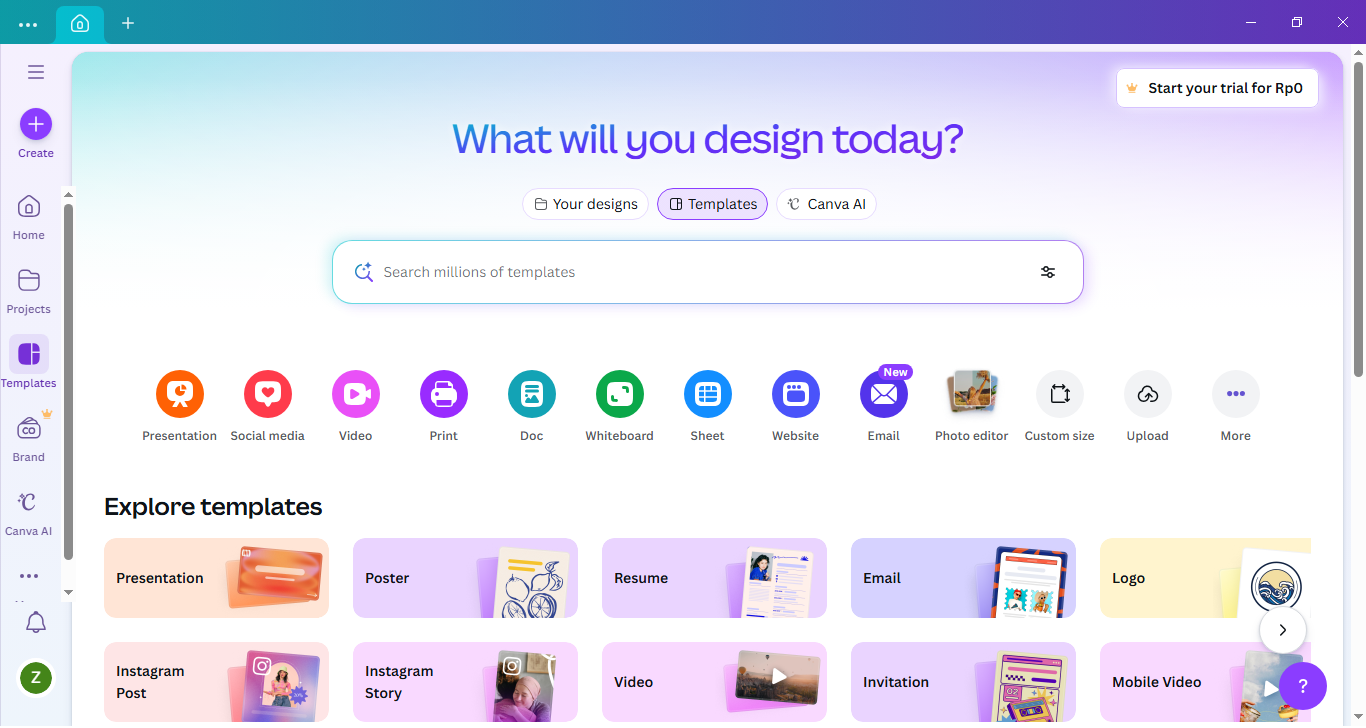
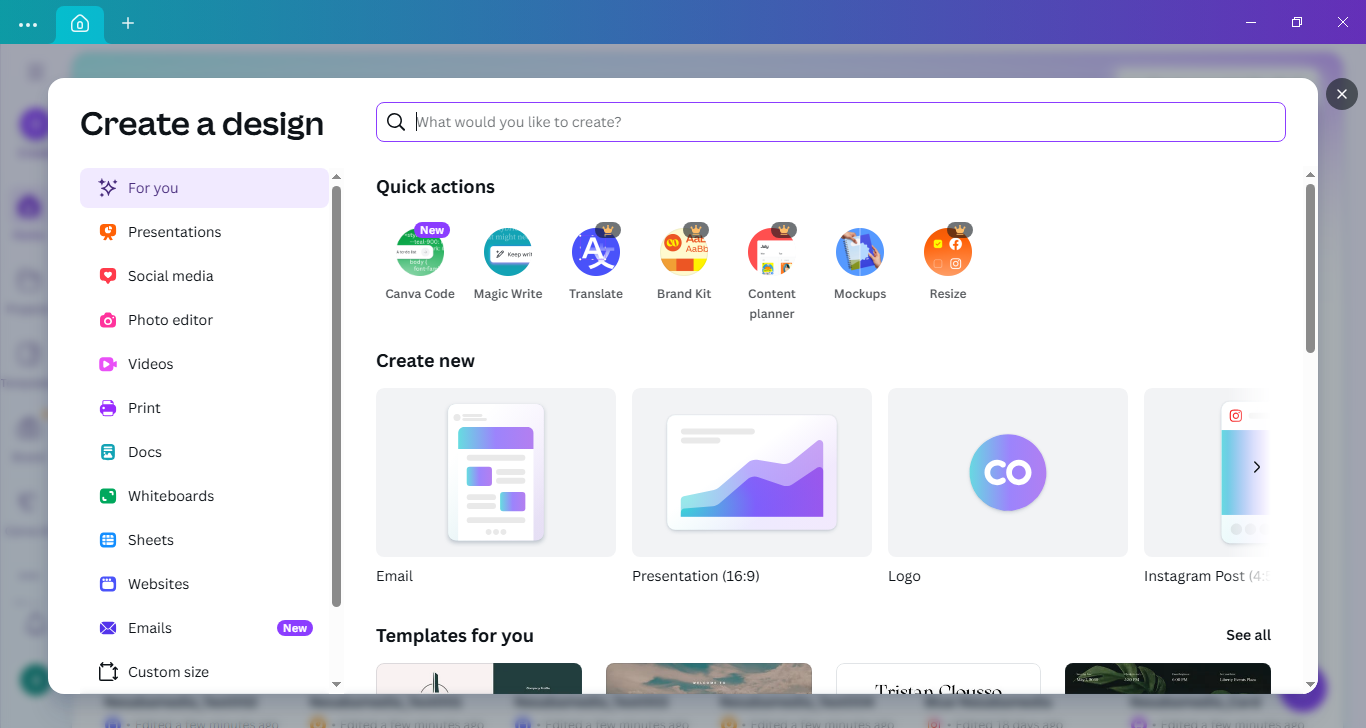
From the moment you begin using it, Canva presents a broad selection of templates that are carefully arranged into different categories.
If you’re working on something for your Linkedin profile, you can head straight to the Social media section. If your goal is to design a business card, the Office and Business category is the place to go. And of course, there are still plenty more waiting to be discovered. As soon as you open Canva, you can either browse through the categories manually or simply type into the search box to quickly find templates that best suit your needs.
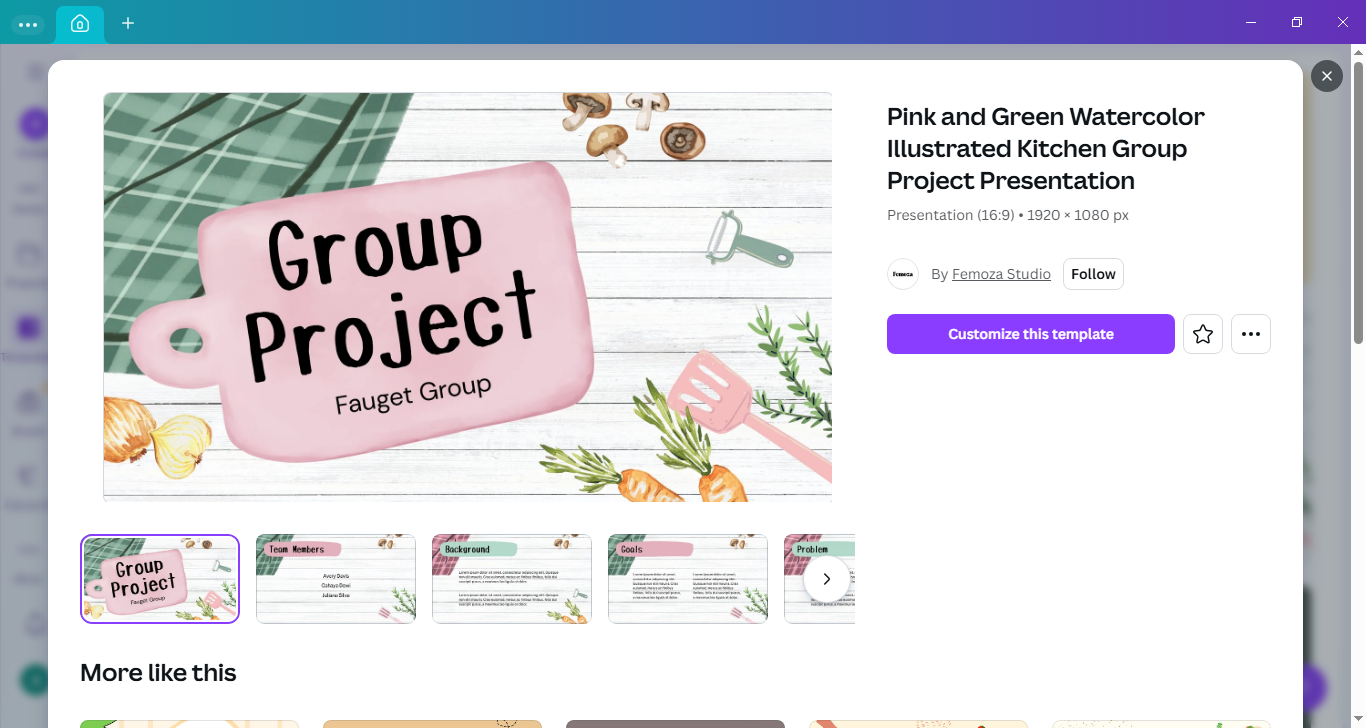
Another way to quickly create your design is to start with a ready to use template that already comes with editable graphical elements, rather than going with a blank one. If your design project has something to do with kitchens, you can type “kitchen” into the search box to get matching designs. Scroll down the screen and you will see many more to choose from. Keep in mind, though, that not every search term will produce many results.
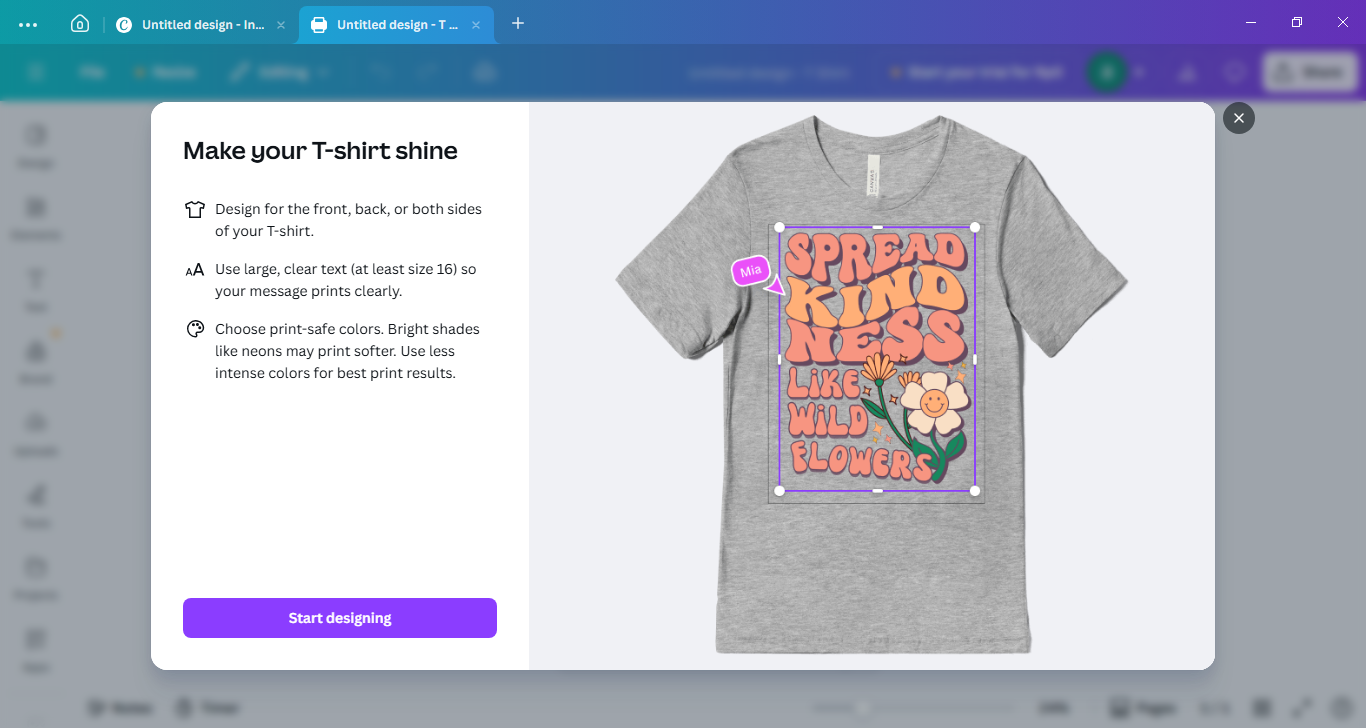
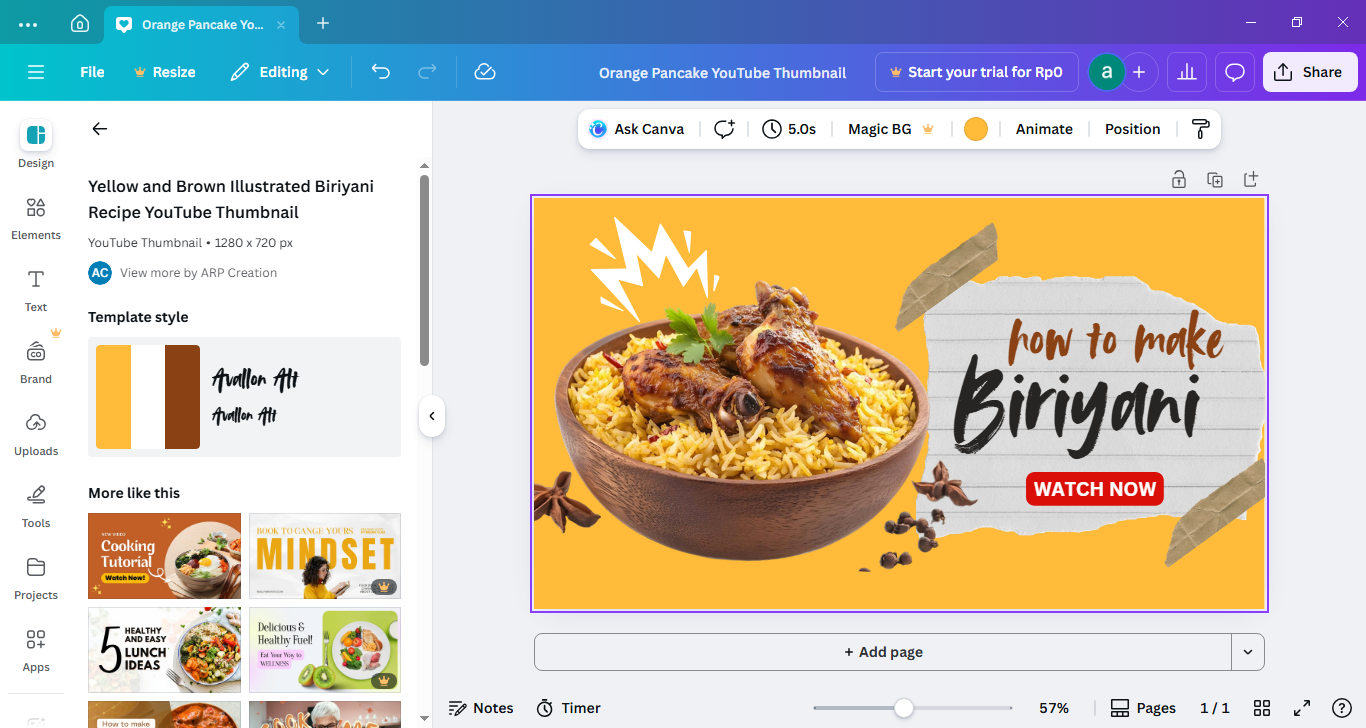
As soon as you find one that suits your style the best, you have to see its details before you can edit it in the editor where every element that makes up the template can be modified, replaced, or deleted. When you click an element, a contextual tool panel will appear on top of the design as well as another menu that hovers above the selected element.
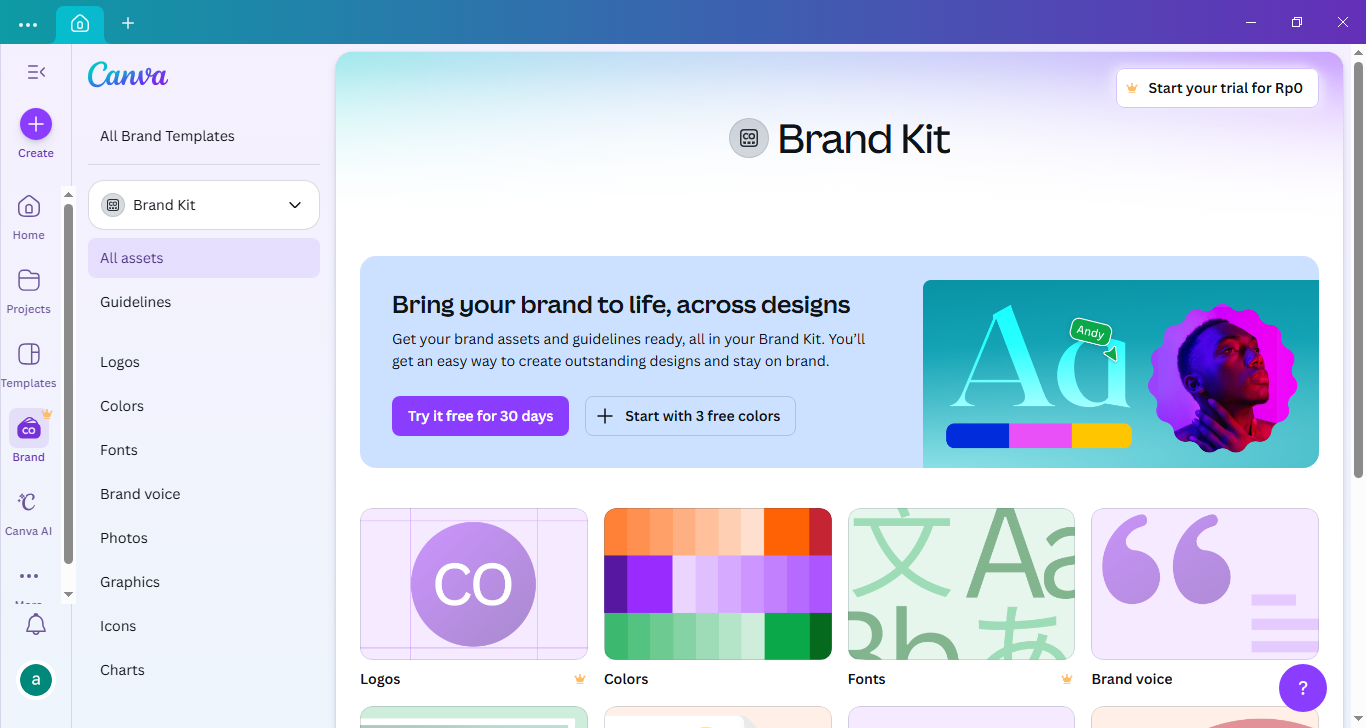
On the left of the editing area, Canva provides a panel that acts as your main toolbox for building your design. It brings together menus like Design, Elements, Text, Brand, Uploads, Projects, Tools, Apps, Magic Media, and Charts, all arranged in one place so you can move smoothly between creative assets and functional controls without leaving the editor.
Canva Free Download for Windows
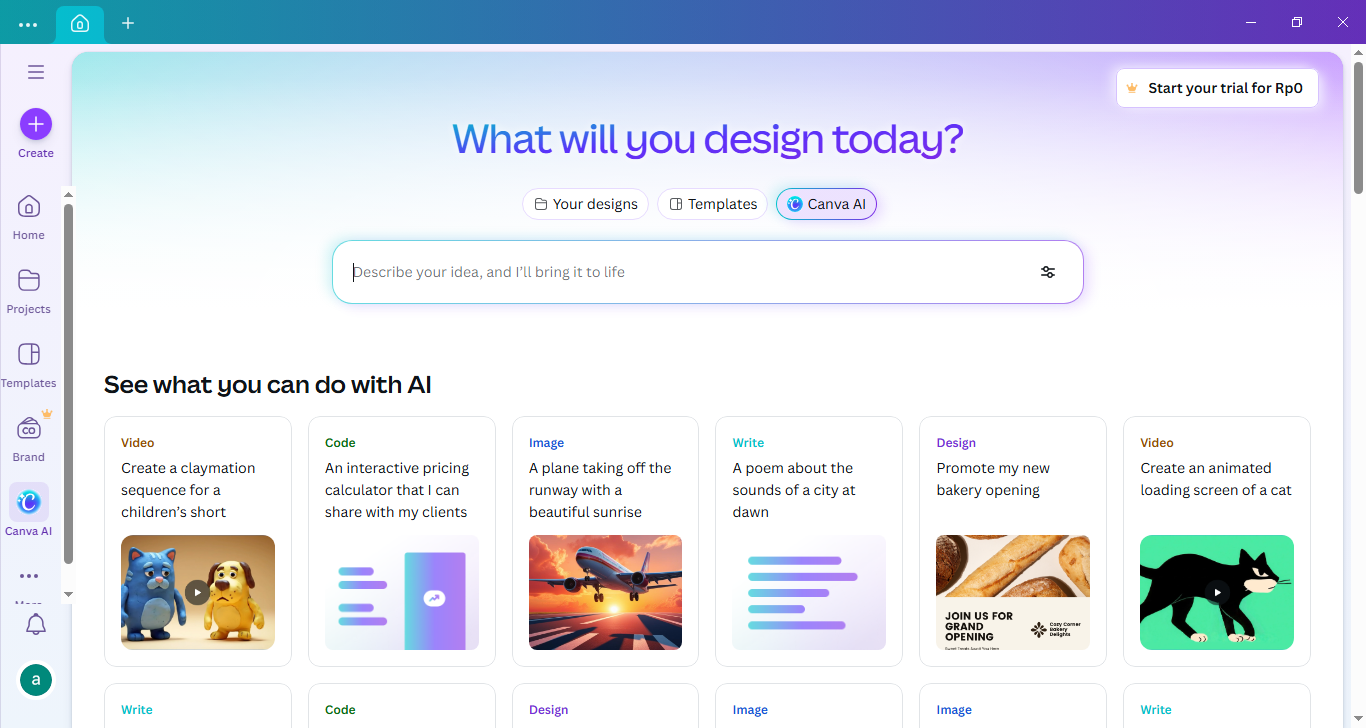
Canva is also yet another design tool that follows the AI trend. You describe what you want (for example, “Instagram story announcing a weekend sale for a clothing brand”), and it gives you four editable results to choose from. It looks easy, but it’s not without its own challenge. The challenge here lies in how to put your ideas into words clearly enough for the AI to understand what you’re actually aiming for.
The biggest drawback of the design tool is that it mixes paid and free items together, which can make it fairly difficult to find what you need if you aren’t a subscriber. You might find yourself accidentally clicking a paid template more than once as you browse through the collection.
That said, Canva is still a great tool for casual users who want quick results, and it can also be useful for professional designers in certain situations. Ready to give it a try? If you want to run it on your PC, you can click the link below to download Canva for Windows:
This program is also available in
Similar to Canva
- App Name Canva
- License Freeware
- App Name Canva
- Publisher Canva
- Updated
- Version: 1.79