BatteryInfoView
- Windows: 7, 8, 10, 11
- Version: 1.25
- Size: 115.59 KB
-
[Total: 0 Average: 0]
When it comes to monitoring laptop batteries, Windows doesn’t exactly go out of its way to provide much detail. You usually get a percentage, maybe an estimated time remaining, and that’s about it. For users who want to dig deeper into what’s happening under the hood, a lightweight program called BatteryInfoView fills that gap nicely.
Despite its small size, BatteryInfoView delivers a surprising amount of data, which it collects from the battery’s built-in sensor data and presents it in a tidy table, letting you see everything from charge level and capacity to wear level and voltage.
Features and Highlights
Right out of the box, BatteryInfoView has the typical signature of Nirsoft. It has no installer and no bloatware, just an executable file you can unzip and run. That alone makes it appealing for anyone who prefers not to clutter their system with more entries.
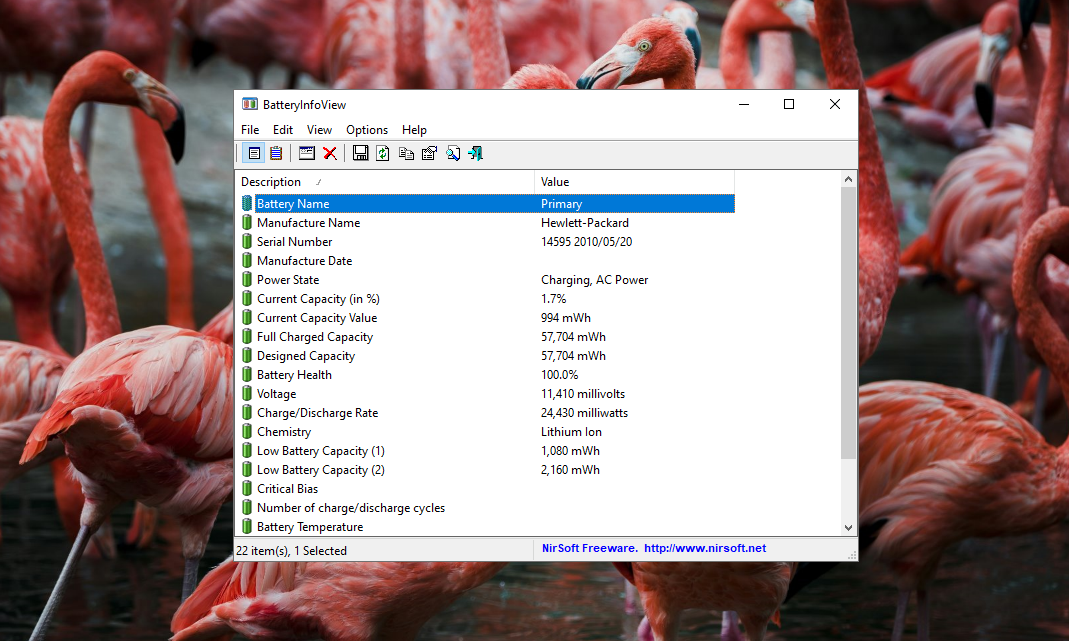
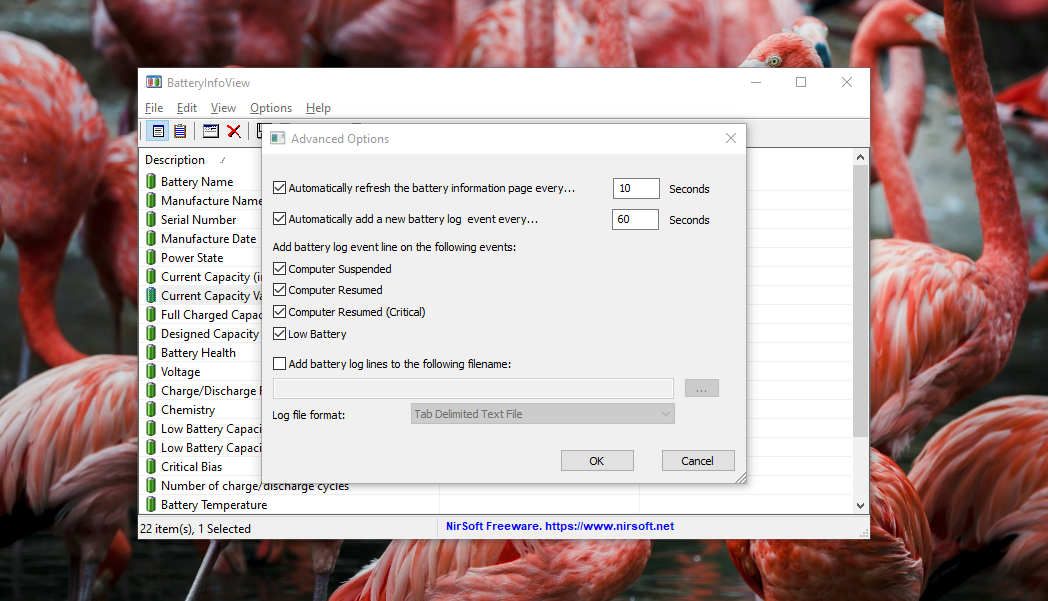
The interface is as simple as a single window with column headers that you can sort by clicking, plus a few buttons for copying data or exporting it to CSV, HTML, or XML. There is no wizard, no configuration dialog, flashy graphics, and no hidden menus. If you’re comfortable with a bit of tabular data, you’ll feel right at home within seconds.
Being a Nirsoft tool, it’s incredibly lightweight and respects your privacy. It doesn’t phone home, show ads, or come bundled with any unwanted extras. It just does its job quietly, with a few extra features such as a command-line option for automation and an optional tray icon, as well as grid lines and odd/even rows for clearer presentation.
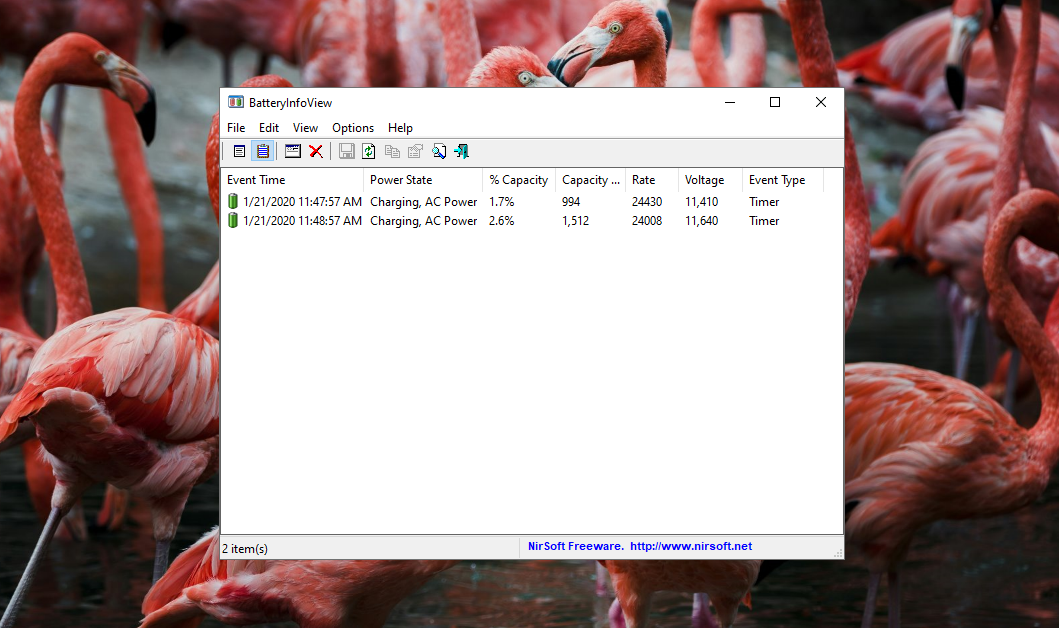
Where BatteryInfoView really shines is in the depth of information it provides. It shows the battery name, manufacturer, serial number, manufacture date, and even the designed capacity versus the current full charge capacity. This is particularly useful if you suspect your battery is wearing out faster than expected. You can also see the current power state, along with voltage, charge/discharge rate, and temperature. For those who like to keep an eye on long-term trends, the program includes a logging feature that records battery status at regular intervals, which can help you spot patterns over time.
Of course, BatteryInfoView isn’t perfect. It’s not a tool you can rely on to fix battery problems as it is designed simply to report what’s happening. Also, while the plain look is actually one of its strengths, it won’t appeal to everyone.
BatteryInfoView Free Download for Windows
BatteryInfoView doesn’t try to do anything beyond reporting. There’s no built‑in alert system, no graphical charts, and no power‑plan tweaking. If you’re looking for a full‑featured battery manager that can adjust charging thresholds or automate sleep settings, you’ll need to look elsewhere.
Overall, BatteryInfoView is a straightforward application. It shows you the data you need, does it quickly, and stays out of the way. Its minimal footprint, uncluttered interface, portability, and export capabilities make it a solid pick for anyone who wants a deeper peek at battery health without installing software. You can click the link below to download BatteryInfoView for Windows:
- App Name BatteryInfoView
- License Freeware
- App Name BatteryInfoView
- Publisher NirSoft
- Updated
- Version: 1.25
On our site you can easily download BatteryInfoView. All without registration and send SMS!