Arduino IDE

- Windows: 7, 8, 10, 11
- Version: 2.3.6
- Size: 150.20 MB
-
[Total: 1 Average: 5]
Arduino IDE is a major part of Arduino ecosystem. It is the software used to write programs for Arduino boards. As a cross-platform IDE, it is available for Windows, Mac, and Linux.
The development of Arduino as a platform has been started since 2005. Currently, there are three versions of Arduino IDE. Two of them are offline versions: Classic and New. The third one is a web-based IDE.
Features and Highlights
The classic version of Arduino IDE is based on Java. It is a legacy editor that has been replaced by the new one since 2021. The new version offers the same functionality but with more features.
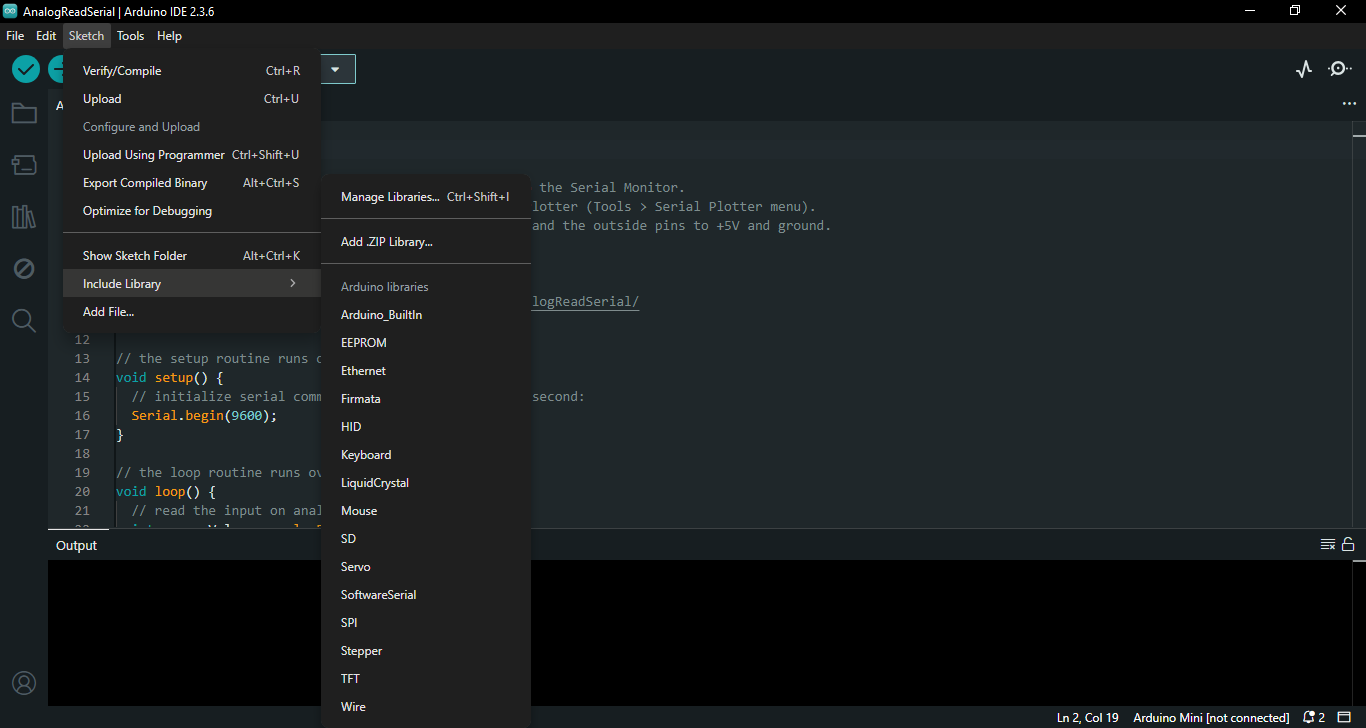
Arduino IDE has thousands of libraries that can be installed from its library manager. These libraries, which has existed since Arduino 0004 and include both the official and user-created libraries, provide extra functionality to your sketches.
Sketches are the terms for the programs that you create by using Arduino IDE. You write sketches in the text editor and save sketches as .ino files.
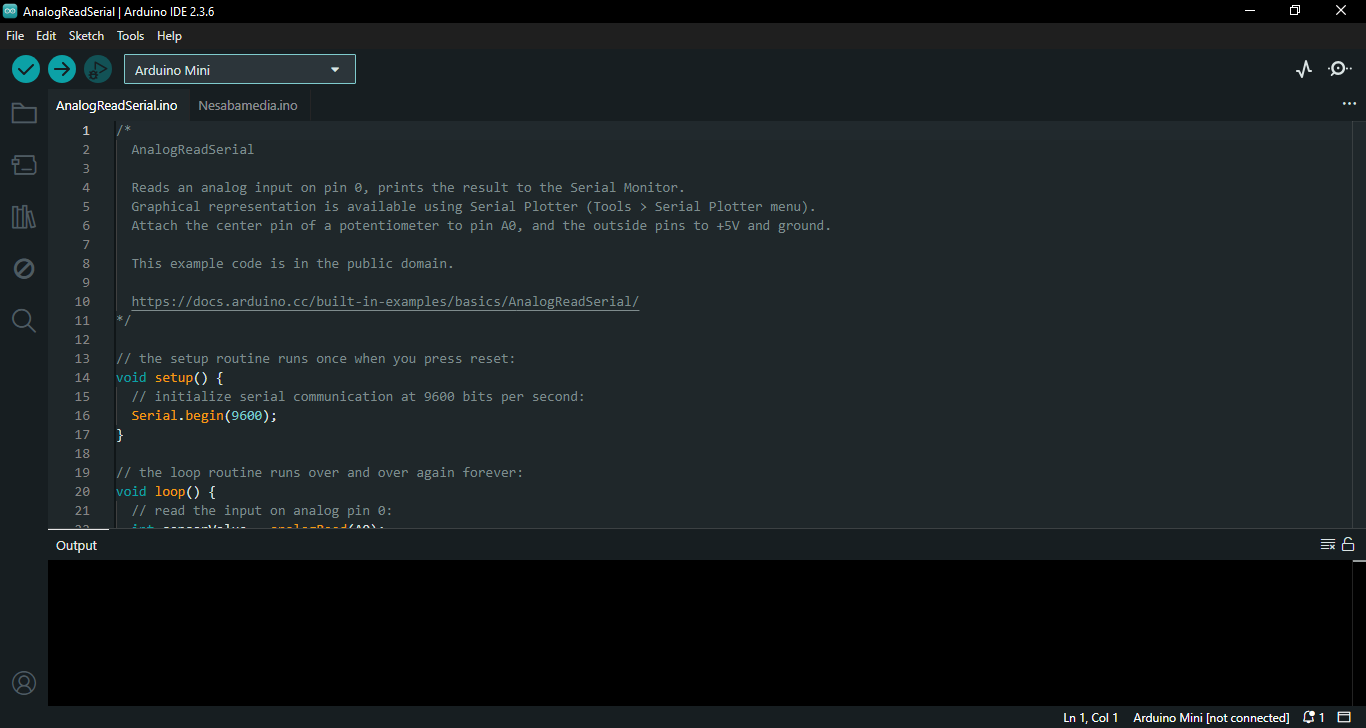
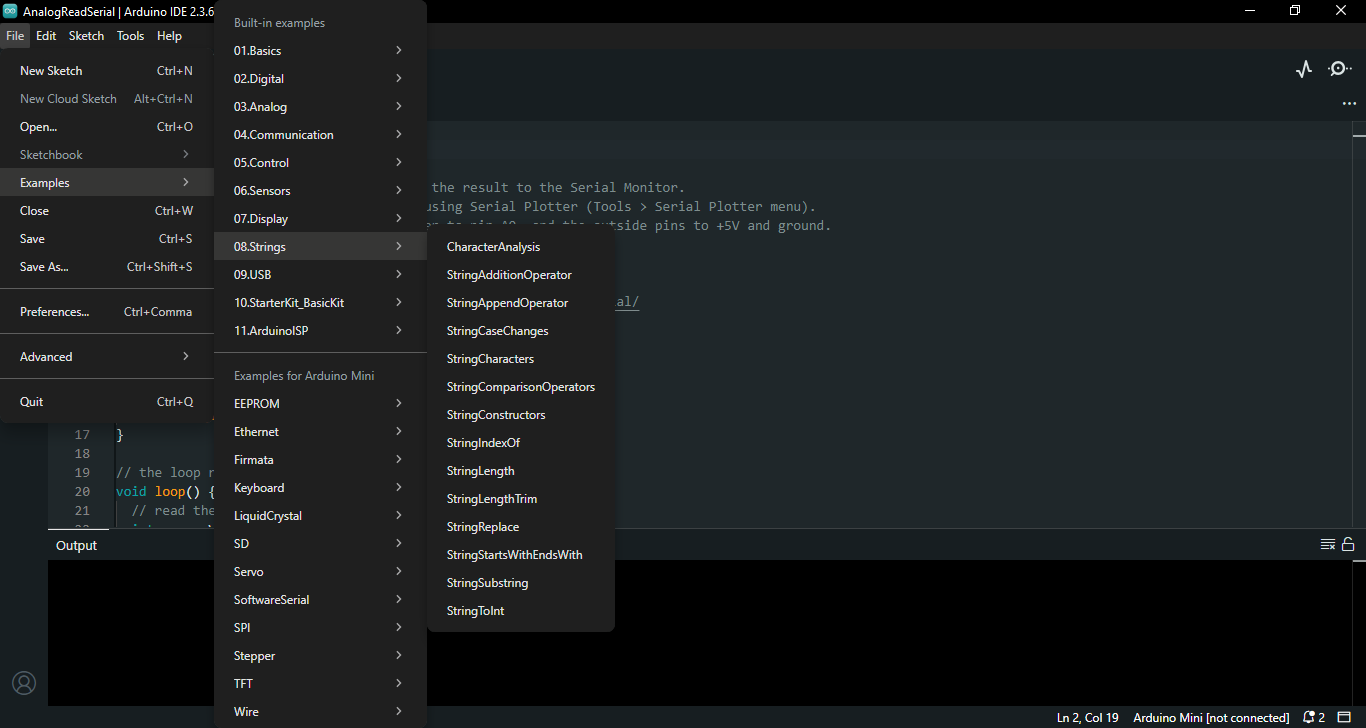
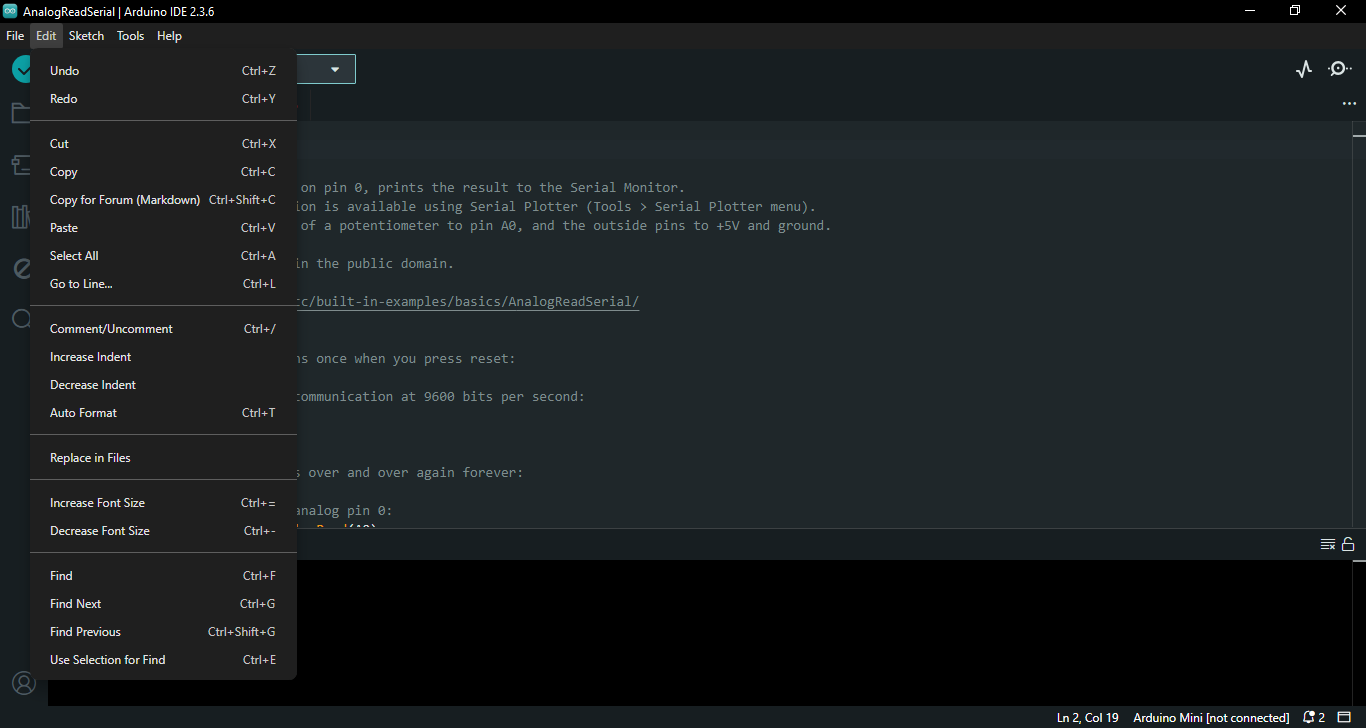
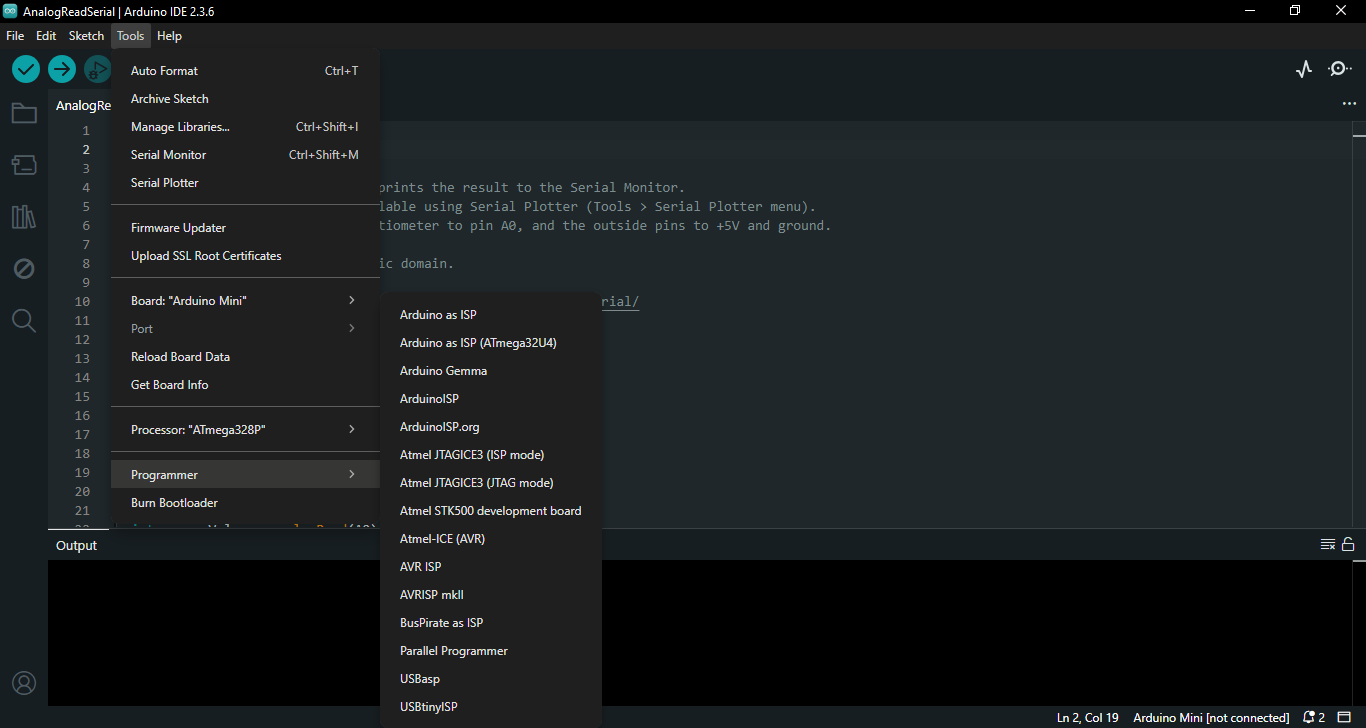
In addition to the text editor, Arduino IDE’s graphical interface includes a message area, a row of menus, and a toolbar with a number of buttons. The overall design of its graphical interface is pretty neat without any useless element.
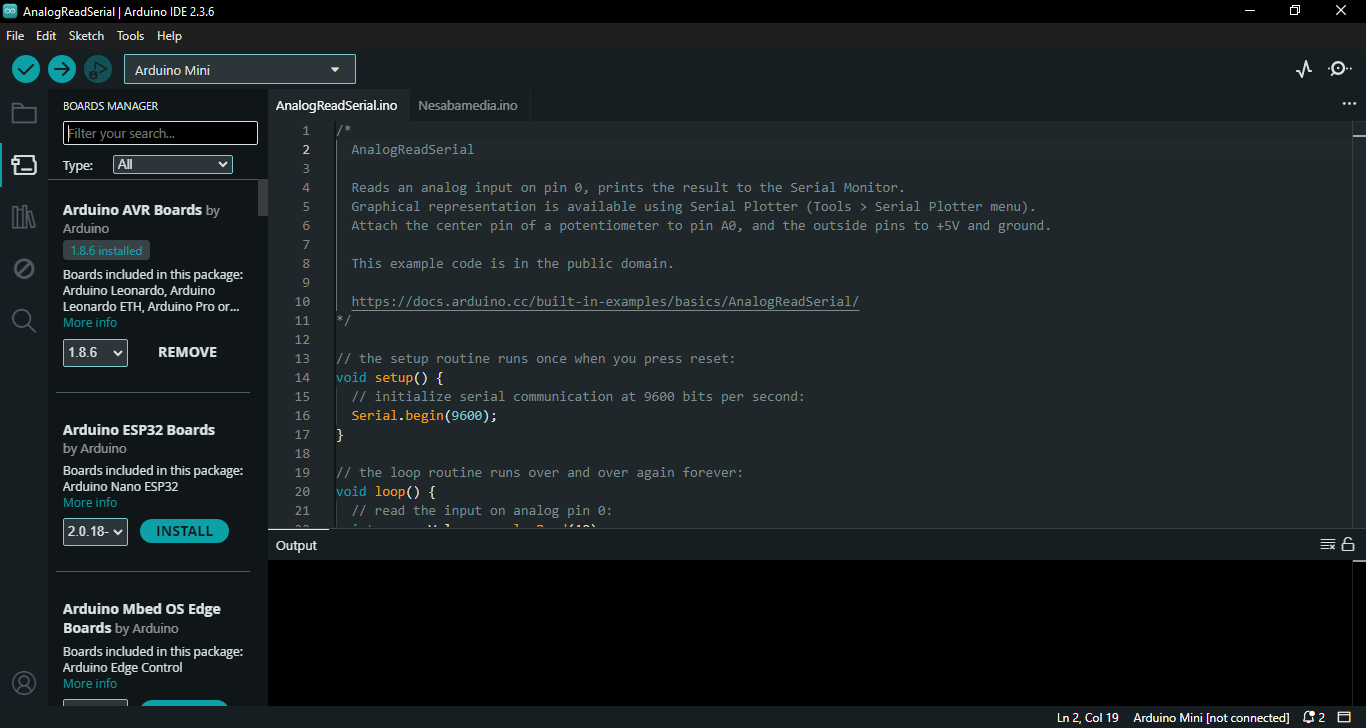
The left sidebar provides access to sketchbook, boards manager, library manager, debugging tool, and search functionality. At the bottom of the sidebar, you will find another button that lets you sign in to your Arduino cloud.
Arduino offers a cloud service under several plans: Free, Entry, Maker, and Maker Plus.
The free plan supports 3rd party device, unlimited dashboards, templates, data export, automatic update for libraries, sketch attachments, unlimited sketches, and 25 compilations per day.
The free plan also includes a 100MB storage for your sketches and allows you to access your projects on any device.
In the main window of Arduino IDE, when you need to select a board, click the Boards Manager on the left sidebar, or click Tools in the menu and then select Board. A panel will open at the left side of the main window.
The Boards Manager panel contains a list of boards. There are quite many boards to choose from. Find the one you need, and then press the Install button. All boards are displayed by default. You can sort them by clicking the Type’s drop-down menu and select Updatable, Arduino, Contributed, Arduino Certified, Parter, or Arduino Heart.
For advanced users who need more flexibility, there is a command line tool called Arduino CLI. New users should learn to use it as well since it could be very useful in the long run, especially for automation.
Arduino IDE Free Download for Windows
Arduino IDE is known for its ease of use, clean interface, and comprehensive user guide. It is no surprise then that there are still a lot of people rely on it for their projects.
The free cloud service is a great bonus and there are also paid plans if you need more features. You can click the link below to download Arduino IDE for Windows:



- App Name Arduino IDE
- License Freeware
- App Name Arduino IDE
- Publisher Arduino Publisher IDE & Code Editor Apps
- Updated
- Version: 2.3.6
On our site you can easily download Arduino IDE. All without registration and send SMS!