AIMP

- Windows: 7, 8, 10, 11
- Version: 5.4.0.2700
- Size: 20.90 MB
-
[Total: 1 Average: 5]
AIMP is an exceptional music player. A decent alternative to any music player you currently use. It is light on system resources, plays a large variety of audio formats, offers an impressive amount of features, and has a very nice UI that can make first-time users fall in love at first sight.
A portable version is offered during the installation in addition to the regular one. Even if you never have any intention to run it from a USB drive, there are still other advantages of using the portable version: it doesn’t leave any data in the registry and it is easier to backup.
Features and Highlights
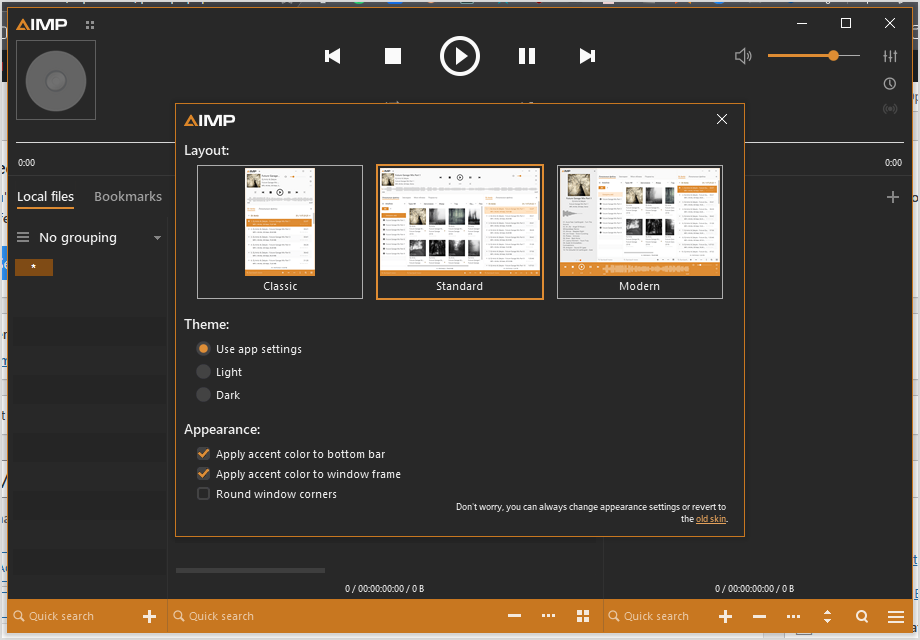
AIMP uses Charm skin and Standard layout by default. If the layout design puts you off, you can always switch to the Classic. Once you choose the simpler layout, the library is separated from the player and can be closed down.
If Charm is not up to your expectation, try to use Pandemic. It offers a similar layout under a different look and includes more interface components that allow you to easily access more options. The visualization is also integrated in the player and the Preferences menu is out in the open for quick access, unlike in Charm where the visualization is displayed in a separate window and the menu is nowhere to find. Overall, Pandemic is more user-friendly than Charm.
AIMP’s official website has a lot more skins if neither Charm nor Pandemic nor the other built-in skins are satisfying, each of which is available for download without demanding you to pay anything or create an account. And if you’re eager to show off your creativity, use the skin editor to create one, two, or more AIMP skins.
You can also enable the dark or light theme, or let the music player adapts to Windows app settings. The interface looks good no matter which one you choose.
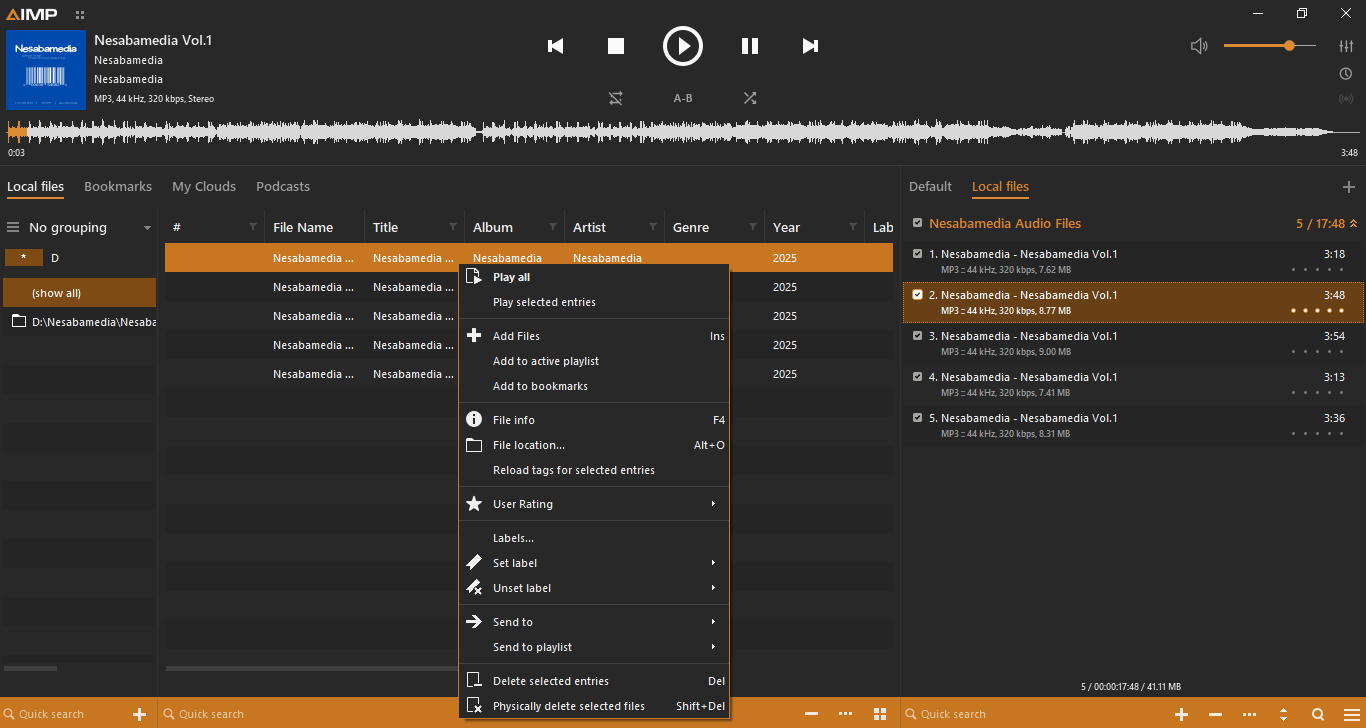
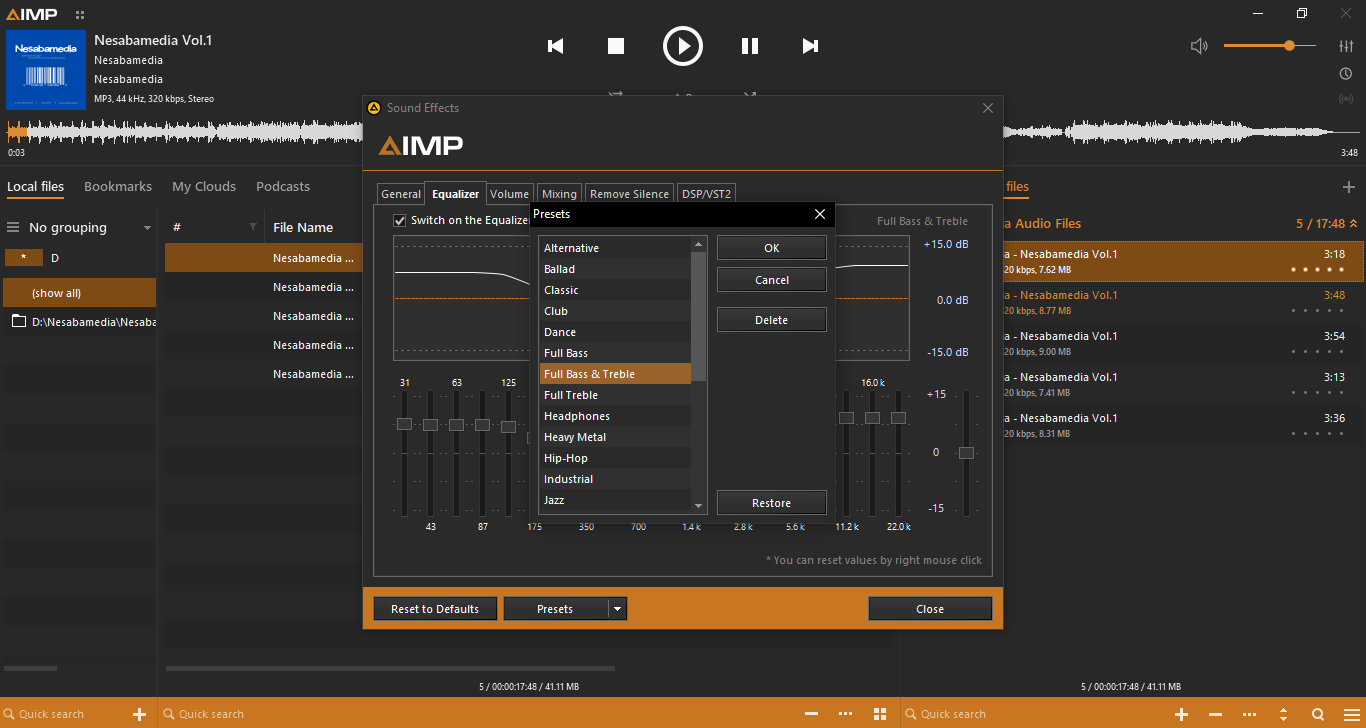
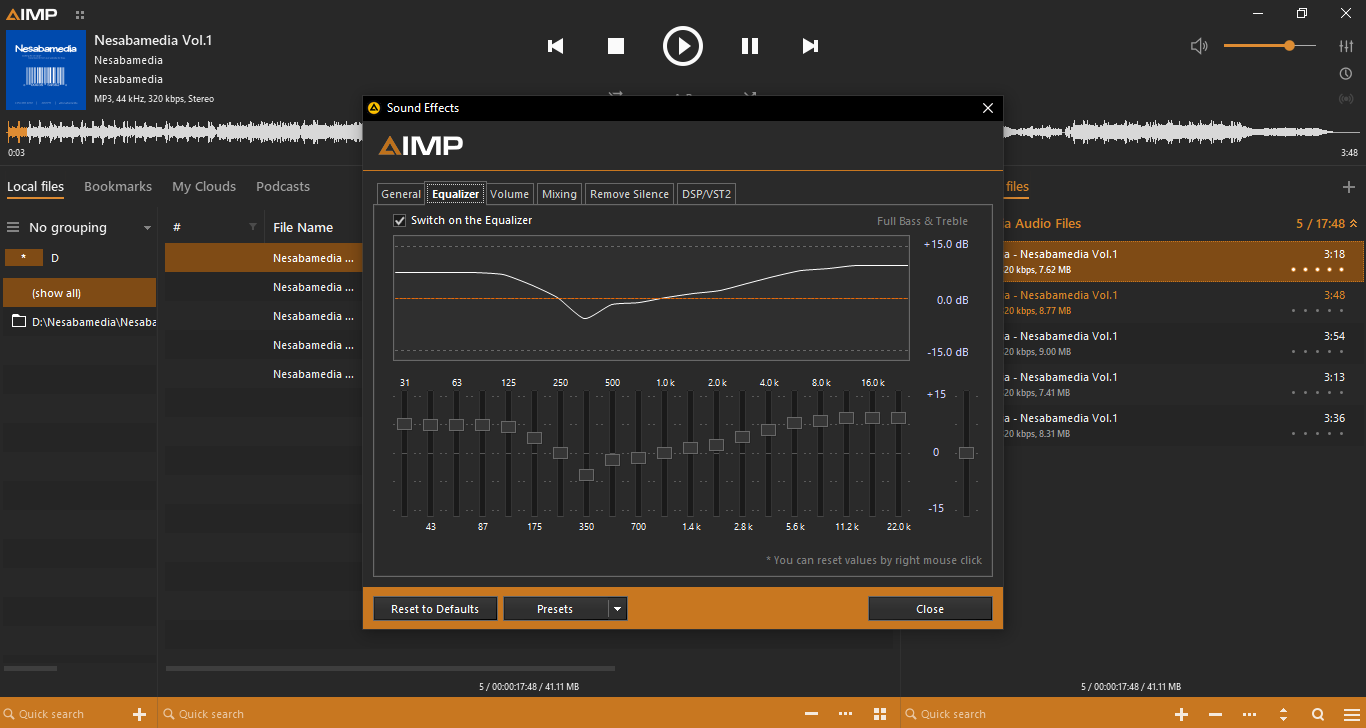
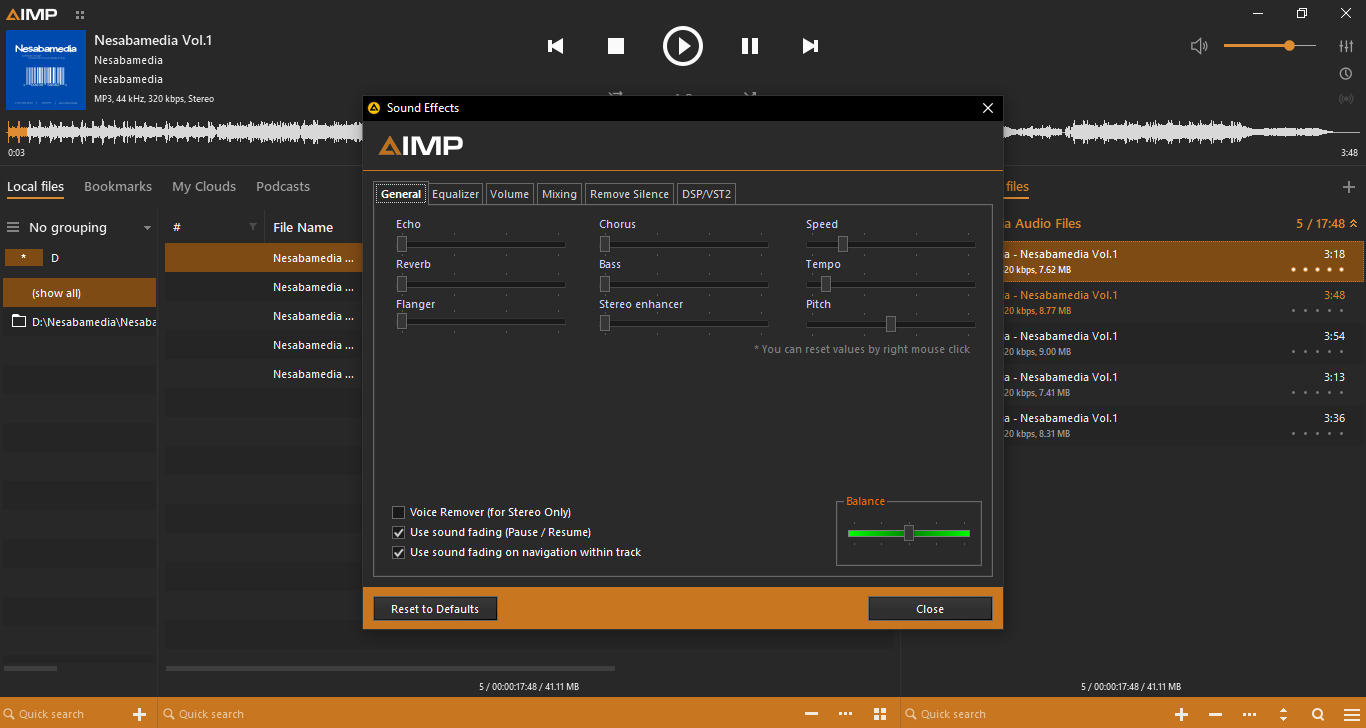
AIMP plays your song as soon as you double-click on the song in its playlist window or click the Play button. If you’re not impressed with the sound quality, before you decide to ditch your current speaker for a more expensive one, try to turn on and tinker with the equalizer.
It takes time to adjust the equalizer to get the perfect sound, but what’s more frustrating is when you play the next song only to find out that the adjustment doesn’t sit well with it. Fortunately, AIMP lets you save your adjustment as a separate preset and automatically apply it to a song every time you play that song.
AIMP Free Download for Windows
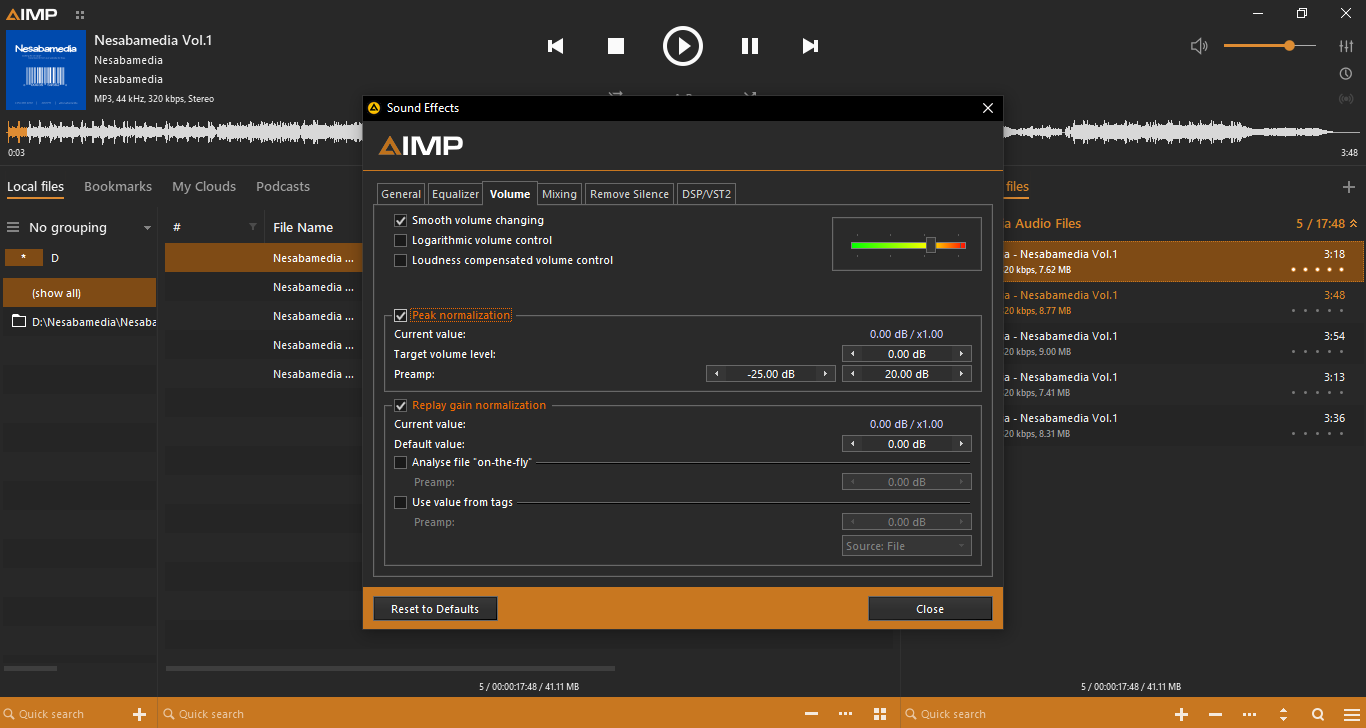
With everything it is capable of, AIMP is worth your time to try. It can normalize volume, open multiple playlists, search files across open playlists, convert audio, automatically shut down computer after conversion, create presets, play internet radio, and more.
It takes time to learn every available feature, but you will eventually get there. The documentation should be able to help you out when you need more information on a feature. But even if you aren’t willing to spend more time to get familiar with every feature it has, AIMP is still an impressive audio player that works great out of the box. You can click the link below to download AIMP for Windows:


- App Name AIMP
- License Freeware
- App Name AIMP
- Publisher AIMP DevTeam
- Updated
- Version: 5.4.0.2700
On our site you can easily download AIMP. All without registration and send SMS!