Adobe Photoshop CS5

- Windows: 7, 8, 10, 11
- Version: CS5
- Size: 1.60 GB
-
[Total: 1 Average: 5]
Adobe Photoshop CS5 has outstanding image transforming capabilities that allow you to tweak your images to perfection in the most efficient ways possible. The jungle of menus, options, and icons may make its initial learning process looks daunting, but you should never let it discourages you.
After so many years Photoshop is still the best image editing software ever created in the history. A lot of people throughout the world use it for various projects. And like every version that has been released, Adobe Photoshop CS5 is another huge improvement that is worth the price.
Features and Highlights
Options Bar
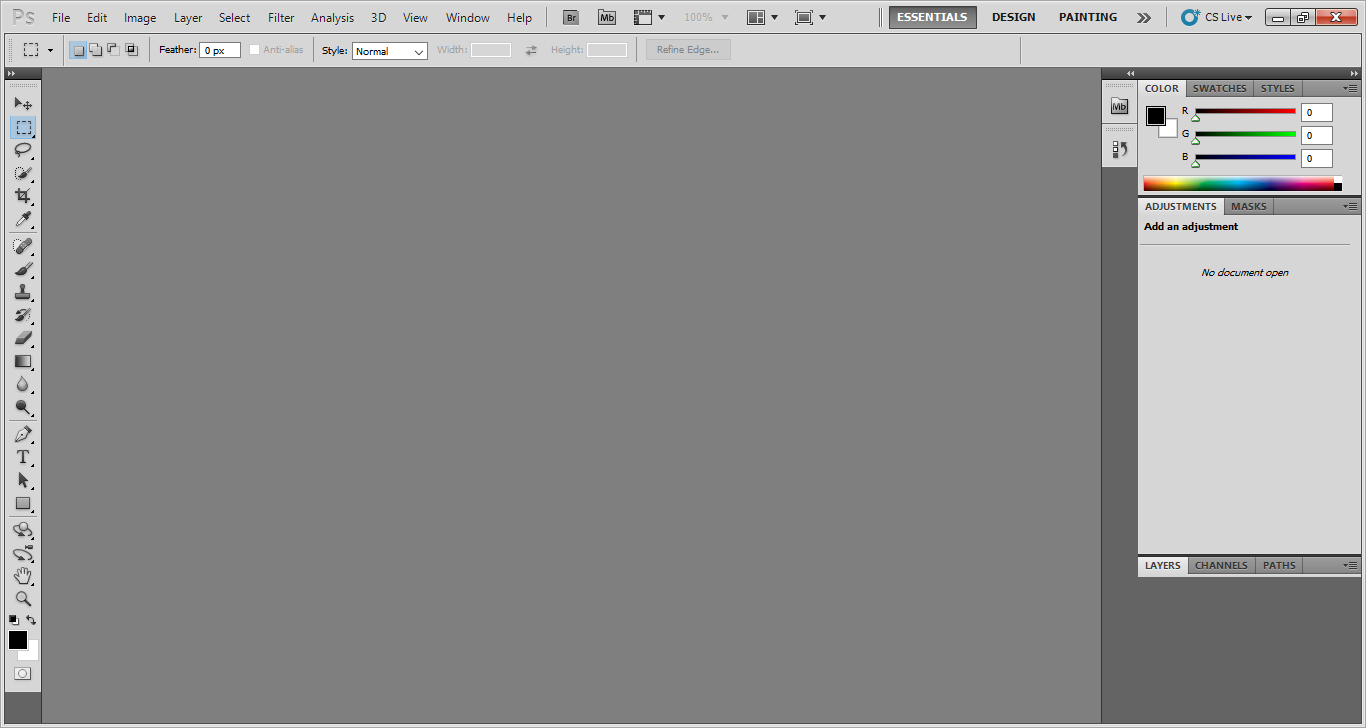
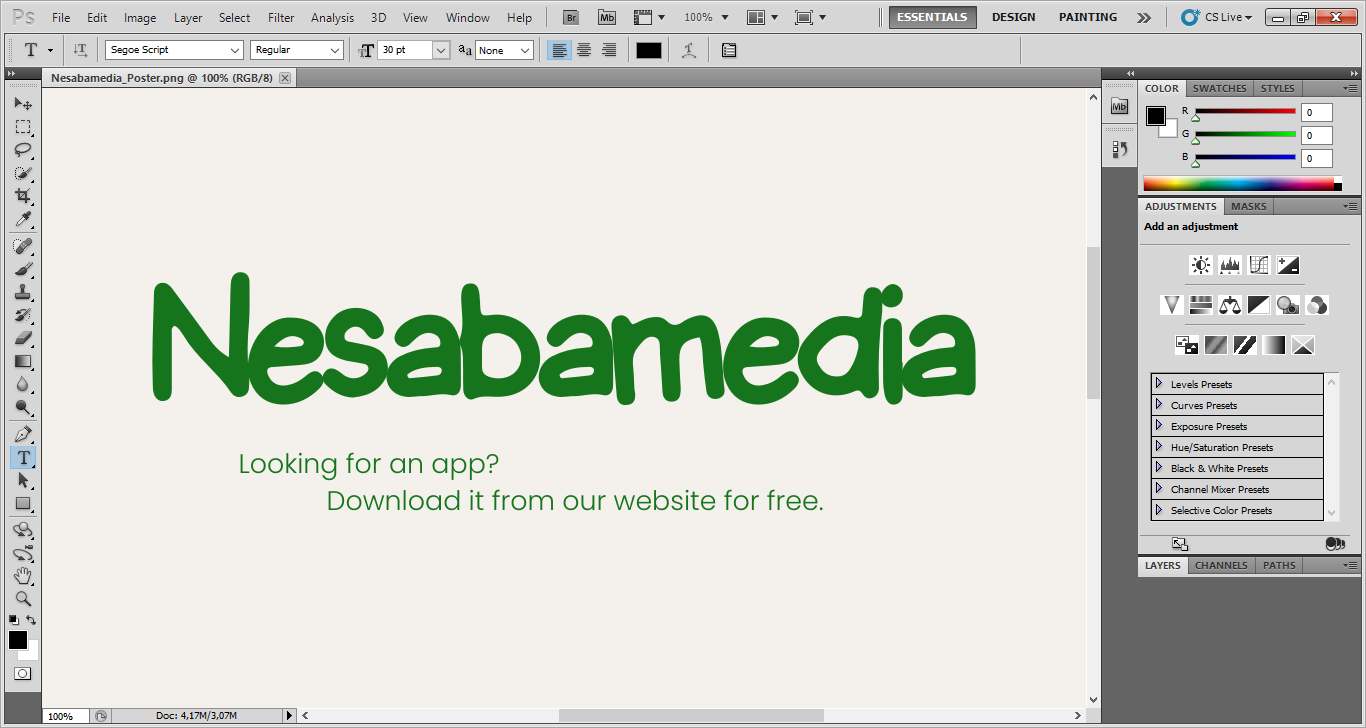
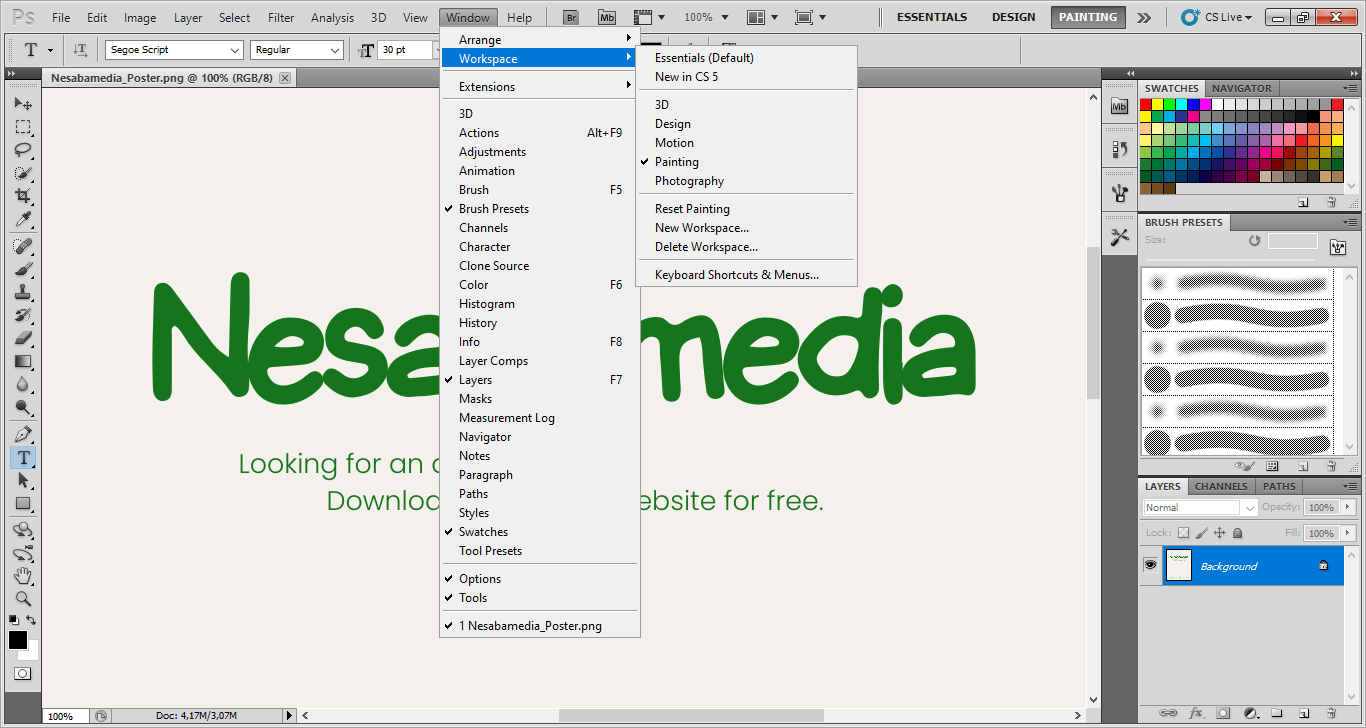
One of the interface elements in Adobe Photoshop CS5 that you will interact a lot is Options bar, which is also known as “tool menu” and located above the document area.
At first glance, it looks like a standard toolbar, but it can actually change on its own to show settings that are related to the tool you have selected in the Toolbox.
Even better, the settings can be customized if you find that the default values are less helpful for a particular situation. You can also undock the bar and drag it to the bottom or somewhere else.
Content-Aware Fill
When you need to take something out of an image, this particular feature works like magic. It can make an unwanted object in an image disappears like it were never there in the first place, and what’s more, you just need to make a rough selection around the object for the feature to work.
It works by analyzing the pixels surrounding the selected object and then fills in the gap with similar pixels. While the result isn’t always as perfect as your expectation that you may have to do a little cleanup sometimes, it can really save your time a lot.
Puppet Wrap
Warping the shape of an image is a very fun thing to do for some people, and you can do this with yet another splendid feature of Adobe Photoshop CS5 called Puppet Wrap. It lets you add anchor points to an image and use the points to manipulate its shape as much as you like.
Lens Correction
Here is yet another great feature. Sometimes the quality of your camera lens ruin the photos you have taken. With Lens Correction filter, you can fix such problems which include but not limited to barrel distortion and pincushion distortion.
Adobe Photoshop CS5 Free Download for Windows
The large variety of tools available in Adobe Photoshop CS5 make it possible for users to accomplish a lot of image editing tasks. Of all the features, Content-Aware Fill is easily one of the most amazing tools. With it, you don’t have to do all the heavy lifting on your own when you need an element to be taken out of a picture. You just need to select an object and let it does the rest.
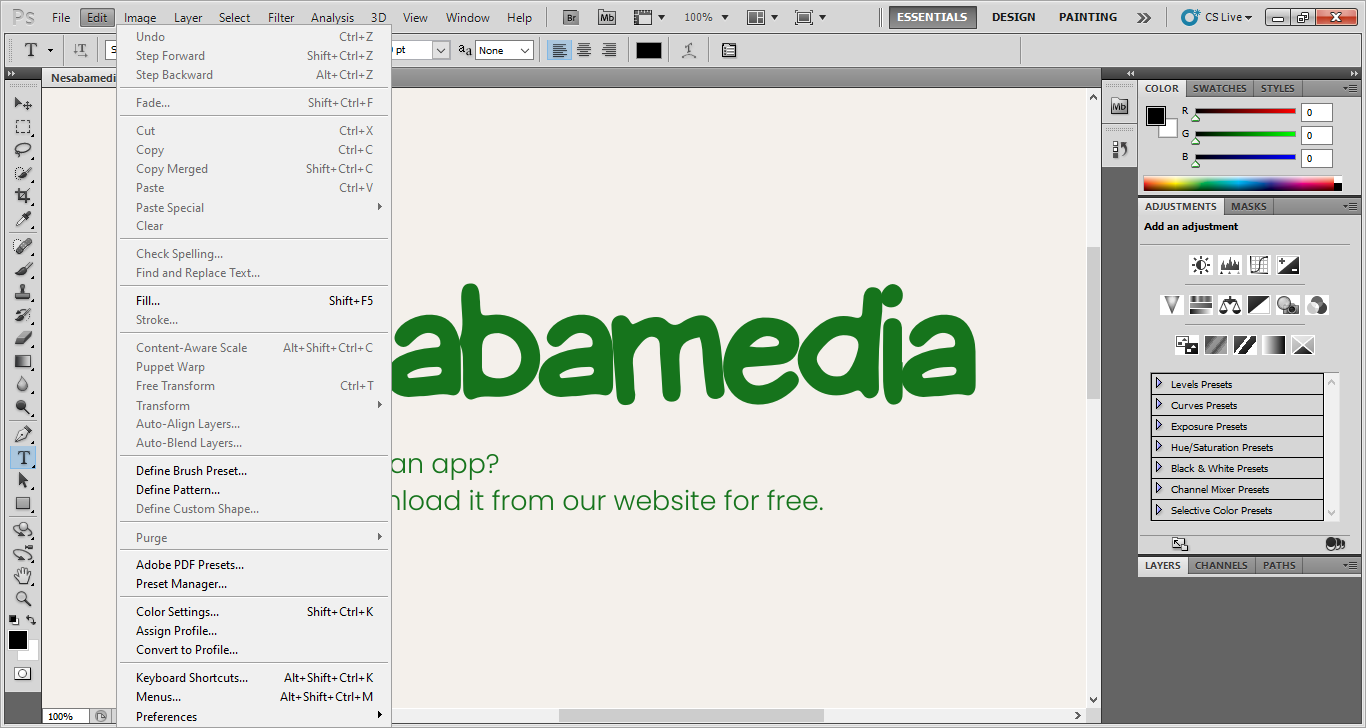
It also has a powerful undo system that lets you quickly cancel nearly any mistake you’ve made, allowing you to experiment with your images to your heart’s content. You can click the link below to download Adobe Photoshop CS5 for Windows:
- App Name Adobe Photoshop CS5
- License Freeware
- App Name Adobe Photoshop CS5
- Publisher Adobe
- Updated
- Version: CS5
On our site you can easily download Adobe Photoshop CS5. All without registration and send SMS!