Adobe Photoshop CS4

- Windows: 7, 8, 10, 11
- Version: CS4
- Size: 1.50 GB
-
[Total: 1 Average: 5]
Adobe Photoshop CS4 is so rich in features that it can be used for an incredible range of projects. As a matter of fact, digital artists are not the only ones who harness the power of this amazing product. Even law enforcement agencies make use of it for forensic analysis.
Over the years, more features are added into the software, and Adobe Photoshop CS4 can do a lot more than just performing basic operations on bitmap images.
Features and Highlights
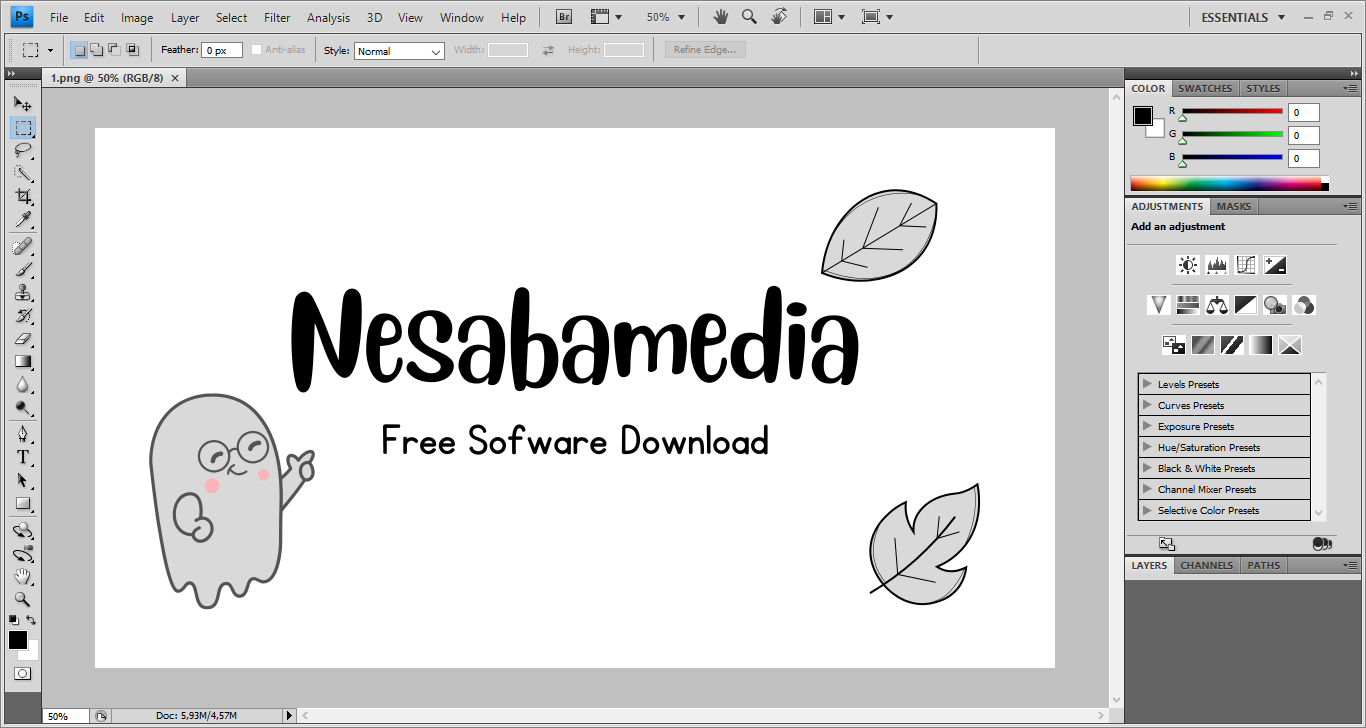
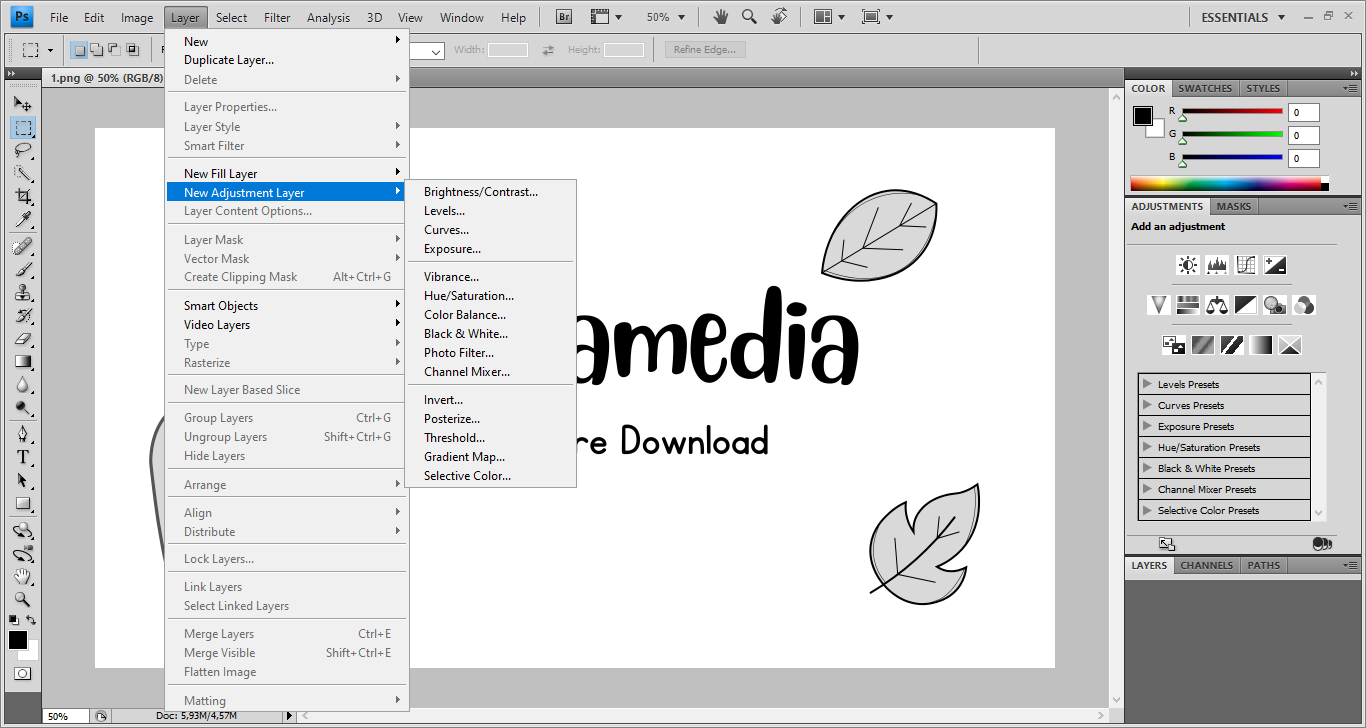
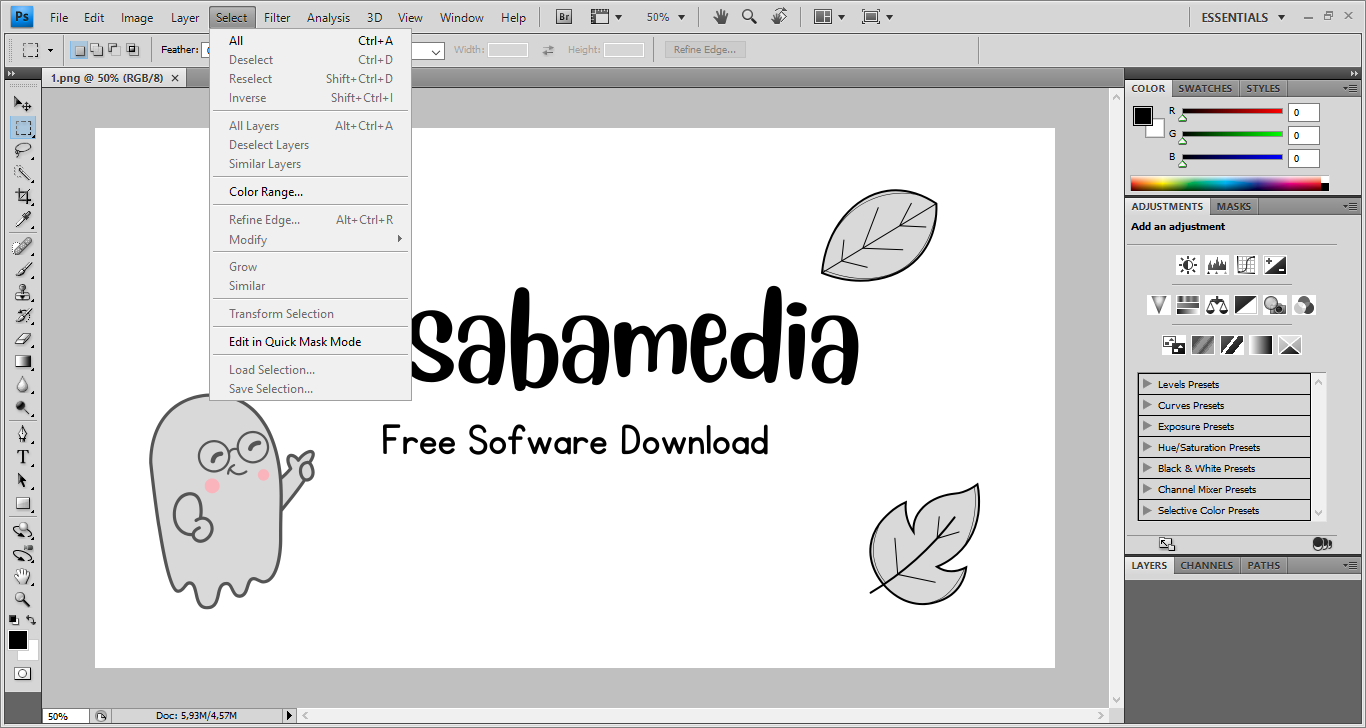
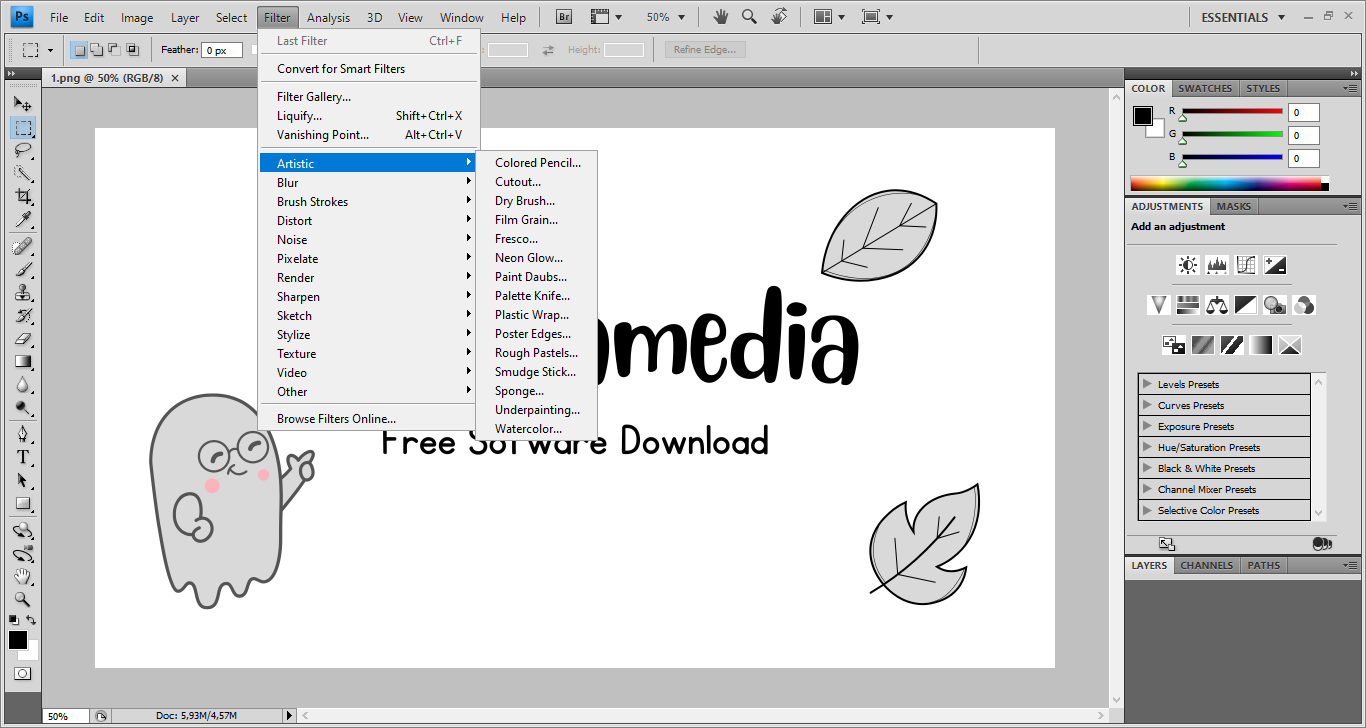
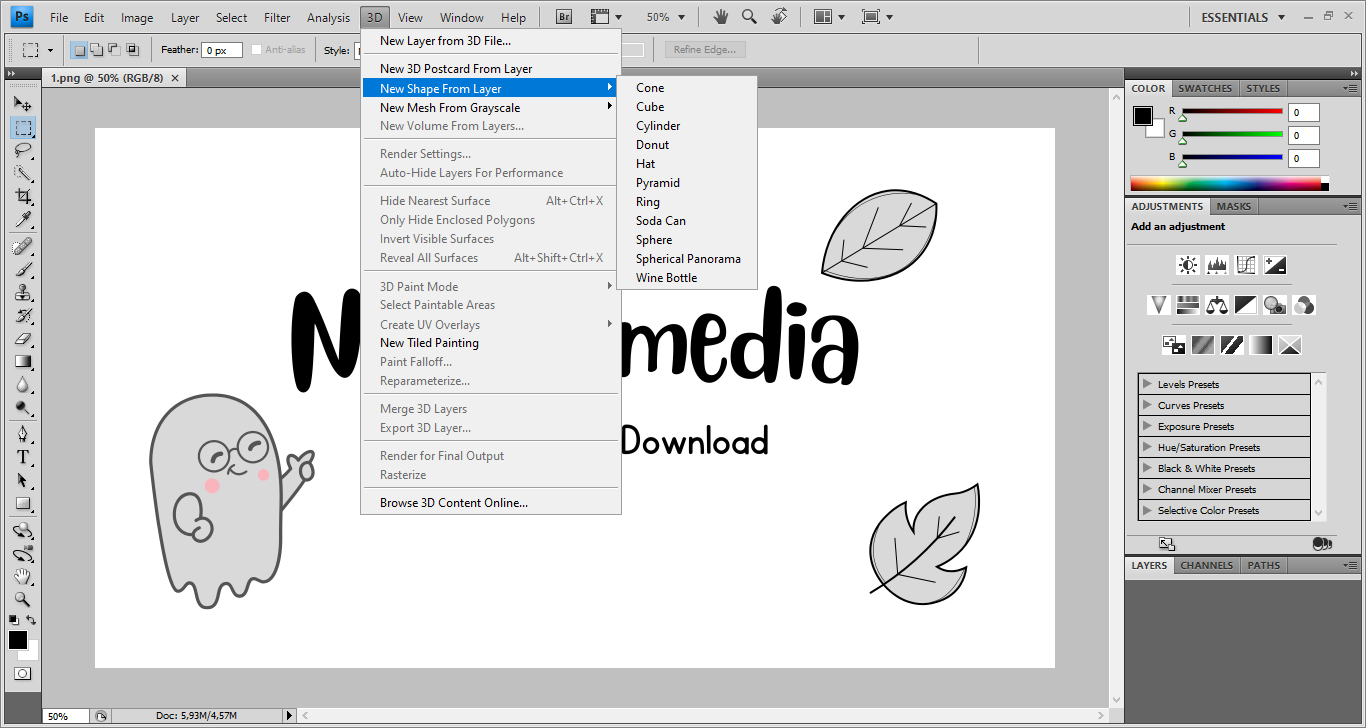
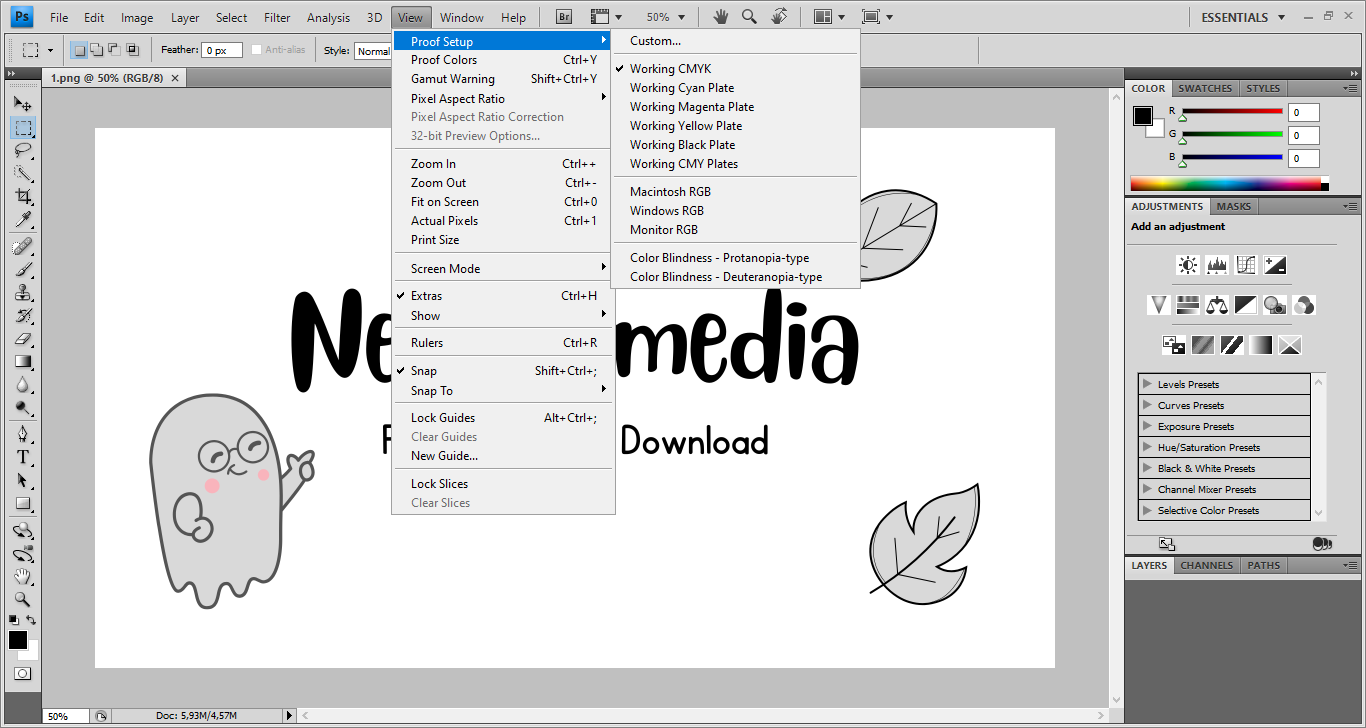
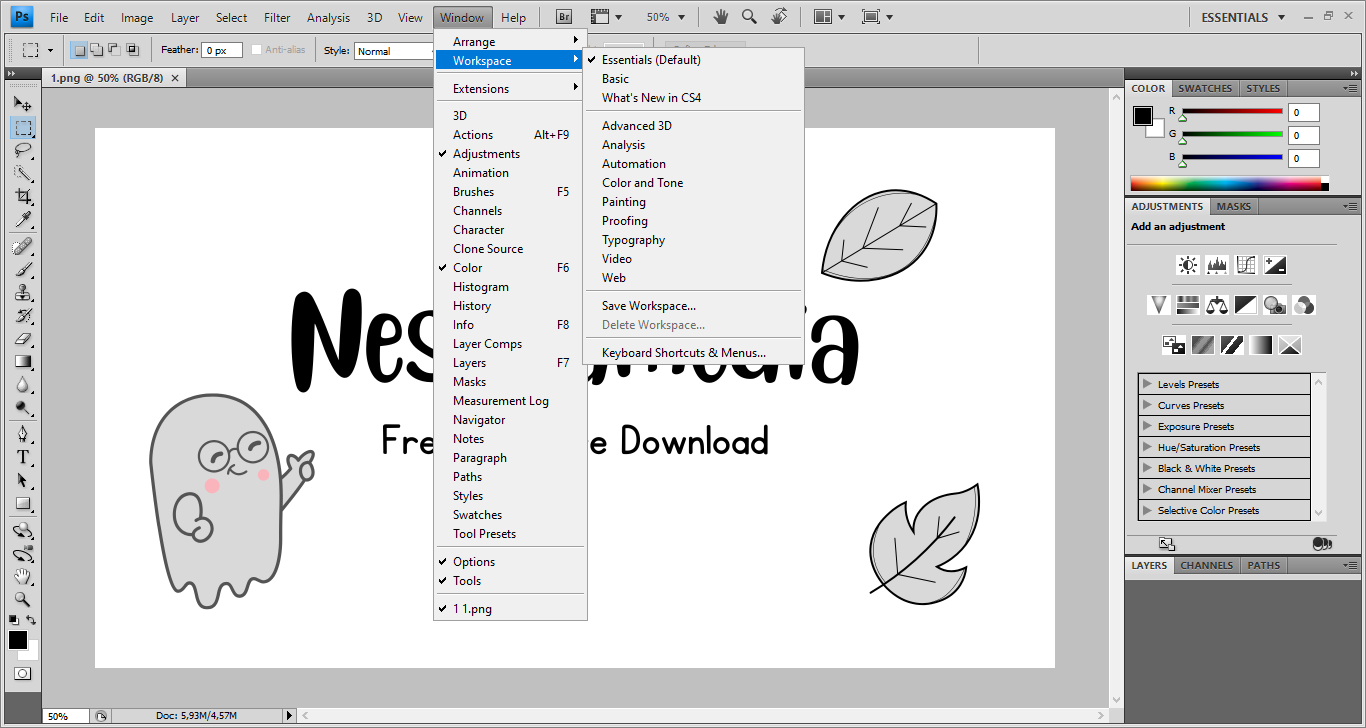
In a nonstop effort to make Photoshop easier to use, as well as to achieve consistency between Adobe’s products, some serious changes were introduced to the work environment of Adobe Photoshop CS4. The biggest change is perhaps the appearance of Application Frame.
This new UI element contains the entire workspace. When you minimize or close it, the Menu Bar is the only thing left on screen. When you open multiple images, each image is opened in separate tabs within Application Frame.
Application Bar, another new addition in Adobe Photoshop CS4, is also a part of Application Frame. It sits below the Menu Bar and houses a row of icons, some of which execute commonly used commands in a single click.
Among the icons, there is this button called Arrange Documents. When you click it, all sorts of options for arranging the image tabs are revealed. The first option, Consolidate All, allows you to view only a single image at a time while the rest are hidden until you click their tabs.
The second section of Arrange Documents is where you can find options to view all images at once in different layouts. The number of the images displayed simultaneously depends on the layout that you choose.
All of the features above are great, but perhaps the one that many users would be very excited about is Content Aware Scaling. It is basically a smart way to resize images. This feature makes it possible for Adobe Photoshop CS4 to prevent the vital elements of an image from getting distorted while you’re expanding or shrinking its dimensions.
When you need to resize an entire image, there are several interpolation methods to choose from. The one that you choose determines the quality of the resized image.
The interpolation methods include Nearest Neighbor, Bilinear, Bicubic Smoothers, Bicubic Sharper, and Bicubic, which is recommended to be used as the default method.
If you make mistakes when editing an image, you can undo whatever you did previously. But how the undo works in Adobe Photoshop CS4 may be a bit confusing and inconvenient when you need to undo multiple steps. Fortunately, there is History panel that lets you undo actions more easily.
Adobe Photoshop CS4 Free Download for Windows
Application Frame, Application Bar, tabbed documents, and Arranged Documents are parts of the features that make it easier to work with Adobe Photoshop CS4. And resizing an image is less of a hassle thanks to the innovation called Content Aware Scaling. You can click the link below to download Adobe Photoshop CS4 for Windows:

- App Name Adobe Photoshop CS4
- License Freeware
- App Name Adobe Photoshop CS4
- Publisher Adobe
- Updated
- Version: CS4
On our site you can easily download Adobe Photoshop CS4. All without registration and send SMS!