Adobe Photoshop CC 2021

- Windows: 7, 8, 10, 11
- Version: CC 2021
- Size: 2.62 GB
-
[Total: 0 Average: 0]
Dropped in October 2020, Adobe Photoshop CC 2021 brought a set of updates to make it stay on top of the competition. It’s not easy, considering its rivals have never stopped trying to overtake it by consistently adding features, refining existing features, and improving usability. Nevertheless, it managed to keep its position.
As always, the changes that came to Photoshop 2021 include some new and improved features, as well as some improvements that might look insignificant on their own but collectively they help users to work more efficiently.
Features and Highlights
For the first time ever, Photoshop lets you adjust facial expressions with just one click. By just using some sliders, you can make a photograph of a person look happy, grumpy, or sad. Even if your subject’s mouth is closed, Photoshop can open it and add teeth if you push a slider far enough, which might make some users get amazed while some others find it unsettling.
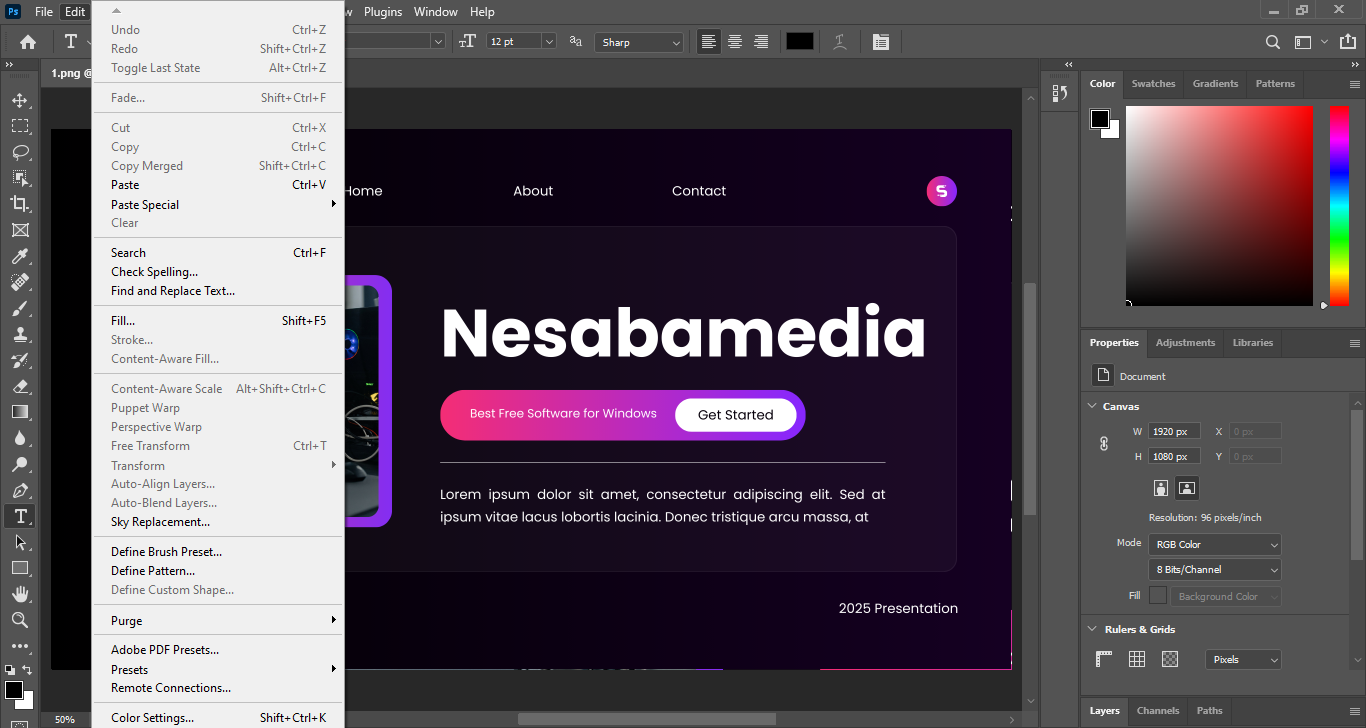
If you’re more into landscape photography, there is an impressive feature in Adobe Photoshop CC 2021. It’s called Sky Replacement. As the name suggests, what it does is basically replace the sky in your photo with a new one. You can replace it with another image of sky from your own collection or simply choose one of the options available and let Photoshop adjust the sky automatically.
Resetting smart objects is easier than before, allowing you to save more time when working with Photoshop 2021. Instead of taking multiple steps, all it takes to perform the task is a single click. This improvement might not be as spectacular as the Sky Replacement, but it adds up.
Also new to the 2021 version is the Discover panel that offers a revamped learning experience. Beginners would greatly appreciate it. Even those who have used it for sometime might find something new like a different method to get a task done. Not only does it put hands-on tutorials and articles in one central area but also include a search tool to find any relevant topic.
Next on the list of new features in Photoshop 2021 is Pattern Preview. If you’ve ever wanted to see how your design would look as a pattern, this tool is going to save you some time. It tiles your design automatically as soon as you click it, and it even updates the repeat in real-time as you make changes like adding another image to the tile.
Adobe Photoshop CC 2021 Free Download
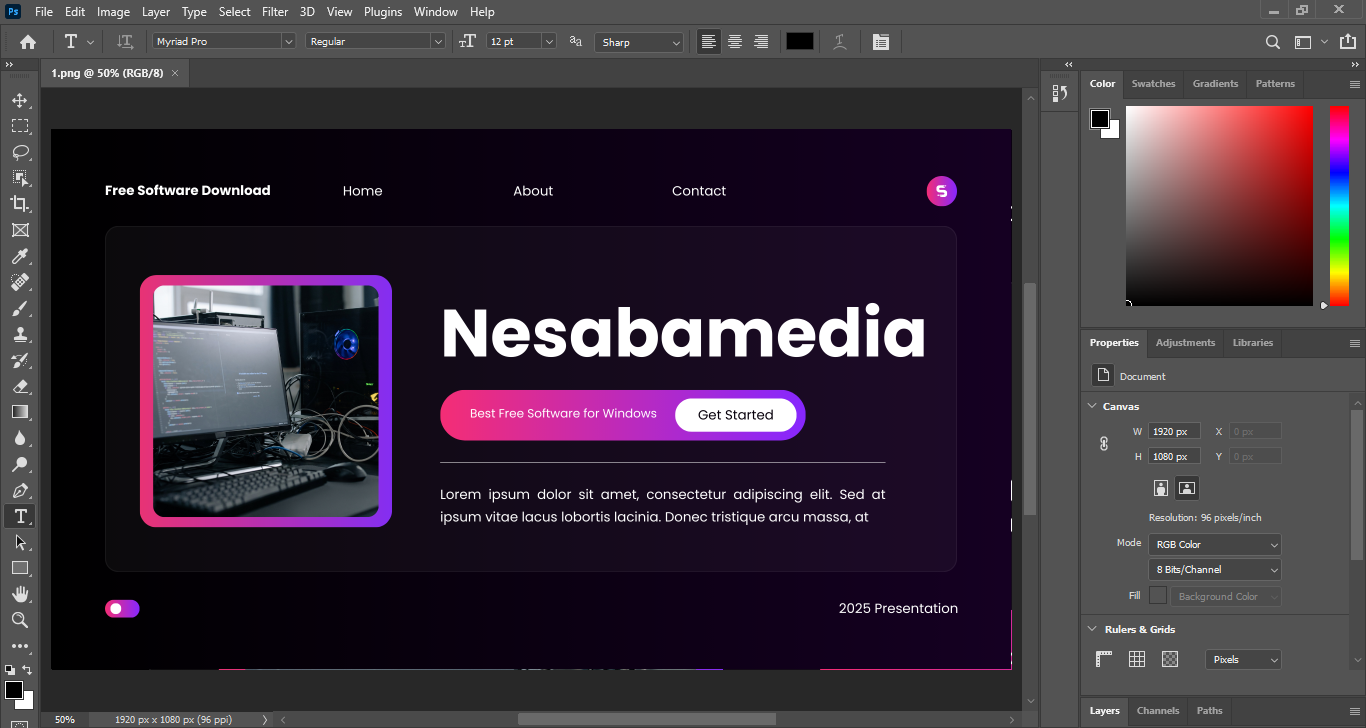
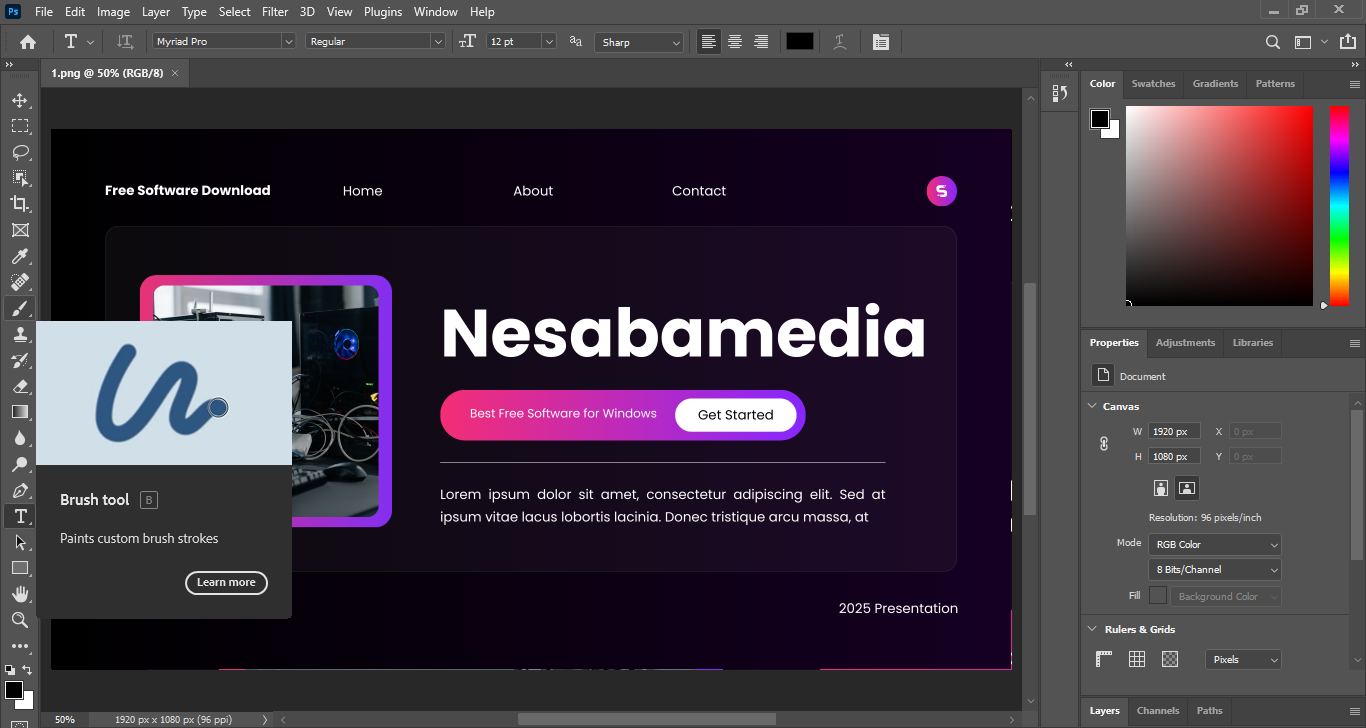
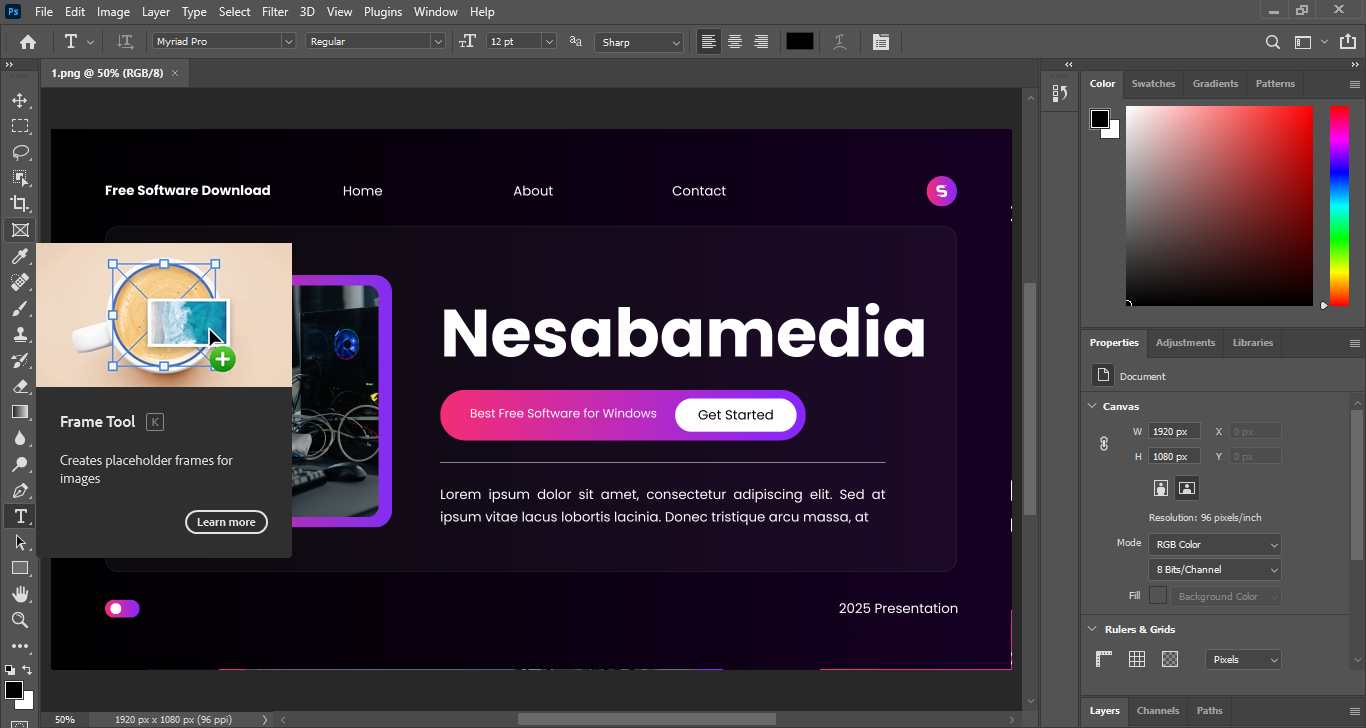
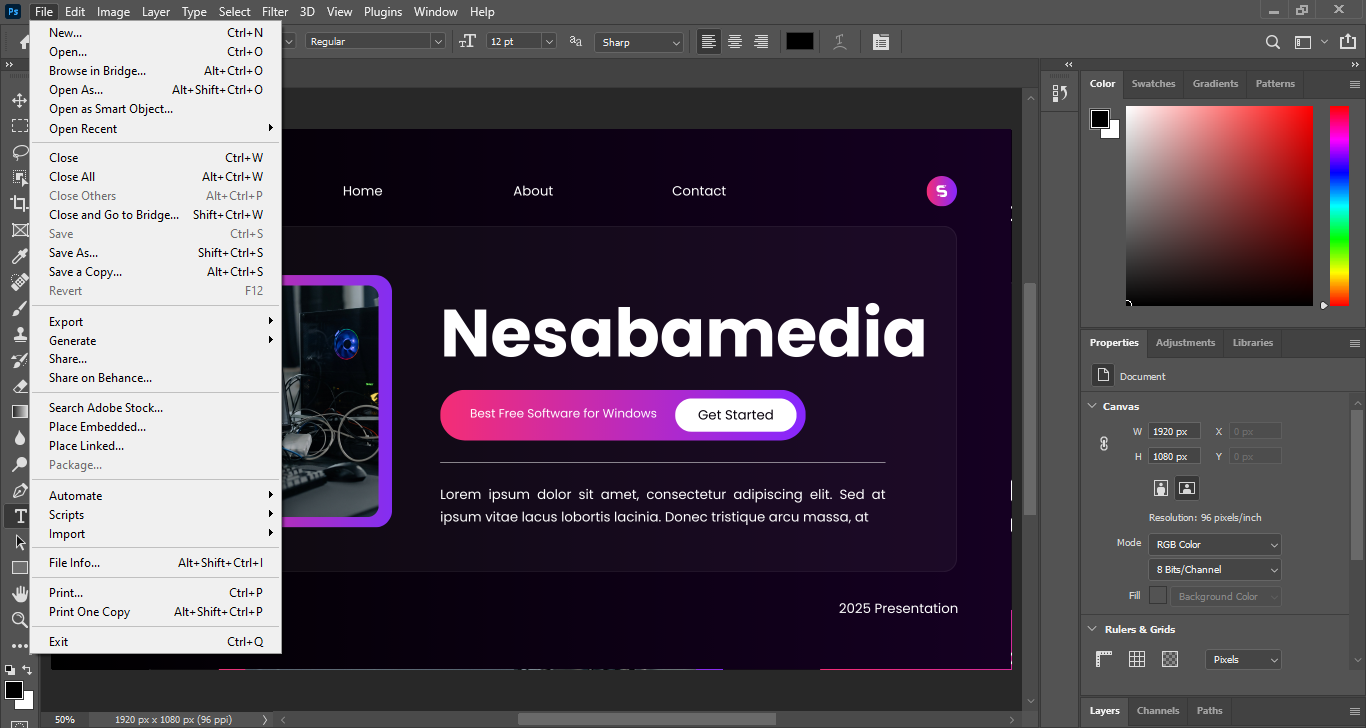
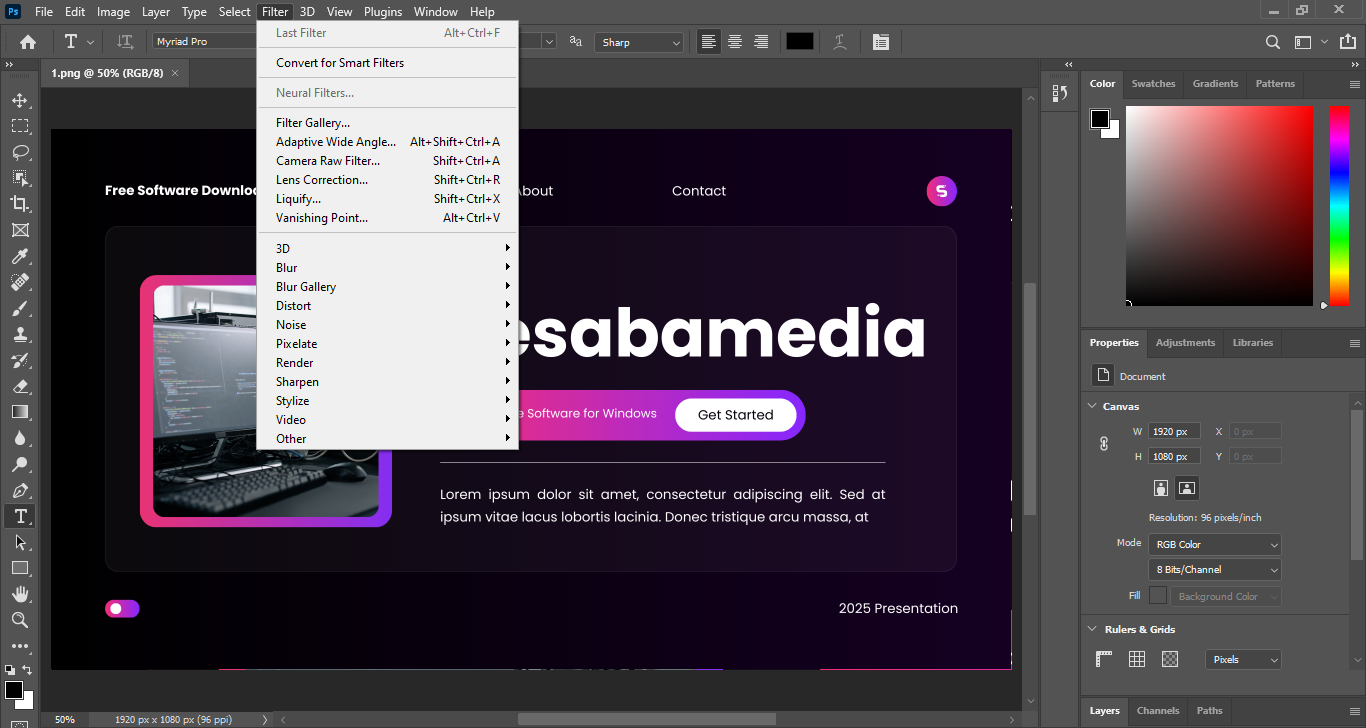
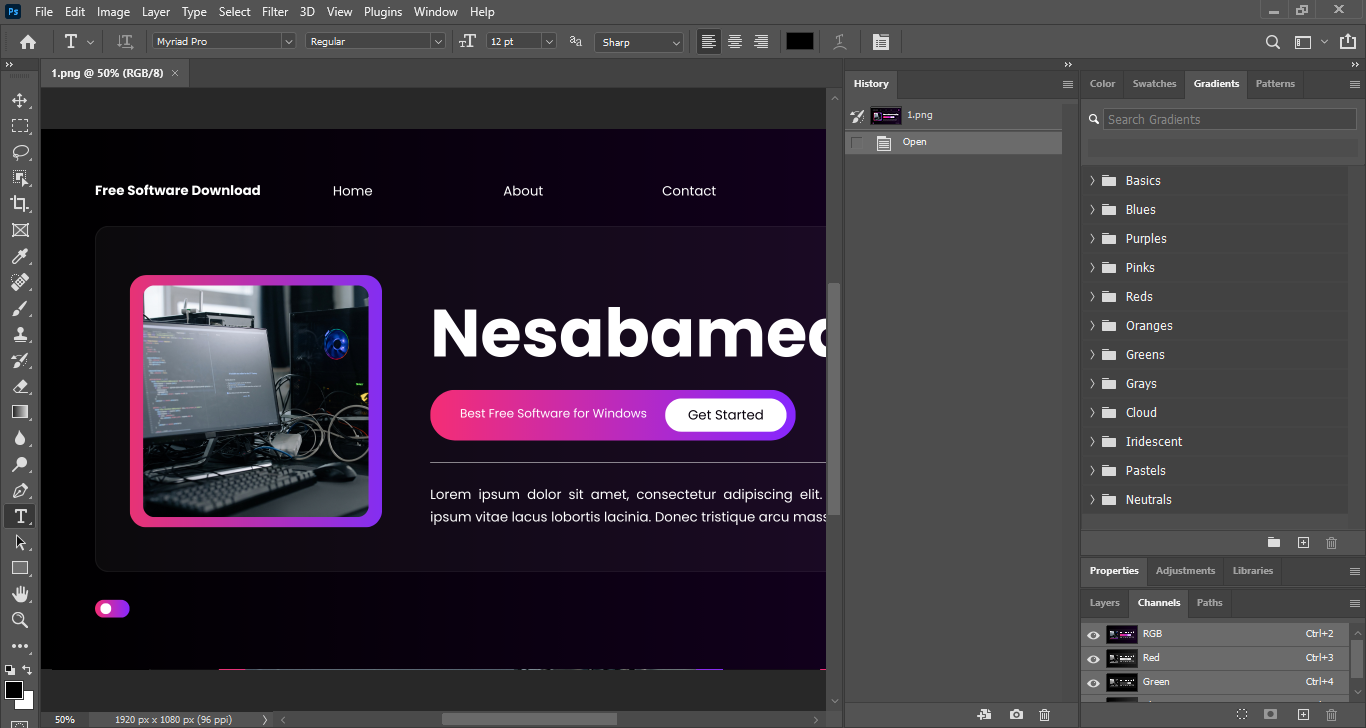
Even though this 2021 version has some serious changes, its user interface doesn’t change that much. It’s still an intuitive one, making it easy to navigate despite the overwhelming number of buttons and menus, coupled with dozens of panels that many of which are hidden to prevent them from cluttering the interface.
It’s also still a powerful photo editor that seems to be able to do just about anything, and oftentimes there is more than one way to get something done. You can click the link below to download Adobe Photoshop CC 2021 for Windows:
- App Name Adobe Photoshop CC 2021
- License Freeware
- App Name Adobe Photoshop CC 2021
- Publisher Adobe
- Updated
- Version: CC 2021
On our site you can easily download Adobe Photoshop CC 2021. All without registration and send SMS!