Adobe Photoshop CC 2020

- Windows: 7, 8, 10, 11
- Version: CC 220
- Size: 2.04 GB
-
[Total: 1 Average: 5]
It has been around six years since Adobe Photoshop CC 2020 was released. It’s not the latest version, but it’s not that old either. People can still edit photos and create amazing digital arts. The graphic design software offers more than enough tools to explore your creativity. In fact, there are so many features that it can take beginners quite some time to become familiar with all of them.
Everyone knows Photoshop has been the top editing tool for ages, but that doesn’t mean it has stopped evolving. The CC 2020 release proves that even with so many features already tucked in, there is always room to polish things up and make the existing tools more powerful or just easier to handle.
Features and Highlights
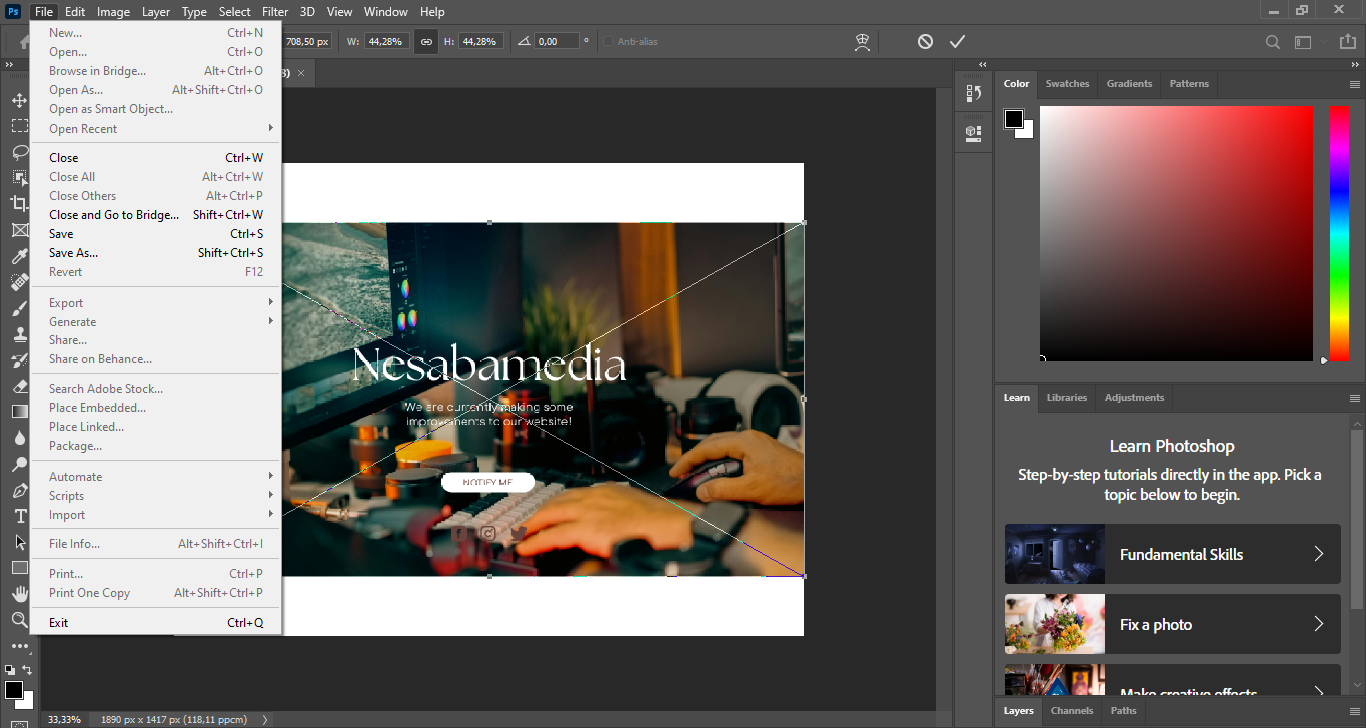
The File > New dialog in Adobe Photoshop 2020 is slightly faster than the 2019 version. It used to be a bit of a drag, taking a full 2 seconds to pop up, but now it clocks in at a lightning-fast 0.13 seconds. This tiny bit of time might seem like a small detail to a casual user, but it might make a world of difference for users who sometimes need to open multiple new documents in a session.
Content Aware Fill is now roughly 12 percent faster, and it gives you more control over which areas of a layer are to be used as the source. The same goes for Lens Blur, running several times quicker than before. On top of that, the general way the program handles compositing has seen a slight bump in speed and tweaked in such a way to allow for much larger performance gains in future updates.
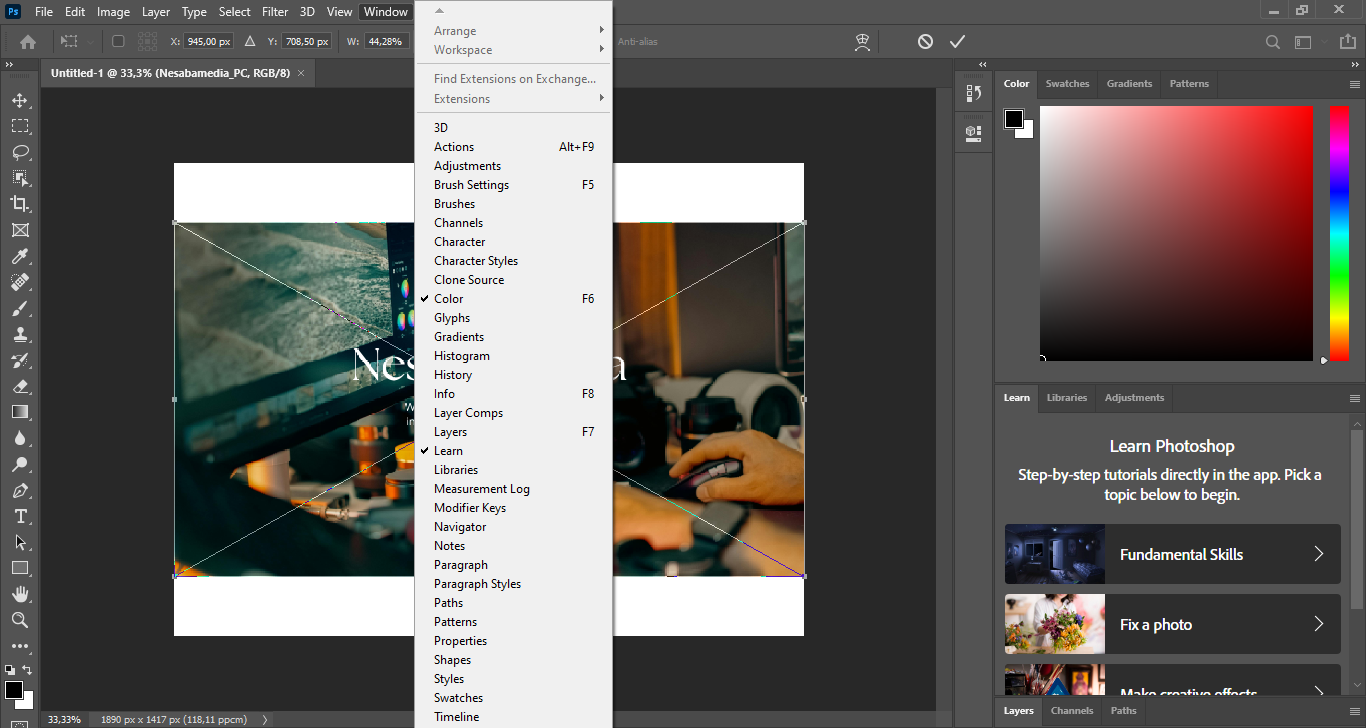
You can also fly through common tasks thanks to new Quick Actions and refined menus that make the interface much more helpful. These shortcuts help you work twice as fast as you could in Photoshop 2019, with some specific actions seeing a 4x speed increase.
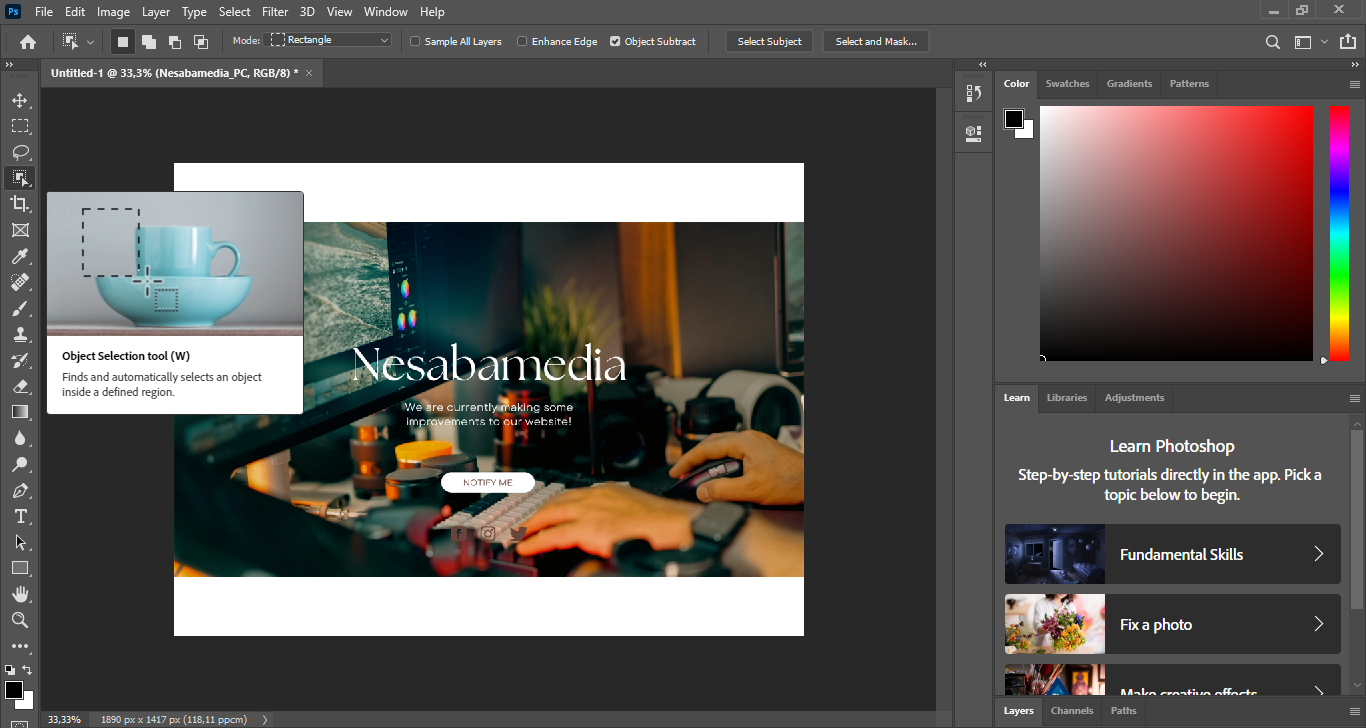
One of the most exciting changes is perhaps the Object Selection tool, which is built to make the selection process faster and more practical. It offers two modes, rectangle and lasso, so you can choose how you want to approach an object in your image. Rather than carefully tracing edges from the start, you simply drag over an area and let Photoshop determine the object within it.
Adobe Photoshop CC 2020 Free Download for Windows
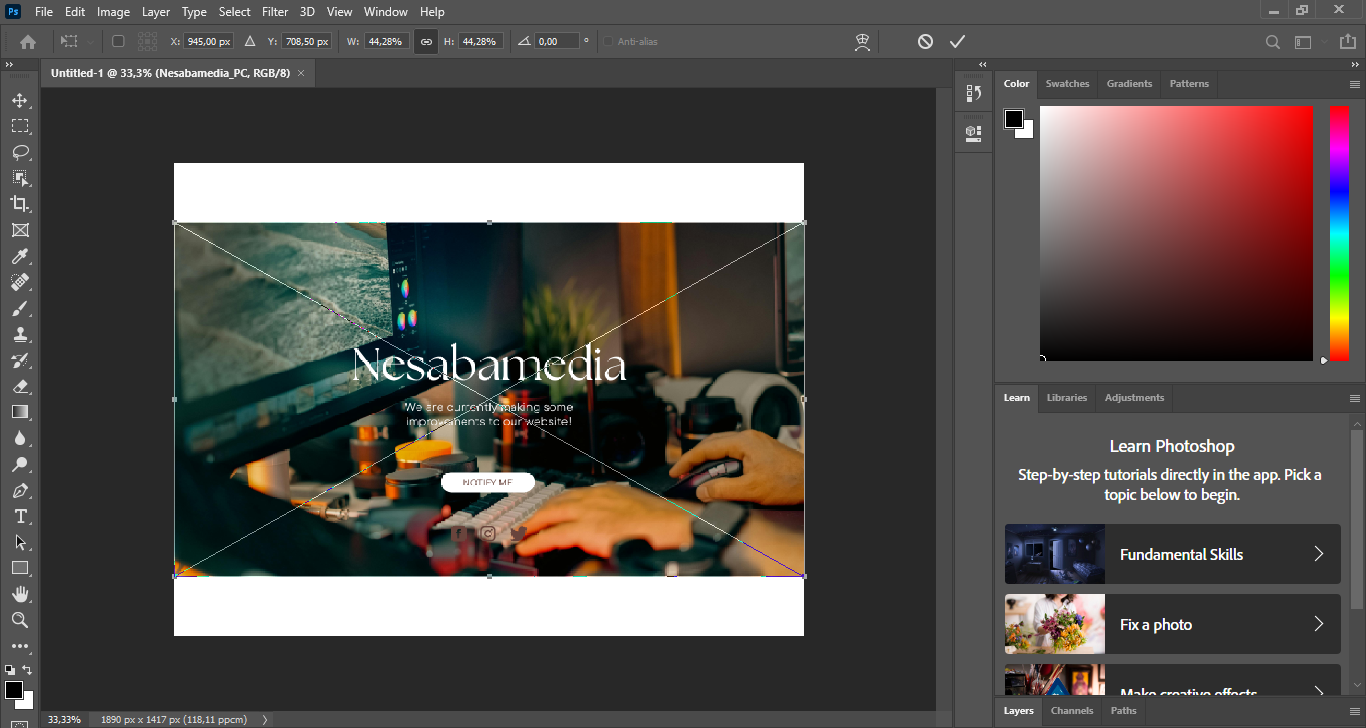
Adobe has made improvements across several areas of the user interface with the goal of making Photoshop easier and more efficient to use, but there is no need to worry about major visual changes since the overall layout and look of the interface remain very familiar. In fact, during regular day to day use, you might not even notice that anything has changed at all.
However, once you spend some time exploring the updates, you may find more shortcuts for common editing tasks that will help improve your workflow. You can click the link below to download Adobe Photoshop CC 2020 for Windows:
- App Name Adobe Photoshop CC 2020
- License Freeware
- App Name Adobe Photoshop CC 2020
- Publisher Adobe
- Updated
- Version: CC 220
On our site you can easily download Adobe Photoshop CC 2020. All without registration and send SMS!