Adobe Photoshop 7.0

- Windows: 7, 8, 10, 11
- Version: 7.0
- Size: 415 MB
-
[Total: 1 Average: 5]
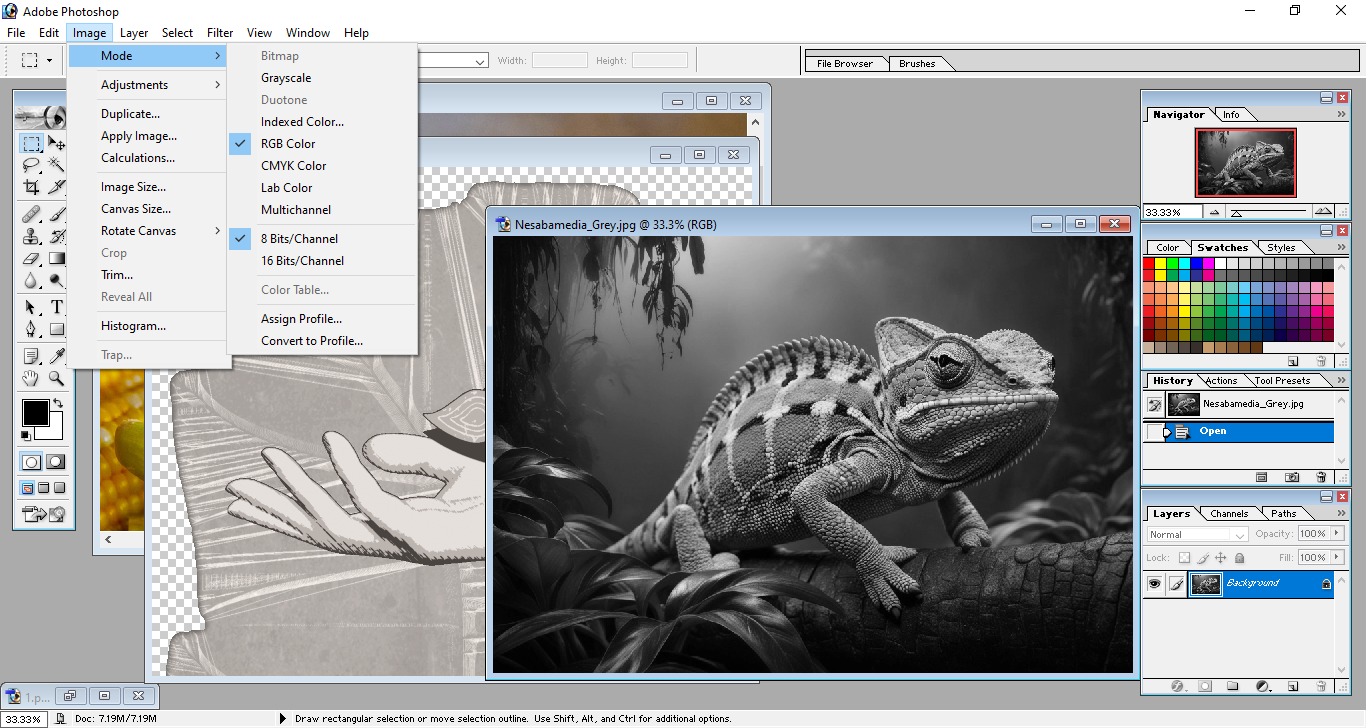
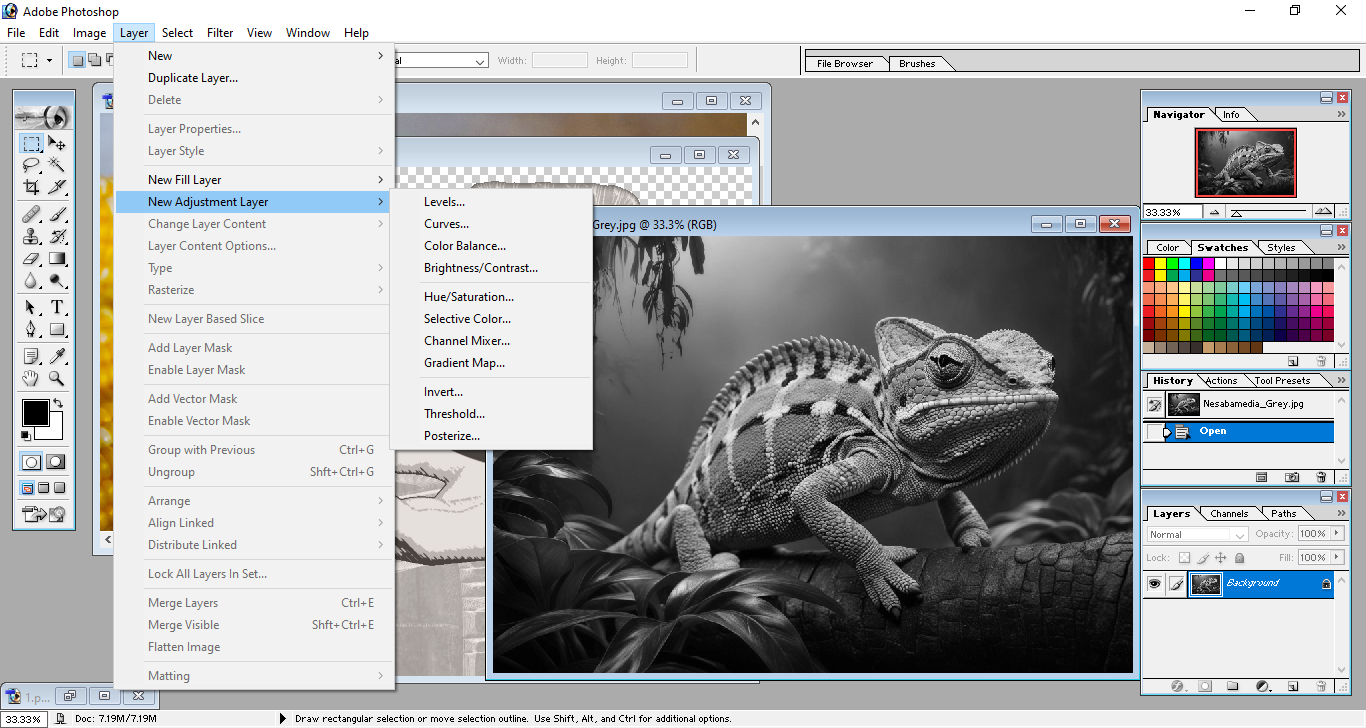
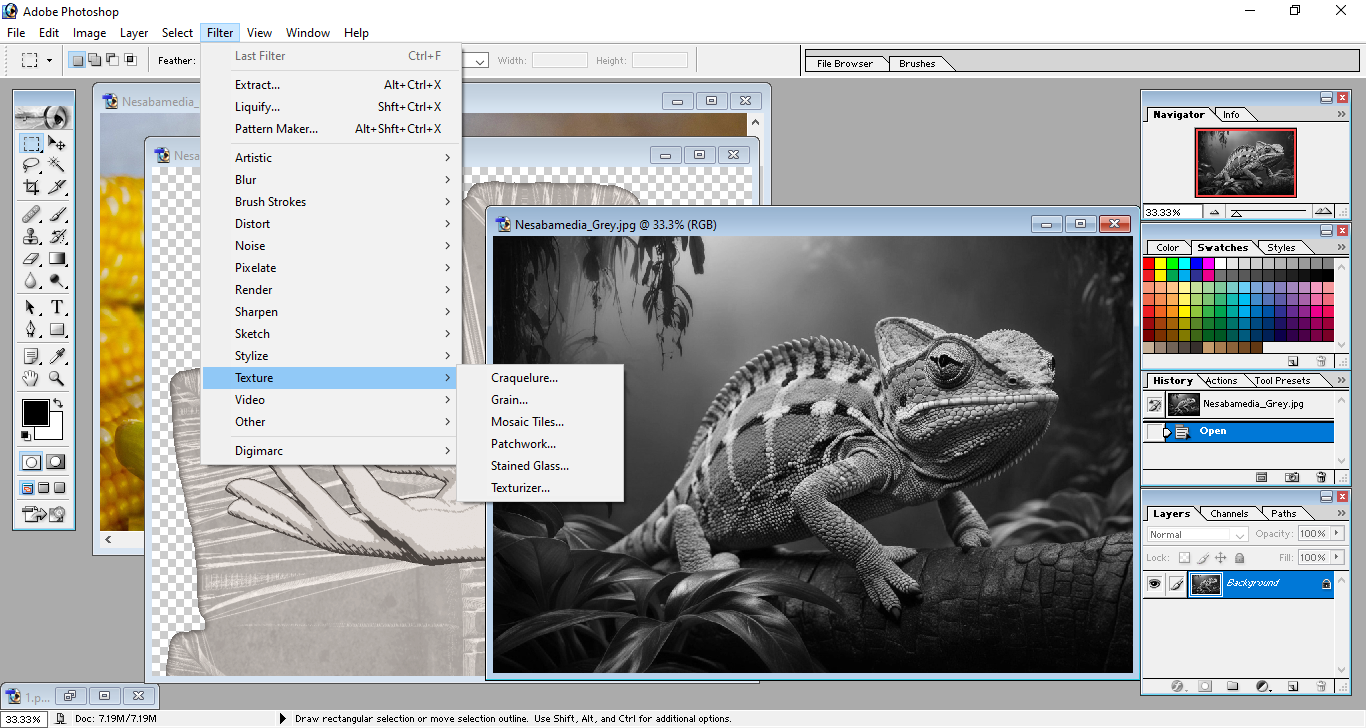
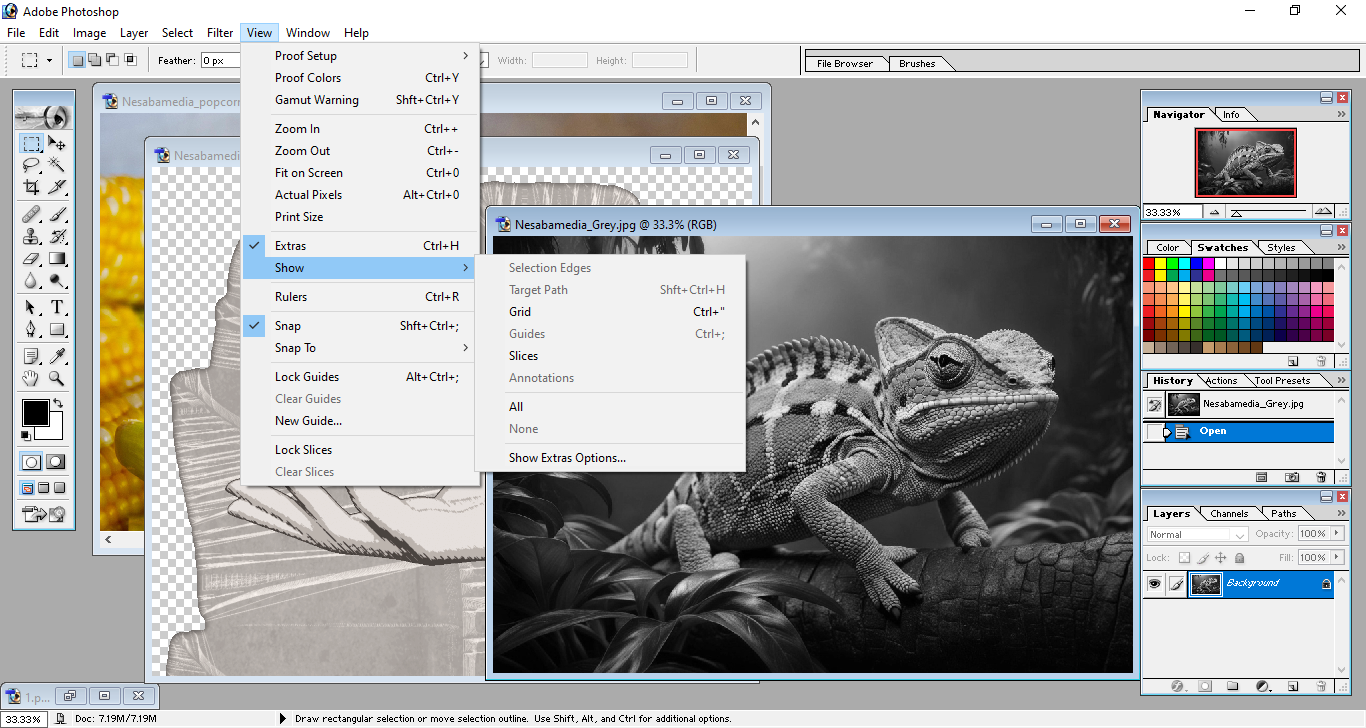
Adobe Photoshop 7.0 is one of those older versions whose naming schemes is based on version numbers. It is a professional image editing packed with a vast amount of tools to transform your images into amazing digital arts as efficiently as possible.
It has nearly all kinds of tools to meet every creative challenge. And just like every version Adobe has ever released, it has a number of notable features that some of which aren’t available in its predecessors.
Features and Highlights
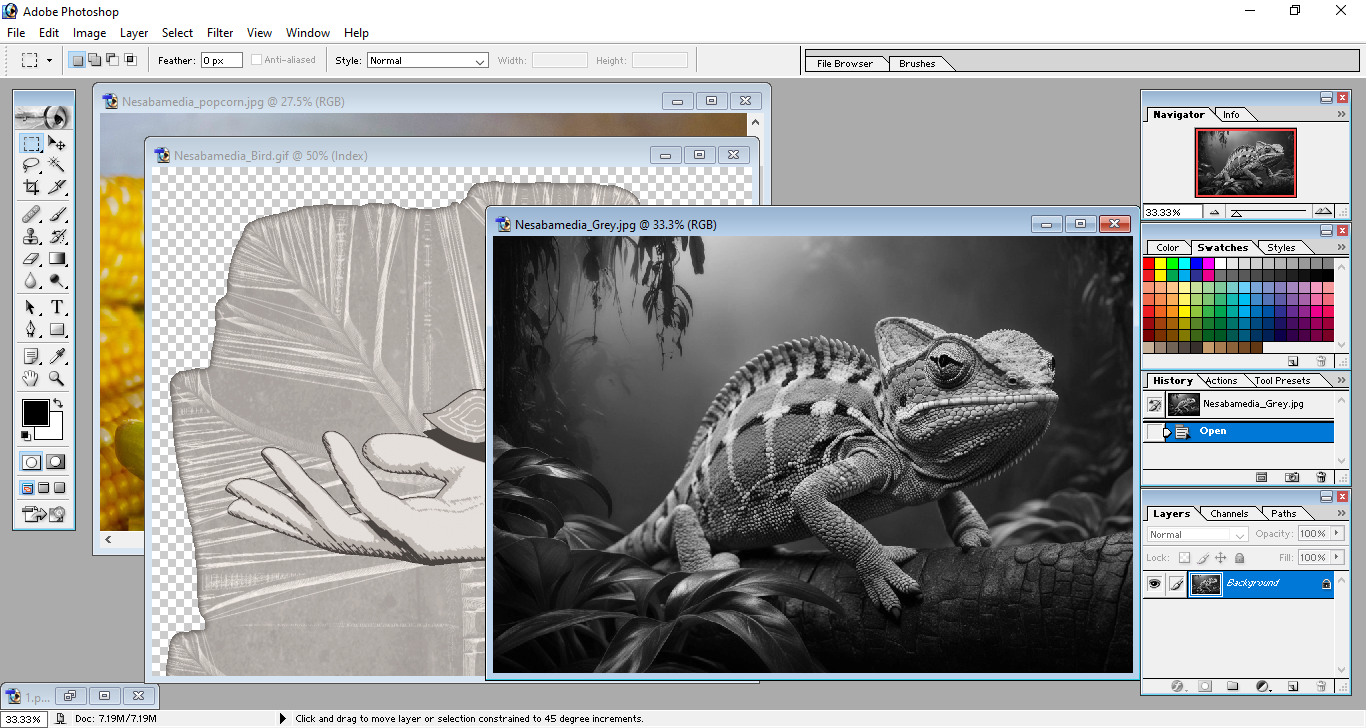
File Browser
Adobe Photoshop 7.0 has File Browser that lets you perform a number of file management tasks on your images such as renaming, deleting, and moving them to a new folder. It’s like a simplified version of File Explorer.
Each image in the browser can be displayed as a thumbnail and has individual information that includes width and height, resolution, color mode, file format, date created and modified, and so on.
Healing Brush
Healing Brush is one of the notable features in Adobe Photoshop 7.0. With just this single tool, you can correct many kinds of imperfections. It works similarly to how the cloning tools works, and that is by using sampled pixels from an image. However, the healing is done in such a way that doesn’t compromise the natural look of the repaired image.
Workspace
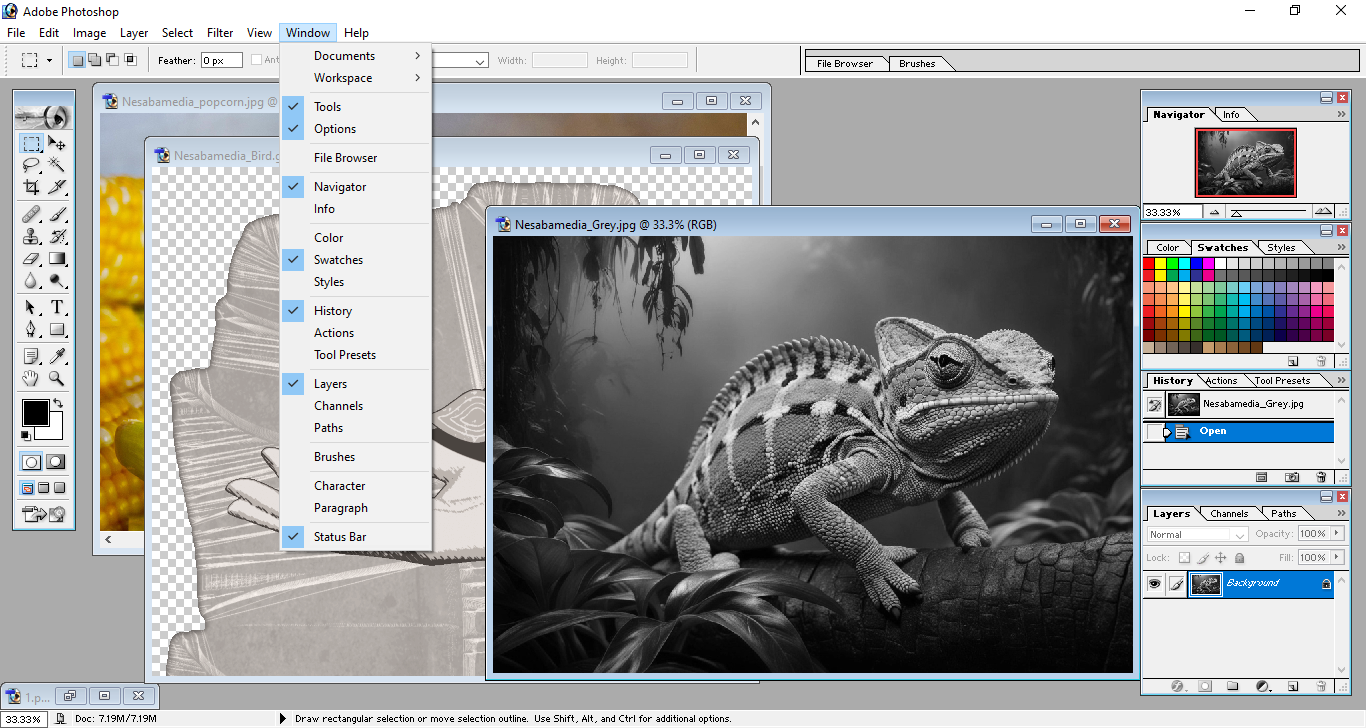
You can create and save layouts as custom workspaces. One for photo retouching, another for painting, and another for a different task. By creating workspaces for specific tasks, you can complete the tasks more quickly. And if you want to switch between workspaces more quickly, you can make use of the Action functionality to assign a hotkey to perform the switch.
Tool Presets
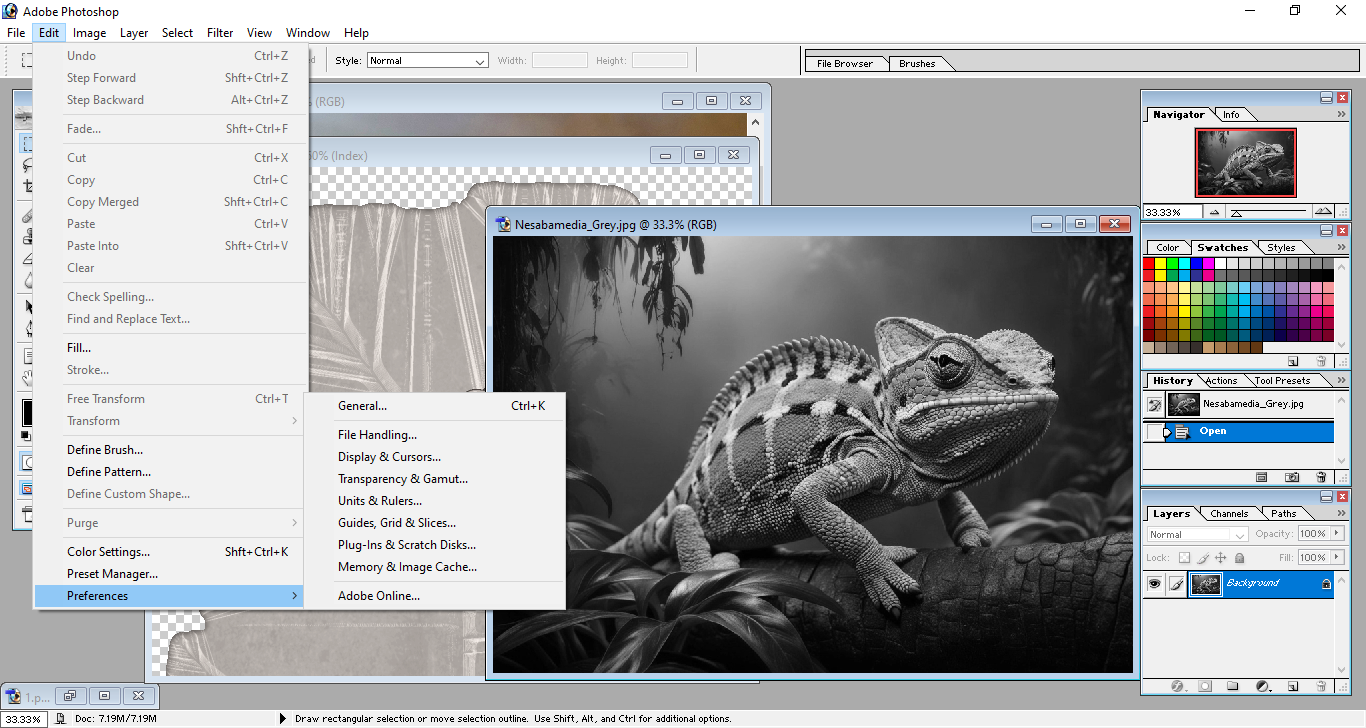
It’s not just the workspaces that you can customize. Tools can be customized too and saved as custom tool presets. They are collected in one place so that you can view them conveniently. By saving them as presets, you don’t need to reconfigure the settings every time you use a particular tool.
Weighted Optimization
Weighted Optimization is an image optimization technique that gives you control over which areas of the image that the quality should be preserved or sacrificed. This makes it possible to compress images as aggressive as possible without harming the critical areas of an image.
Brushes
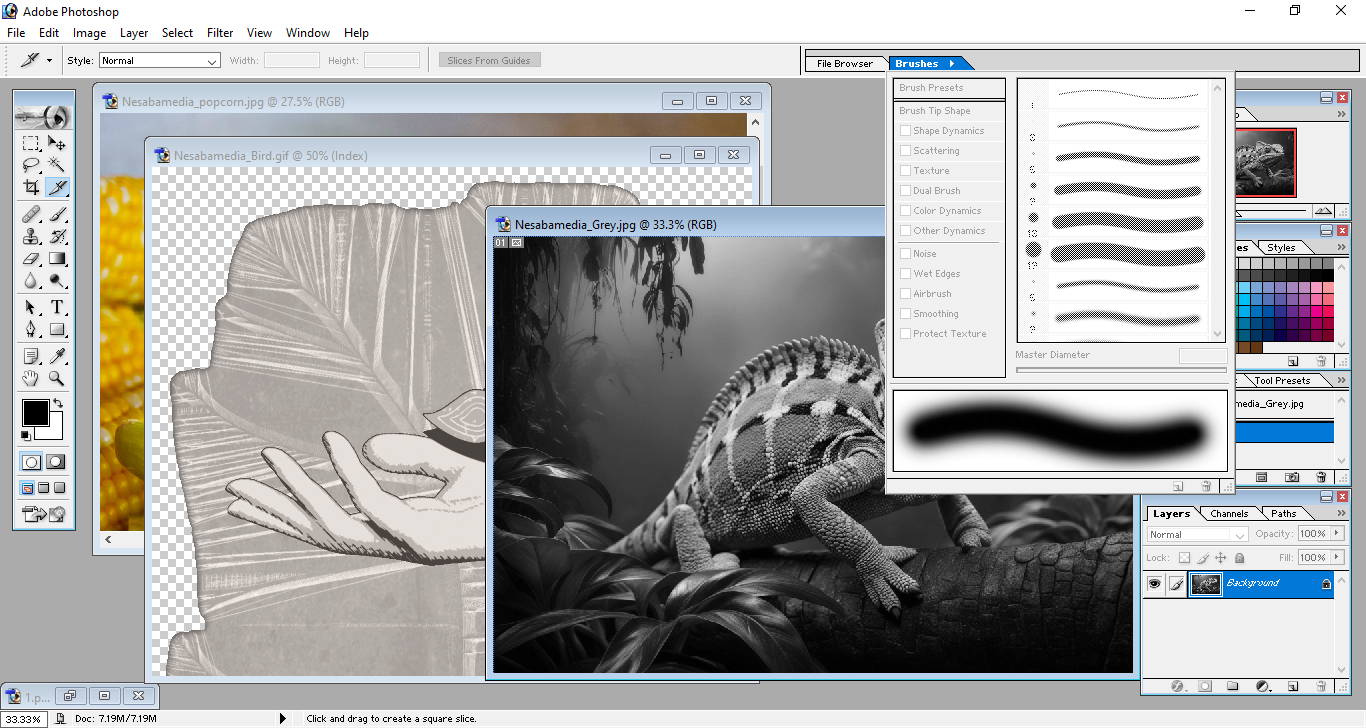
A variety of preset brushes are available in Brushes palette, which is a place where you can also create your own brushes, including dual brushes that use two tips. You can view all brushes either as thumbnails or a list in the palette. Every brush that you customize as a preset brush also appears in the Preset Manager and Brush pop-up palette in addition to the Brushes palette.
Adobe Photoshop 7.0 Free Download for Windows
The biggest advantage of using Adobe Photoshop 7.0 is its system requirements which are much lower than those of the latest version. However, as a software that is no longer officially supported, it may or may not work on your operating system.
Some users reported that it could be installed on Windows 10 and Windows 11, but your experience may vary. You can click the link below to download Adobe Photoshop 7.0 for Windows:


- App Name Adobe Photoshop 7.0
- License Freeware
- App Name Adobe Photoshop 7.0
- Publisher Adobe
- Updated
- Version: 7.0
On our site you can easily download Adobe Photoshop 7.0. All without registration and send SMS!