Adobe Photoshop 2020

- Windows: 7, 8, 10, 11
- Version: 21.0.3.91
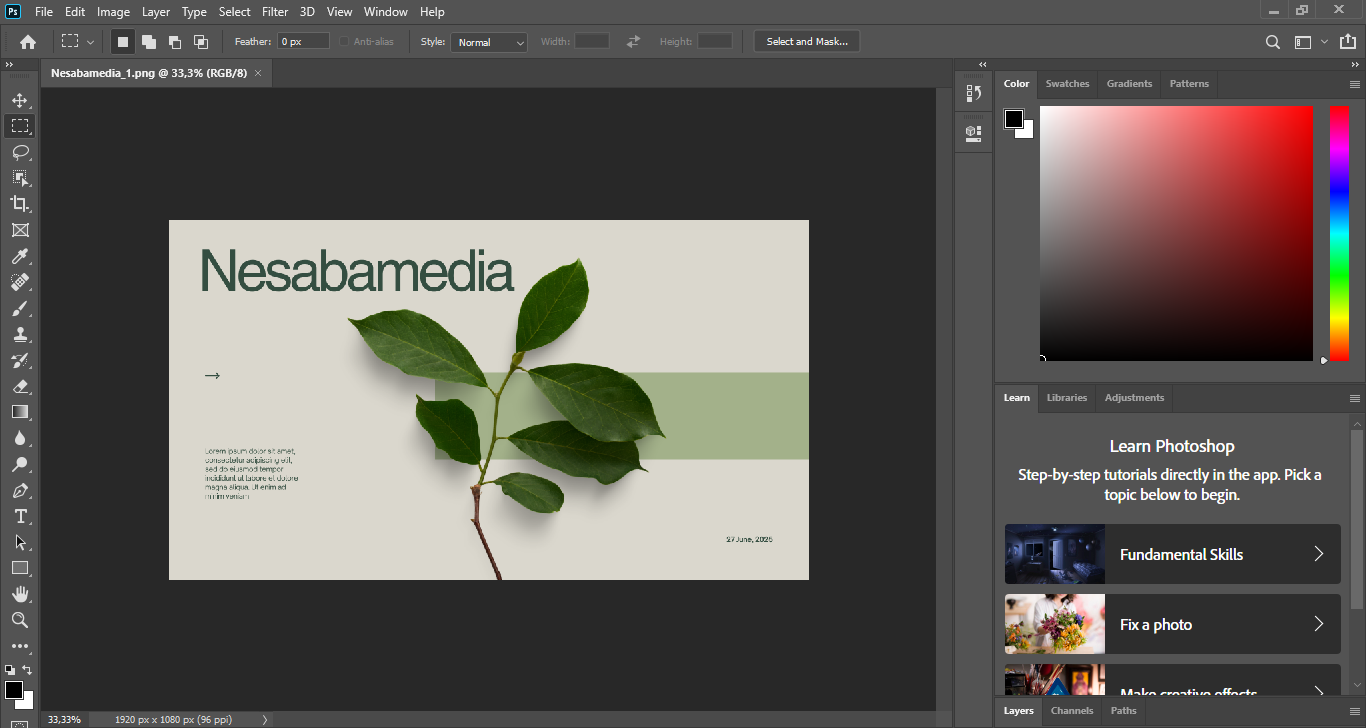
Officially hitting the market in November 2019, Adobe Photoshop 2020 continued to be the king of photo editors by bringing in more features to the table, with some being completely new while the rest were improvements of the existing ones. Photoshop has been the industry standard since long before, but it keeps getting better with every release, and this 2020 version makes it even more powerful.
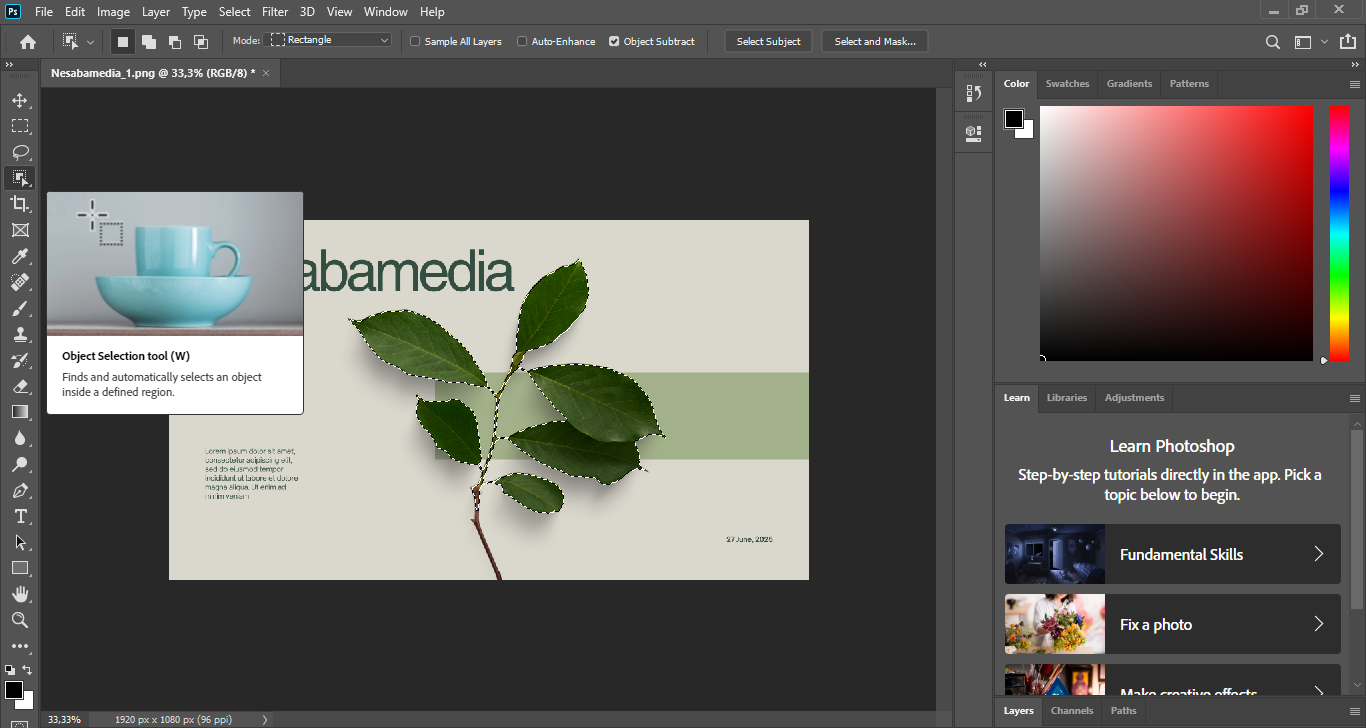
This specific update leans heavily into Adobe Sensei, which is their fancy way of saying AI is doing the heavy lifting now. Whether it’s the brand new Object Selection tool that saves you from tedious manual masking or the improved Content Aware Fill that actually understands what it’s looking at, the focus is on how to do more complex work in fewer steps.
Features and Highlights
Back in the day, users had to spend a lot of time selecting objects in an image because every step had to be done manually. With Adobe Photoshop 2020, things took a turn for the better since it came with a smart tool called Object Selection.
If you, let’s say, need to select every single leaf of a plant image, you just choose one of the selection tools to drag over the leaves and they will be selected automatically, while the rest of the picture is left untouched. For simple pictures, using the rectangle selection tool is the easiest way. For more precision, the lasso selection tool allows you to draw freehand over the objects.
The other improvement came to the warp function. For years, Photoshop has allowed users to warp objects, but the capability was pretty limited. In the 2020 version, Adobe added not only new warp grid presets and custom grid sizes but also the ability to add custom control points and grid lines. This allows users to do a lot more with the tool, like transforming different parts of an image or wrapping textures onto objects. Anyone who warps objects a lot might find this one of the game-changer improvements that makes the upgrade worth it.
Content Aware Fill is also refined. As we all know, it’s used to fill areas. Unlike before, which fills based on the targeted layer, Photoshop 2020 gives you another option for the tool to fill based on data from all visible layers. The other options available are Rectangular, which uses the surrounding area of the selection as the sampling area, and Custom, which lets you choose the sampling area. There is even an Auto mode that uses the AI to intelligently pick which pixels to use, giving you way more control over the final look.
Adobe Photoshop 2020 Free Download for Windows
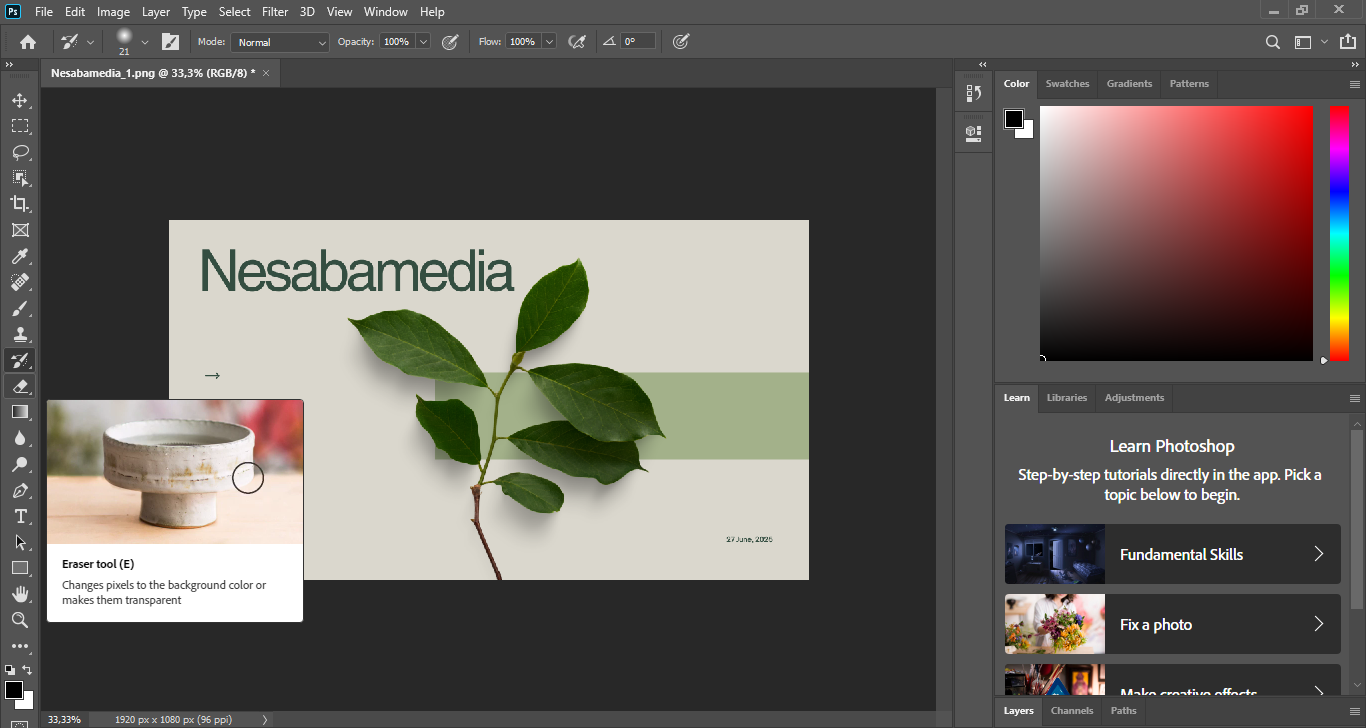
Not all features are refined in terms of functionality. The crop tool, which is often used to crop distractions, still has the same set of features just like before. However, there is a bit of a fancy vibe to the tool now, which might slightly improve the overall usability for the user. While the mechanics haven’t changed much, the updated look and feel make the tool more pleasant to work with.
To sum it up, the 2020 version is another step forward for Photoshop to become an even more powerful photo editor and graphics design tool, staying on top of its persistent rivals. You can click the link below to download Adobe Photoshop 2020 for Windows:
- App Name Adobe Photoshop 2020
- License Freeware
- App Name Adobe Photoshop 2020
- Publisher Adobe
- Updated
- Version: 21.0.3.91
On our site you can easily download Adobe Photoshop 2020. All without registration and send SMS!