Adobe Illustrator CC 2022

- Windows: 7, 8, 10, 11
- Version: 26.5.0.223
- Size: 1.89 GB
-
[Total: 1 Average: 5]
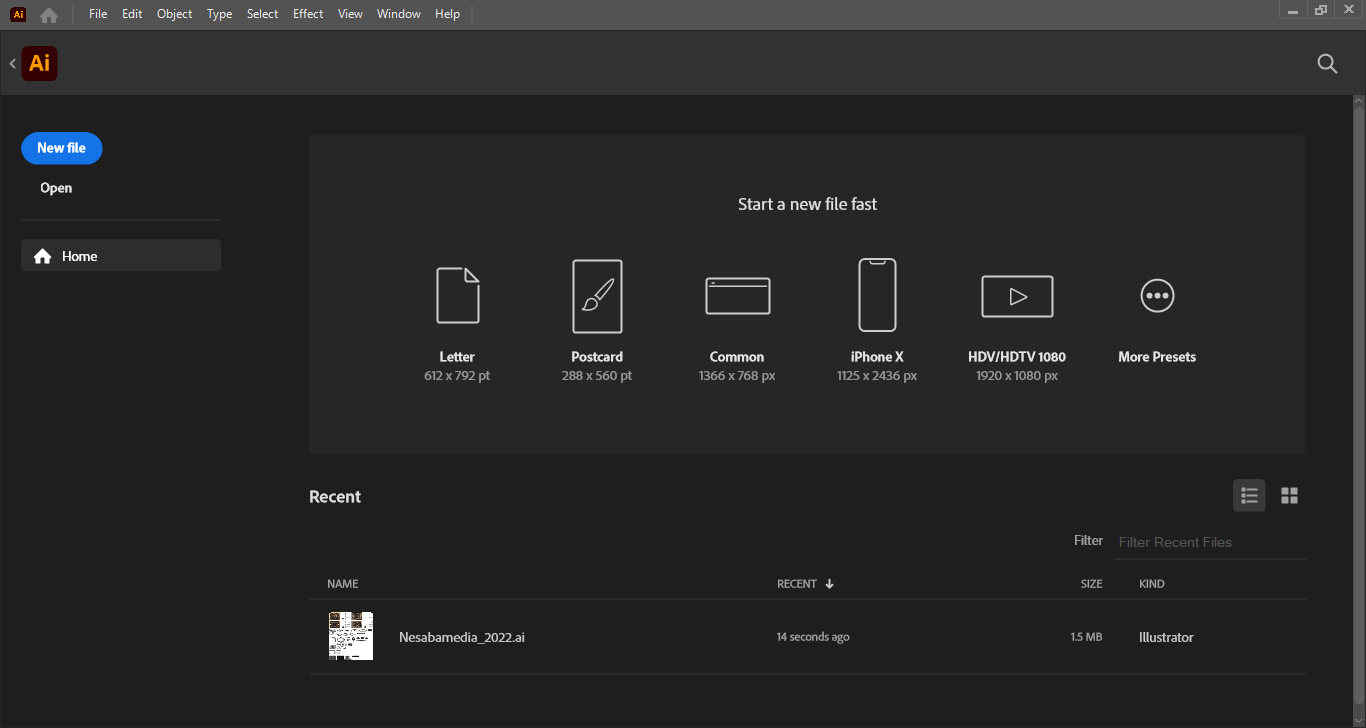
Adobe Illustrator CC 2022 is the 26th major version of the software, released for the first time in October 2021. It was then followed by a series of minor releases until it stopped at version 26.5. All of these releases combined bring more appealing features to entice users who use previous versions to upgrade and attract new users.
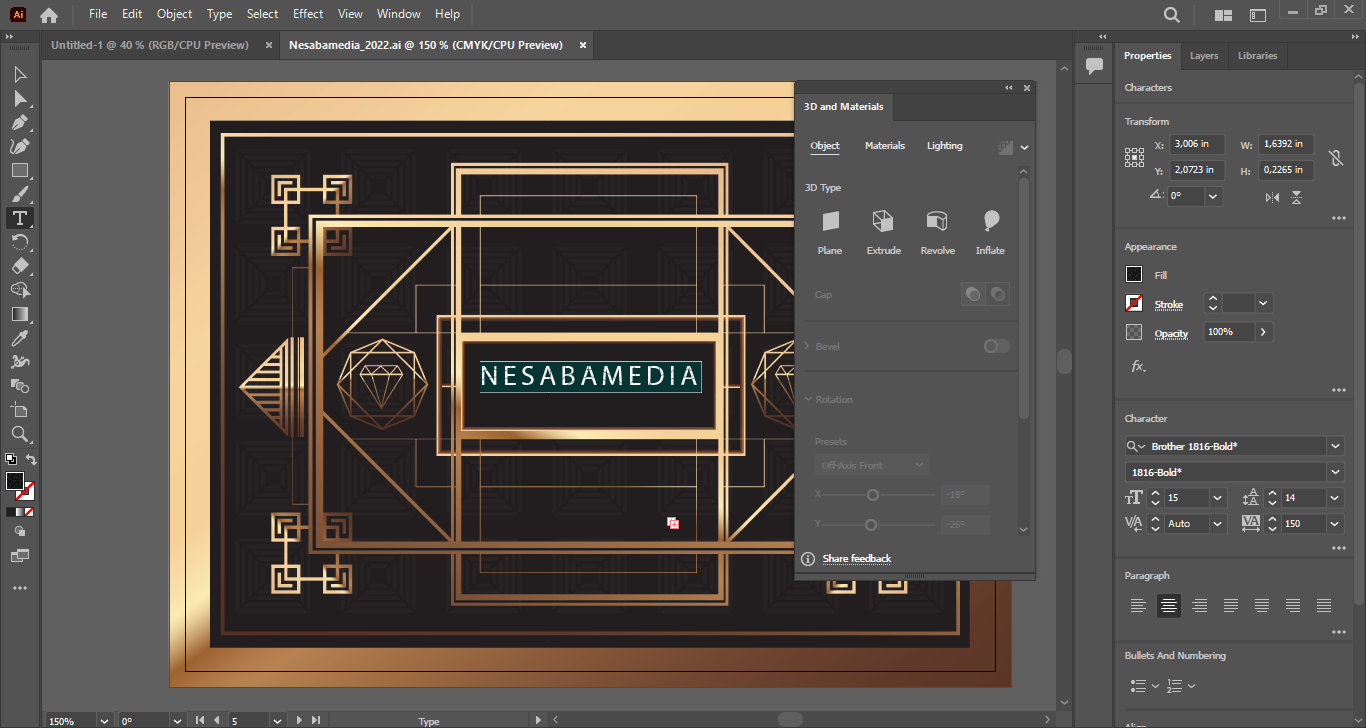
Some features are new, some others are tweaked to improve its capability or usability, and there are also several existing features that have been made easier to reach when you need to use them like Rotate, Inflate, Extrude, and Revolve, which have been grouped into a unified 3D and Materials panel along with pre-made, physically-based 3D textures known as Adobe Substance Materials.
Features and Highlights
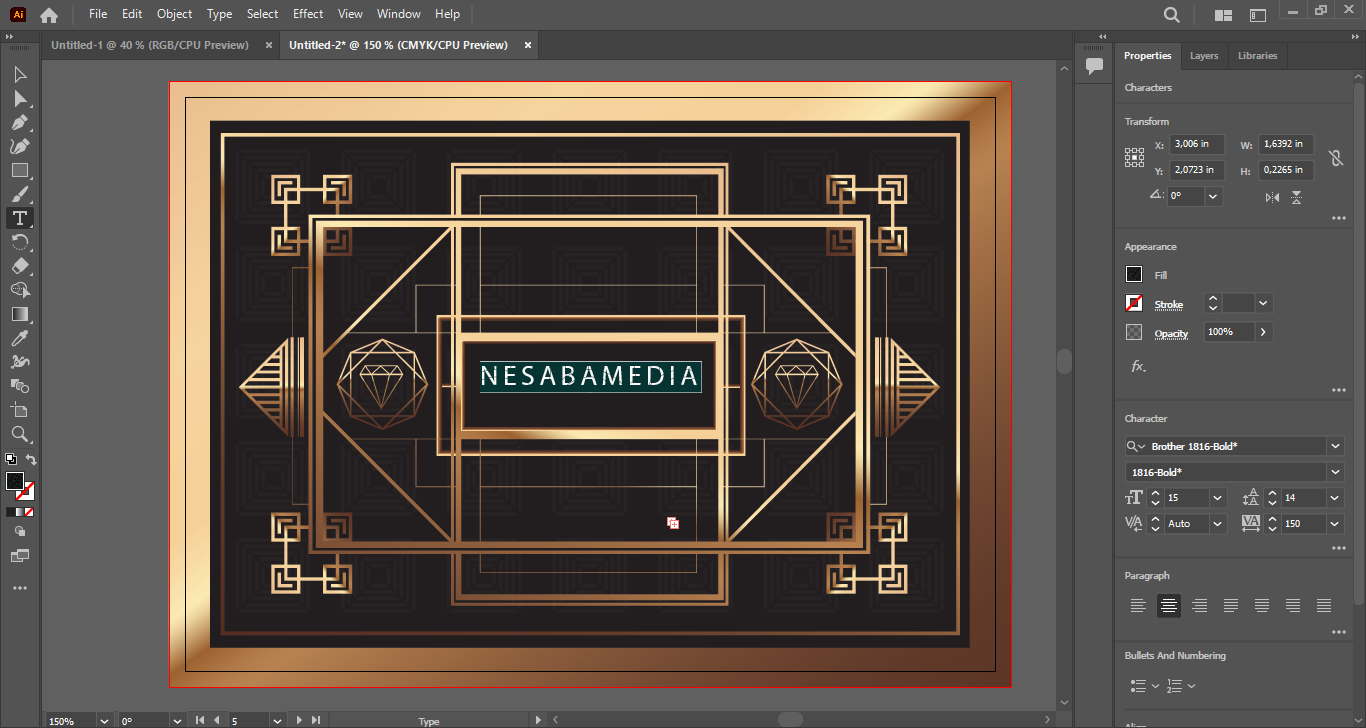
Adobe Illustrator CC 2022 has a well-structured user interface, but it can seem complicated and confusing for new users. Part of the reason is because it has been designed to serve people who use it in many different ways. It packs so many features that it becomes a challenge to present them in a way that won’t feel overwhelming, but the team has been doing relatively great so far as they keep working hard to make the software more powerful while keeping it intuitive enough for users at all levels.
As a matter of fact, working with Adobe Illustrator CC 2022 is arguably easier than with the previous versions. One reason is because of its history panel that has become more comprehensive. It can now record and store states, allowing users to jump to specific past states immediately.
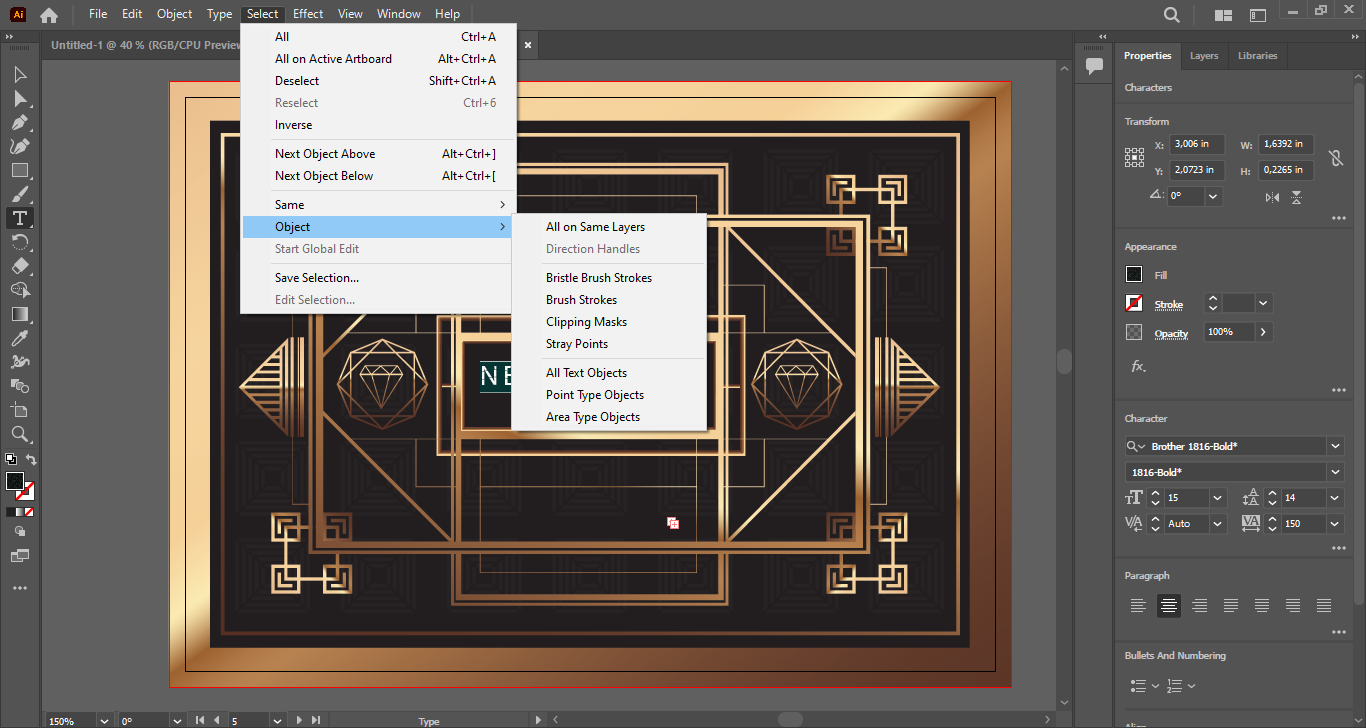
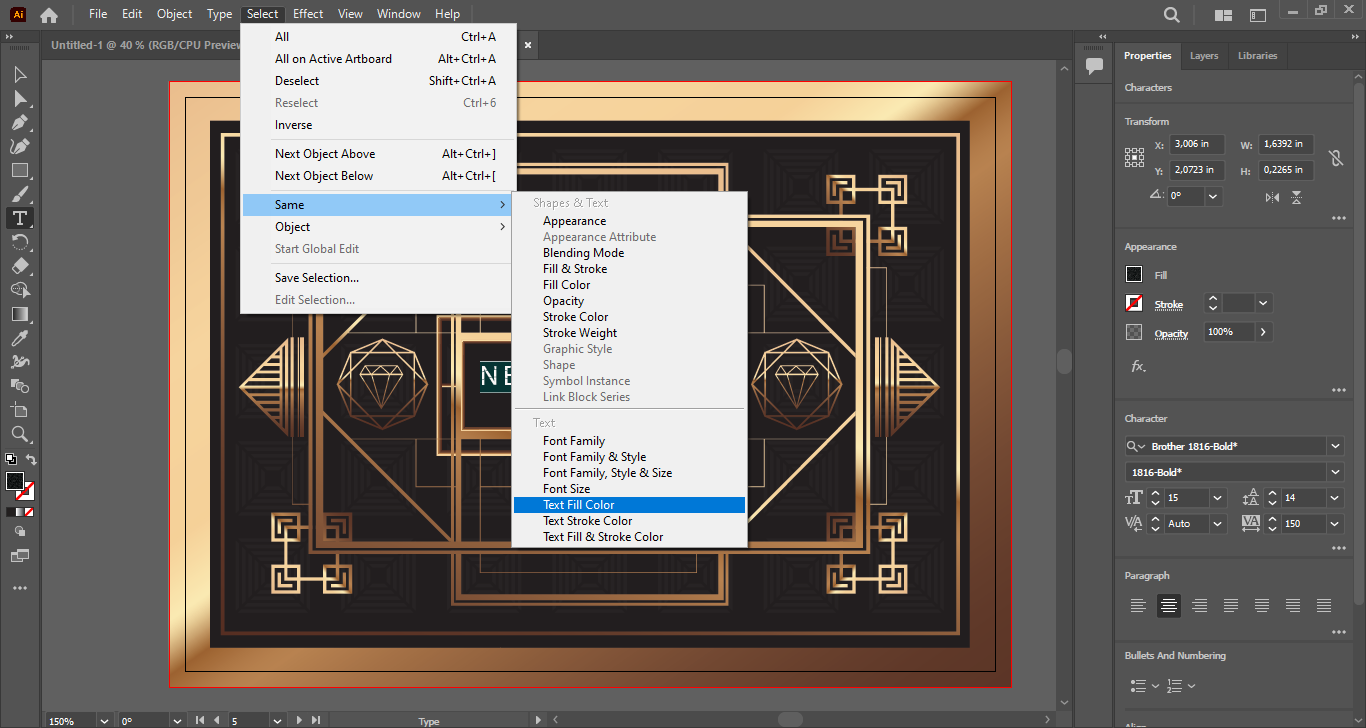
Its Select Same Text is a time saving feature as well. If you have multiple text objects that share the same properties in a document, you can change them all in one go simply by selecting one of them, click Select > Same, and then click one of the text properties like font family, font size, text fill color, text stroke color, or any available combination of the properties. Illustrator will select all text that have the same characteristics and apply any change you make to all of them at once.
Adobe Illustrator CC 2022 has also come with the ability to create lists, which might be a long-awaited feature for packaging designers who have struggled with the vector graphics editor’s limited text abilities. Thanks to the new feature, making lists is much easier than ever. Not only does it fulfill the needs of anyone who often designs infographics and packages, it saves time significantly.
Adobe Illustrator CC 2022 Free Download for Windows
Along with the major features, Adobe Illustrator CC 2022 also received some small improvements that can come in handy for certain tasks. One of those is the ability to open High-efficiency Image Format (HEIF) and Web Picture (WebP) format files, though users need codecs to be able to access HEIF files.
To sum up, this 2022 version offers a set of tools that makes it possible for you to be more creative with your designs and improve your workflow so that you can get more done in the shortest time possible. You can click the link below to download Adobe Illustrator CC 2022 for Windows:
This program is also available in
Similar to Adobe Illustrator CC 2022
- App Name Adobe Illustrator CC 2022
- License Freeware
- App Name Adobe Illustrator CC 2022
- Publisher Adobe
- Updated
- Version: 26.5.0.223