Adobe Audition 1.5
- Windows: 7, 8, 10, 11
- Version: 1.5 Build 4124.1
- Size: 76.80 MB
-
[Total: 1 Average: 5]
The first version of Adobe Audition was launched in 2003 just three months after Adobe bought Syntrillium Software. The release was basically just a polished, rebranded version of Cool Edit Pro, the popular audio software the latter company had originally developed. It came with bug fixes but without new features.
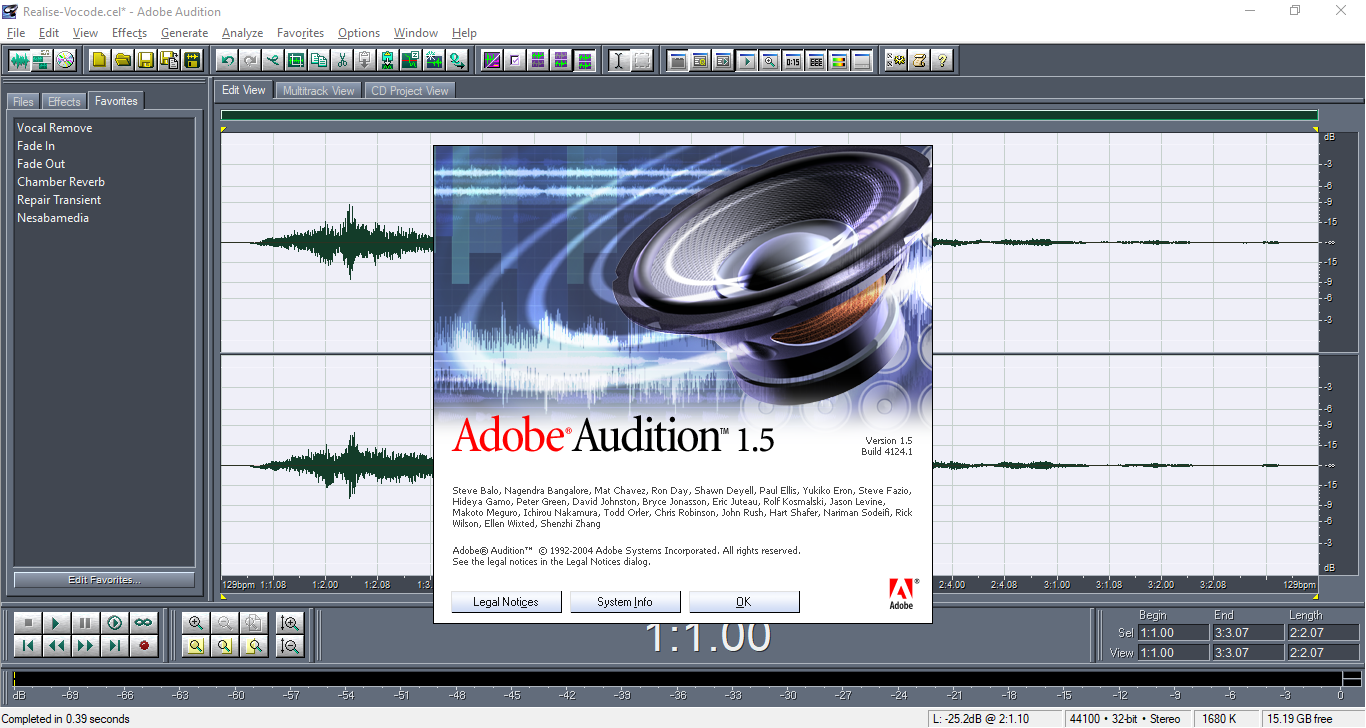
In 2004, Adobe Audition 1.5 brought various significant improvements that made it more powerful but was still easy to use, and this version has been a favorite to many users since then. Even when newer versions came out, offering a lot more, it’s still appreciated for its speed, simplicity, and familiar workflow that continues to appeal to longtime users.
Features and Highlights
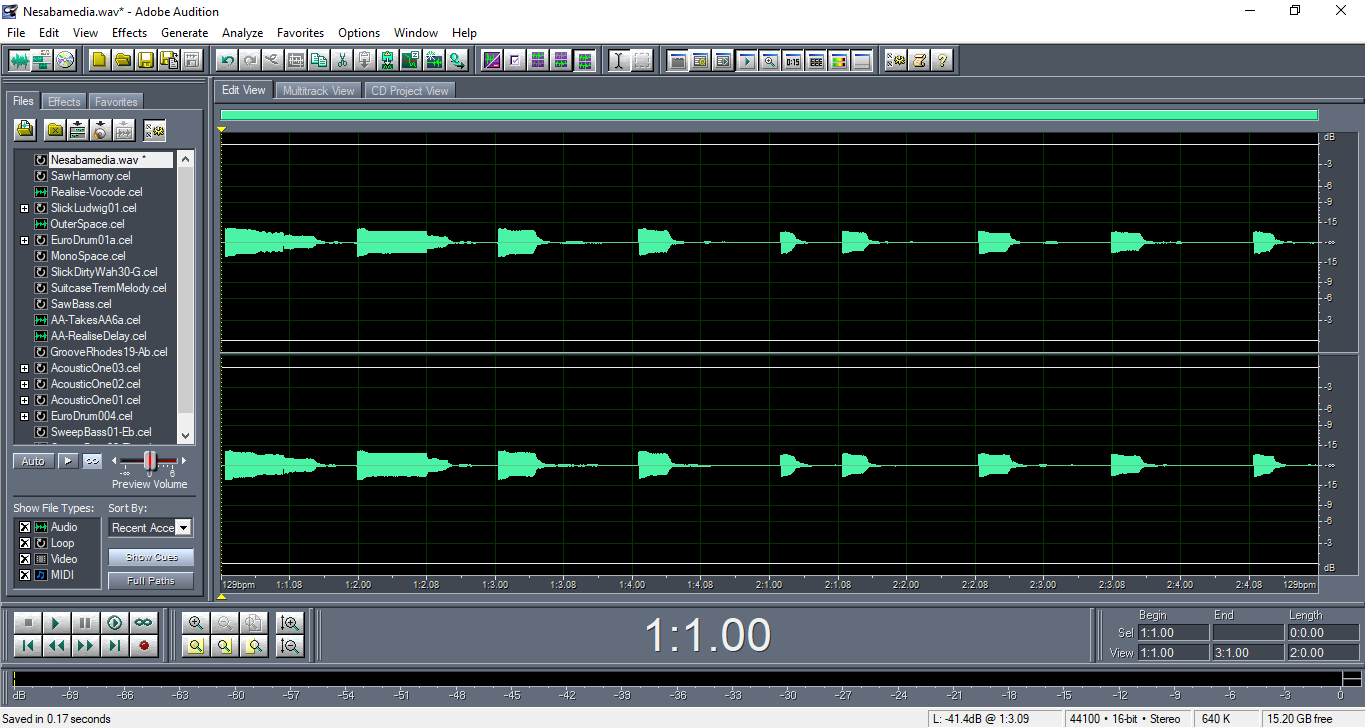
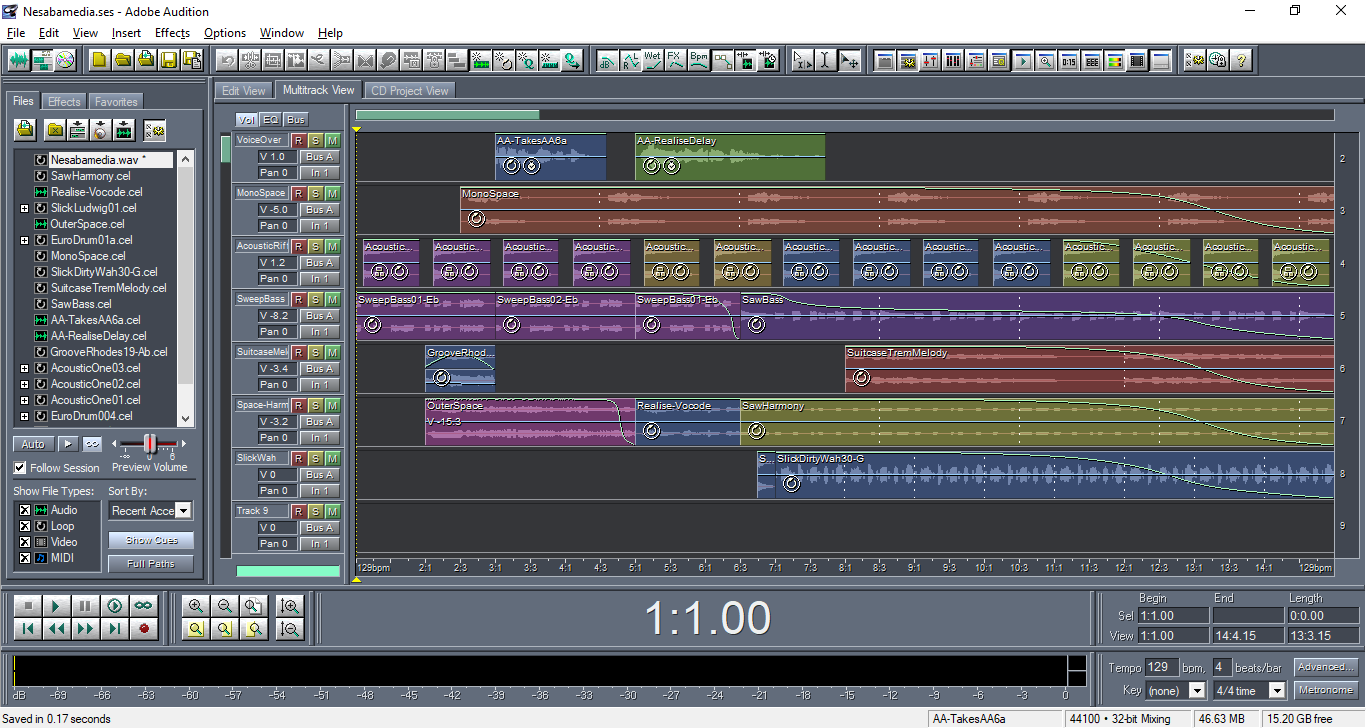
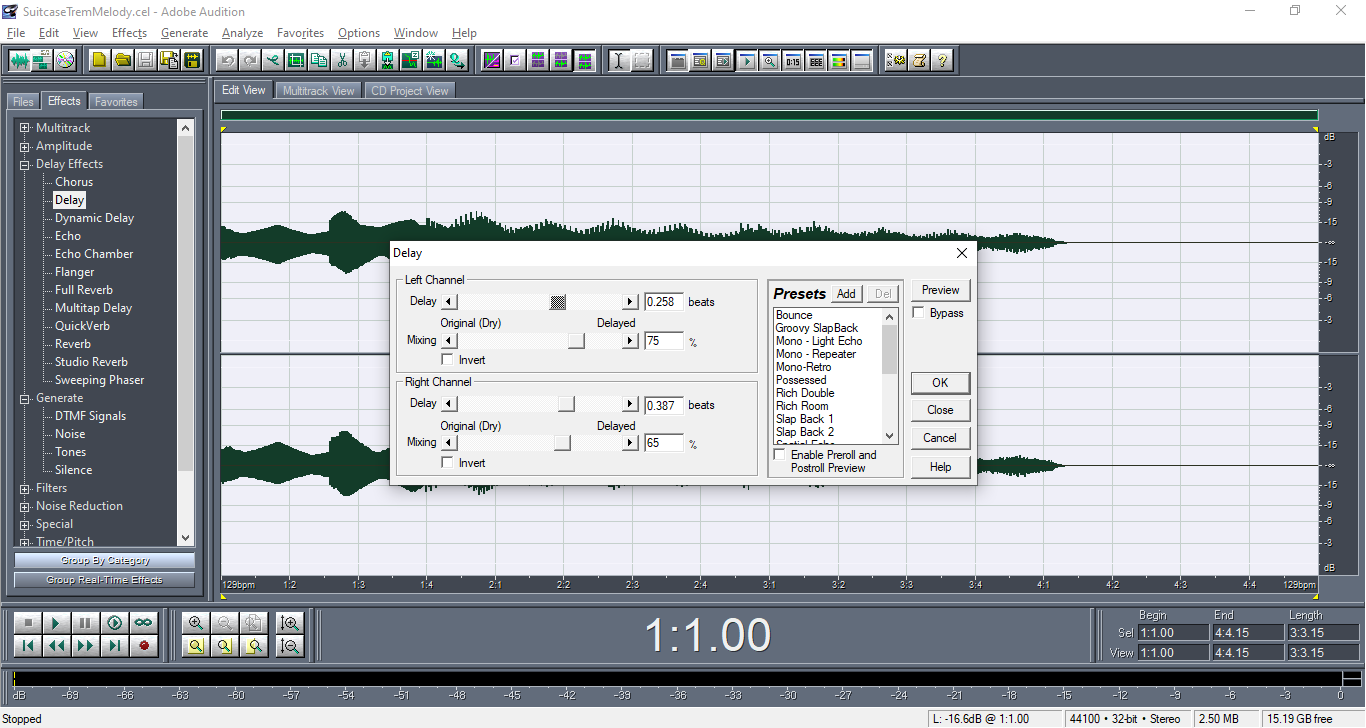
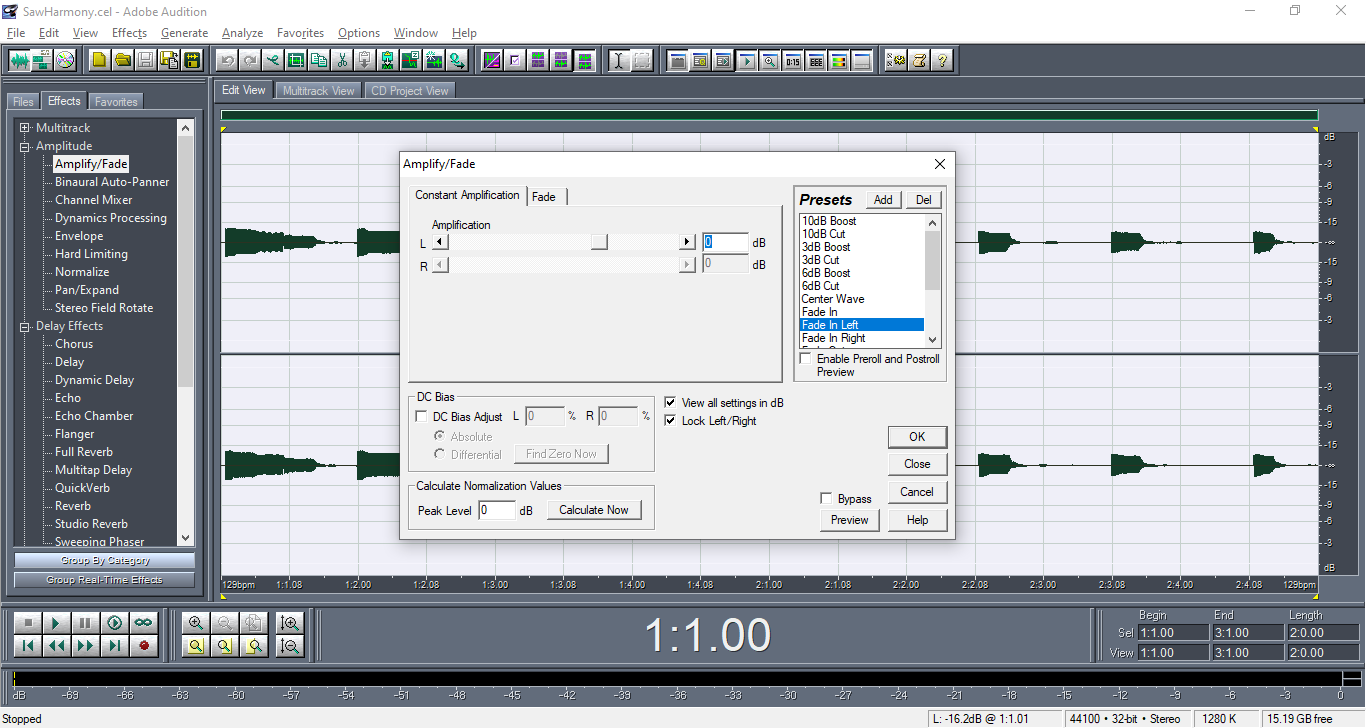
In Adobe Audition 1.5, you can switch between different work areas. The first one is Edit View, which is designed to provide an optimized environment to edit single waveforms. The second, called Multitrack View, is where you can create multitrack mixes. And the third is CD Project View used to assemble CD tracks, set track properties, and burn CDs.
Each of the work areas uses a different editing method that has its unique advantages. Edit View is lighter on resources but it uses a destructive method. Multitrack View is the opposite, but it is more flexible to work with. Switching from one work area to another is as easy as clicking tabs that are shown above the display window. If you prefer hiding the tabs, you can use the menu commands instead.
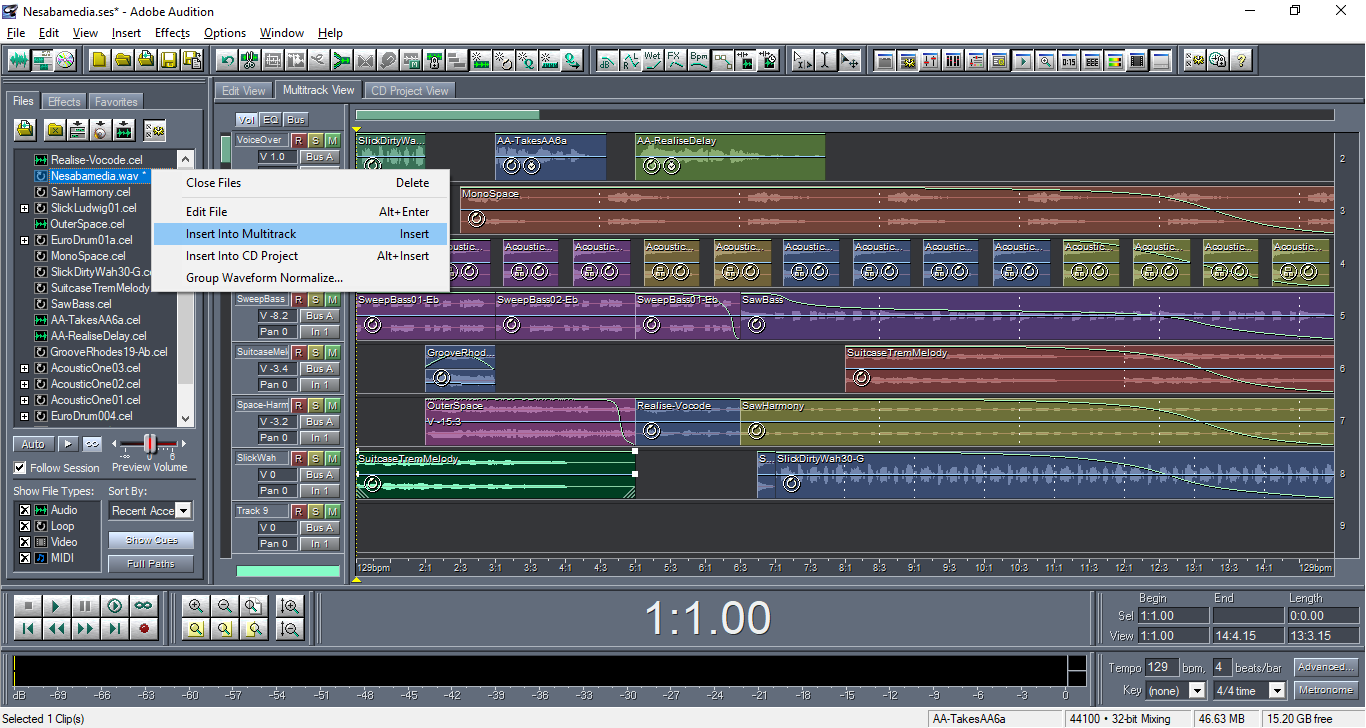
Docked to the left of the display panel is the Organizer that consists of three tabs. Files is the first tab, which is where you can import files, insert files into Multitrack, and edit files, among others. At the bottom of it there are a few advanced options that lets you automatically play selected files once or indefinitely, sort files, show or hide cues, show or hide full paths, filter files by type, and adjust the volume.
The second tab is Effects. It lists all the effects you can use, which includes built-in effects and installed DirectX and VST audio plugins. Click any of the effects and its windows will open where you can make necessary adjustments.
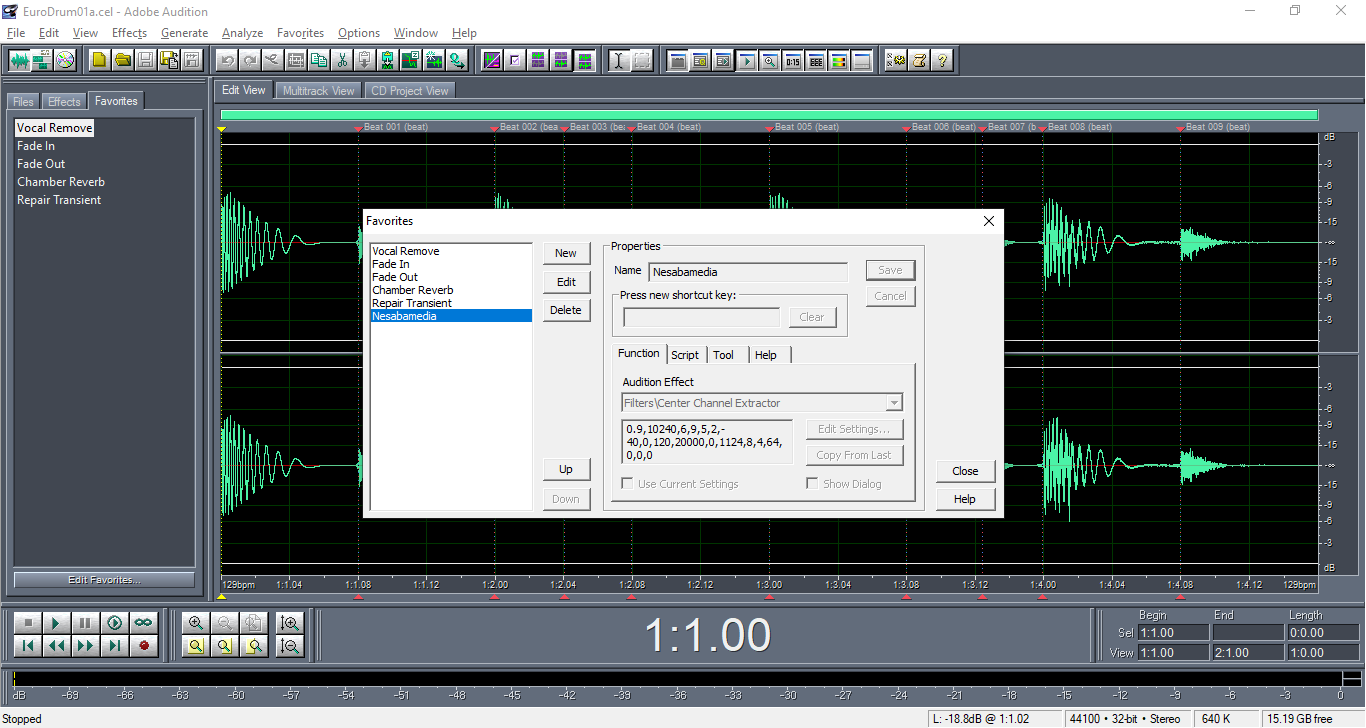
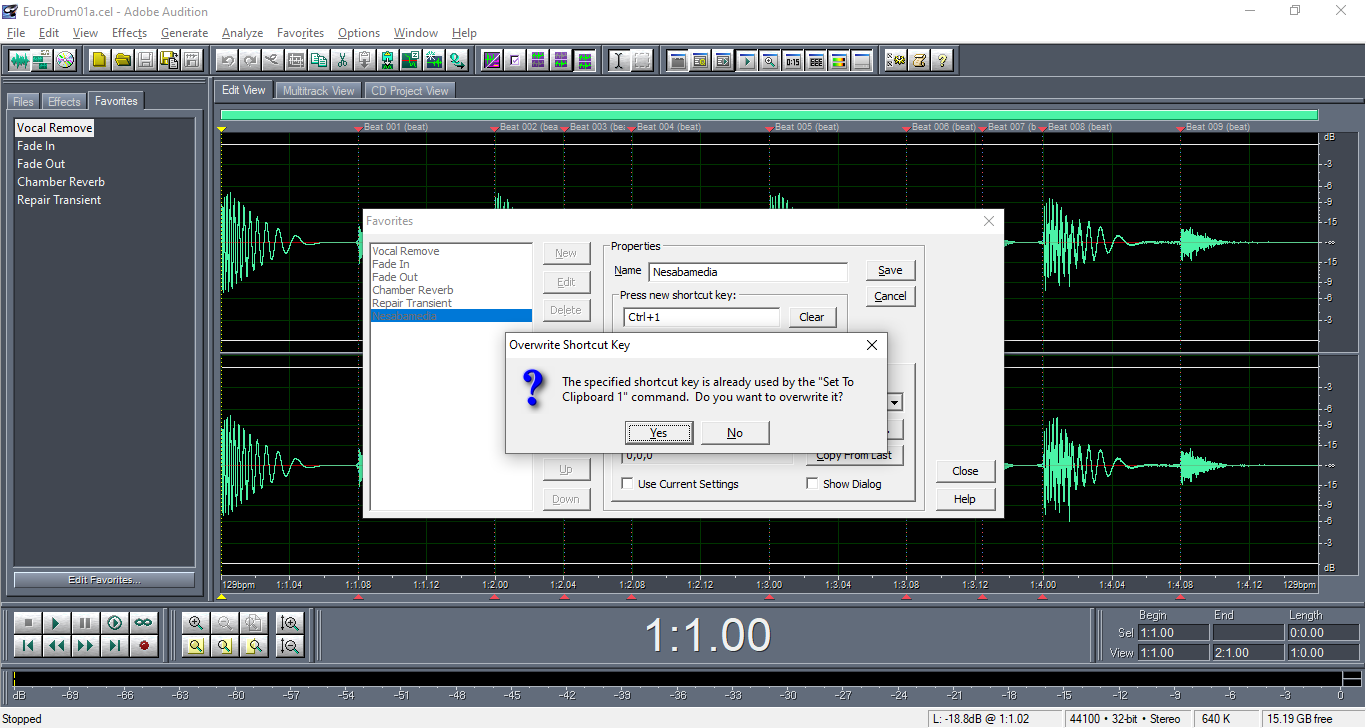
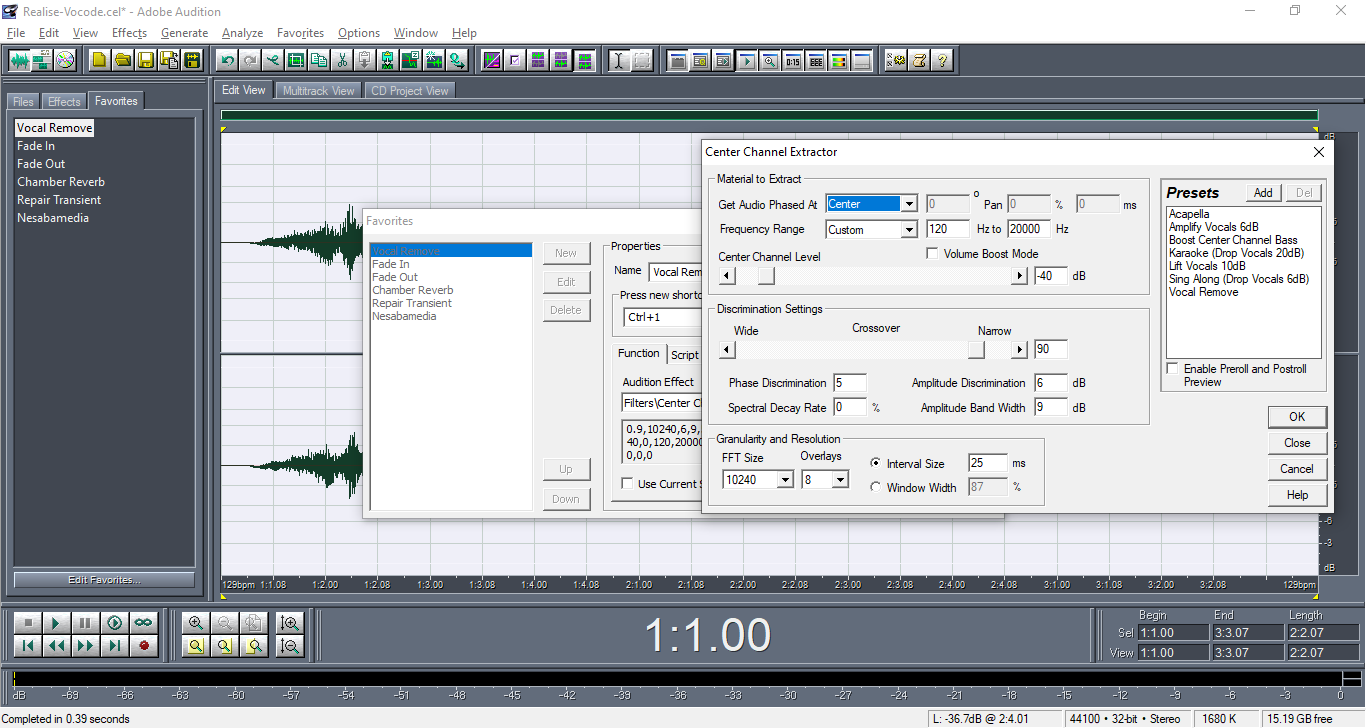
The last one is Favorites. It’s where you can save anything for quick access. When you need to use a favorite, you can either double-click it or press the keyboard shortcut you have assigned to it before. Each favorite can be edited, but they cannot be organized.
Adobe Audition 1.5 Free Download for Windows
Adobe Audition 1.5 is packed with context-sensitive menus. If you right-click a button or window, chances are you’ll see one or more handy options that will help you do things easier. To top it off, it comes with a set of standard keyboard shortcuts that can help you use the mouse less often. And if that’s not enough yet, you can change the default shortcuts as well as adding your own keyboard shortcuts.
All things considered, despite being an old version, it’s still powerful enough to handle a wide range of audio editing and mixing tasks. You can click the link below to download Adobe Audition 1.5 for Windows:
- App Name Adobe Audition 1.5
- License Freeware
- App Name Adobe Audition 1.5
- Publisher Adobe
- Updated
- Version: 1.5 Build 4124.1
On our site you can easily download Adobe Audition 1.5. All without registration and send SMS!