Adobe Acrobat Reader DC

- Windows: 7, 8, 10, 11
- Version: 2022.001.20117
- Size: 302.81 MB
-
[Total: 1 Average: 5]
Adobe Acrobat Reader DC is one of those apps most people install once and then forget about, mainly because it just works. It has been around for a long time and many users have made it their default choice for opening and reading PDFs, both at work and at home.
While it is often seen as just a basic PDF viewer, Adobe Acrobat Reader DC actually does more than many people realize. It includes tools that support everyday tasks like reviewing documents, filling out forms, and adding signatures.
Features and Highlights
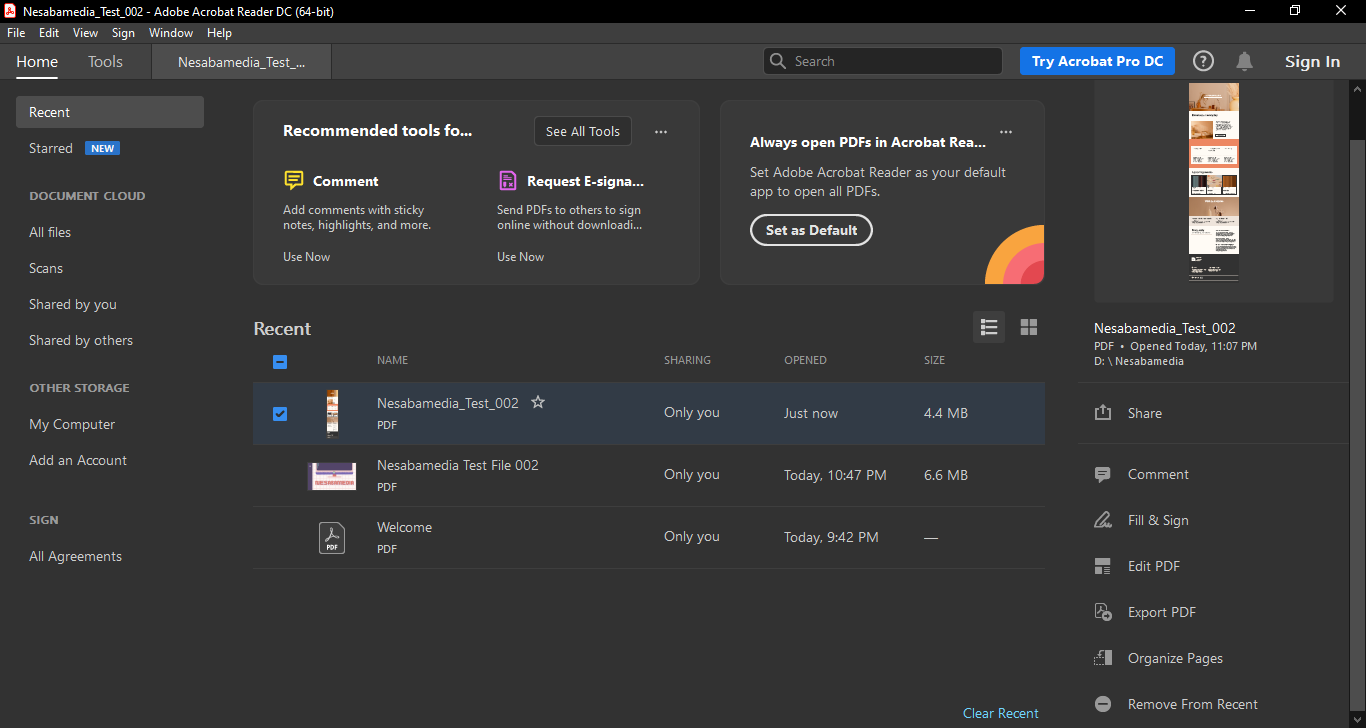
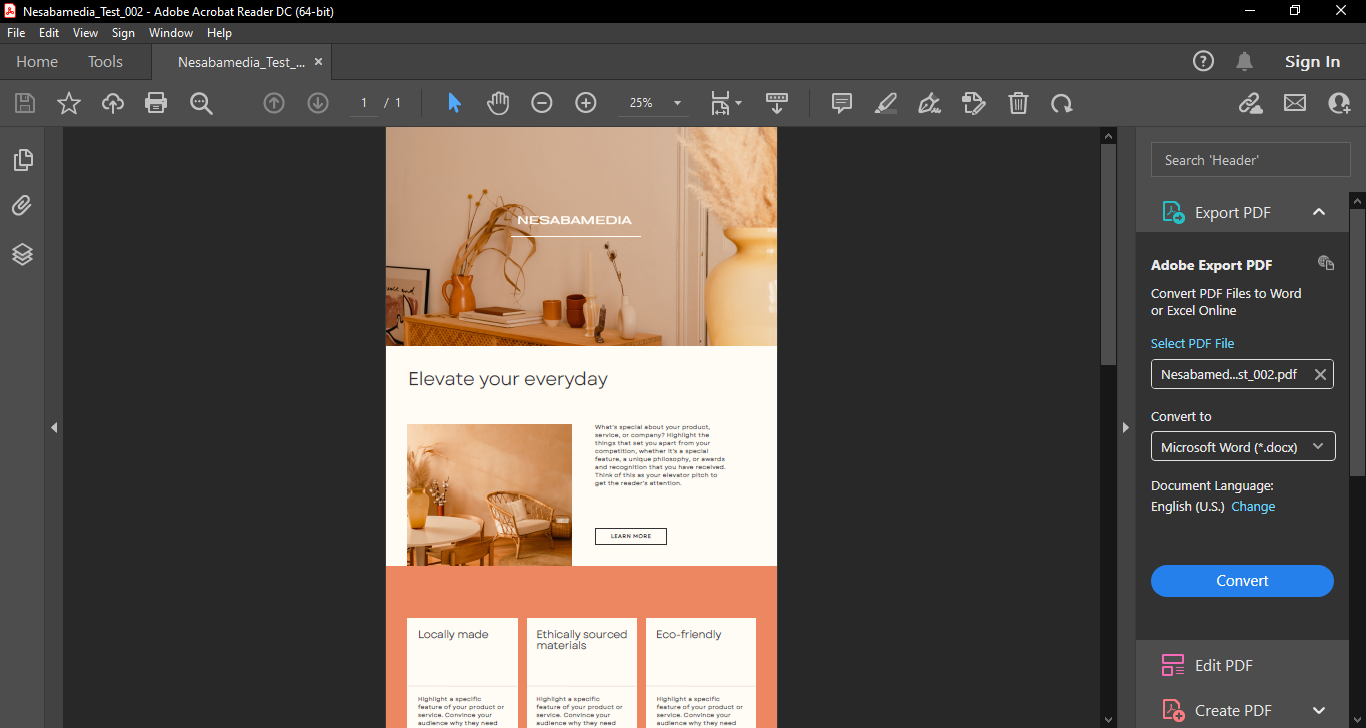
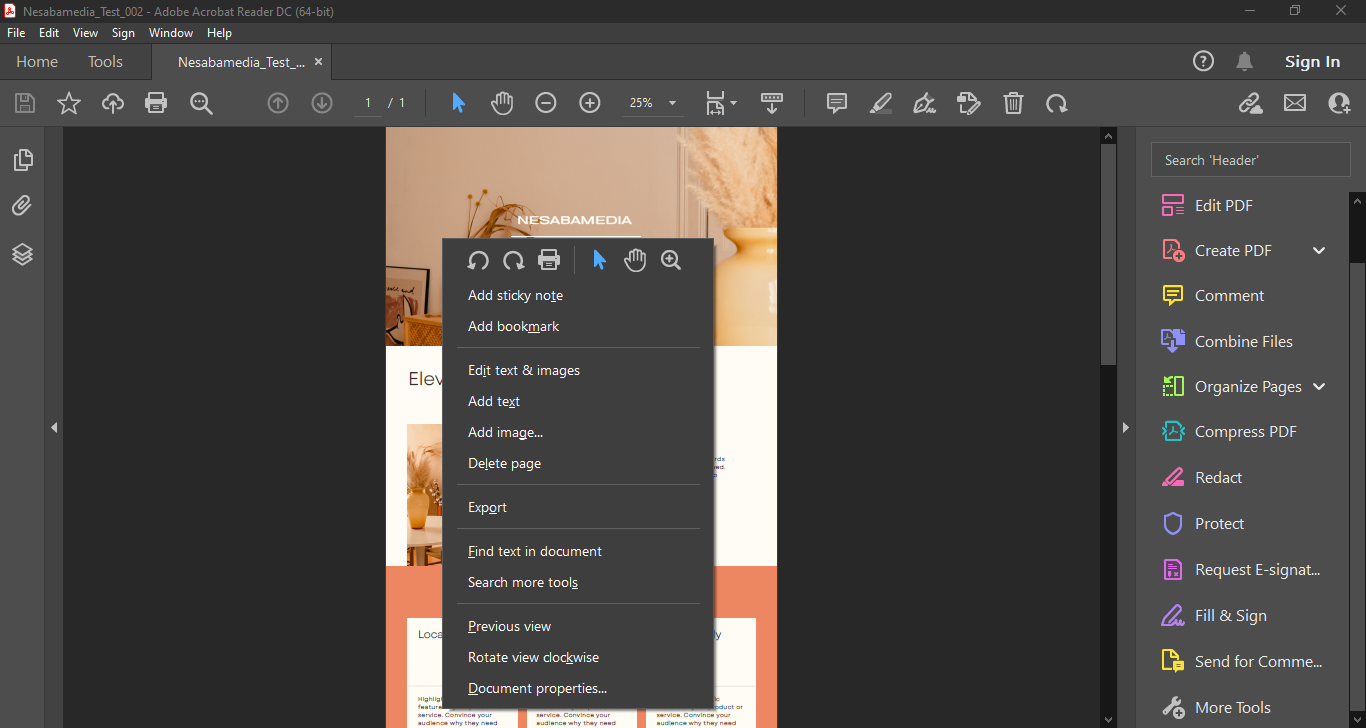
At its core, Adobe Acrobat Reader DC is designed to make reading PDF simple and reliable. It opens documents quickly, renders text and images accurately, and keeps the layout exactly as intended by the creators. This is especially important for complex PDFs like forms, manuals, and official documents, where formatting matters. Navigation is also smooth, thanks to the tools that are clearly placed for zooming, searching text, and jumping between pages or sections.
One of its strongest points is how well it handles annotations. You can highlight text, add comments, draw shapes, and leave notes directly on the document. These tools are easy to find and use, even for beginners. If you collaborate with others, this makes reviewing documents easier, since everyone can see comments in one place.
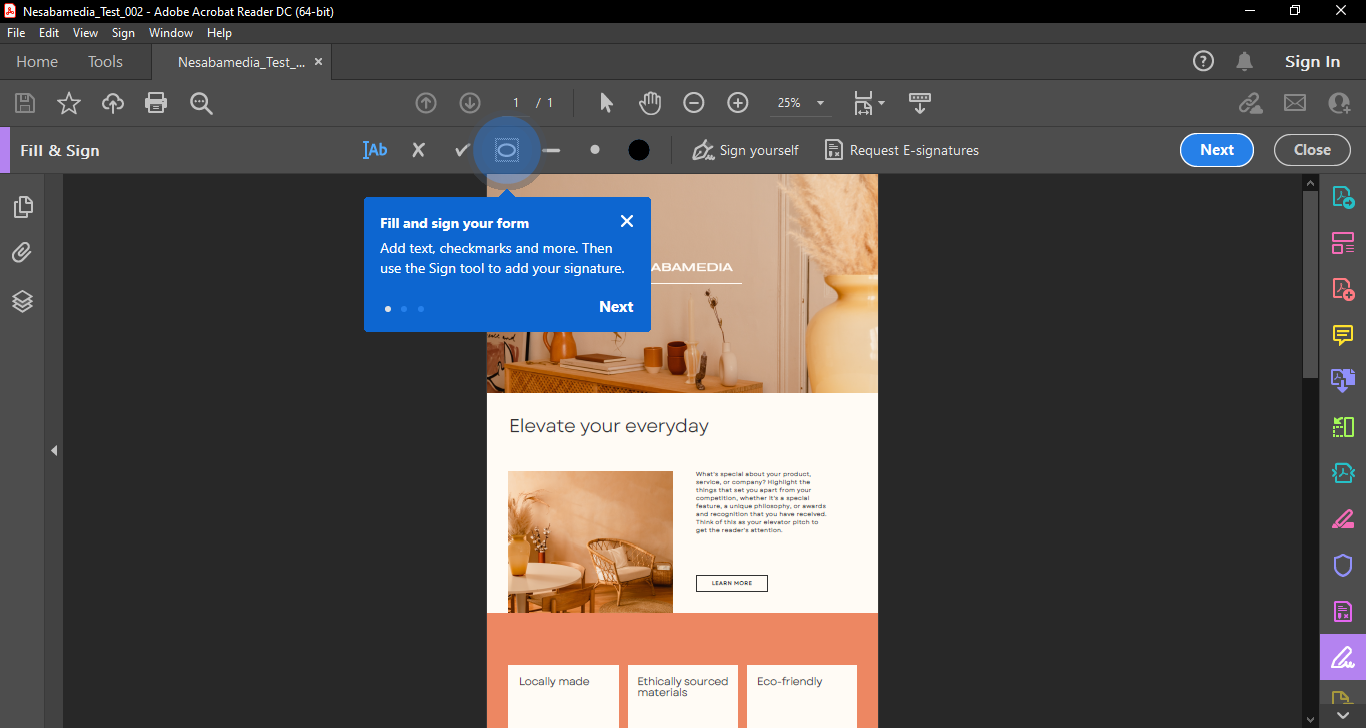
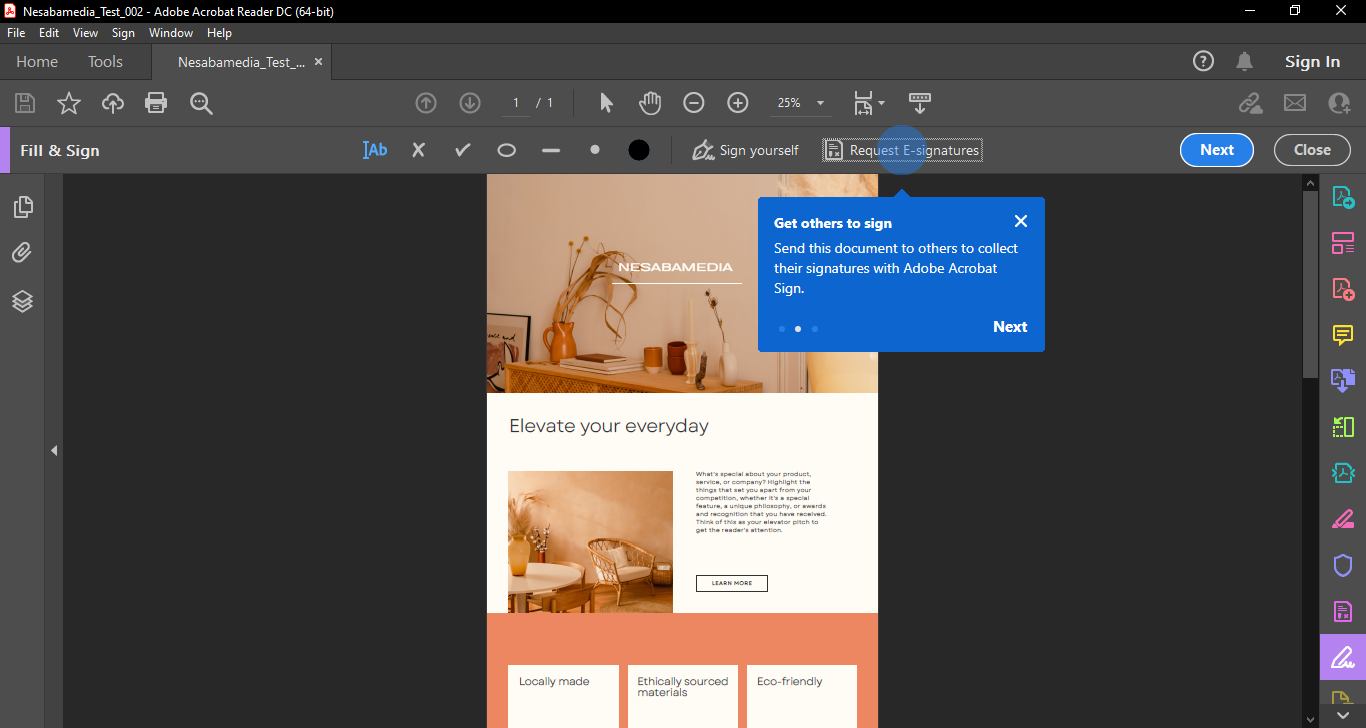
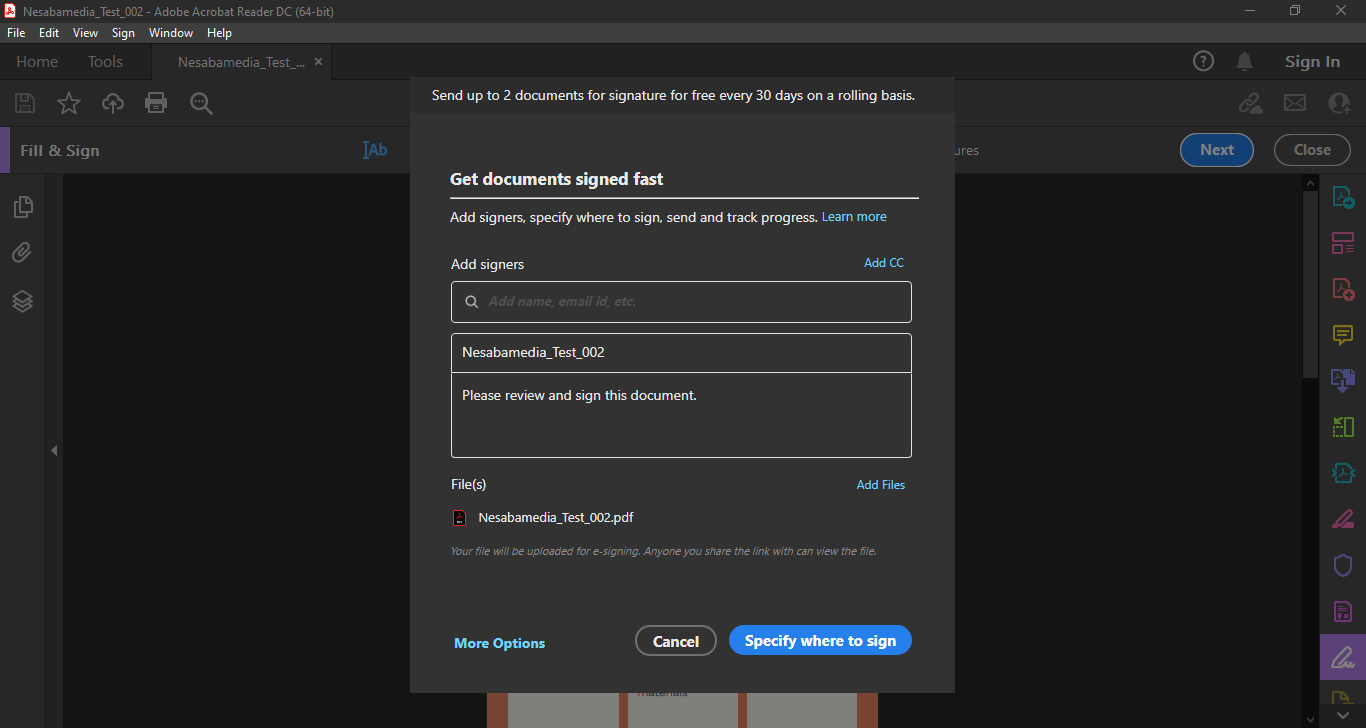
Adobe Acrobat Reader DC also does a solid job with PDF forms. You can fill in text fields, tick checkboxes, and signs documents digitally. The e-signature feature is especially useful for quick approvals or agreements, saving time compared to printing and scanning. While advanced editing requires a paid plan, basic form filling and signing are available for free, which covers many everyday needs.
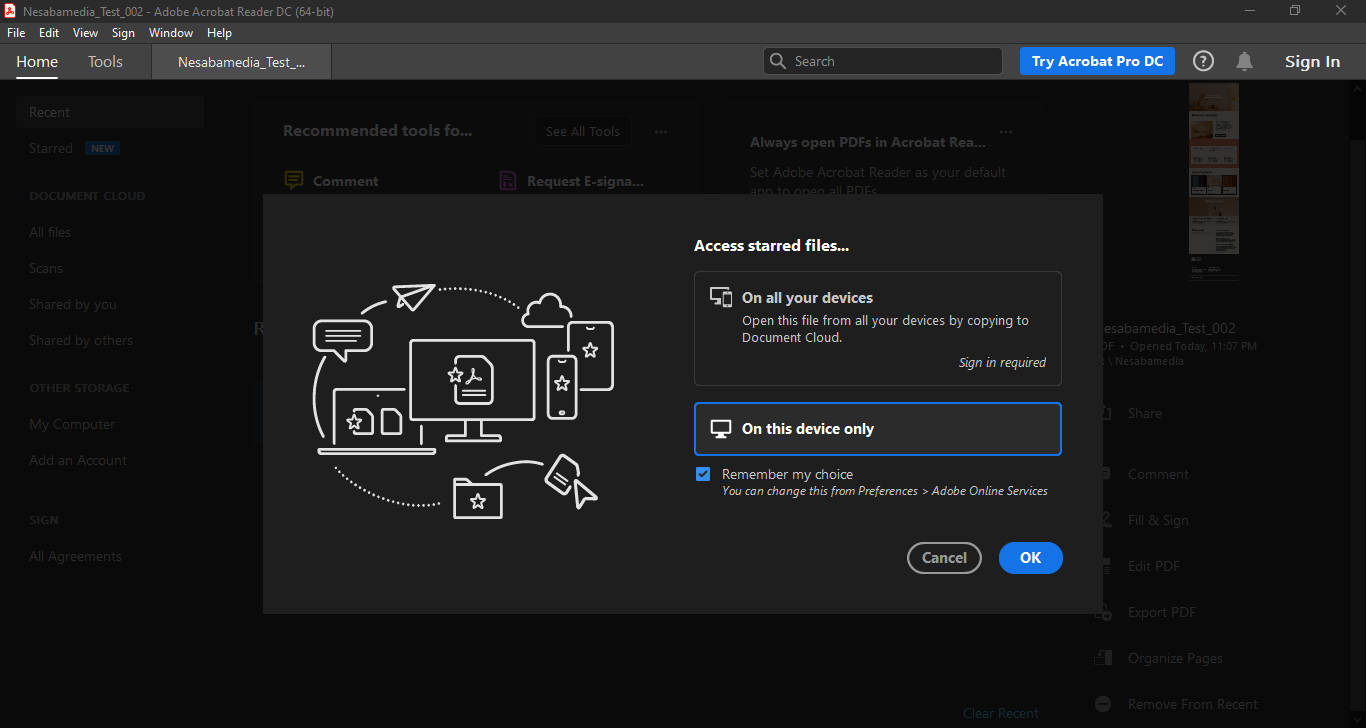
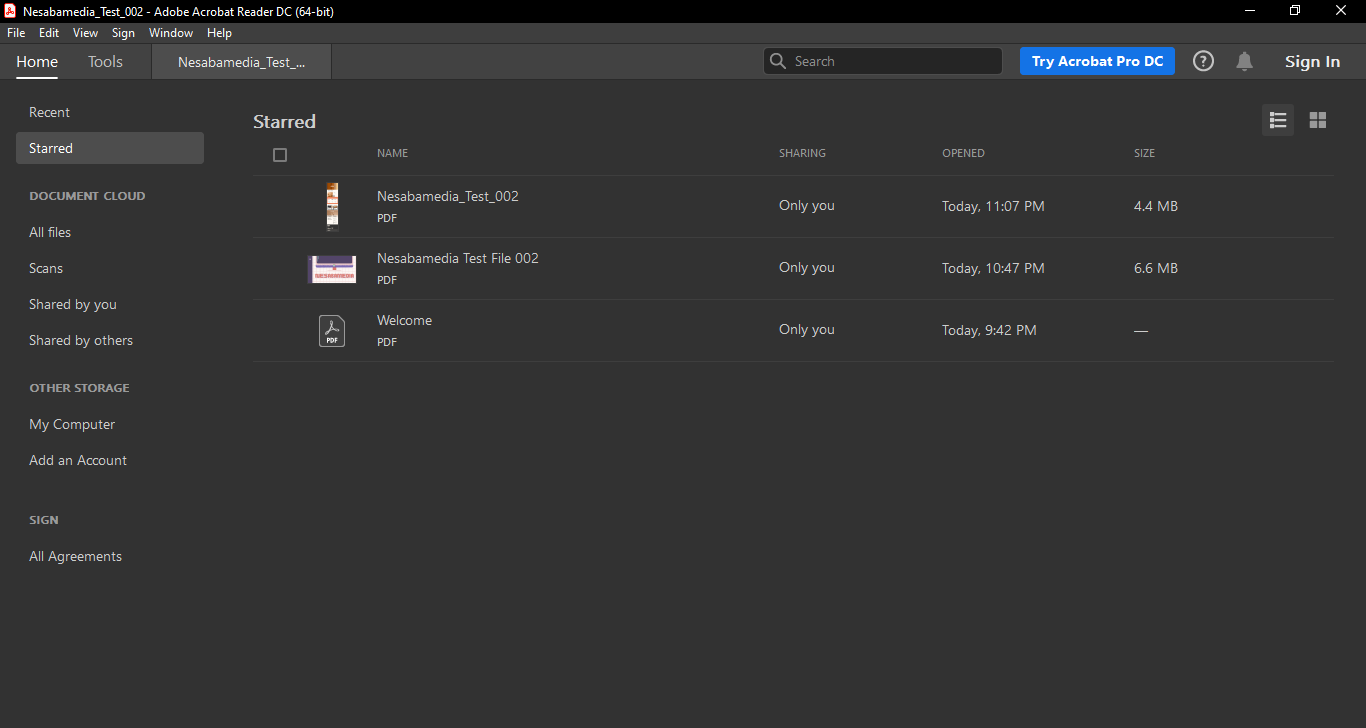
Another highlight is cross platform support. Adobe Acrobat Reader DC works on Windows, macOS, Android, and iOS, and it syncs well if you use Adobe’s cloud services. You can start reading a document on your laptop and continue on your phone without having to manually transfer files.
That said, the app isn’t perfect. It can feel heavy compared to lightweight PDF readers like Sumatra PDF, not to mention occasional pop ups encouraging you to upgrade to the paid version. The paid features are placed together with the free ones without any label, so you will probably end up clicking one or two tools only to find that they are free to use for 7 days only.
Adobe Acrobat Reader DC Free Download
Adobe Acrobat Reader DC continues to earn its place as the go to PDF reader for many users. It may not be the lightest or most minimal app out there, but it delivers where it matter most, which is reliable viewing, strong annotation tools, and excellent support for forms and signatures.
If you only need to read and mark up PDFs, the free version is more than enough. Overall, Adobe Acrobat Reader DC remains a solid, familiar choice that continues to hold up despite increasing competition. You can click the link below to download Adobe Acrobat Reader DC for Windows:
This program is also available in
Similar to Adobe Acrobat Reader DC
- App Name Adobe Acrobat Reader DC
- License Freeware
- App Name Adobe Acrobat Reader DC
- Publisher Adobe
- Updated
- Version: 2022.001.20117