Adobe Acrobat Pro DC 2024

- Windows: 7, 8, 10, 11
- Version: 2024
- Size: 1.27 GB
-
[Total: 1 Average: 5]
If you need a set of powerful tools to manage your PDF documents, Adobe has you covered. It has been the industry standard for years. Even today, with the growing number of rivals, it’s still the first choice for professionals and businesses. Adobe Acrobat Pro DC 2024 builds on this long-standing legacy by bringing more features that help you work with PDFs easier.
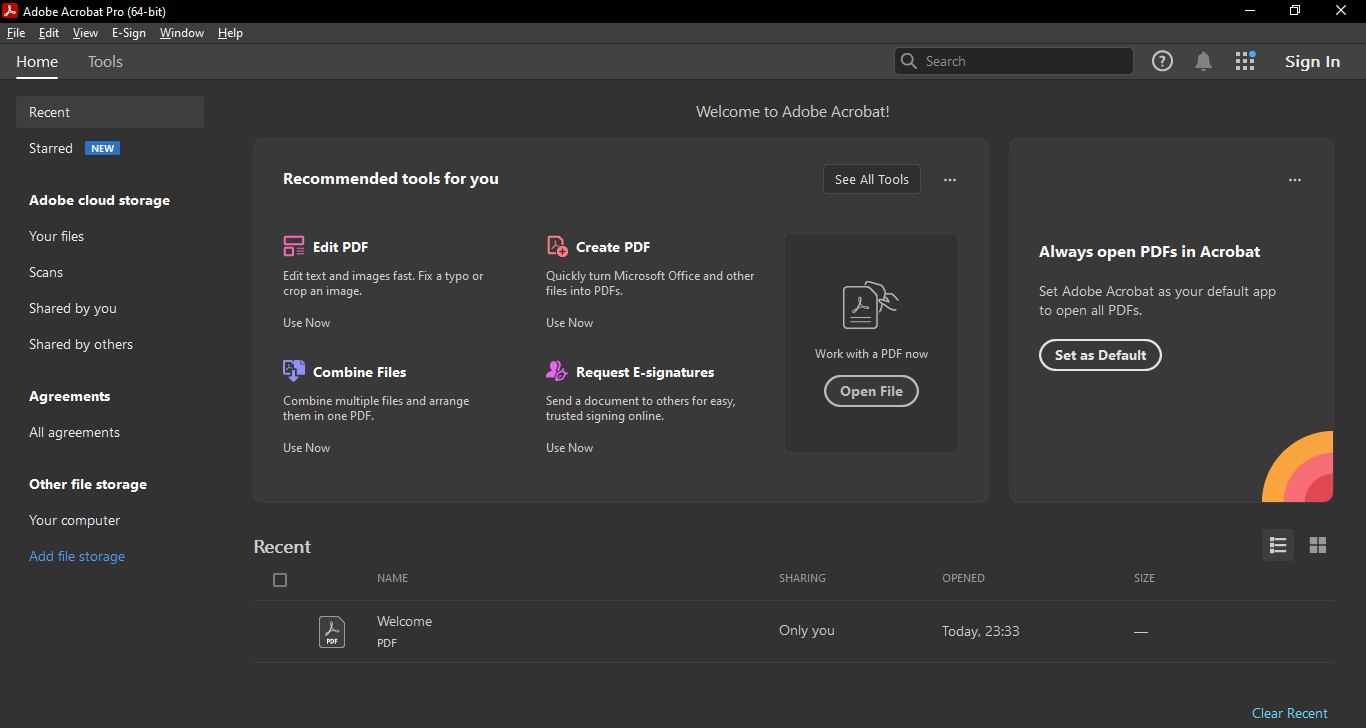
It features a cleaner, more intuitive interface that puts the tools you need front and center. You can now organize your work more easily by starring important files, and exporting PDFs to Word and PowerPoint has become smoother, saving you time. Improved accessibility tagging ensures your documents work better with assistive technologies, while support for Microsoft Purview Information Protection helps keep your files secure.
Features and Highlights
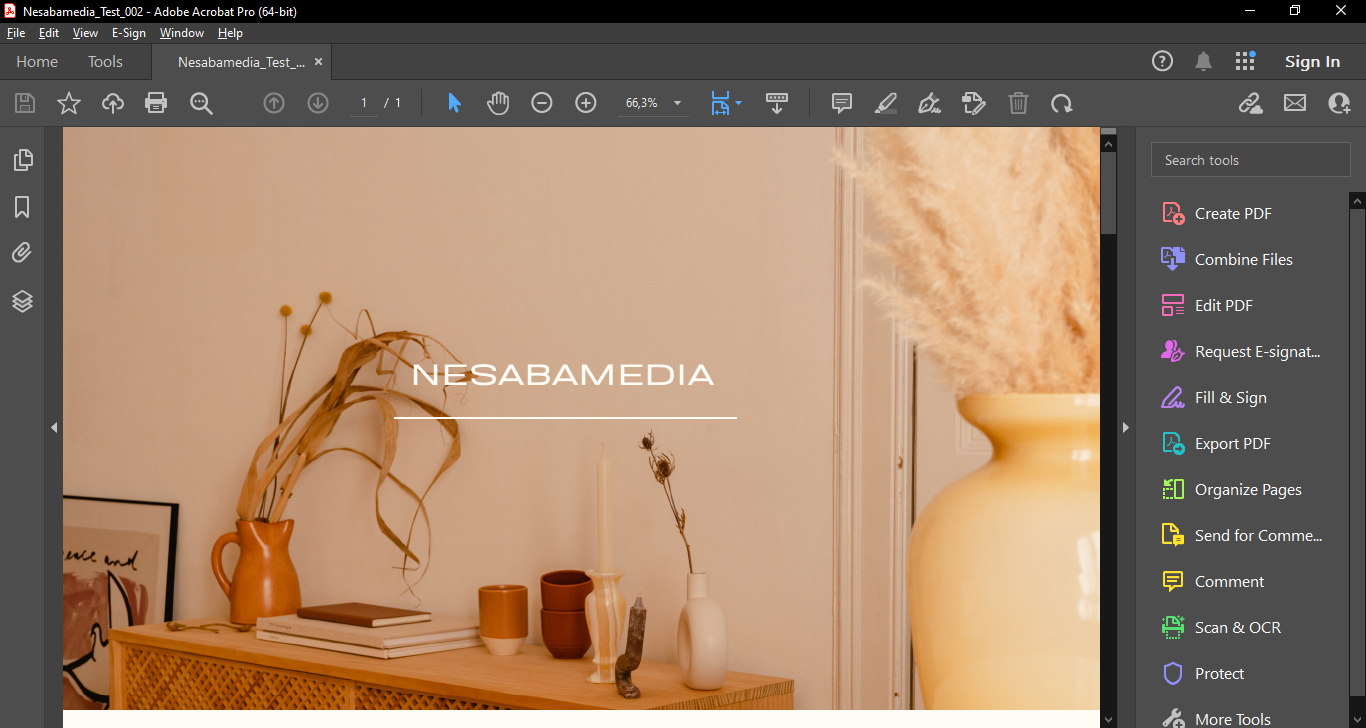
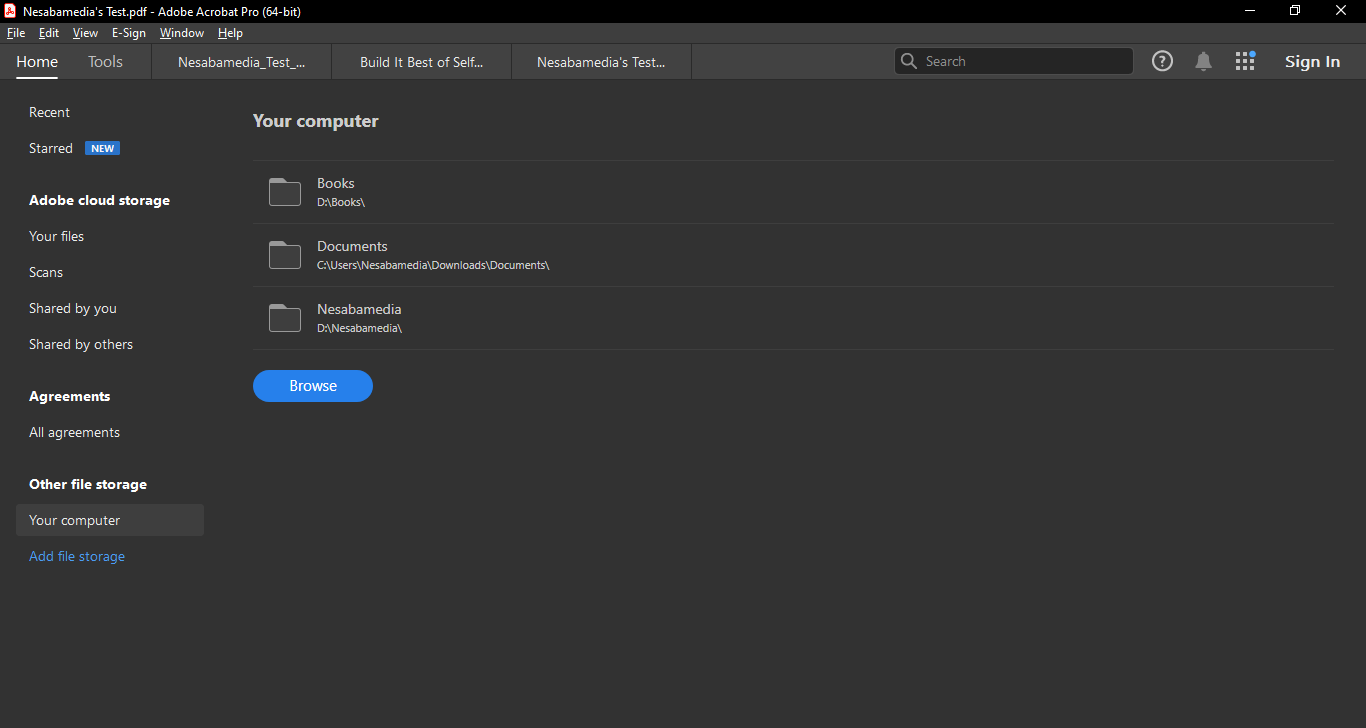
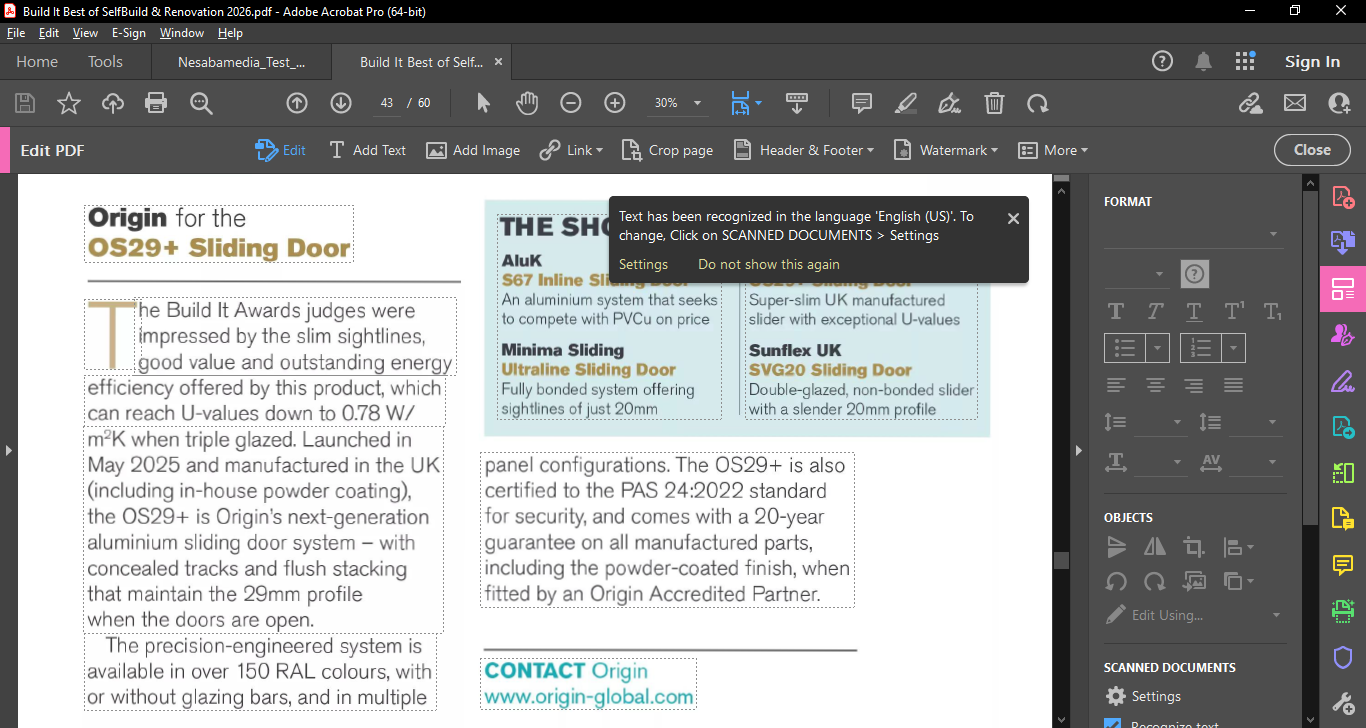
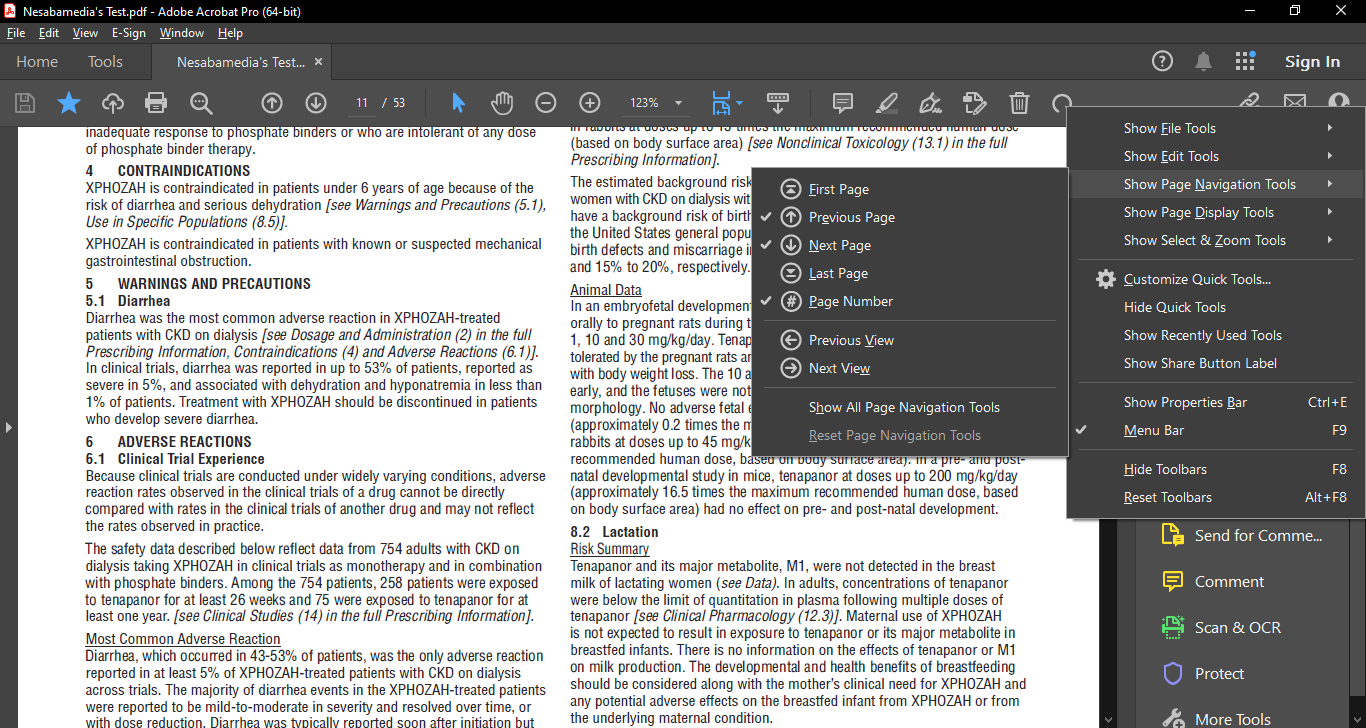
Adobe Acrobat Pro DC 2024’s interface is arranged in a way that matches typical workflows. If the default setup isn’t up to your liking yet, you can always personalize the workspace to fit your needs so that the tools you use most often are easier to find. For example, you can add Undo and Redo buttons to the toolbar by right-clicking on it and then hover over Show Edit Tools and click Undo and Redo. The buttons will appear immediately afterwards.
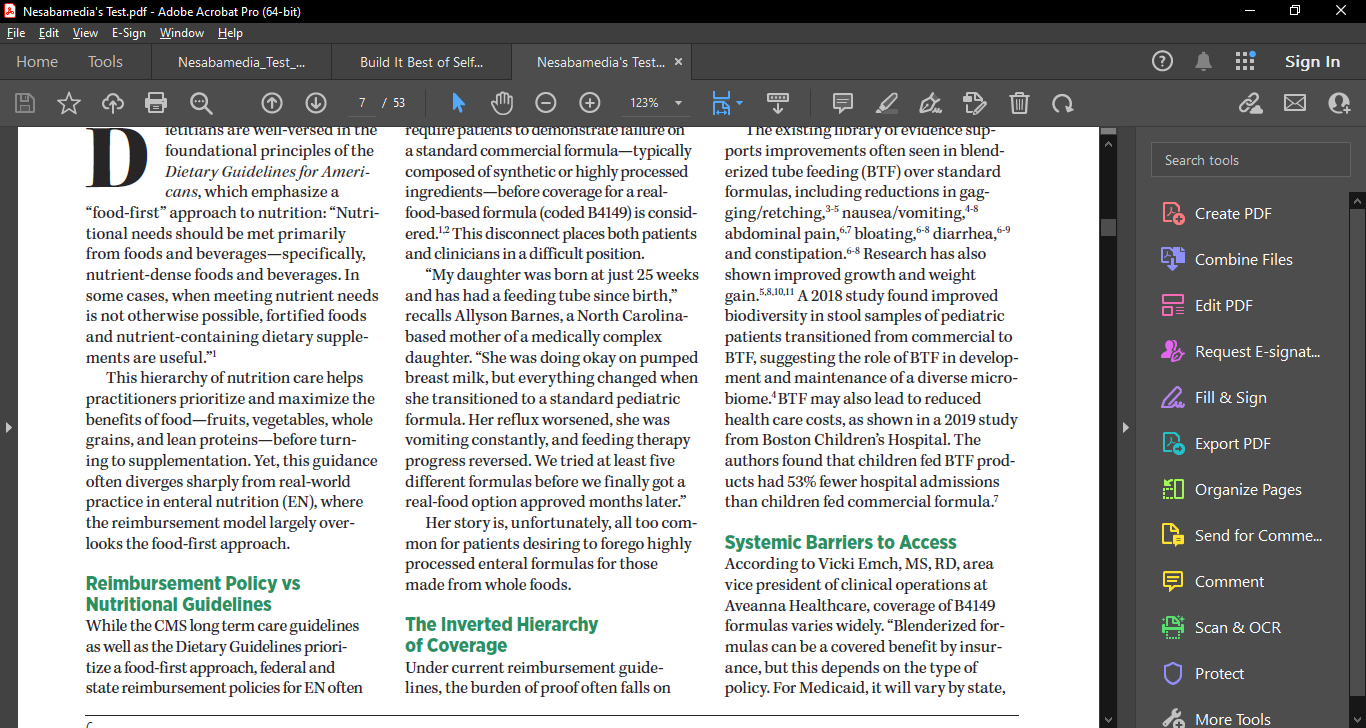
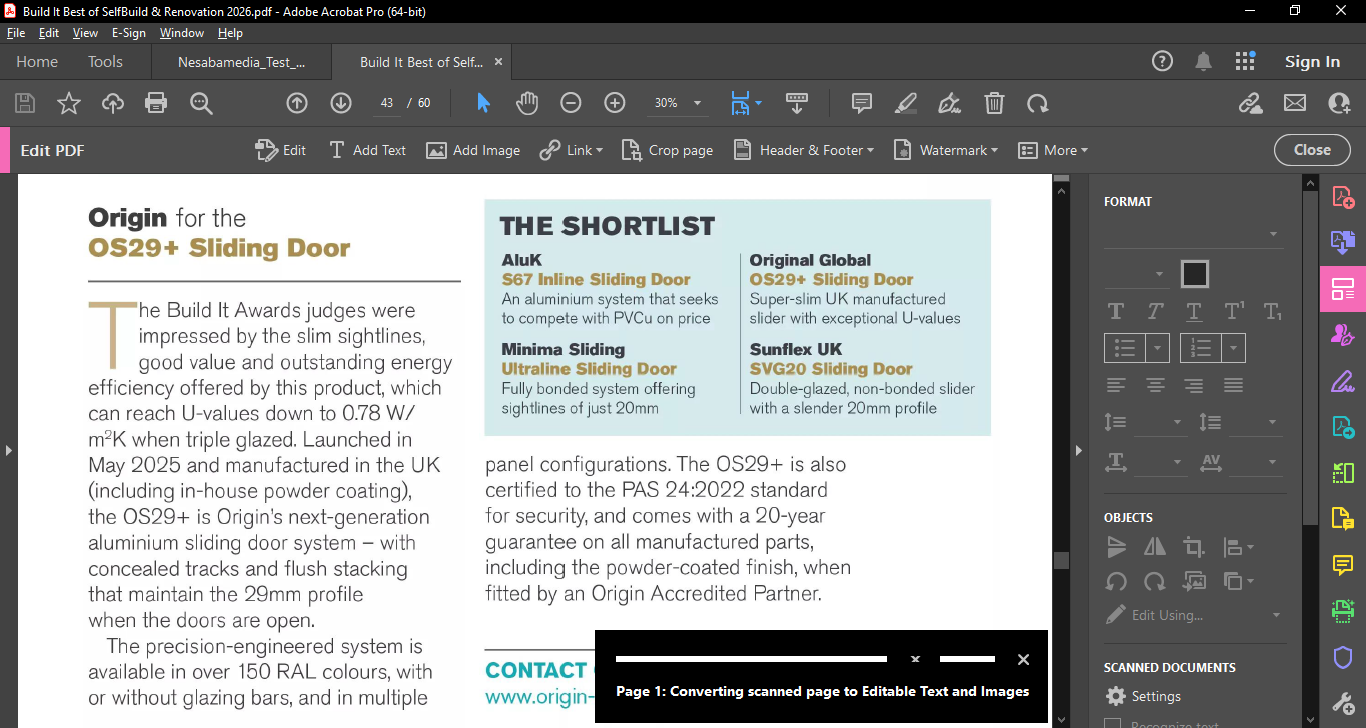
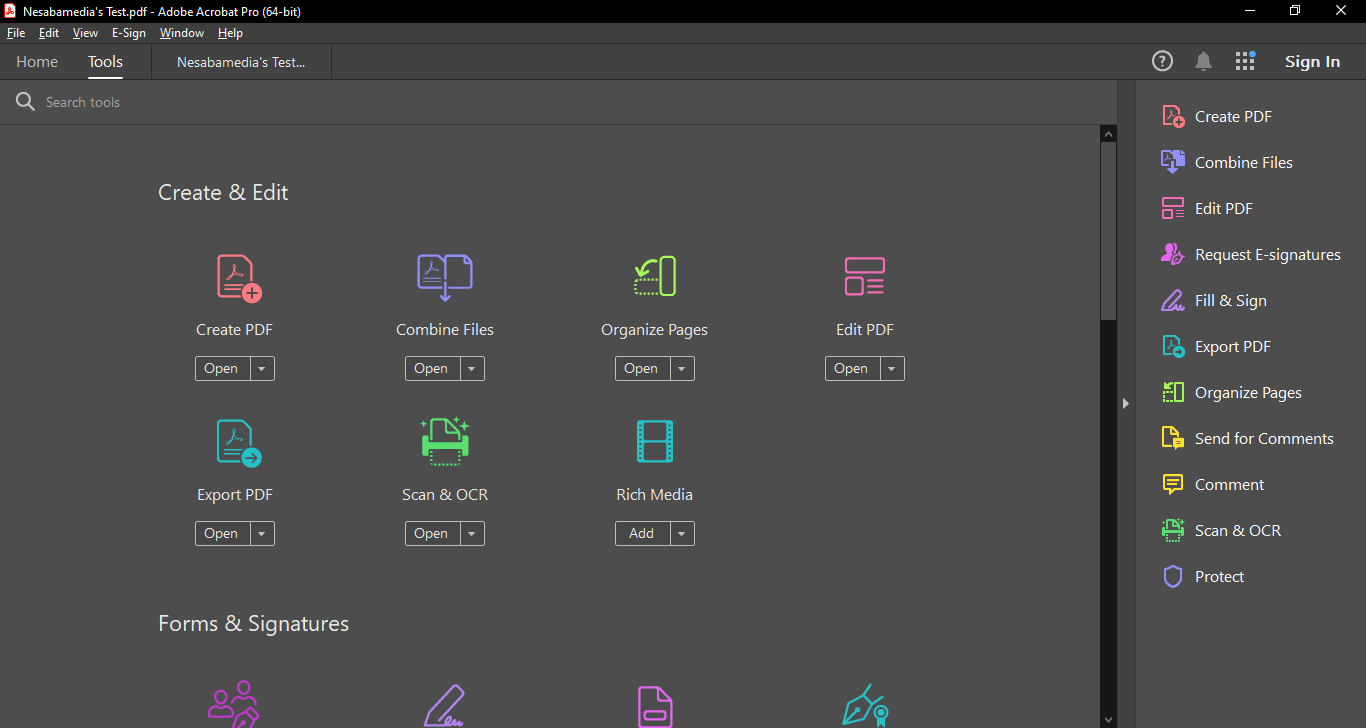
On the right side is a panel consisting of various useful tools to work with your PDF files. These include but are not limited to Create PDF, Combine Files, Edit PDF, Fill & Sign, Export PDF, Organize Pages, Comment, Send for Comments, Scan & OCR, and Protect.
Instead of displaying every tool, the panel shows a More Tools button at the bottom, which opens the Tools menu that lists more options such as Create Custom Tool, Action Wizard, Index, Javascript, Print Production, Accessibility, and Redact, among others.
You can make any of those extra tools visible in the right panel easily. Just head over to the Tools menu, find the one that you need, click the drop-down button, and click Add Shortcut. And if there is any shortcut you want to remove from the panel, just click Remove Shortcut from the tool’s drop-down menu.
Adobe Acrobat Pro DC 2024 Free Download
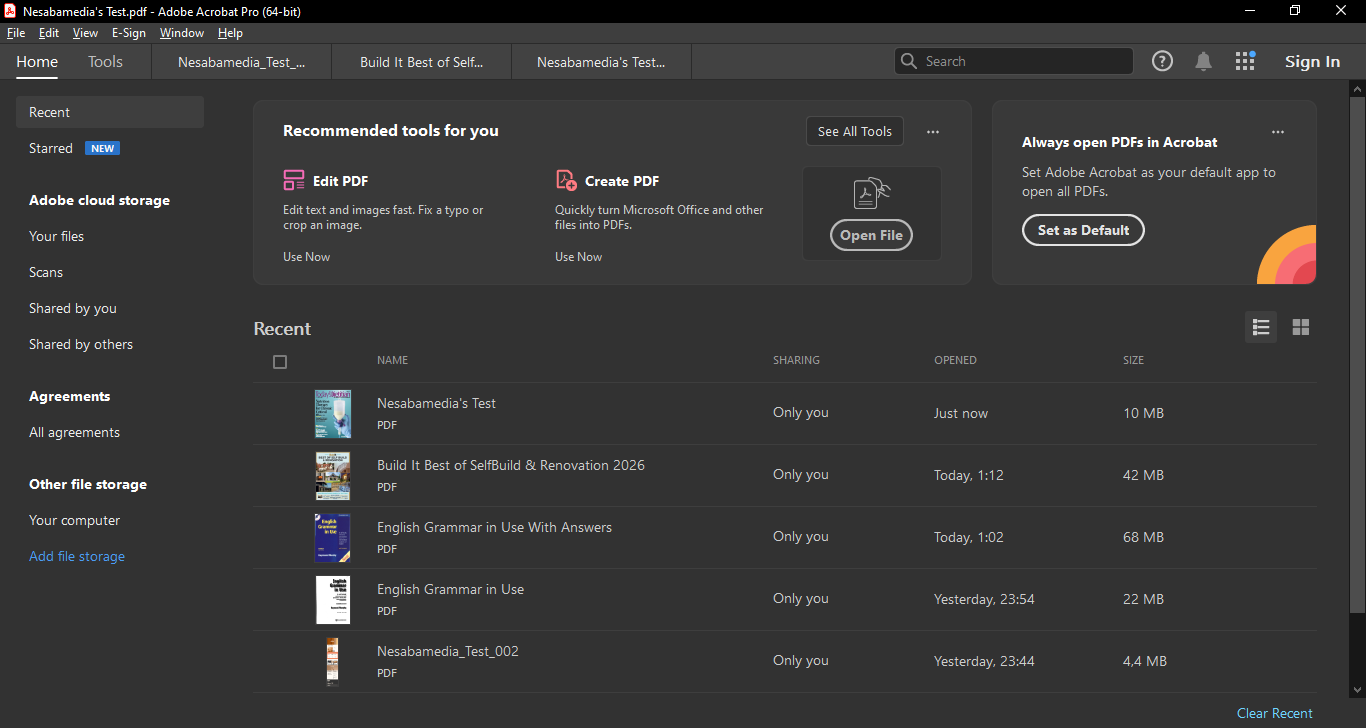
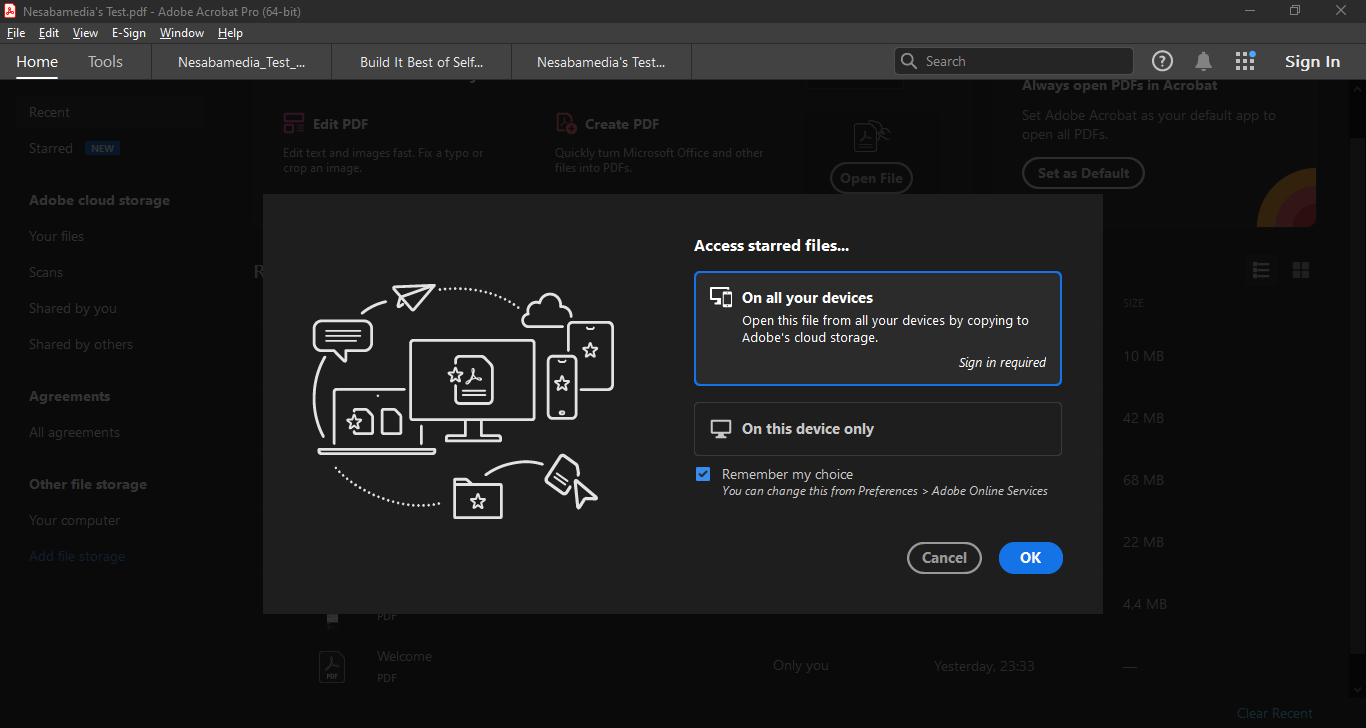
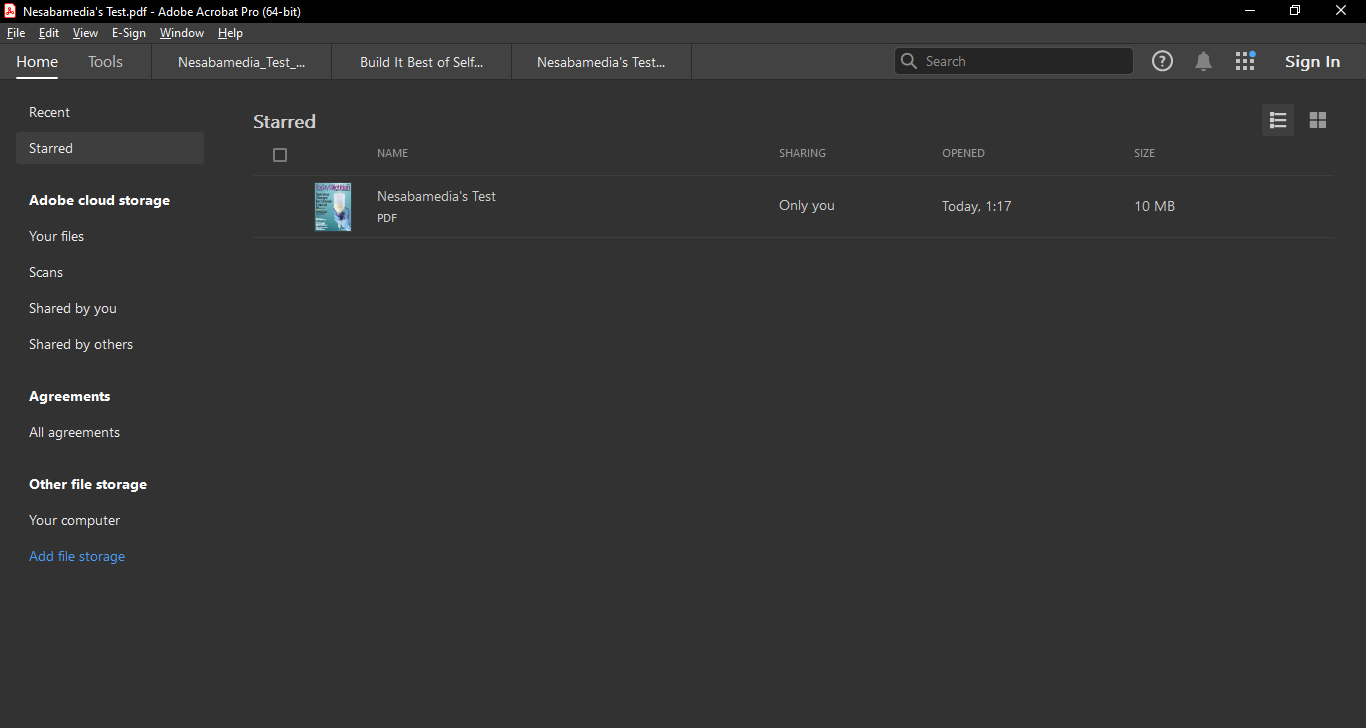
As time passes, you’ll open more files in the program, and you may find yourself opening certain files more often than the rest. The 2024 edition makes it easier for you to reach those files by giving you the ability to star them, which can be done either from within the viewer or the Home view.
Any file you have starred will be added to the Starred menu in the Home view, which can be displayed in thumbnail or list mode. Clicking on a starred item opens a panel that shows its cover, details, and some shortcuts to edit, export, organize, and share it, among others.
Overall, the 2024 edition offers improvements that you might find good enough to justify an upgrade if you’re still using any of the older ones. You can click the link below to download Adobe Acrobat Pro DC 2024 for Windows:
- App Name Adobe Acrobat Pro DC 2024
- License Freeware
- App Name Adobe Acrobat Pro DC 2024
- Publisher Adobe
- Updated
- Version: 2024
On our site you can easily download Adobe Acrobat Pro DC 2024. All without registration and send SMS!