Deep Freeze

- Windows: 7, 8, 10, 11
- Version: 9.0.20.5760
- Size: 12.07 MB
-
[Total: 1 Average: 5]
Computers that are used by multiple people tend to become less reliable over time. They gradually accumulate unwanted software, accidental misconfigurations, and other changes that lead to performance issues. For organizations running lots of machines, fixing these issues usually means a lot of IT work.
Deep Freeze offers a different way to handle this problem. Instead of trying to stop changes from happening, it simply wipes them away every time the computer restarts. The software preserves a snapshot of the computer’s desired state and reverts to it each time the system boots up. This means that any unwanted modifications, whether from a mistaken setting adjustment, an errant download, or general use, disappear upon reboot.
Features and Highlights
Deep Freeze works in a fairly simple way. When active, it redirects any changes made to the computer into a temporary space instead of writing them to the hard drive. This keeps the original system files untouched. When the computer restarts, that temporary space is discarded and the machine boots up exactly as it was before. As a result, every user starts with the same desktop environment, the same system settings, and the same set of applications, no matter what happened in the previous session.
If every change gets wiped on reboot, how do you install security patches and any other updates for Windows? The answer is that Deep Freeze includes maintenance modes that temporarily thaw the system, allowing updates to be applied and new software to be installed. Once complete, the system refreezes with the updated configuration as the new baseline.
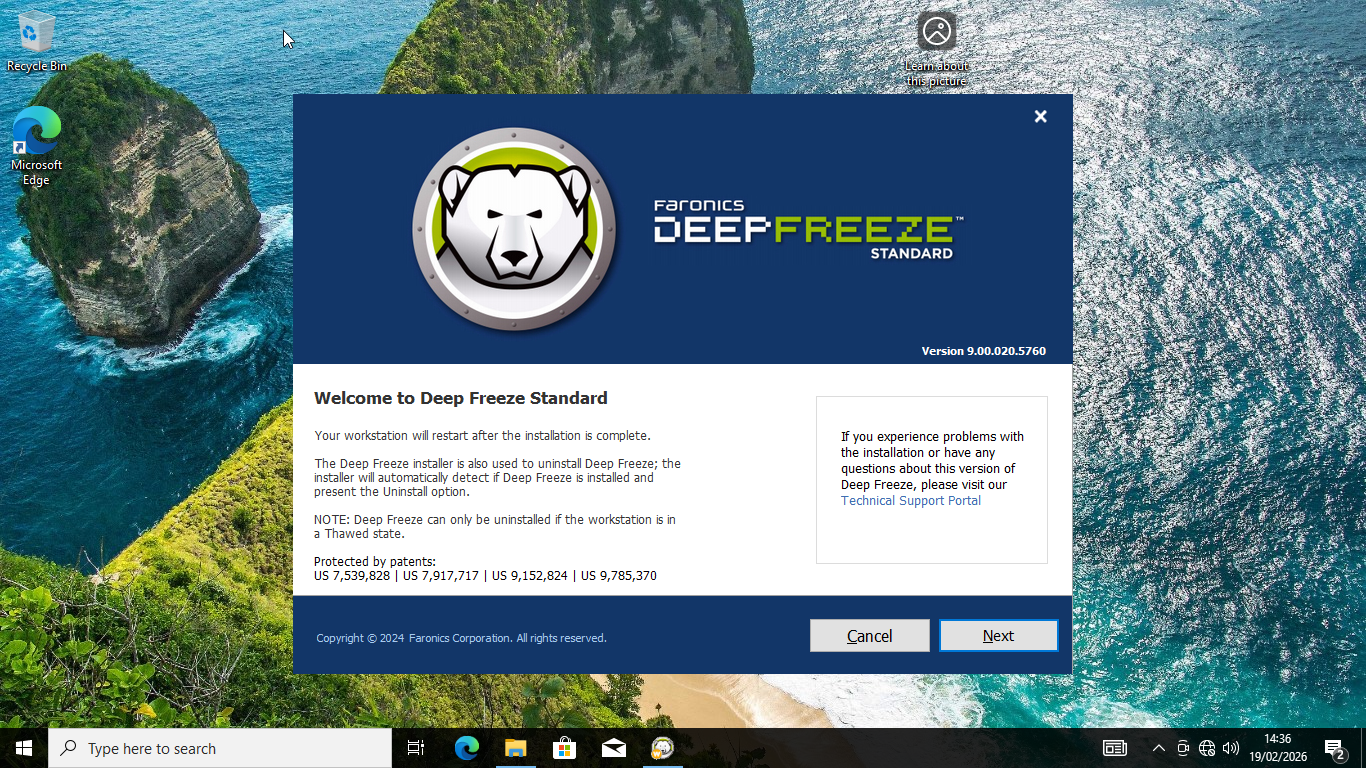
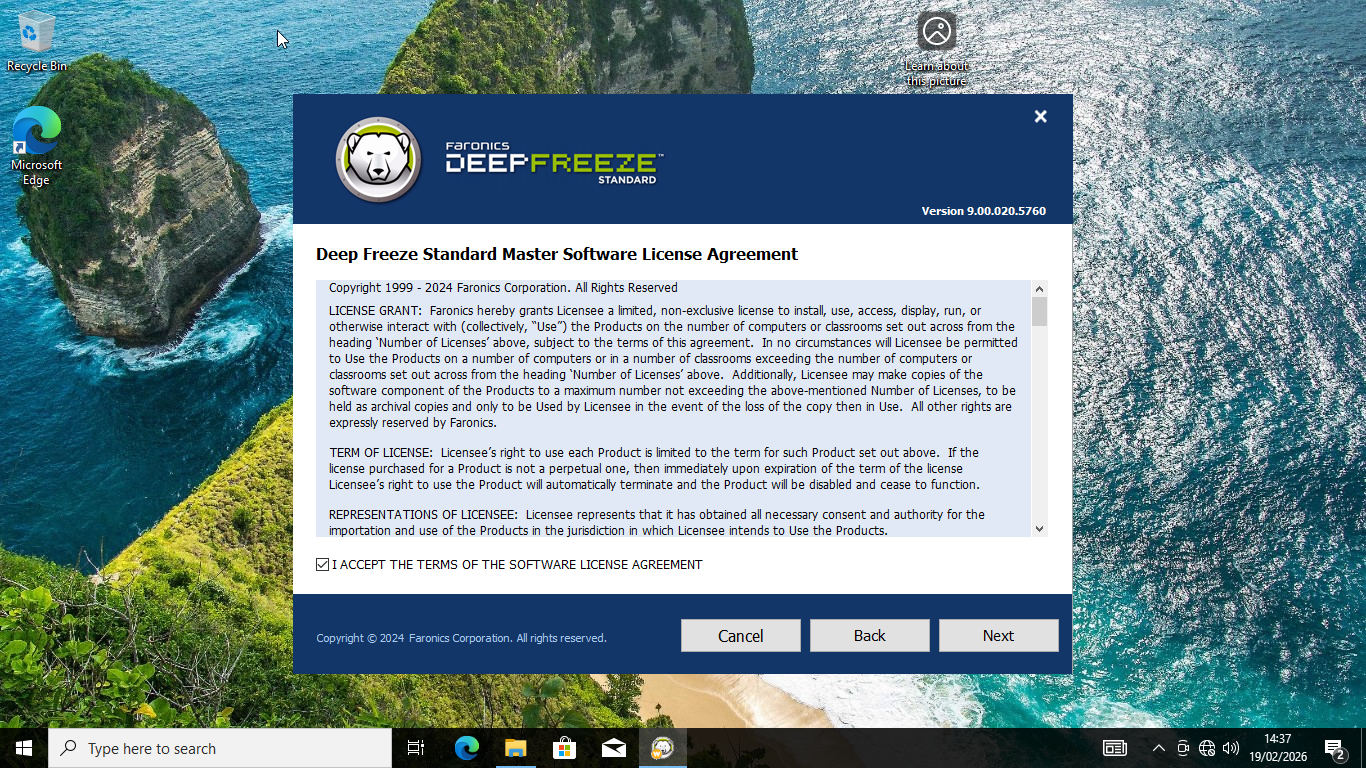
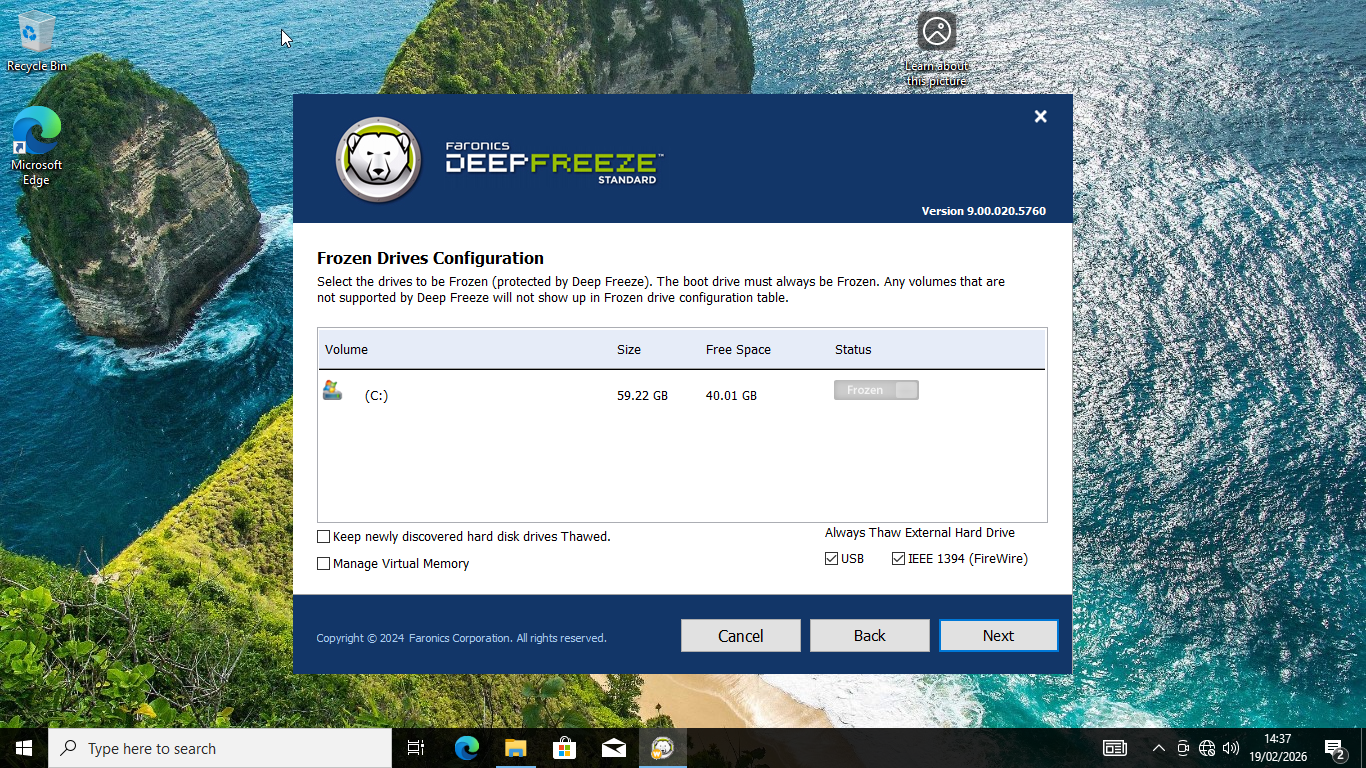
The process of freezing your system starts during the installation of Deep Freeze. It shows a drive configuration table where you can select the drives to be frozen. Optionally, you can keep newly discovered hard disk drives thawed.
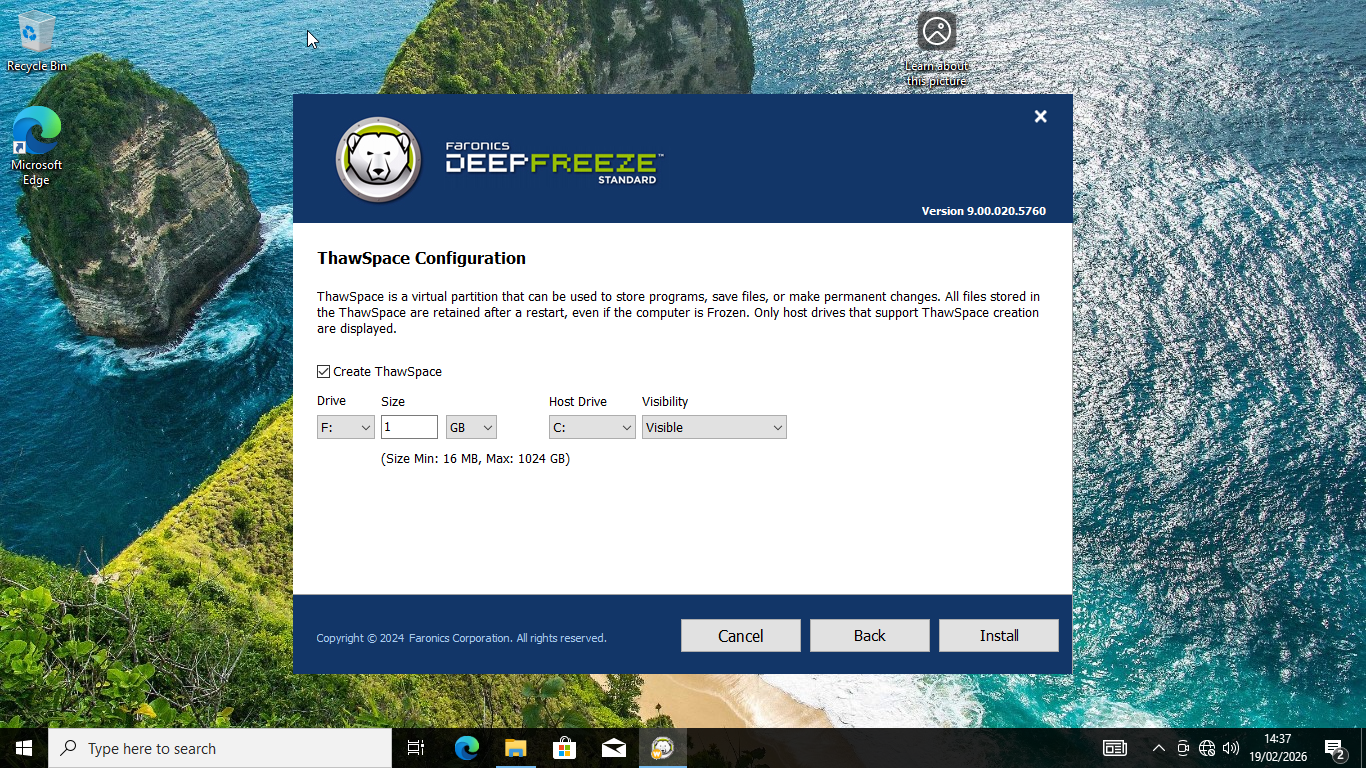
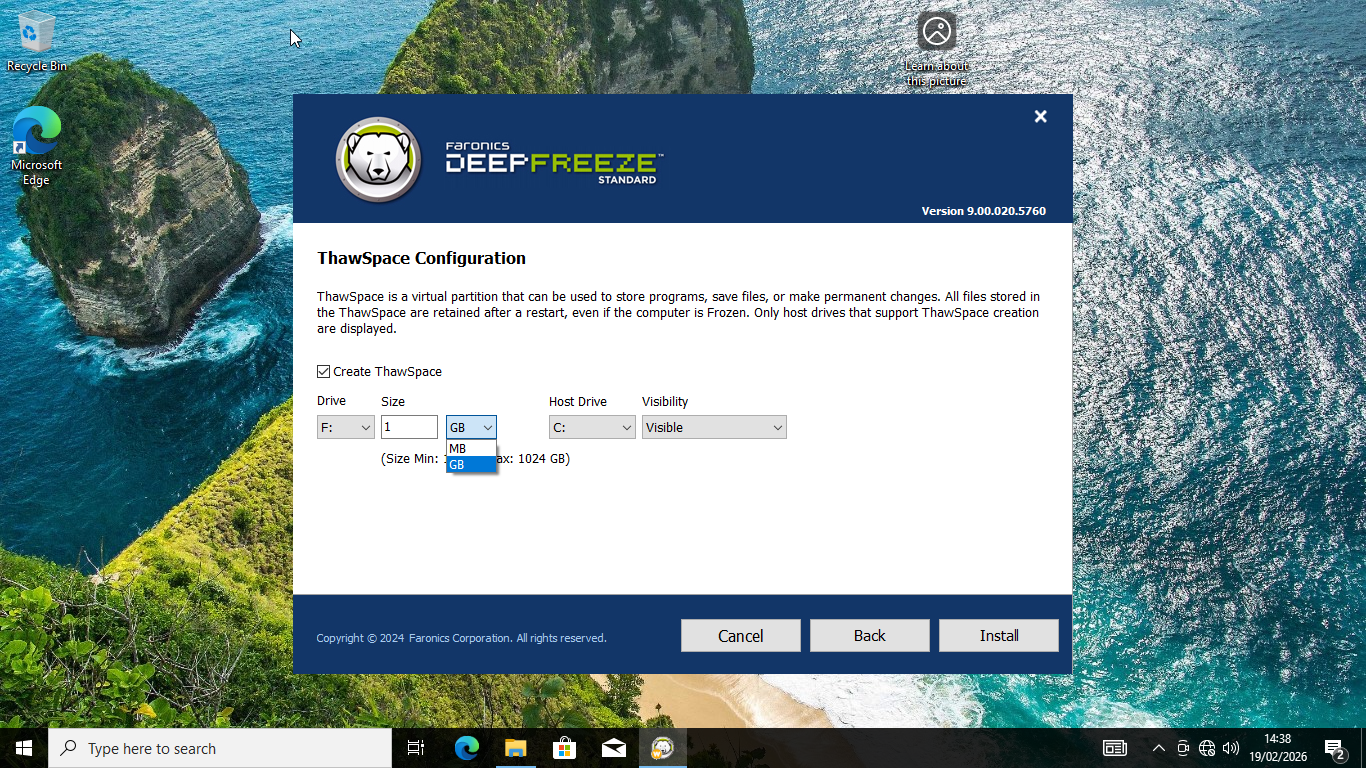
During installation, it lets you configure what it calls Thawspace, which is a virtual partition where files and changes are retained after every restart. You can assign any available drive letter to the partition and determine how much disk space it will use.
After creating the virtual partition, Deep Freeze will restart your computer and apply the configuration. As soon as your Windows desktop appears, you can check the notification area for the program’s icon, which means the system has already been frozen.
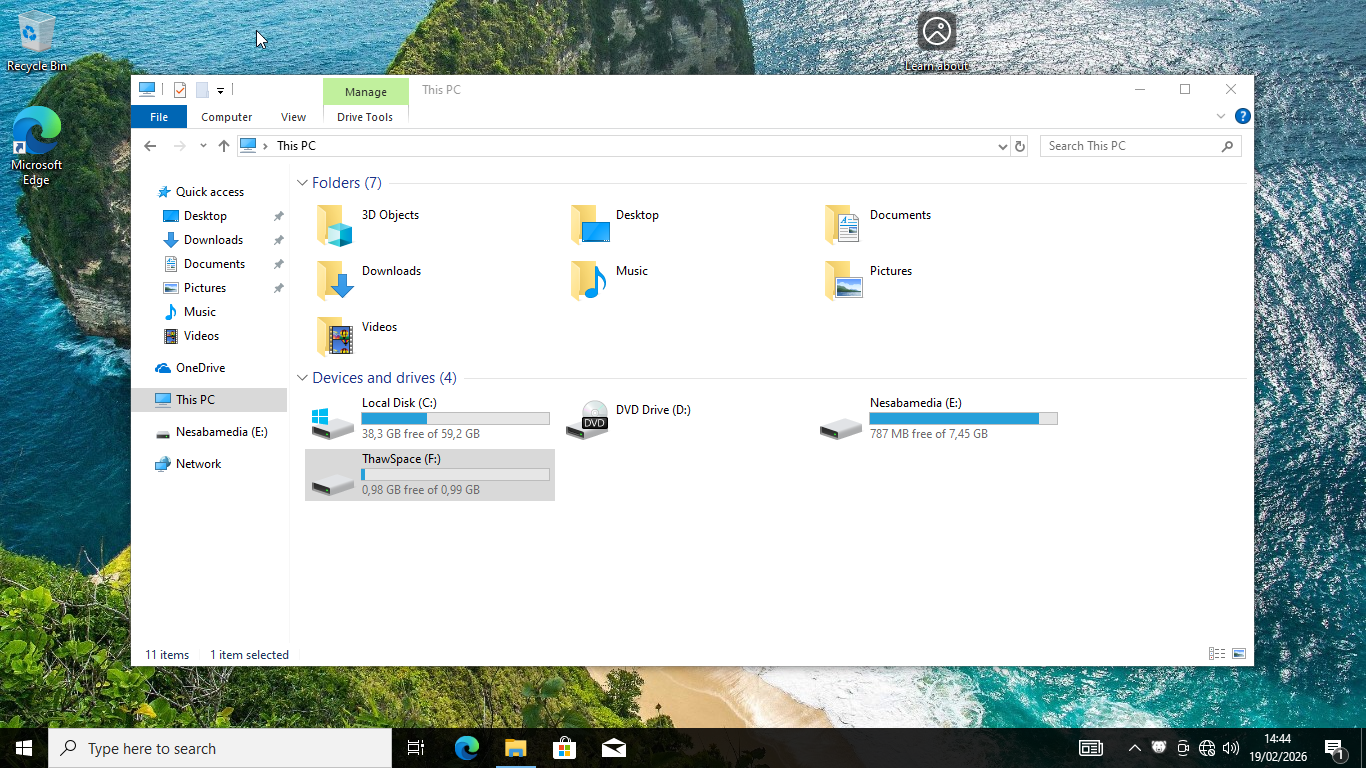
If you open File Explorer, you’ll see that a new drive is created under the name of Thawspace, which is another sign that the system has already been protected by Deep Freeze.
Deep Freeze Free Download for Windows
Changes that are made to the computer protected by Deep Freeze are never permanent. Each reboot brings it back to its original state, meaning you can experiment, click on suspicious links, or let kids browse freely, safe in the knowledge that the underlying system will always be untouched. If it gets infected by malware, then the threat will be gone automatically on the next restart.
The way the program works brings peace of mind to system administrators and allows users to get their work done without having to deal with any issues carried over from previous sessions. You can click the link below to download Deep Freeze for Windows:
This program is also available in
Similar to Deep Freeze
- App Name Deep Freeze
- License Freeware
- App Name Deep Freeze
- Publisher Faronics
- Updated
- Version: 9.0.20.5760