Miracle Box

- Windows: 7, 8, 10, 11
- Version: 3.12
- Size: 126.80 MB
-
[Total: 1 Average: 5]
Miracle Box has long been used as one of the tools that mobile technicians rely on to perform software repairs, unlocking, and diagnostics on various mobile phones, particularly those with Mediatek (MTK) chipset. Unlike other tools that only support scatter-format firmware, Miracle Box is versatile enough to handle different firmware formats, including the .bin extension.
Its free license helps boost its popularity among mobile technicians as most people tend to use a free solution rather than a paid one. No one would want to spend money on something they can fix for free, except for those who have no idea that the free solution exists.
Features and Highlights
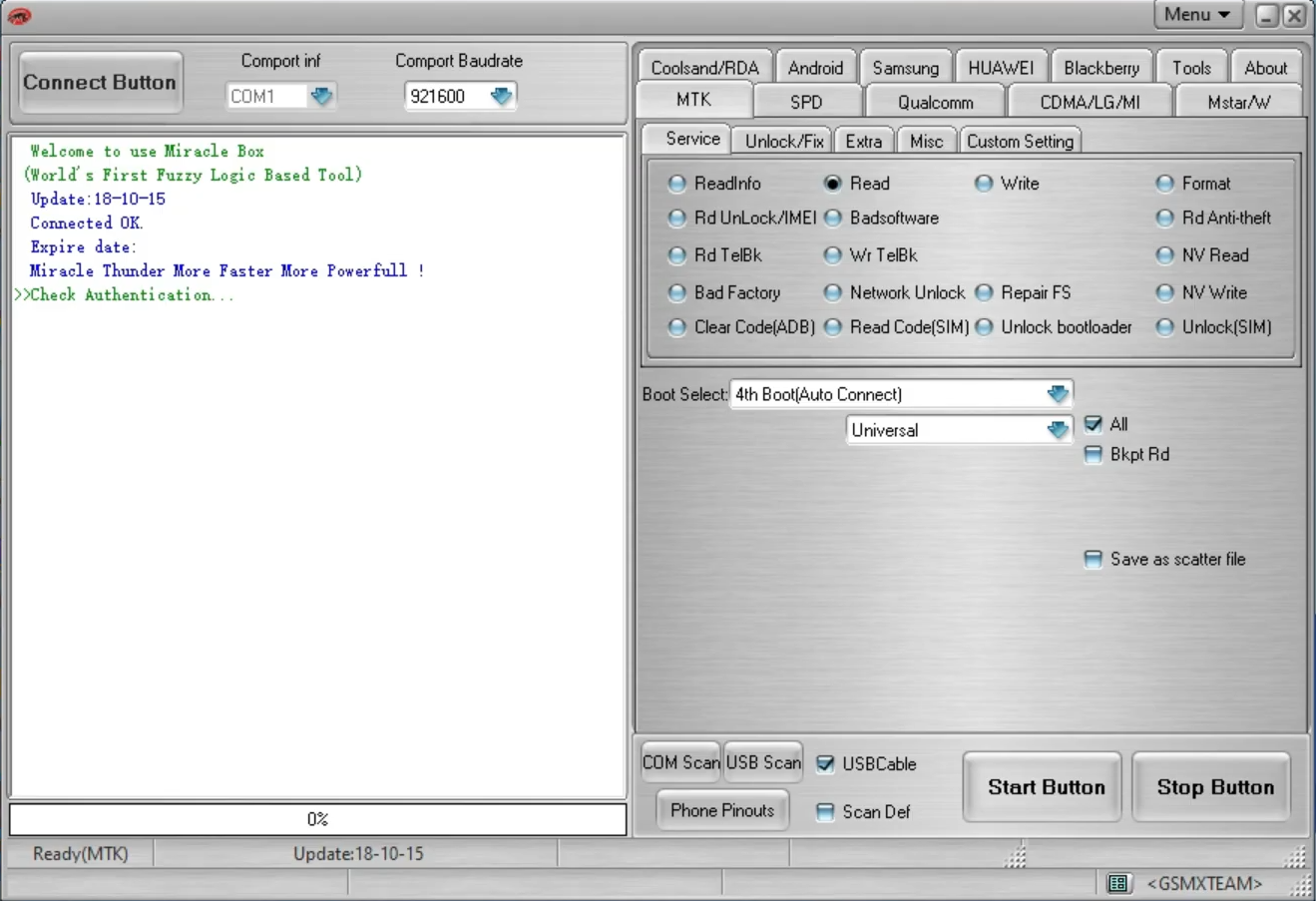
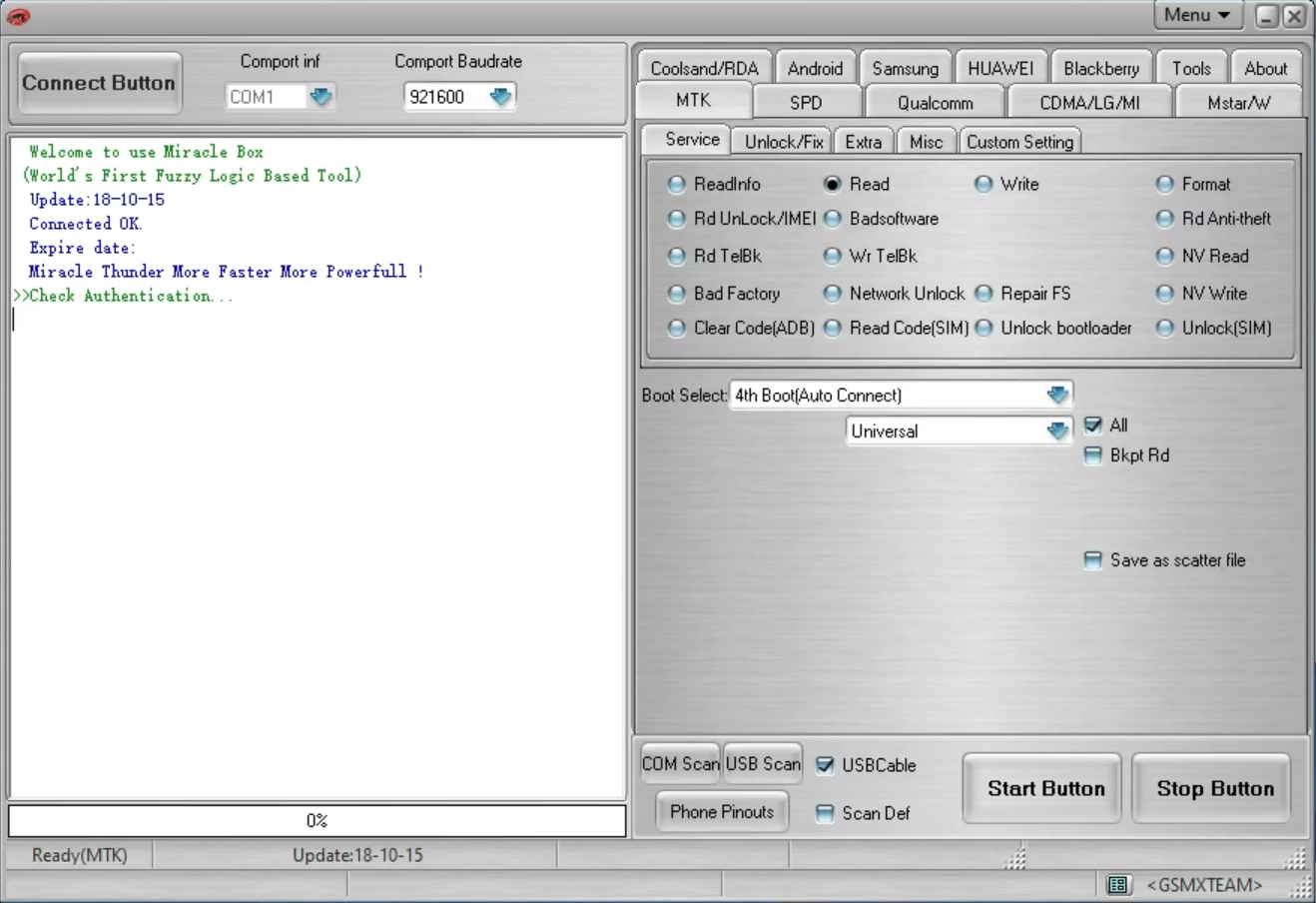
To flash a mobile phone powered by a Mediatek chipset with Miracle Box, the first thing you must have is the firmware. Once you open the program, click the MTK tab. The MTK refers to the MediaTek chipset.
After that, select your phone’s processor from the drop-down list, and then proceed to load the firmware you have prepared beforehand. As soon as you press the Start button and connect your Android phone, the flashing process will begin. You just need to wait until it is finished.
In terms of user interface, Miracle Box has an easy-to-navigate layout, so even beginners won’t find it difficult to find their way around. Once you open it, you’ll see that the tools and options are neatly organized, making it easier to identify the right tool for flashing firmware, backing up data, or unlocking a device.
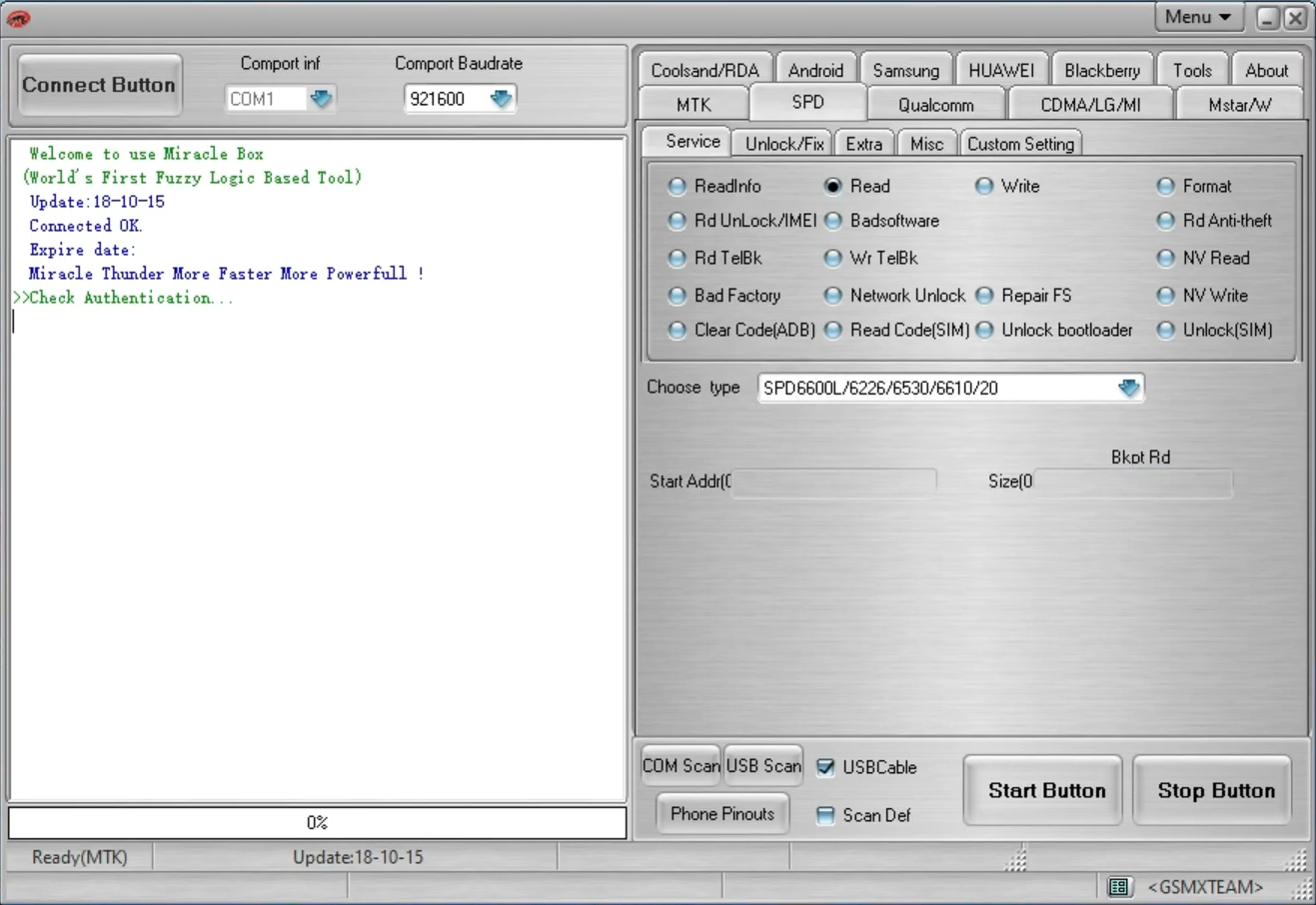
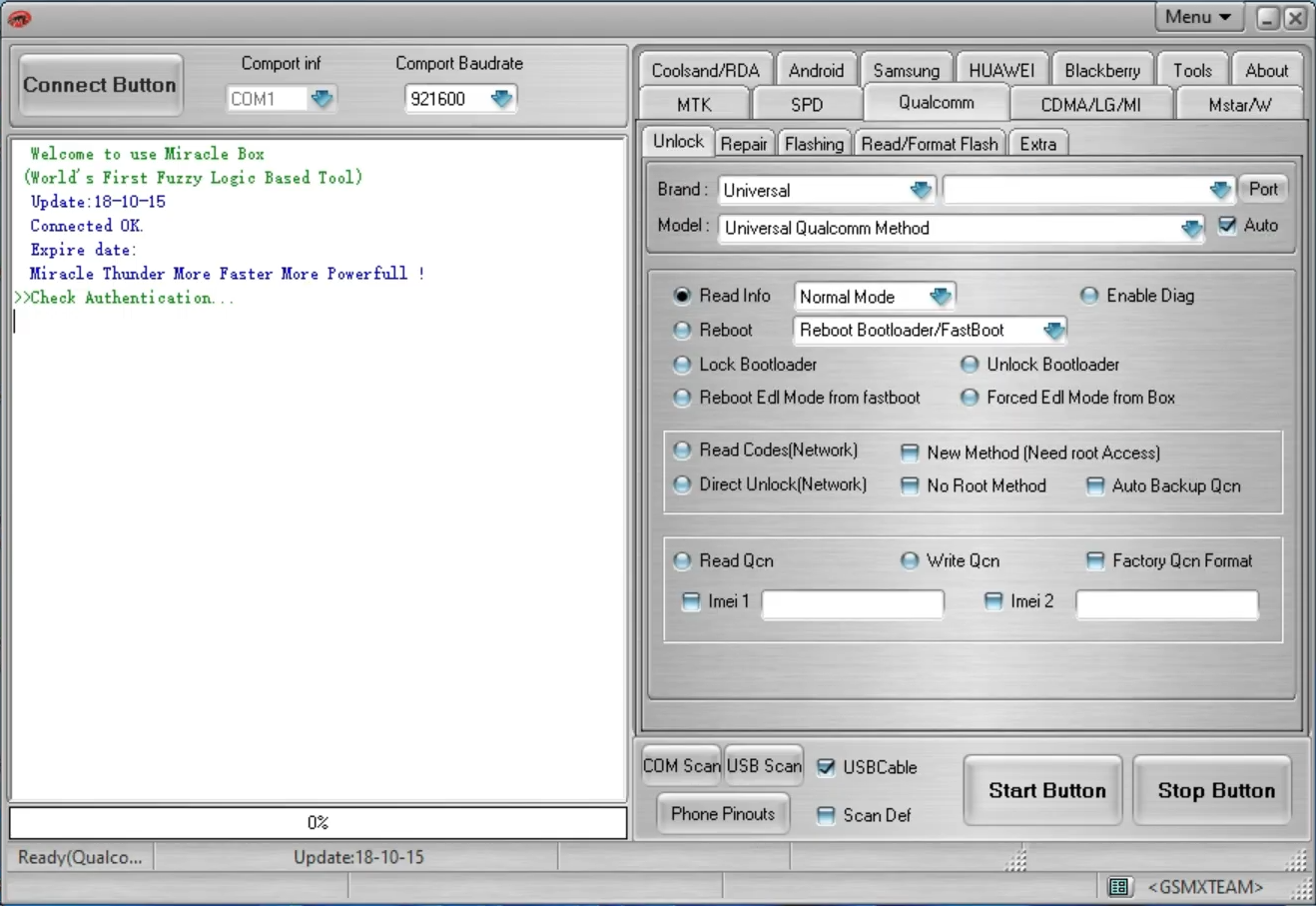
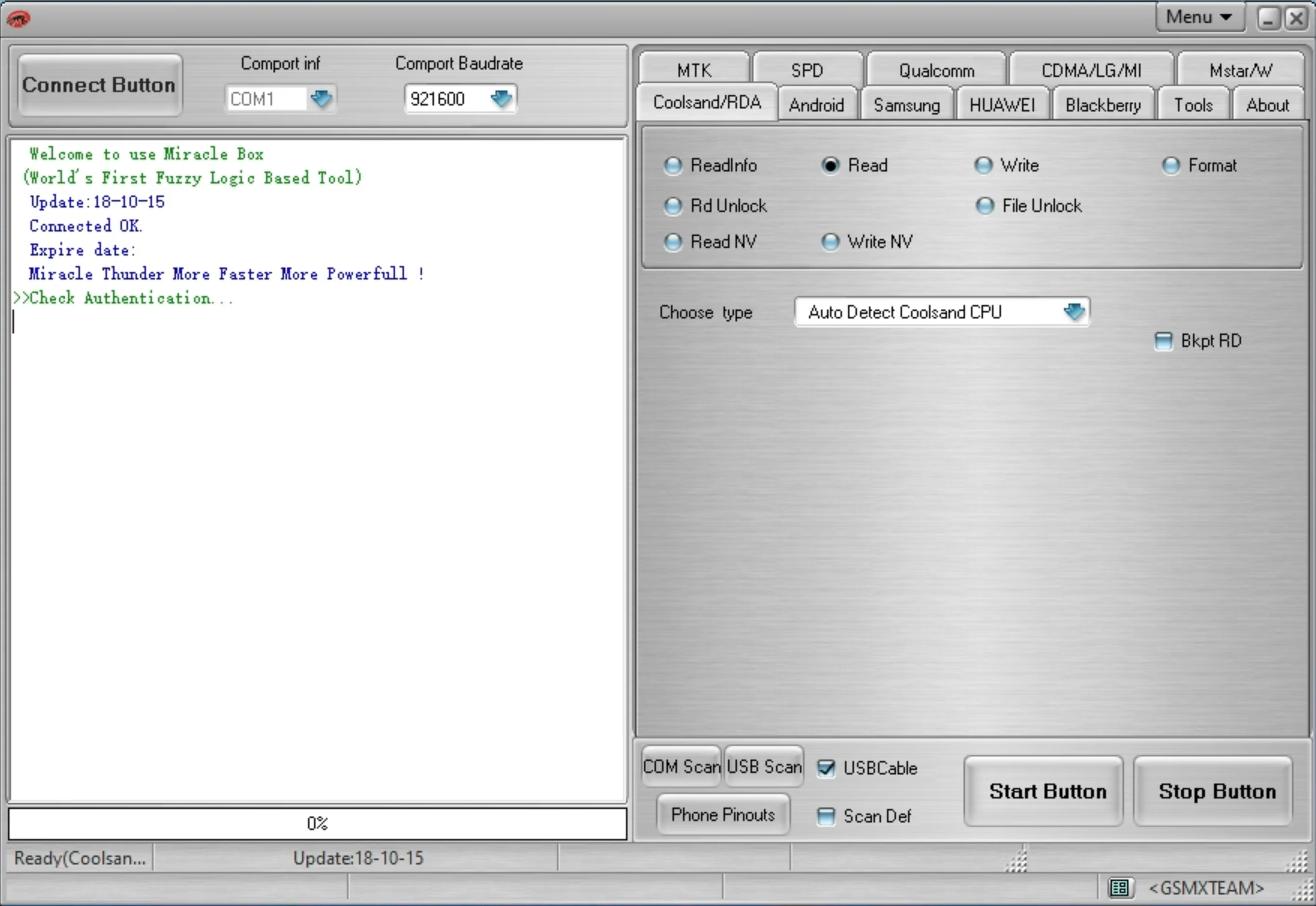
On the right-hand side, there is a row of tabs for different chipsets like MTK for MediaTek, SPD for Spreadtrum, and others. If you click a tab, you’ll see more tabs that contain several menus for the relevant chipset. Clicking the Qualcomm tab, for example, will reveal Unlock, Repair, Flashing, Read/Format Flash, and Extra menus.
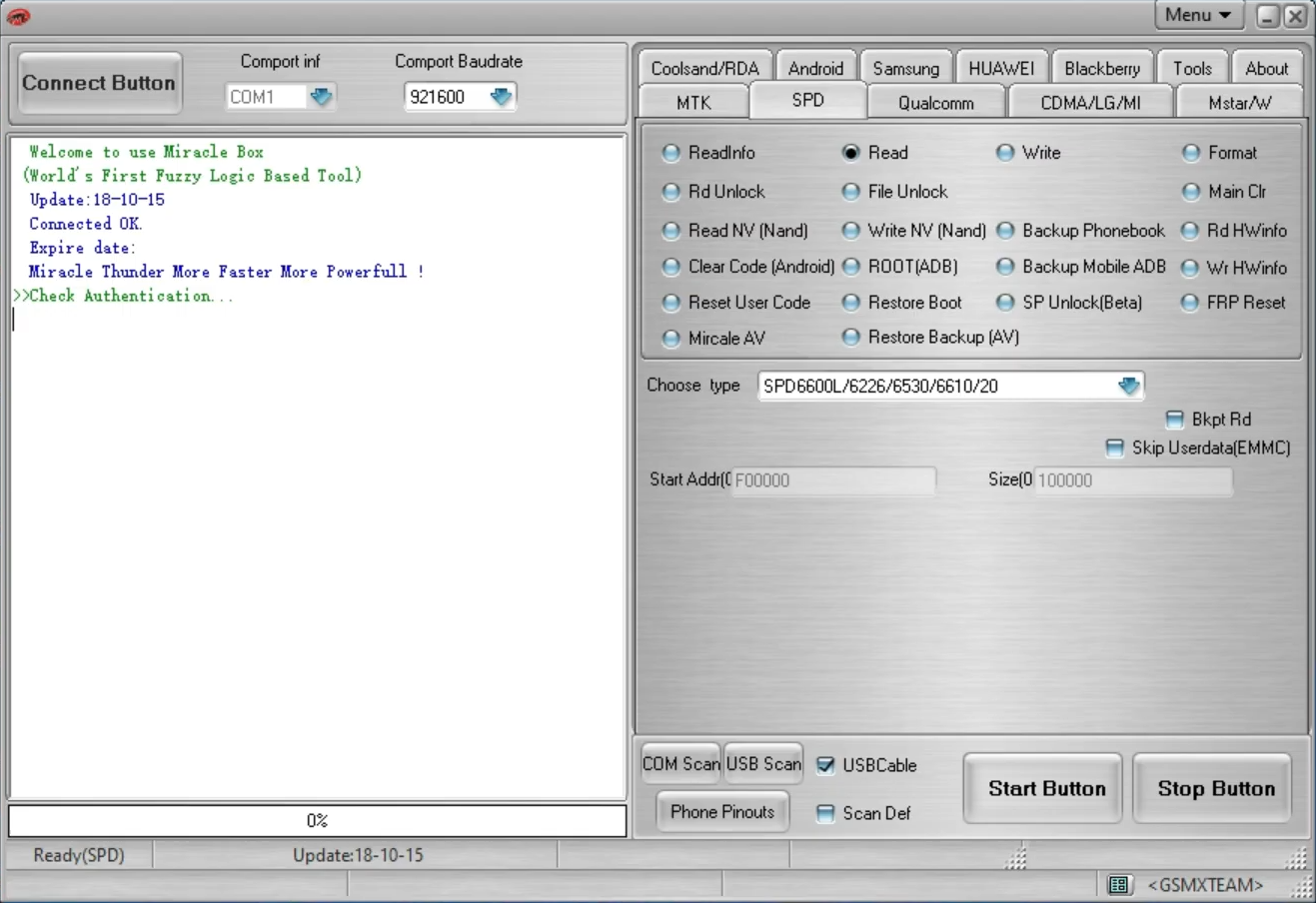
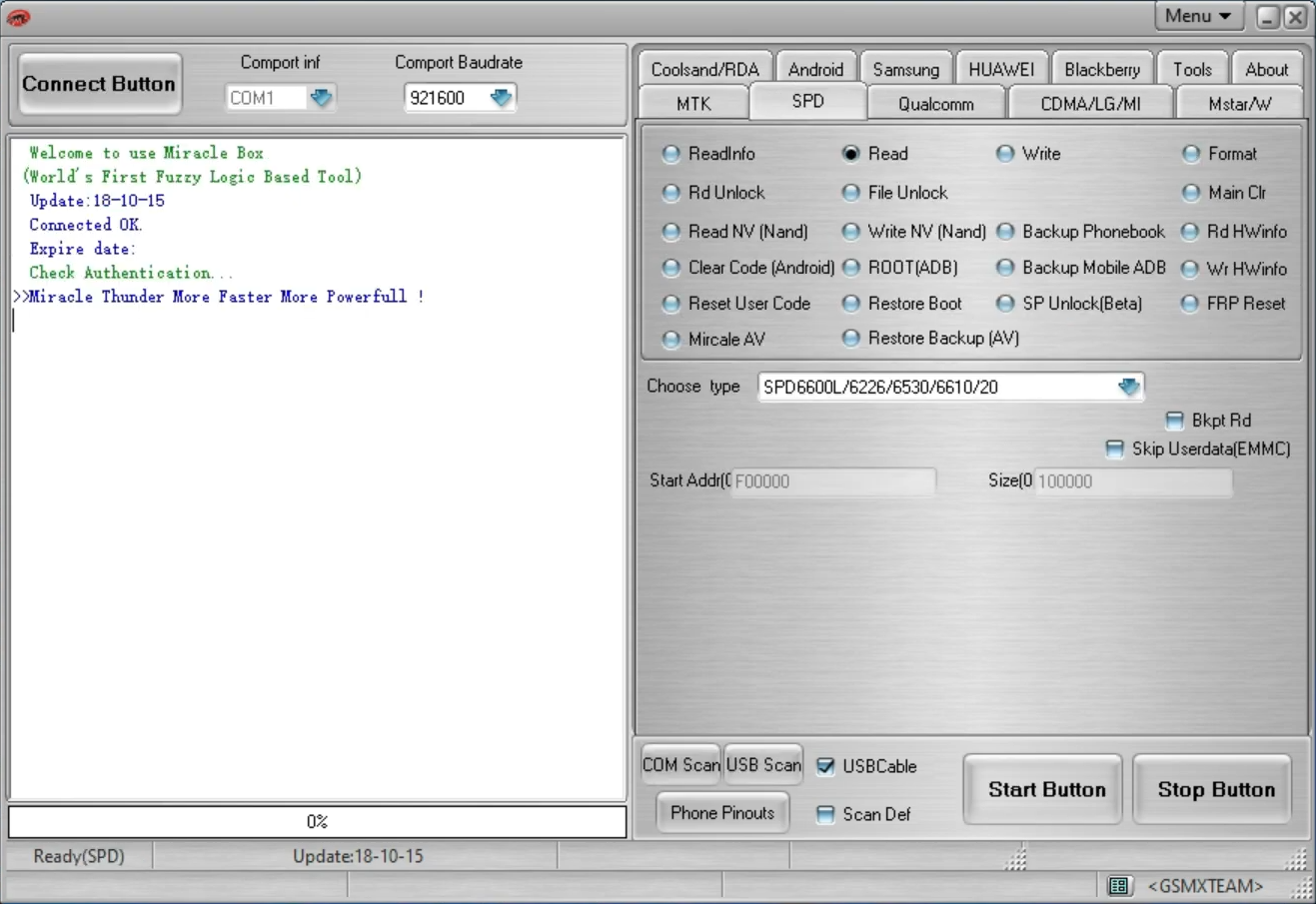
On the other hand, clicking the SPD tab, which is for Spreadtrum, will show a few options such as Read, Format, Backup Phonebook, Restore Backup, Restore Boot, FRP Reset, RD HWinfo, Write NV (Nand), Root (ADB), Clear Code (Android), Reset User Code, and Rd Unlock, among others. In short, every single tab has its own menus or options.
The drawback is that it doesn’t come with comprehensive documentation. Users typically rely on YouTube tutorials and community-created guides. The lack of the detailed documentation is probably due to the nature of the program, which is aimed at technicians who are expected to understand mobile CPU architectures like MTK, SPD, Qualcomm, and so on.
Miracle Box Free Download for Windows
Miracle Box offers extensive repair functions including firmware flashing to fix software glitches or bricked devices, device unlocking for screen locks or network restrictions, and IMEI repair for corrupted identifiers. Additional capabilities cover FRP (Factory Reset Protection) bypass, reading/writing firmware backups, rooting/unrooting, and automatic driver installation.
To sum it up, it’s a powerful all-in-one servicing and flashing tool. And best of all, it’s free. And it doesn’t require that much space for the installation. You can click the link below to download Miracle Box for Windows:
This program is also available in
Similar to Miracle Box
- App Name Miracle Box
- License Freeware
- App Name Miracle Box
- Publisher Miracle Box
- Updated
- Version: 3.12