Adobe Illustrator 2024

- Windows: 7, 8, 10, 11
- Version: 28.2.0.532
- Size: 3.30 GB
-
[Total: 2 Average: 5]
About a year after the release of Adobe Illustrator 27.9, the 28th version debuted on October 10, 2023. Better known as Adobe Illustrator 2024, its first minor update was rolled out around two months later, expanding its capability to help users accomplish more.
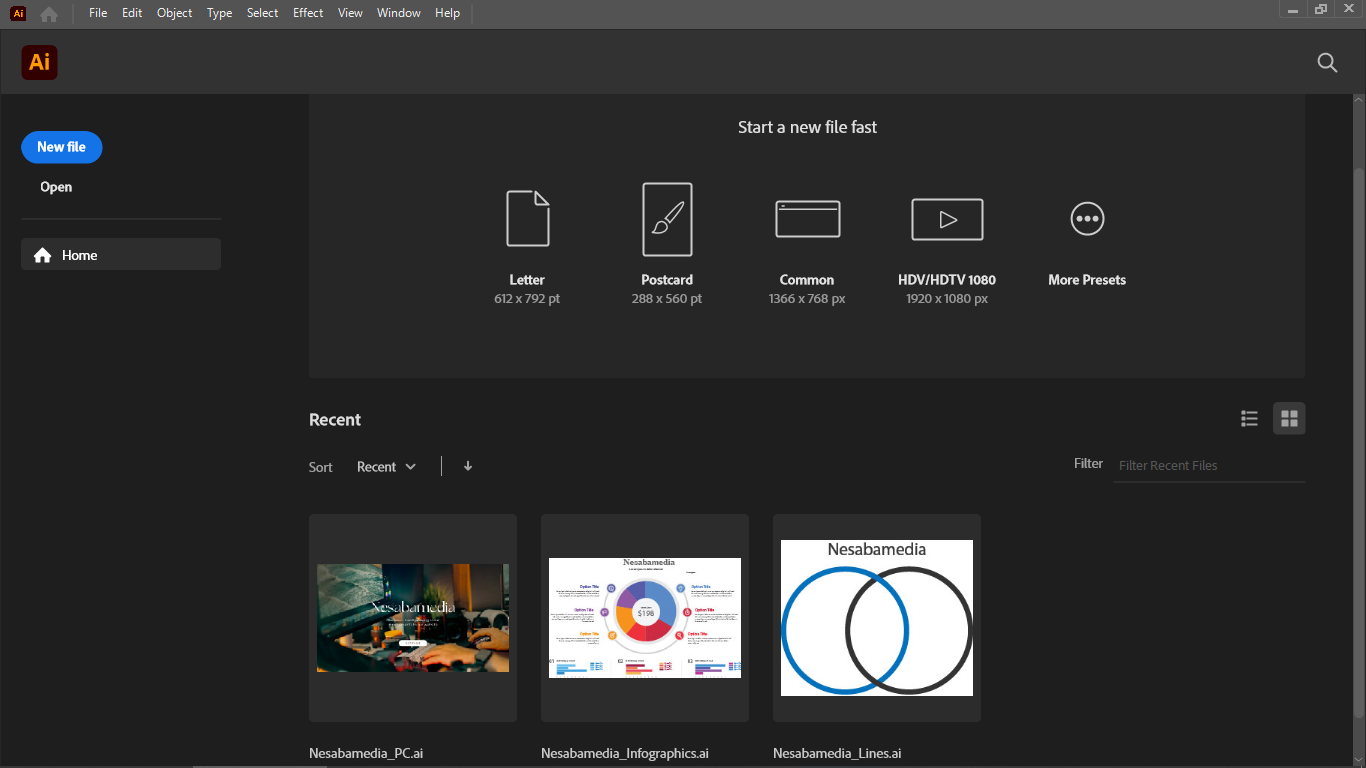
For newcomers who are not familiar with this awesome piece of software yet, Adobe Illustrator is a design program focused on vector graphics manipulation. It has been around for about 38 years and continues to become the most favorite choice for many designers and hobbyists. Such a feat isn’t easy, yet it manages to stay on top of the competition.
Features and Highlights
Think of Adobe Illustrator as a creative playground. It is one of the strongest logo makers out there, but it doesn’t stop there. You can sketch icons, layer graphics, weave shapes together, and experiment with brushes and gradients. Whatever you imagine, the software is flexible enough to bring it to life.
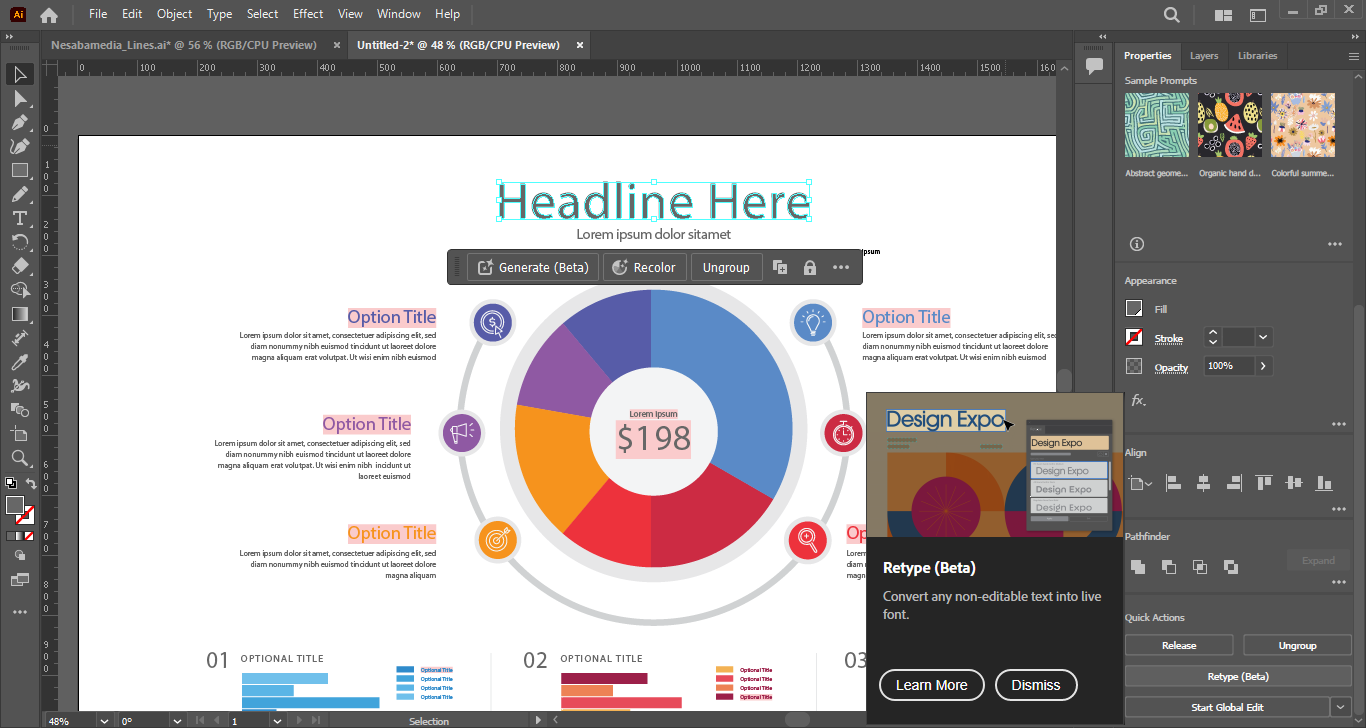
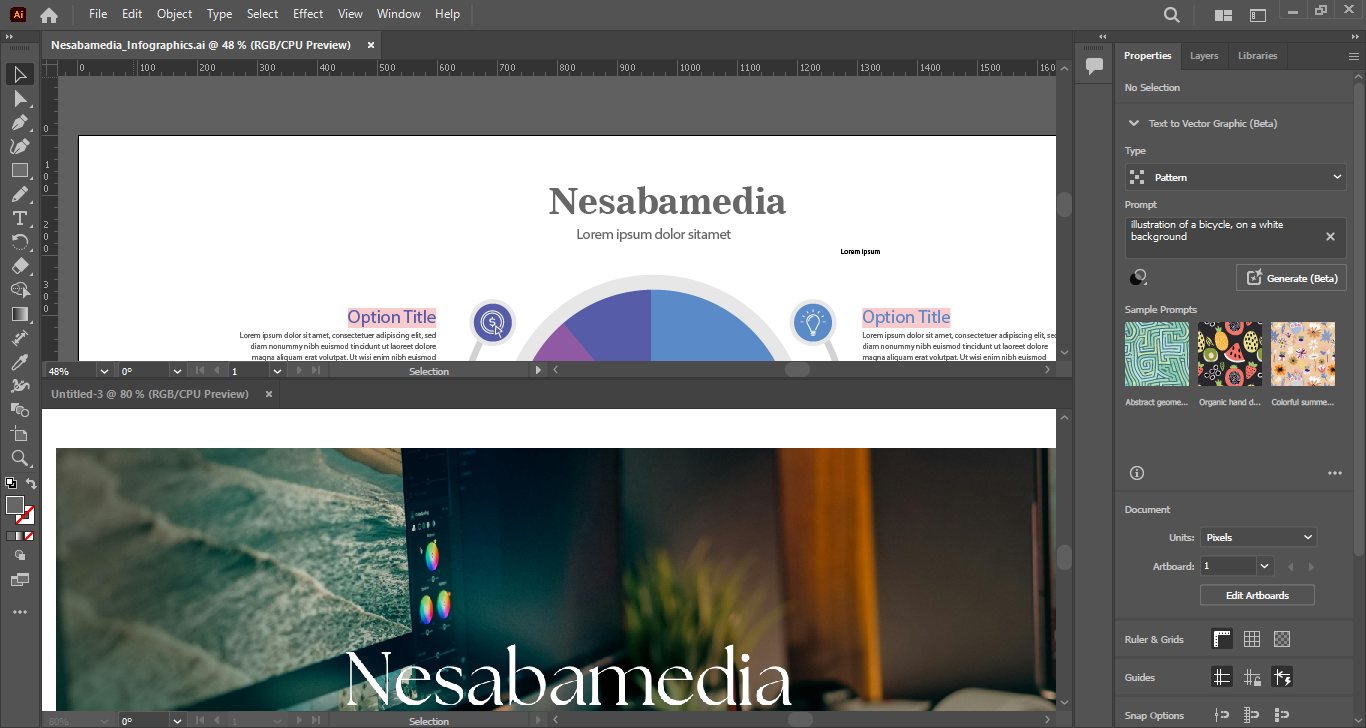
More AI-powered tools are added into this major release, but even without them, Adobe Illustrator 2024 is already powerful and versatile. One of the most useful updates is the Dimension Tool, which provides different measurement tools such as Linear Dimension, Radial Dimension, and Angular Dimension. All of these are designed to help reduce the hassle in plotting dimensions.
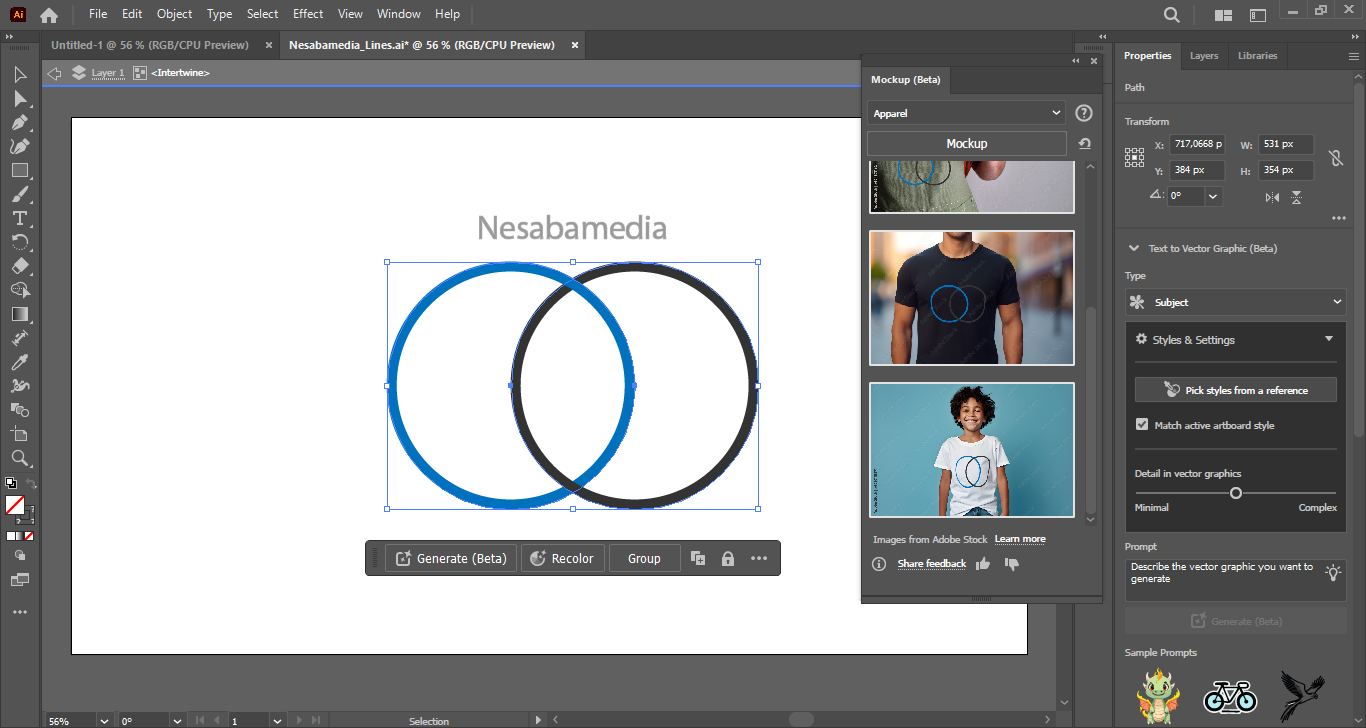
Another interesting addition to this release is Mockup, which is unfortunately still in beta stage, so you might encounter some unexpected glitches when testing its features. With it, you can blend your vector art design with a photo of a real object like a hat, mug, t-shirt, glass, desk, book, or an envelope almost as if it belonged there. Illustrator adapts your vector art design to the object’s shape automatically, adjusting how it appears as it follows the contours.
Also noteworthy is the addition of Save Selection. As the name suggests, it is used to store object selections. With it, you can select multiple objects and save that selection under a custom name for later use. Any of your saved selections can be updated (i.e., deleting or adding one or more objects) if you think it is necessary to do it.
Embedded and linked files are now also easier to manage, thanks to the minor update that was released in December 2023 for Adobe Illustrator 2024. Multiple embedded images can be converted into linked images at once if you need to. Additionally, deleting them from your artwork is as simple as clicking a button.
Adobe Illustrator 2024 Free Download for Windows
This major release introduces updates that make it easier to use as a vector-based image editing software. The Dimension Tool simplifies measurement tasks, Save Selection reduces repetitive effort, and improved file handling can clear away clutter with a single click. Mockup, despite still in the beta stage, expands its ability by letting users test their designs on real objects.
After nearly four decades, Illustrator continues to evolve. With this 2024 version, it becomes more comprehensive and reliable. You can click the link below to download Adobe Illustrator 2024 for Windows:
This program is also available in
Similar to Adobe Illustrator 2024
- App Name Adobe Illustrator 2024
- License Freeware
- App Name Adobe Illustrator 2024
- Publisher Adobe
- Updated
- Version: 28.2.0.532